How To Silence Unknown Caller iPhone: A Complete Guide
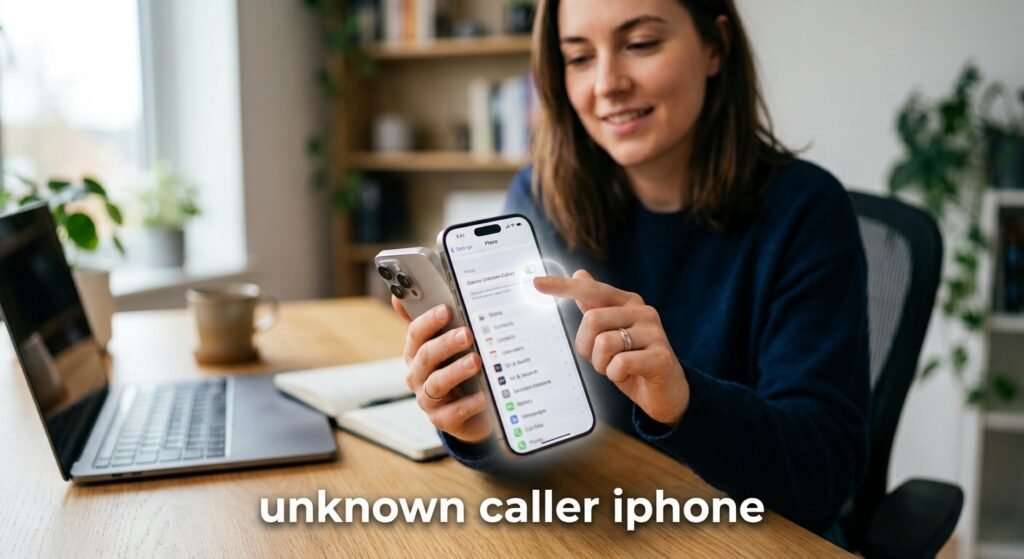
To silence unknown callers on an iPhone, go to Settings > Apps > Phone, tap “Screen Unknown Callers,” and choose “Silence.” Calls from unsaved numbers will be silenced and sent to voicemail, while the call still appears in your Recents list. On some iOS versions, the option may appear as “Silence Unknown Callers.” This can
How To Silence Unknown Caller iPhone: A Complete Guide Read More »