
Voicemail

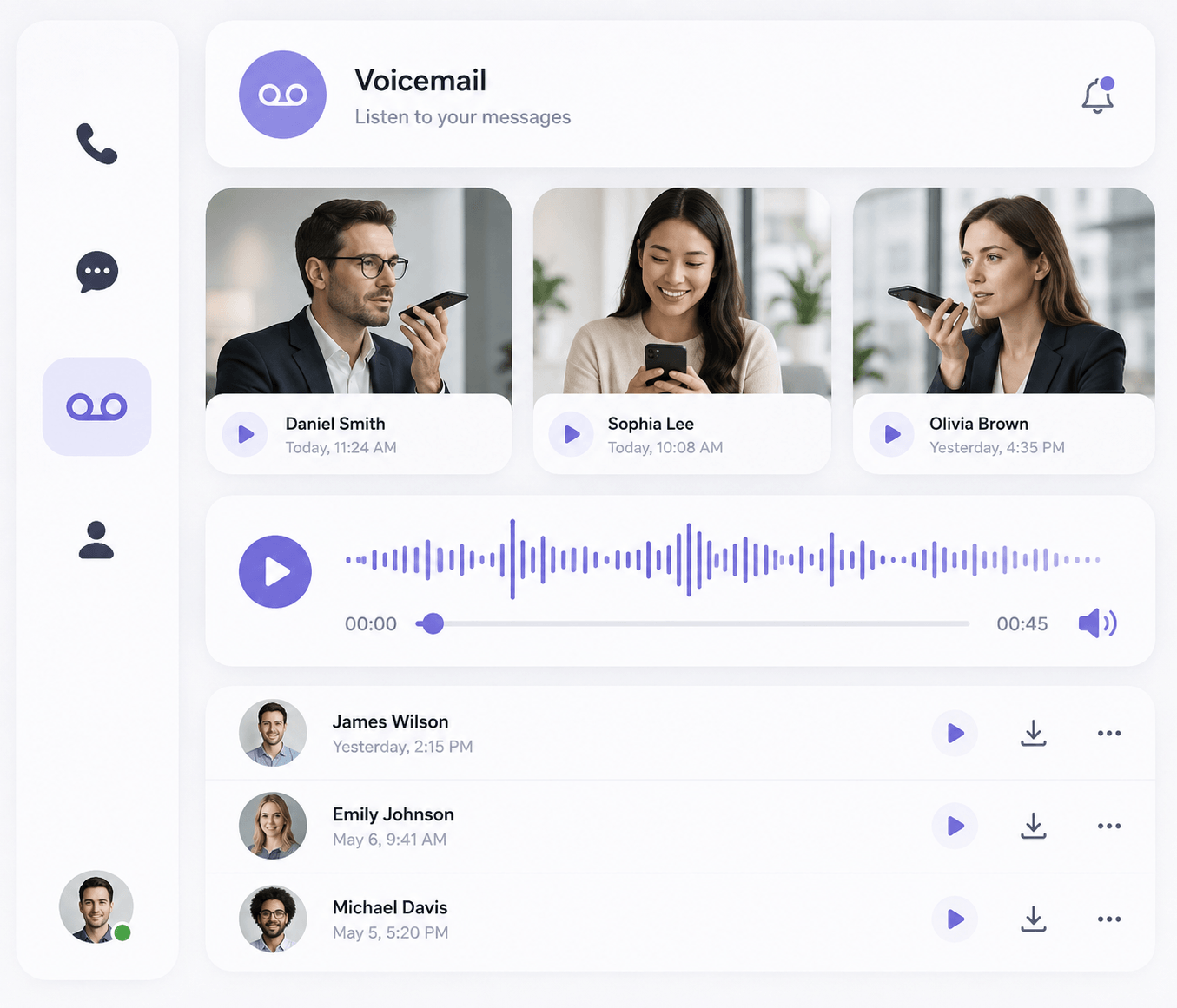
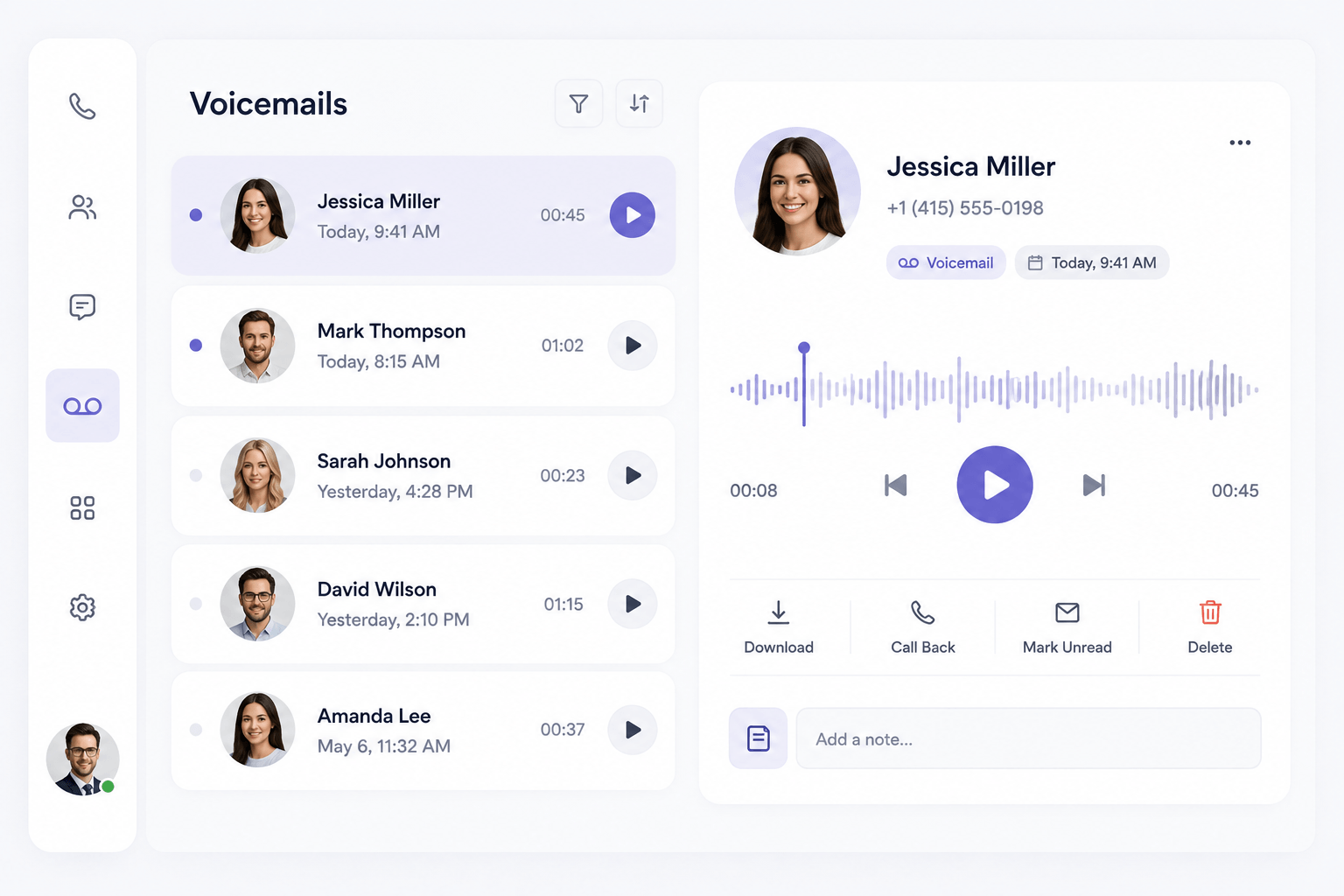
VoIP voicemail is a business phone feature that lets callers leave a recorded message when a call isn’t answered. Unlike traditional answering machines, VoIP voicemail stores messages digitally, allowing users to access them through a desk phone, web portal, desktop app, mobile app or, where supported, email.

voicemail voip feature

How Does VoIP Voicemail Work?

how does voip voicemail work

VoIP voicemail works much like traditional voicemail, but messages are stored digitally within your business phone system. When a call isn’t answered, the caller can leave a message that you can retrieve from a desk phone, mobile app, desktop application or web portal, depending on your provider.

Many VoIP systems can also send voicemail notifications to email. Some include the original audio recording as an attachment, while others support voicemail transcription so you can quickly read the message when listening to audio isn’t convenient.

Here’s a quick story: a small legal firm switched to VoIP voicemail with transcription and discovered they were missing crucial details in older messages because people misheard terms. Once they could read the messages, dispute resolution time dropped, and clients were happier. It’s the kind of fix you don’t realize you need until it helps you avoid headaches.
How Voicemail Works in a VoIP PBX

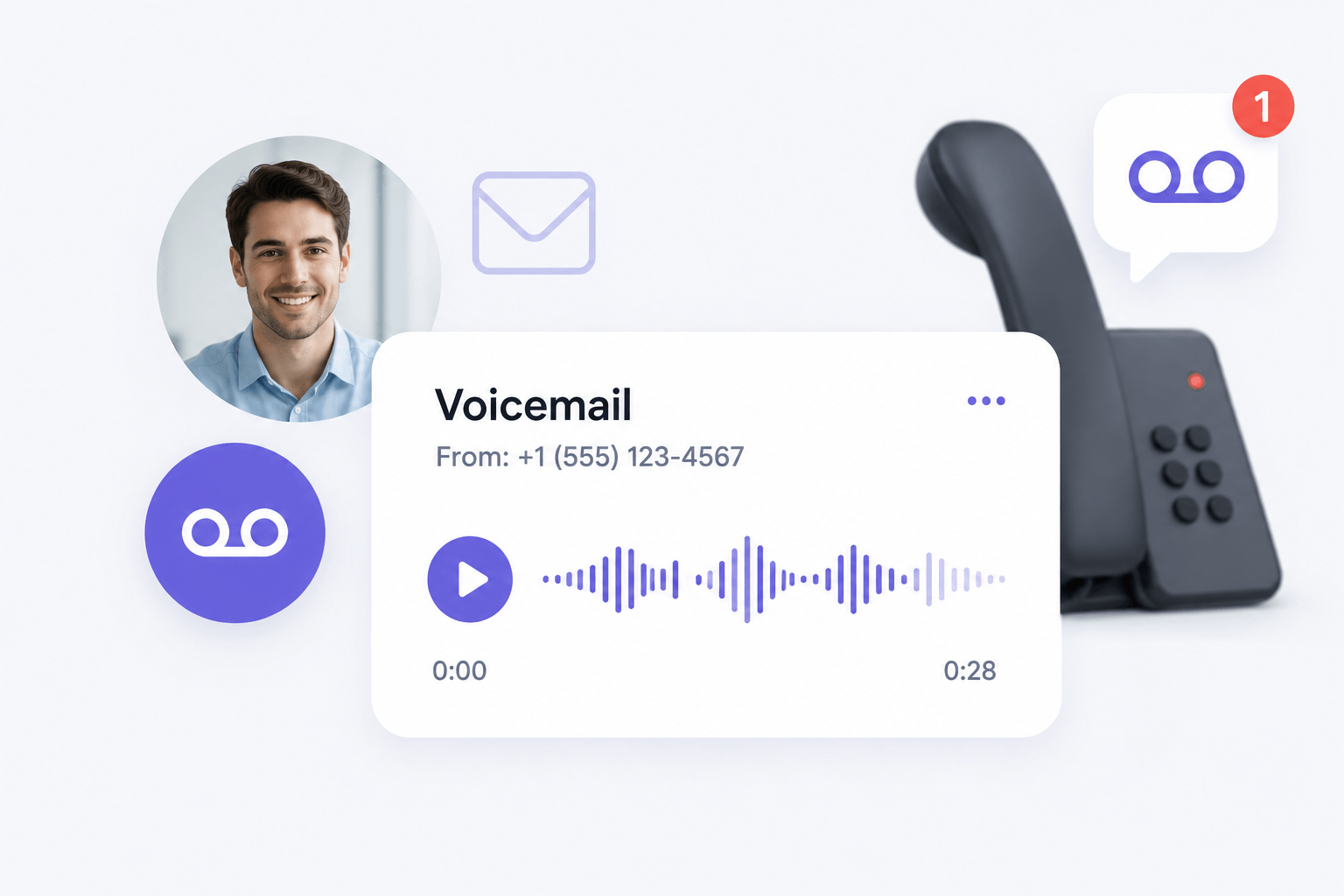
When an incoming call reaches a VoIP PBX, the system follows the call-routing rules configured for that number or extension. If the user doesn’t answer within the specified ring time, the PBX can send the caller to an individual, department or shared voicemail box.

The caller hears a prerecorded greeting and leaves a message. The PBX records the audio and stores it digitally. Depending on the system configuration, the recipient may then receive a notification through a desk phone, desktop application, mobile app or email.

Businesses can also configure different voicemail rules for individual extensions, departments, ring groups and after-hours call flows.

For example, imagine a law firm’s office closes at 6 p.m. A client calls at 7:30 p.m. and leaves a message for a particular solicitor. The PBX records the voicemail against that extension and can notify the employee by email or through the business phone app. The employee can then review the message and respond when available.

VoIP voicemail is more than convenience. It ensures you never lose a lead, even when no one’s available, and keeps your operation sounding professional 24/7.

How Voicemail Works in a VoIP PBX

Key VoIP Voicemail Features

Custom Voicemail Greetings

Configure individual greetings for employees, departments or business-hours scenarios.

Individual voicemail boxes

Give each extension its own mailbox so messages reach the intended employee.

Voicemail to email

Send notifications or recordings to a designated email address where supported.

Voicemail transcription

Convert recorded messages into readable text where transcription is supported.

Shared/group voicemail

Allow multiple team members to access messages left for a department or group.

Voicemail to Text

Get transcripts of voicemails straight to your inbox. Perfect for skimming important details when you can’t listen to audio.

Remote voicemail access

Review messages from supported desk phones, mobile apps, desktop applications or web portals.

Message forwarding

Forward or share voicemail messages with another employee where the phone system supports it.

After-hours voicemail

Route callers to voicemail automatically when the office or department is closed.

Benefits of the voicemail system

  • Fewer unanswered inquiries
  • Easier message management
  • Better after-hours communication
  • Remote access
  • Faster message distribution
  • Professional call handling

VoIP Voicemail vs Traditional Voicemail

FeatureVoIP VoicemailTraditional Voicemail
Message storageDigital/cloud or provider-basedCarrier/PBX-based
Remote accessCommonly supportedVaries
Email deliveryOften availableUsually limited
TranscriptionMay be availableUsually unavailable
Mobile/desktop accessOften supportedLimited
Individual extension mailboxesYesDepends on system
Shared voicemailOften availableDepends on PBX
Call-flow integrationStrongMore limited

Voicemail FAQs

What is VoIP voicemail?

VoIP voicemail records messages digitally when you don’t answer an internet-based phone call. Depending on your business phone system, messages can usually be accessed through a phone, web portal, desktop application or mobile app, with some providers also offering email delivery and transcription.

Is voicemail secure?

Absolutely. VoIP voicemail can be protected through account passwords, access controls and other security measures, but security depends on the provider and how the account is configured. Businesses should use strong passwords, restrict mailbox access and enable multi-factor authentication where available.

Can I get voicemails in my email?

Yes, many VoIP systems support voicemail-to-email. The system may send an email notification, attach the voicemail recording as an audio file, provide a transcription, or offer a combination of these options. Availability depends on the provider and plan.

What is visual voicemail?

Visual voicemail lets you see a list of your messages like emails, so you can pick which one to listen to first instead of going in order.

Which devices can I use to access my voicemail?

All voicemails are accessible through each VoIP Calling-enabled device or app, which includes your desk phone, email, VoIP Calling mobile app, VoIP Calling for Desktop, and VoIP Calling online account.

Can I forward voicemail to other people?

Yes, You have the option of forwarding any message which is stored in your VoIP Calling online account. If you are forwarding a voice message, the file is converted to MP3 format automatically and it is then added to an email as an attachment.

How long do voicemail messages stay in my account?

VoIP Calling keeps your messages in your account for a month.

How do I set my voicemail greeting?

You can customise your voicemail greetings settings from your VoIP Calling account online. You can begin with the default greeting which is added by your organization, you can generate custom greetings, or utilize professionally recorded greetings. You can store up numerous greetings according to your requirement in your online VoIP Calling account.

Can I set different greetings for my voicemail?

Yes, you can create personalized greetings for holidays, after-hours, or specific departments, making your business sound professional.

Scroll to Top