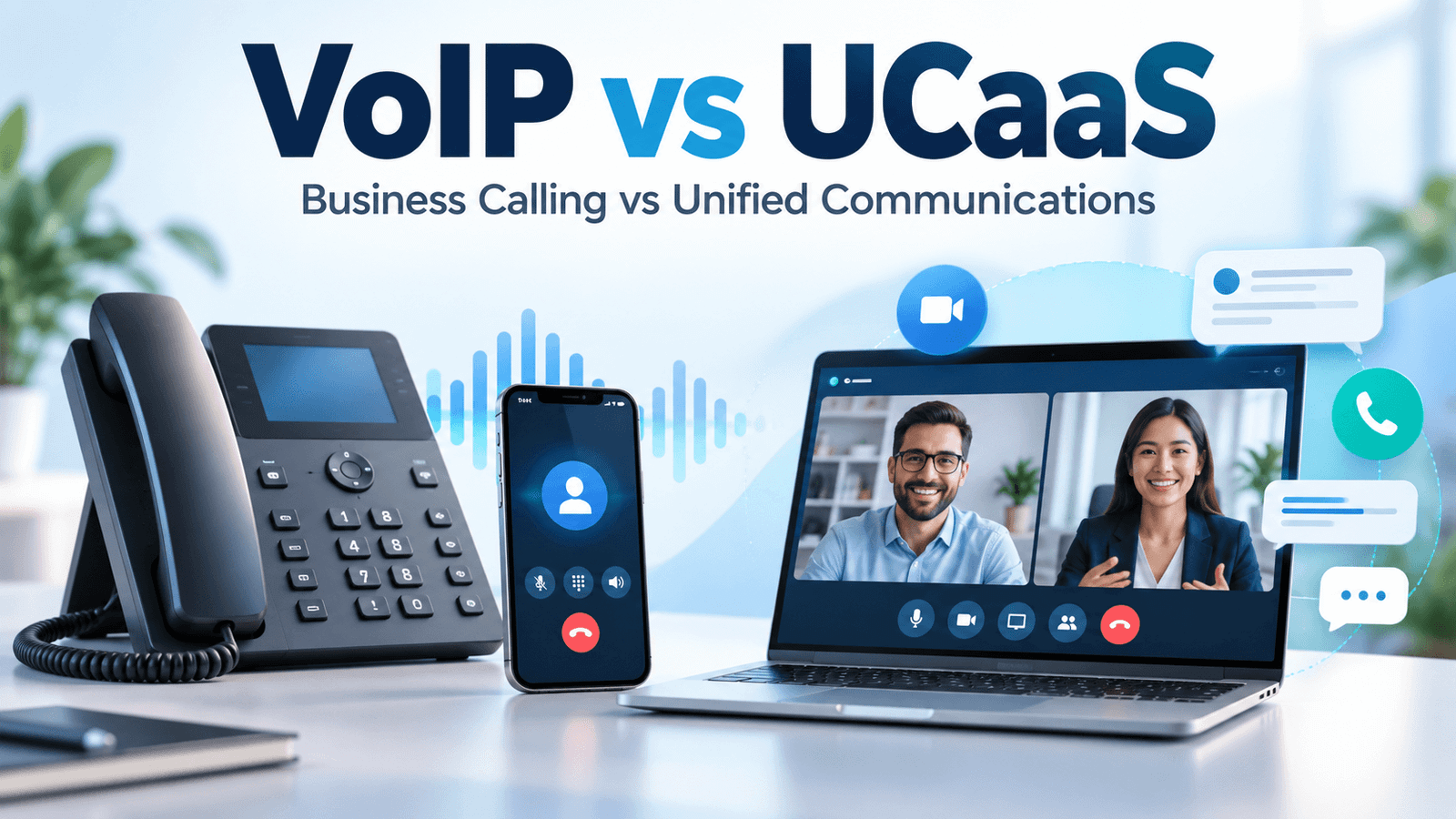
VoIP is the technology that carries voice calls over an IP network. UCaaS is a cloud service that brings calling, team messaging, video meetings and related communication tools together. A UCaaS platform typically uses VoIP for its phone service, so these are overlapping concepts rather than two completely separate technologies.
For a business buyer, the practical choice is usually between a phone-focused service and a broader communications suite. If your team mainly needs business numbers, call routing and voicemail, a VoIP phone system may be enough. If employees regularly move between calls, internal chat and video meetings, UCaaS can make those workflows easier to manage.
This guide explains the differences, the costs that matter and when relevant providers from our list—RingCentral, Dialpad and GoTo Connect—are worth considering.
Affiliate disclosure: VoIPCalling may earn a commission when you purchase through the provider links on this page. Our recommendations are based on business requirements and product fit.
VoIP vs UCaaS: The Main Differences
The biggest difference is scope: VoIP describes how voice is transmitted; UCaaS describes how a collection of communication services is delivered. A service advertised as “business VoIP” may already include UCaaS features. Compare the actual plan and workflow, not just the label.
| Decision Factor | Phone-Focused VoIP | UCaaS |
|---|---|---|
| Primary Purpose | Business calling and phone management. | Calling plus connected employee communication and collaboration. |
| Typical Tools | Business numbers, extensions, routing, voicemail and call apps; additional tools depend on the product. | Voice, team messaging, video meetings and presence; exact features depend on the plan. |
| Deployment | Cloud-hosted, on-premises or hybrid. | Cloud service hosted and maintained by the provider. |
| Integrations | May include CRM integrations and APIs. | May connect communication channels and business applications across a wider workflow. |
| Costs | Can involve user subscriptions, numbers, usage, equipment and infrastructure. | Usually user subscriptions, with possible usage charges, feature tiers and add-ons. |
| Main Buying Risk | Choosing a phone plan that lacks required routing or operational features. | Paying for collaboration tools that employees will not use or that duplicate existing software. |
Neither category guarantees better call quality, security or lower costs. Those outcomes depend on the provider, network, configuration, contract and features your business actually uses.
What Is VoIP, and How Does It Work?
VoIP stands for Voice over Internet Protocol. It converts voice into digital packets, sends them across an IP network and reconstructs the audio at the receiving end. Business users can place calls through supported desk phones, desktop applications or mobile apps.
A provider can connect those calls to ordinary mobile and landline numbers through telephone-network interconnections. Calling over the internet does not mean every call is free: charges can still apply to numbers, destinations, toll-free traffic and usage beyond an allowance.
VoIP also does not automatically mean cloud-hosted. A business can run an IP-based PBX on its own premises, buy hosted phone service or combine existing equipment with cloud services. The technology is the same broad category, but responsibility for updates and maintenance changes with the deployment.
What a Business VoIP System Can Include
- Business phone numbers and employee extensions.
- Call forwarding, transfers and business-hours routing.
- Auto attendants, ring groups and call queues where supported.
- Voicemail, recordings and reporting, depending on the plan.
- Desktop and mobile apps, plus compatible desk phones.
- CRM connections, messaging or other features when offered.
A phone-focused system can still be sophisticated. Advanced call handling and integrations are not exclusive to UCaaS.
What Is UCaaS, and What Does It Add?
UCaaS stands for Unified Communications as a Service. It brings multiple communication channels into a cloud-delivered environment, typically combining business telephony, messaging and meetings with shared administration.
The useful part is the connection between those tools. An employee might message a colleague, see whether they are available, start a meeting and then make a customer call within the same product environment. How smoothly that works varies by provider and device.
The provider operates the hosted platform, but your business still manages users, permissions, network readiness and internal policies. “As a service” reduces infrastructure responsibilities; it does not remove every administrative task.
Read our guide to what UCaaS is for a deeper explanation of the service model.
Which Option Fits Your Business?
Choose a Phone-Focused Service When Calling Is the Main Requirement
A small repair company may need one published number, a business-hours greeting, routing to available staff and voicemail after closing. If employees already use other tools for scheduling and internal communication, replacing those tools may add little value.
Prioritize number availability, call handling, app usability and the cost of the destinations you call. Do not buy a broader suite simply because it has a longer feature list.
Consider UCaaS When Calls, Chat and Meetings Overlap
A distributed agency may use client calls, project discussions and video meetings every day. A shared platform can reduce switching between applications and simplify user administration, provided staff adopt it.
Test the full sequence: message a teammate, start a meeting, share a screen, call a client and find the conversation afterwards. A platform that lists all these features may still require separate apps, accounts or upgrades.
Keep Existing Collaboration Tools When They Already Work
If your team is settled into Microsoft Teams or another collaboration environment, adding integrated phone service may be more practical than migrating every communication channel. Check the exact integration method, required licenses and whether users retain the calling functions they need.
A phone-only subscription alongside existing software can be a sensible long-term setup. Consolidation is valuable when it improves work or reduces real costs.
Evaluate Contact Center Needs Separately
A support operation with complex queues, supervisor workflows, quality management and multiple customer channels may need contact center software. UCaaS mainly addresses general business communications; CCaaS, or Contact Center as a Service, focuses on running a contact center.
Basic queues or call recording do not establish that a UCaaS plan includes a complete contact center. Ask for a demonstration of the agent and supervisor workflows you require, plus a separate quote where applicable.
Relevant Providers From Our VoIP List
RingCentral, Dialpad and GoTo Connect illustrate why “VoIP provider” and “UCaaS provider” often overlap. Their broader communication products combine calling with messaging and meetings. The following are examples to shortlist based on your needs, rather than a ranking or a claim that every capability is included in every plan.
RingCentral RingEX: For Consolidating Business Communication

RingEX brings business calls, team messaging, video meetings, SMS and fax into one communication environment. That makes it relevant when a business wants to replace several tools or manage employee communications across locations.
What to check: The plan required for your integrations, recording needs, meeting limits and administration controls. Confirm SMS requirements and allowances for your market. Treat advanced customer engagement and contact center products as separate buying decisions unless the quote explicitly includes them.
Our RingCentral review explains the buying considerations in more detail.
Dialpad Connect: For Connected Calling and Collaboration

Dialpad Connect combines voice, video and messaging, with AI features forming part of its product positioning. It is relevant for teams that want communication tools connected to their daily work rather than buying a standalone phone line.
What to check: How meetings are provisioned, the limits of the selected plan and which integrations your users can access. If transcription or summaries influence your decision, test your actual languages, accents and audio conditions. Confirm retention settings and whether required capabilities involve another product or add-on.
GoTo Connect: For Phone Service With Meetings and Messaging

GoTo Connect offers a cloud phone system with meeting and messaging capabilities. It is a relevant comparison when business telephony remains central but your team also wants connected collaboration tools.
What to check: The exact package in the quote, country-specific number and calling availability, supported devices and whether the call flows you need are included. Customer experience and contact center requirements should be confirmed against the specific product, rather than assumed from the GoTo Connect name.
Examples of Phone-Focused VoIP Providers
KrispCall and JustCall are relevant examples from our provider list when the main requirement is business calling and customer conversations. They show how VoIP services can include messaging, shared records and integrations without the purchase decision centering on company-wide video meetings and internal collaboration.
These categories overlap: RingCentral, Dialpad and GoTo Connect also provide VoIP calling. The distinction here is the workflow being evaluated, rather than a claim that the following providers offer voice only or can never be described as unified communications platforms.
KrispCall: For Business Numbers and Shared Calling Workflows

KrispCall offers cloud telephony with business numbers and a shared workspace for calls, SMS, voicemail and team notes. It is a relevant phone-focused option when several employees need to manage customer conversations together.
Example: A small service business wants staff to answer calls and respond to messages from a shared business number. Its immediate requirement is a coordinated phone workflow; replacing its existing video-meeting software may be unnecessary.
What to check: Availability and documentation for your required numbers, calling allowances and destination rates, messaging support, shared-number permissions and the plan needed for your integrations. Do not assume number coverage also means unlimited calling to those countries.
JustCall: For Sales and Support Calling Connected to a CRM

JustCall provides a cloud phone system for sales and support teams, with calling, customer messaging and CRM-connected workflows. Its phone-system positioning makes it relevant when the priority is managing customer calls and follow-ups rather than consolidating every employee collaboration tool.
Example: A sales team wants to call prospects, record activity against CRM contacts and follow up by text. It can evaluate those workflows while continuing to use its existing tools for internal meetings.
What to check: The exact CRM integration, required calling and messaging allowances, dialer access, recording and AI entitlements, and any minimum-seat requirements. Advanced sales or support capabilities should be checked against the selected package rather than assumed to be part of every phone plan.
How to compare the examples: Evaluate KrispCall and JustCall against your business-number and customer-calling requirements. Evaluate the broader UCaaS examples against your need to connect calls, internal messaging and meetings. Then compare the exact plans side by side; a provider name alone does not determine which approach fits.
VoIP vs UCaaS Costs: Compare the Whole Bill
A phone-focused plan may cost less if it avoids features you do not need. A UCaaS suite may provide better value if it replaces subscriptions you can actually cancel. Neither outcome follows automatically from the product category.
Compare quotes using the same billing period, users, destinations and required features. An advertised annual-billing rate is not directly comparable with a flexible monthly rate.
- Licenses: Check named-user, shared-device and minimum-seat requirements.
- Phone numbers: Include additional local, international and toll-free numbers.
- Usage: Confirm calling destinations, fair-use terms, toll-free minutes and messaging charges.
- Feature upgrades: Include necessary integrations, recording storage, analytics, AI or contact center tools.
- Implementation: Allow for headsets, supported phones, porting work, configuration and training.
- Contract terms: Compare commitments, renewals, cancellation conditions and taxes.
A useful calculation: Expected monthly cost equals licenses, numbers, usage, add-ons and the monthly share of setup costs, minus subscriptions genuinely removed. Time savings can be considered separately, but should not be counted as guaranteed cash savings.
A Practical License Example
Imagine a business with 20 employees, but only eight need an external calling number. Before buying 20 identical licenses, ask whether the provider supports the mix of phone users, collaboration users and shared devices you need. Not every vendor permits the same combinations.
Then check whether moving meetings and chat would let you cancel an existing subscription. If your current software is still needed for email, documents or other work, its cost may remain even after buying UCaaS.
Call Quality, Security and International Availability
Both a hosted VoIP service and UCaaS depend on a suitable network. Call quality can suffer from packet loss, jitter, congested Wi-Fi, inadequate upload capacity or poor headsets. A broader suite does not fix those underlying conditions.
Test under normal business load, including concurrent calls and video meetings. For important phone operations, decide how calls should route during an internet outage and whether backup connectivity is needed.
For security, evaluate access controls, multifactor authentication, recording permissions, data retention and export capabilities. Where relevant, ask about encryption and data location. Product category alone does not establish that a service meets your organization’s requirements.
International buying requires three separate checks: can employees use the service from their location, can the business obtain the required local number, and what does calling that destination cost? A provider’s international coverage statement may refer to only one of these.
Also confirm local number documentation and emergency-calling arrangements for each supported location. Number availability, messaging support and emergency features can vary by market and number type.
How to Test a System Before Moving Your Numbers
A demonstration should show your workflow, not only a polished product tour. Use a temporary number or test environment where available, and keep the existing service active until the migration plan is ready.
- Recreate your call flow. Test business hours, transfers, queue behavior and unanswered calls.
- Test real devices. Include the desktops, mobiles, headsets and supported phones staff will use.
- Try the collaboration workflow. Check chat, meetings, guest access and screen sharing if these justify UCaaS.
- Verify integrations. Confirm that records, call logs and permissions work as required in your CRM or other tools.
- Check administration. Add and remove a user, change permissions and retrieve recordings where supported.
- Plan continuity. Confirm porting steps, cutover timing, fallback routing and how to obtain support.
Do not interpret one successful call as proof of system-wide reliability. Test enough of your normal workload to identify practical problems before committing.
Questions to Ask Before Choosing VoIP or UCaaS
- Which exact product and plan include our required calling, messaging and meeting features?
- Which users need paid phone licenses, and which can use another license type?
- Will our existing numbers port, and what happens during the transfer?
- Which countries, number types and calling destinations are supported?
- What charges sit outside the advertised subscription?
- Can we export recordings, messages and other required records?
- Which collaboration subscriptions can we actually retire?
- What support, outage-routing options and contract terms are included?
For more guidance on comparing vendors, read how to choose the right VoIP provider.
Frequently Asked Questions
Is UCaaS the Same as VoIP?
No. VoIP is a voice-calling technology; UCaaS is a cloud-delivered communications service that typically includes VoIP alongside meetings, messaging and other tools. A provider can therefore offer both.
Does VoIP Have Video Calling?
Some products sold as VoIP services include video meetings. VoIP itself refers to voice transmission, so video availability must be checked against the actual product and plan.
Is UCaaS Better for Small Businesses?
UCaaS can suit small teams that regularly need calls, chat and meetings together. A phone-focused service may be a better fit when calling is the main requirement or existing collaboration tools already work well.
Can I Keep My Phone Number When Switching?
Often, but porting depends on the number, country, current carrier and receiving provider. Confirm eligibility before ordering and do not cancel the old service before the transfer is completed.
Is UCaaS Cheaper Than VoIP?
Not necessarily. UCaaS can reduce total spending when it replaces other paid tools, but it can also add costs when those tools remain. Compare full quotes and your actual subscription overlap.
Does UCaaS Include Contact Center Software?
Not automatically. Some providers offer contact center products or add-ons, while a standard UCaaS plan may include only basic queues and phone handling. Verify the specific agent, supervisor and customer-channel features required.
Which Should You Choose?
Choose a phone-focused VoIP service when the priority is handling business calls well without adding unnecessary tools. Consider UCaaS when bringing calling, messaging and meetings together solves an identifiable problem for your team.
RingCentral RingEX, Dialpad Connect and GoTo Connect are relevant providers to evaluate for the broader approach. Compare the exact package, full cost and real workflow before choosing. The most useful system is the one that fits how your business communicates.