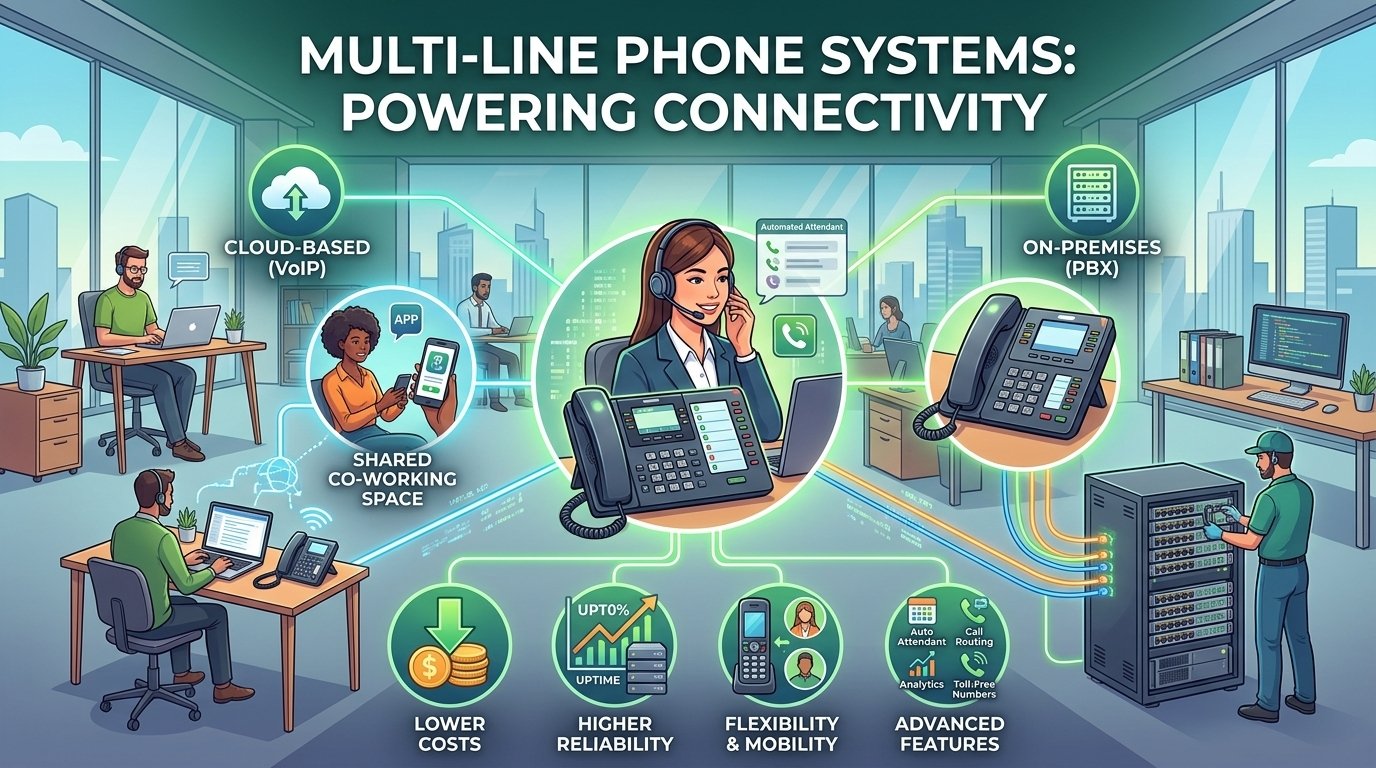
A multi-line phone system allows a business to handle multiple phone calls at the same time. Depending on the setup, several lines or call appearances can be managed through desk phones, a PBX, or a cloud-based VoIP platform. Employees can answer incoming calls, place callers on hold, transfer calls, and manage multiple conversations without relying on a single phone line. For example, a receptionist can answer one call, place it on hold, and answer another incoming call without disconnecting the first caller.
What Is a Multi-Line Phone System?
A multi line phone system serves as the backbone for organizational communication by allowing multiple participants to be on the phone at once through a single interface. In a standard office setting, this means a receptionist can answer a call on line one, place it on hold, and immediately attend to another inquiry on line two. This technology eliminates the limitations of one-to-one communication, making it possible for small and large teams to manage a multi phone line system efficiently.
The architecture of these systems is designed to handle the complexities of a multi location business phone system. Whether you are operating from a single storefront or managing various branches across the country, a multi line phone system make sures that all incoming traffic is organized and routed correctly. It acts as a centralized hub that connects various office phones with multiple lines, creating a unified network that supports growth and professional customer service.
How Multi-Line Phone Systems Work
The mechanical and digital operations of a multi line phone system vary depending on the underlying technology used. Traditionally, these systems relied on physical copper wires where each line required its own pair of wires to be run into the building. Modern systems can use VoIP and cloud technology, reducing the need for separate physical lines and giving businesses more flexibility in how calls are routed and answered.
-
On-premises multi-line phone system
An on-premises multi line phone system typically utilizes a Private Branch Exchange (PBX) or a Key System Unit (KSU) installed physically within your office. This traditional method relies on local hardware to route calls and manage the various lines. While it offers high levels of control, it often requires a significant upfront investment in hardware and specialized wiring for every desk that needs a multi line phone.
Maintenance for these systems usually falls on the shoulders of local IT staff or contracted technicians. Because the system is tied to the physical location, it can be challenging to integrate with remote workers or to expand quickly without physical construction. However, for companies with a permanent, stationary staff, an on-premises multi line phone system provides a sense of security and full ownership of the infrastructure.
-
Cloud-based multi-line phone system
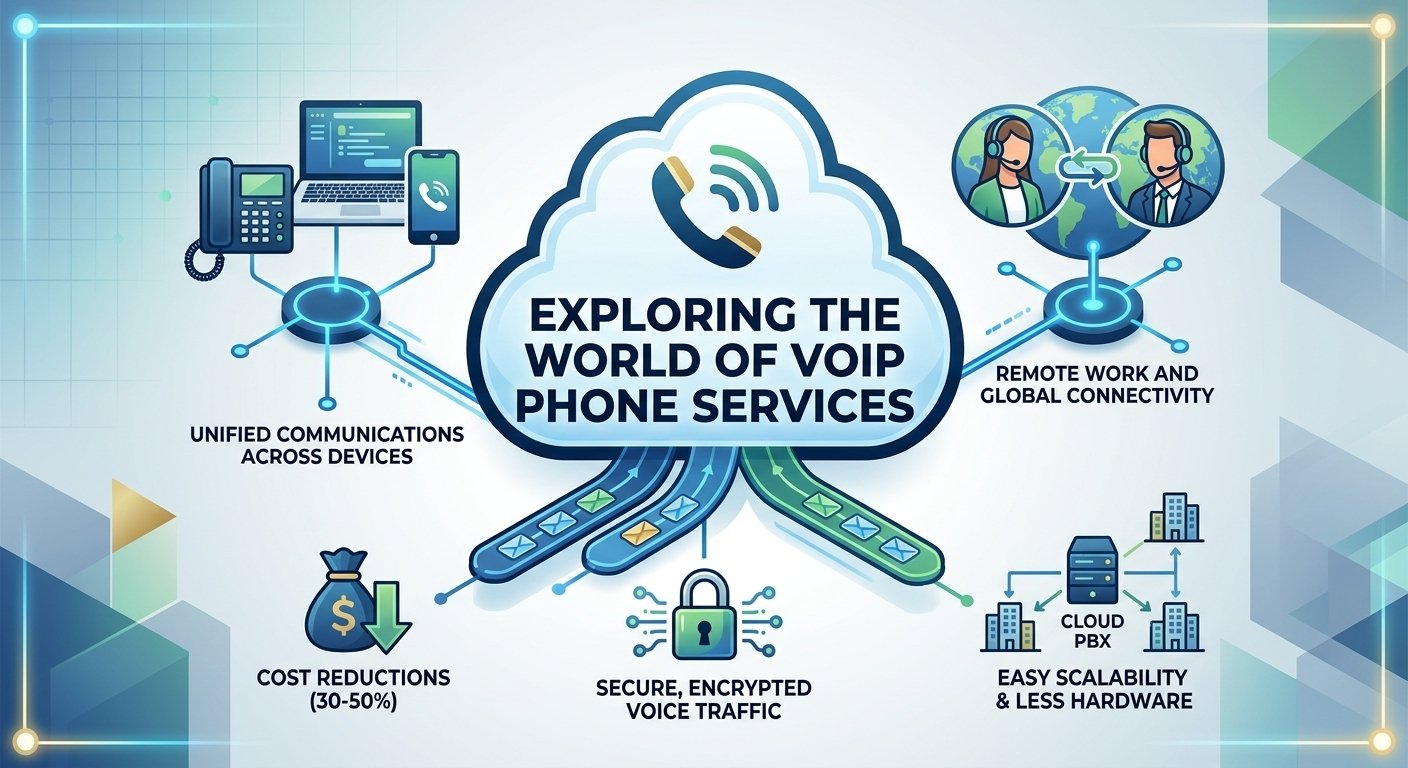
A cloud-based multi line phone system utilizes Voice over Internet Protocol (VoIP) to transmit voice data over the internet. This modern approach removes the need for physical servers in the closet, replacing them with virtual hosting managed by a service provider. Because it is software-driven, a multi line voip phone system can be set up in minutes and accessed through desk phones, mobile apps, or computer software.
The scalability of a cloud-based multi line phone system is one of its greatest strengths.
Cloud-based systems can reduce the need for on-site PBX hardware and dedicated telephone wiring, although actual costs depend on the provider, number of users, equipment, calling requirements, and existing infrastructure.
This is because the infrastructure is maintained by the provider, allowing the business to focus on communication rather than hardware upkeep.
| Feature | On-Premises System | Cloud-Based System |
| Equipment | Relies on traditional hardware and analog systems. | Utilizes IP phones, softphones, or computer systems. |
| Features | Basic features like caller ID and voicemail. | Advanced features like virtual numbers and integrations. |
| Cost of Phone Hardware | Typically incurs higher costs for traditional hardware. | Cost-effective with a range of hardware options. |
| Cost of Subscription | 15–50 per line | Varies; check pricing for customized plans |
| Set-up Fees | 0–200 (depending on location) | $0 |
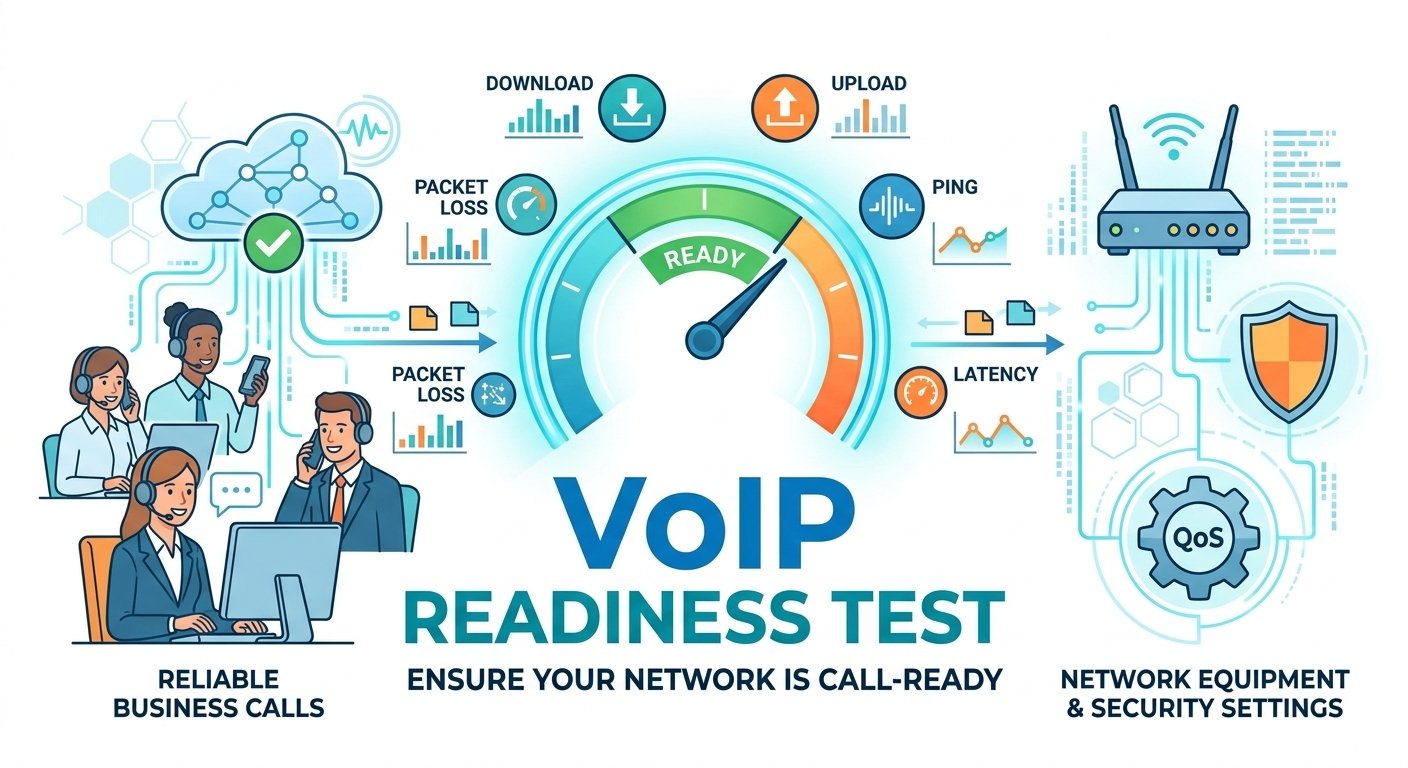
| Internet Reliability | Not dependent on the internet. | Relies on a stable internet connection. |
| Scaling and Maintenance | Limited scalability; hands-on repairs required. | Highly scalable; minimal hardware maintenance. |
| Best For | Businesses prioritizing reliability and security. | Businesses looking to automate and expand outreach. |
Types of Multi-Line Phones (And Use Cases)
Selecting the right hardware for a multi line phone system depends on the specific roles within your company. Not every employee needs a high-capacity switchboard, and understanding the use cases for different multi-line phone units can save significant money. The goal is to match the number of available lines with the daily call volume handled by the specific user.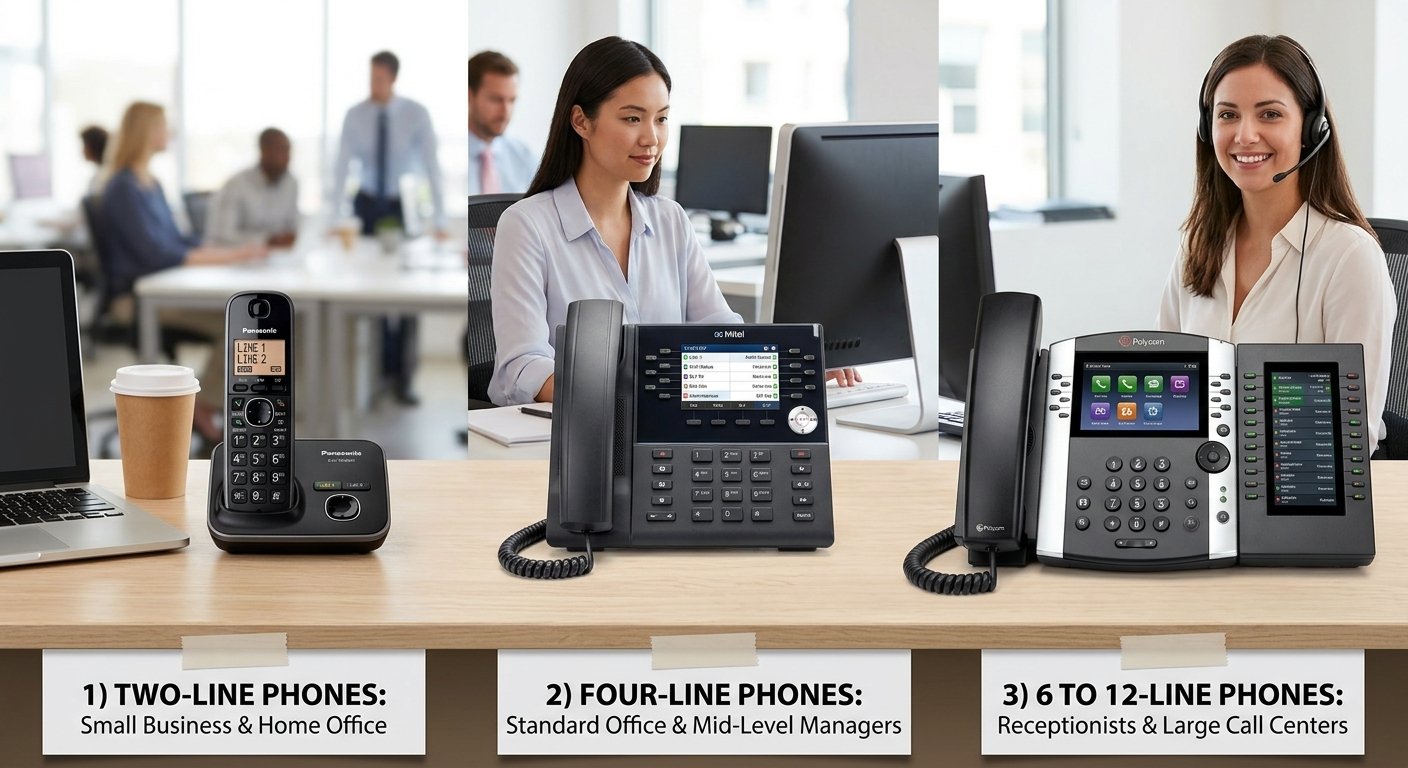
1) Two-line phones
A 2 line business phone system is generally the starting point for small businesses and home offices. It allows a user to manage two active calls, which is perfect for a consultant who needs to take a client call while keeping a second line open for personal or administrative use. Many 2 line voip phone system options are affordable and require very little space on a desk.
-
Ideal for home office telephone system setups.
-
Suitable for retail shop counters where one line is for customers and another for vendors.
-
Commonly used in 2 line expandable phone system configurations for growing teams.
-
Great for freelancers who need a dedicated business multi line phone system.
2) Four-line phones
The four-line phone is the workhorse of the modern office environment. This multi-line phone provides enough capacity for mid-level managers and sales representatives to juggle multiple active leads and internal consultations. Most business multi line phone systems standardly offer these devices because they balance cost with high functionality, allowing for complex maneuvers like three-way conferencing and warm transfers.
-
Standard choice for office phones with multiple lines.
-
Used by administrative assistants in medium-sized departments.
-
Supports multiple business phone lines for various departments.
-
Often part of a 4 line pbx system for robust internal routing.
3) 6 to 12-line phones
For receptionists and executive assistants, a multi line phone system needs to handle massive amounts of traffic simultaneously. These high-capacity devices often feature large screens and sidecars that display the status of every extension in the building. Having a multi line switchboard allows these power users to see who is busy, who is available, and where to route urgent calls without delay.
-
Essential for large call center supervisors and busy front desks.
-
Allows for advanced monitoring of a multi location phone system.
-
Supports multiline telephone systems with high-definition audio.
-
Ideal for managing a multi phone line system in a large corporate headquarters.
Phone Lines vs Numbers vs Extensions
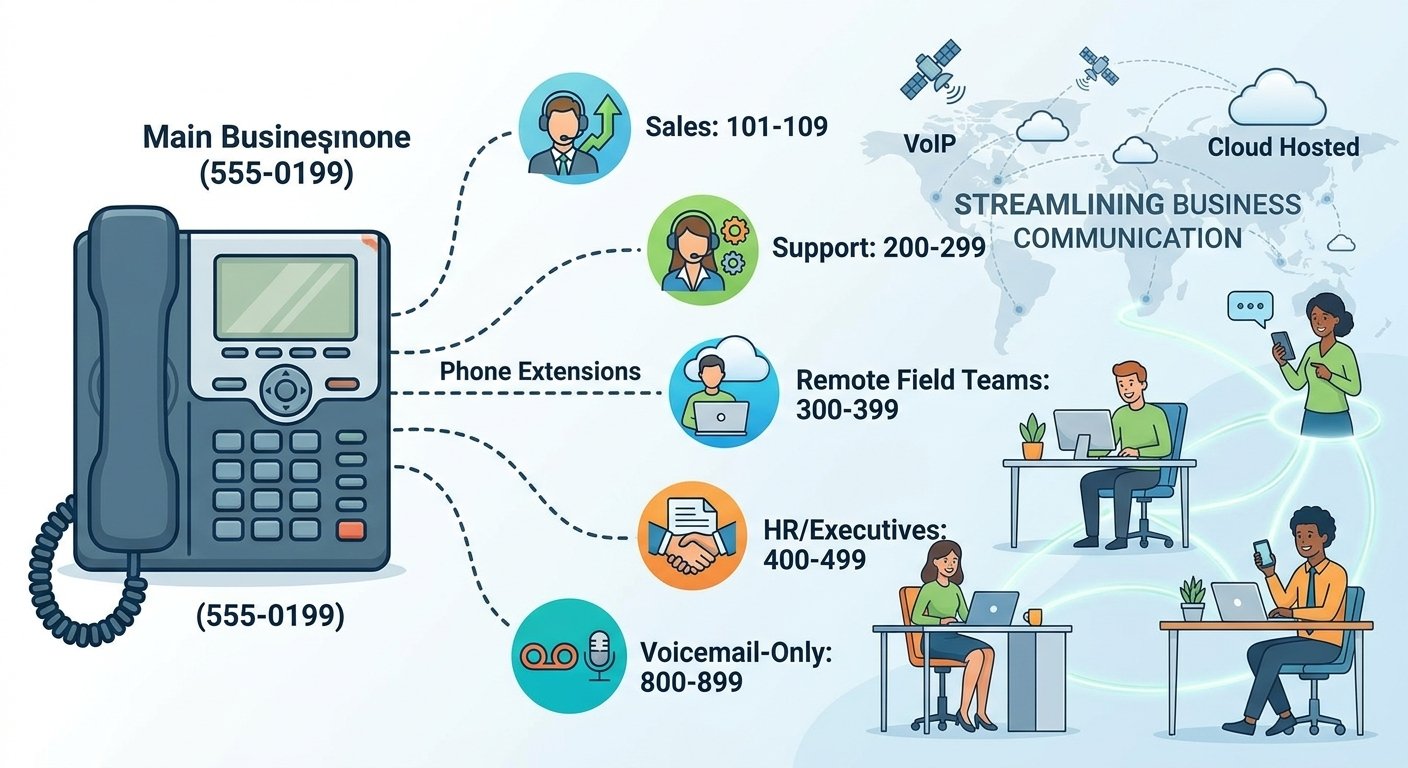
A phone line, phone number, and extension are related concepts, but they aren’t the same thing. A phone number is the public number customers dial to reach a business. An extension identifies a specific user, department, or device within the phone system. A “line” traditionally referred to a physical telephone connection, while modern VoIP systems may use the term for a call appearance, account, or concurrent calling capability.
Because cloud phone systems don’t always rely on one physical line per call, businesses should check how a provider defines users, extensions, numbers, and simultaneous calls when comparing plans.
Multi-Line Phone System vs PBX
A multi-line phone system and a PBX aren’t necessarily competing technologies. A PBX can be the system that provides multi-line calling, extensions, transfers, routing, voicemail, and other business phone features.
| Multi-Line Phone System | PBX | |
|---|---|---|
| What it describes | Ability to manage multiple calls/lines | System that manages and routes business calls |
| Physical lines required | Depends on technology | Depends on PBX type |
| Extensions | May support them | Core PBX capability |
| Call routing | Basic to advanced | Typically supported |
| Cloud option | Yes | Yes — hosted/cloud PBX |
| On-premises option | Yes | Yes |
| Best understood as | Calling capability/setup | Phone-system architecture |
Hardware Options: Analog vs. IP Phones
When choosing hardware for a multi-line phone system, businesses generally select between traditional analog devices and modern IP phones depending on their existing setup and growth plans.
1. Traditional analog systems
Operating on the public switched telephone network (PSTN), traditional analog phones rely on copper wiring and standard jacks to function reliably without an internet connection. However, they are rigid, costly to expand, limited in line capacity, and lack modern capabilities like automated computer integrations.
2. IP phones & cloud systems
Connecting via Ethernet or Wi-Fi, IP phones transmit voice as digital data to deliver high-definition audio and strong encryption. They offer plug-and-play simplicity for flexible workspaces, supporting cloud directories, mobile app syncing, and seamless integration with cloud-based multi-line platforms.
How to Set Up a Multi-Line Phone System
The transition to a multi line phone system is much simpler than it was a decade ago. With the advent of cloud technology, the physical labor involved in setting up a business multi line phone system has been replaced by simple software configurations. Following a structured approach make sure that your team can begin taking calls with minimal downtime.
1) Choose your plan and phone numbers
The first step is selecting a service provider that offers the specific features your business requires. You will need to decide between local numbers to build community trust or toll-free numbers for a national presence. During this phase, you can also port your existing numbers into the new multi line phone system so that your long-term clients do not lose contact with you.
2) Assign virtual phone extensions
Once the plan is active, you can begin assigning extensions to your staff through an online dashboard. Unlike physical lines, virtual extensions allow you to create a multi line system where employees can reach each other by dialing three or four digits. This is especially useful for a multi location business phone system where staff might be spread across different cities.
3) Configure call flow
This step involves deciding how a multi-line phone system routes incoming calls. You can set up an automated attendant to greet callers and offer a menu of options. Proper call flow make it confirm that even if one employee is busy, the call is automatically routed to the next available person or a specific department, maintaining a professional image.
4) Plug & play
After the digital configuration is complete, the final step is simply connecting your hardware. For an IP-based multi line phone system, you just plug the phone into your internet router. The device will automatically download its settings from the cloud, and your team can immediately start using their new business phones with multiple lines.
Advanced Features in a Multi-Line Phone System
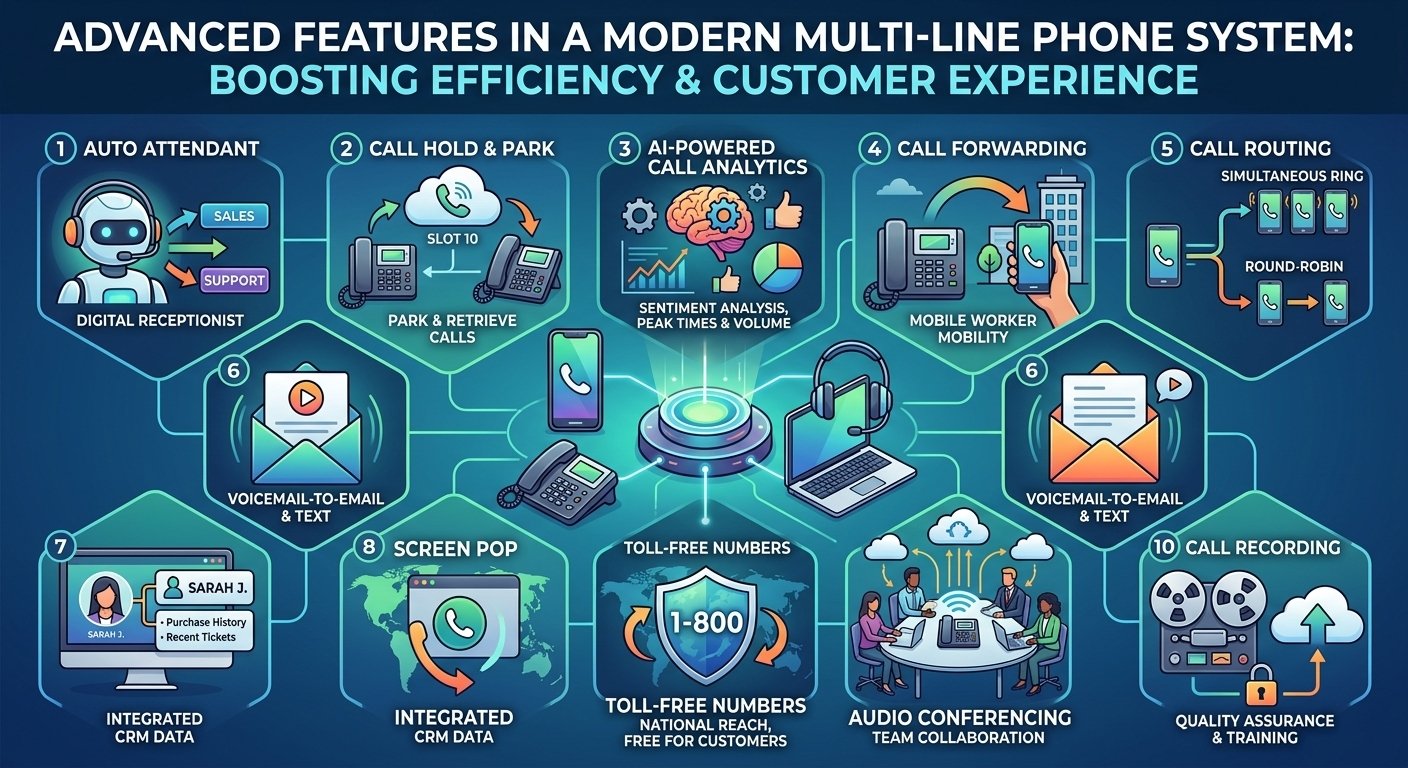
Modern communication is about more than just talking; it is about managing data and improving the customer experience. A contemporary multi line phone system comes packed with tools that help small businesses act like large corporations. These features are designed to save time and provide insights that were previously only available to high-end call centers.
1) Auto attendant
An auto attendant serves as a virtual receptionist, greeting callers and directing them to the appropriate extension. This feature is a staple of any multi line business phone system because it ensures every call is answered immediately. It reduces the workload on human receptionists and provides a consistent, professional brand experience for every caller.
2) Call hold and call parking
Managing multiple calls requires the ability to put someone on hold securely. Call parking takes this a step further by allowing a call to be placed in a virtual slot that any other employee can pick up from their own multi line telephone. This is highly effective in large environments like warehouses or medical clinics where staff move between different rooms.
3) AI-powered call analytics
Data is vital for growth, and a multi line phone system can provide detailed reports on call volume, peak times, and missed call rates. Many modern systems use AI to analyze customer sentiment and provide summaries of conversations. According to industry facts, businesses that utilize call analytics can improve their customer satisfaction scores by 20% through better staffing and training.
4) Call forwarding
The ability to send a call from your desk to your mobile device is essential for the modern mobile worker. Call forwarding ensures that a multi line phone system follows you wherever you go. Whether you are at home or in a meeting, you can receive business calls on your personal device without giving out your private number.
5) Call routing
Advanced routing policies allow you to define exactly how calls are distributed among your team. You can choose to have all phones ring simultaneously or use a round-robin style where calls are distributed equally. This flexibility is a core benefit of a multi line phone system for small business, ensuring no single employee is overwhelmed while others are idle.
6) Business voicemail
Voicemail in a multi line phone system is far more advanced than a simple recording. Many systems offer voicemail-to-email or voicemail-to-text, allowing you to read your messages in your inbox. This ensures that you can stay updated on client needs even when you are unable to listen to audio files.
7) Screen pop
When a call comes in, a screen pop displays the caller’s information directly on your computer screen. By integrating with your CRM, a multi line phone system can show you a client’s past purchase history or recent support tickets before you even pick up the phone. This creates a highly personalized experience that customers appreciate.
8) Toll-free numbers
Toll-free numbers allow customers to call your business without incurring long-distance charges. This is a powerful branding tool for any multi line phone system for business, as it suggests a national reach and a commitment to customer service. It makes your business more accessible to a wider audience.
9) Audio conferencing
A multi line phone system makes it easy to host meetings with multiple participants. Instead of needing a separate service, you can bridge several lines together for a high-definition conference call. This is vital for team collaboration and client presentations, providing a stable platform for group discussions.
10) Call recording
Recording calls is a vital feature for training and quality assurance. A multi line phone system can be set to record every conversation automatically, storing them securely in the cloud. This allows managers to review interactions and ensure that the team is following company protocols and providing excellent service.
Mobility & Cordless Solutions (DECT)
Not every business operates from a desk, and mobility is often a requirement for success. Whether you are managing a large warehouse or a busy restaurant, you need a multi line phone system that allows you to move around while staying connected. Cordless solutions have evolved to provide the same features as desk phones without the physical tether.
-
What is DECT?
DECT stands for Digital Enhanced Cordless Telecommunications, and it is the industry standard for cordless business phones. Unlike Wi-Fi phones that can suffer from interference, DECT phones operate on a dedicated frequency that provides crystal-clear audio. This technology is a vital component of a multi location business phone system where employees need to roam large areas.
-
Provides a range of up to 300 feet from the base station.
-
Supports multiple handsets on a single multi line phone system.
-
Offers encrypted communication for privacy and security.
-
Enables seamless call handovers as you move between different base stations.
Benefits of a Multi-Line Phone System
Multi-line systems can help businesses handle concurrent calls, organize incoming traffic, route callers to the appropriate employees, and support teams across different devices or locations. The specific benefits depend on whether the system is traditional, on-premises, or cloud-based. These benefits extend beyond simple call handling and touch every part of your business operations.
1. Lower costs
Switching to a cloud-based multi line phone system can significantly reduce your monthly overhead. Instead of paying for individual physical lines from the phone company, you pay a flat subscription fee. This eliminates long-distance charges and the need for expensive on-site maintenance, allowing you to reallocate those funds toward other growth initiatives.
2. Higher reliability
A modern multi line phone system is built on a foundation of redundancy. If you use a cloud provider, they often have multiple data centers across the globe. This means that if one server goes down, your calls are instantly rerouted to another, ensuring your multi line phone system stays active even during local internet outages or natural disasters.
3. More flexibility
The ability to work from anywhere is no longer a luxury; it is a necessity. A multi line phone system allows your employees to take their business extensions home with them. By using mobile apps or laptops, they can maintain a professional presence regardless of their physical location, which is a major draw for top talent in today’s job market.
4. Better scalability
As your business grows, your communication system should grow with you. Adding a new user to a multi line phone system takes just a few clicks in an admin portal. You don’t need to wait for a technician or install new hardware; you simply add a license and your new employee is ready to start taking calls on their multi line phone immediately.
5. Improved convenience
Managing a business is complex enough without worrying about missed calls or busy signals. A multi line phone system simplifies daily tasks through automation and intuitive interfaces. From easy call transfers to automated greetings, the system handles the technical details so you and your team can focus on serving your clients and closing deals.
Read More: What is Collaboration in the Workplace? Keys to Effective Teamwork
Conclusion
A multi-line phone system helps businesses manage multiple calls without relying on a single telephone line. Traditional systems may use physical lines and on-premises PBX equipment, while modern cloud systems use VoIP to manage calls, users, extensions, and routing through internet-based services.
When comparing systems, consider the number of employees, simultaneous call requirements, office locations, internet connectivity, existing phone numbers, hardware needs, routing features, integrations, reliability, support, and total cost. Small offices may need only a simple two-line setup, while larger or distributed teams may benefit from a cloud-based business phone system with extensions, queues, auto attendants, and mobile applications.
Multi-Line Phone System FAQs
-
How to operate a multi-line phone?
Operating a multi line phone involves using the dedicated line buttons on the device to switch between active calls. You can press a line button to answer, use the hold button to pause a conversation, and then press another line button to start a new call or answer a second incoming inquiry.
-
What is a two-line phone system?
A two-line system is a communication setup designed to handle two separate phone lines on one device. This is often the best multi line phone system for small business owners who need to keep their professional and personal calls separate on the same desk phone.
-
How to answer a multi-line phone?
When a call comes in, the corresponding line button will usually flash or change color. Simply pick up the handset or press the speakerphone button while the correct line is selected to begin the conversation. The multi line phone system will automatically manage the connection.
-
How to transfer calls on a multi-line phone?
To transfer a call, you typically press the transfer button, dial the extension of the person you wish to reach, and then hang up. Many systems also allow for a warm transfer, where you can speak to your colleague before completing the connection to ensure they are ready for the caller.
-
How does multi-line work?
Multi-line functionality works by partitioning communication channels so they don’t interfere with each other. In a digital environment, the system assigns a unique identifier to each call, allowing the software to keep multiple conversations active and organized on a single multi line business phone.
-
What types of multi-line systems are there?
The main types include on-premises PBX systems, which use local hardware, and cloud-based VoIP systems, which use the internet. There are also hybrid systems that combine elements of both to provide a customized multi line telephone system experience.
-
What is the best multi line phone system?
The best system depends on your specific needs, but most modern businesses prefer cloud-based VoIP solutions. These provide the highest level of flexibility, lowest upfront costs, and the most advanced features for a multi location business phone system.
-
What do you call a phone that has multiple lines?
It is commonly referred to as a multi line phone or a multiline telephone system. These devices are standard in office environments where a single person needs to manage more than one conversation at a time.