
The best HIPAA-compliant VoIP service is one your healthcare organization can use with appropriate safeguards and a signed Business Associate Agreement (BAA) where the provider acts as a business associate. A secure app, healthcare marketing page or trial account alone does not establish that your patient communications are covered.
RingCentral is our broad-platform shortlist for multi-location healthcare businesses; Nextiva suits voice-first medical offices, and Zoom Phone suits teams already using Zoom. Dialpad offers a documented BAA process on paid accounts. Quo requires Business or Scale, while JustCall’s published HIPAA offering sits in its custom Business tier. The right choice depends on the agreement’s scope and your practice’s configuration.
This guide compares six providers from our usual business-phone shortlist that publish BAA support. It focuses on US healthcare practices, dental offices, behavioral health teams and patient-contact operations. The important buying question is which calls, records, messages, integrations and AI functions are included in your actual contract.
For background, see our guide to VoIP and HIPAA compliance in healthcare. This comparison is a purchasing resource; your privacy and security leads should approve the final workflow.
Best HIPAA-Compliant VoIP Providers Compared
Compare BAA eligibility before comparing the cheapest plan. Dialpad documents signing on all paid accounts, Quo limits its BAA to Business and Scale, and JustCall’s published Business tier has a 10-license minimum. RingCentral, Nextiva and Zoom require an agreement and confirmation of the services your organization will use.
| Provider | Best Fit | BAA & Important Limits | Pricing & Trial |
|---|---|---|---|
 1. RingCentral 1. RingCentral |
|
| RingEXRequest Healthcare QuoteConfirm plan and covered services Start 14-Day Free Trial |
 2. Nextiva 2. Nextiva |
|
| Core: General Plan Reference$15/User/Month AnnuallyHealthcare configuration: confirm quote Start 14-Day Free Trial |
 3. Zoom Phone 3. Zoom Phone |
|
| Zoom PhoneRequest Current QuoteConfirm Phone plan and BAA Start Free Trial1–50 Users |
 4. JustCall 4. JustCall |
|
| BusinessCustom Quote10-license minimum Start 14-Day Free Trial |
 5. Dialpad 5. Dialpad |
|
| Connect Standard$15/User/Month Annually$27/user/month on monthly billing Start 14-Day Free Trial |
 6. Quo 6. Quo |
|
| Business$23/User/Month Annually$33/user/month on monthly billing Start 7-Day Free Trial |
Prices are US-dollar references before taxes, usage, hardware and add-ons. Nextiva’s Core price is a general business-plan reference, not a verified quote for every healthcare configuration. Annual prices are monthly equivalents on an annual commitment. Trials test product usability; use fictional patient details until the required agreement and configuration are approved. Nextiva’s 14-day offer applies to eligible packages; verify your selected product.
How We Score: Expert ratings are our editorial buying-fit assessments: documented BAA/coverage clarity (30%), practice workflow fit (30%), administration (20%) and price/eligibility accessibility (20%). Each dimension is assessed out of five and weighted to one decimal. Scores reflect published capabilities and disclosed limitations, not a security audit, legal determination or customer-review average. The sequence follows our provider order, rather than a score ranking.
What Is HIPAA-Compliant VoIP?
HIPAA-compliant VoIP is an internet phone service used in a way that supports applicable HIPAA privacy and security duties. For a cloud provider acting as a business associate, this includes a suitable BAA and safeguards for the patient information it handles. Compliance depends on both the vendor’s services and the healthcare organization’s use.
HHS describes the Security Rule as protecting electronic PHI through administrative, physical and technical safeguards. Its requirements apply to regulated covered entities and business associates; not every business discussing wellness is automatically a covered entity. Patient conversations can also raise Privacy Rule concerns even when they do not create a stored digital record.
A BAA And A Security Badge Answer Different Questions
A BAA defines the permitted handling of PHI and the business associate’s responsibilities. SOC 2, ISO or HITRUST evidence can inform vendor evaluation, but it does not replace the required agreement or your own operating procedures. HHS does not certify or endorse specific products as HIPAA-compliant.
When Does A Phone Provider Need A BAA?
HHS distinguishes a transmission-only telephone conduit from a service that creates or retains PHI. A carrier with only transient access while connecting a call may fall within the conduit exception. An app storing patient recordings or transcripts is a different situation and can require a BAA. Do not apply the exception to a full cloud phone platform without assessing what it actually processes.
A useful starting exercise is to follow one fictional patient call. Does it create a voicemail, recording, transcript, notification, contact entry or CRM event? List every destination and owner. That reveals the services to evaluate before a receptionist begins using the new system.
RingCentral — Best For Multi-Location Healthcare Communications
RingCentral belongs on the shortlist when a practice needs one managed communications environment across departments and locations. A clinic group may need separate appointment, billing and clinical callback routes, with administrators controlling staff access centrally. Broader capabilities are useful when someone owns their configuration.
BAA Eligibility And Coverage
RingCentral’s RingEX HIPAA document identifies RingEX as an in-scope service and describes a BAA for paying covered-entity customers. It also discusses notifications sent to a customer’s email platform. Obtain current contractual coverage rather than treating an older service list as approval for every new AI feature.
- Pro: Broad platform suitable for department routing and a mixed office/mobile workforce.
- Con: The correct tier, optional services and outside destinations can make the quote and administration more complex.
What To Test Before Choosing
Use a fictional callback to demonstrate appointment-to-clinical transfer. Ask which administrator can change the destination and which staff can see any resulting voicemail or record. Require a separate answer for each proposed AI or contact-center component.
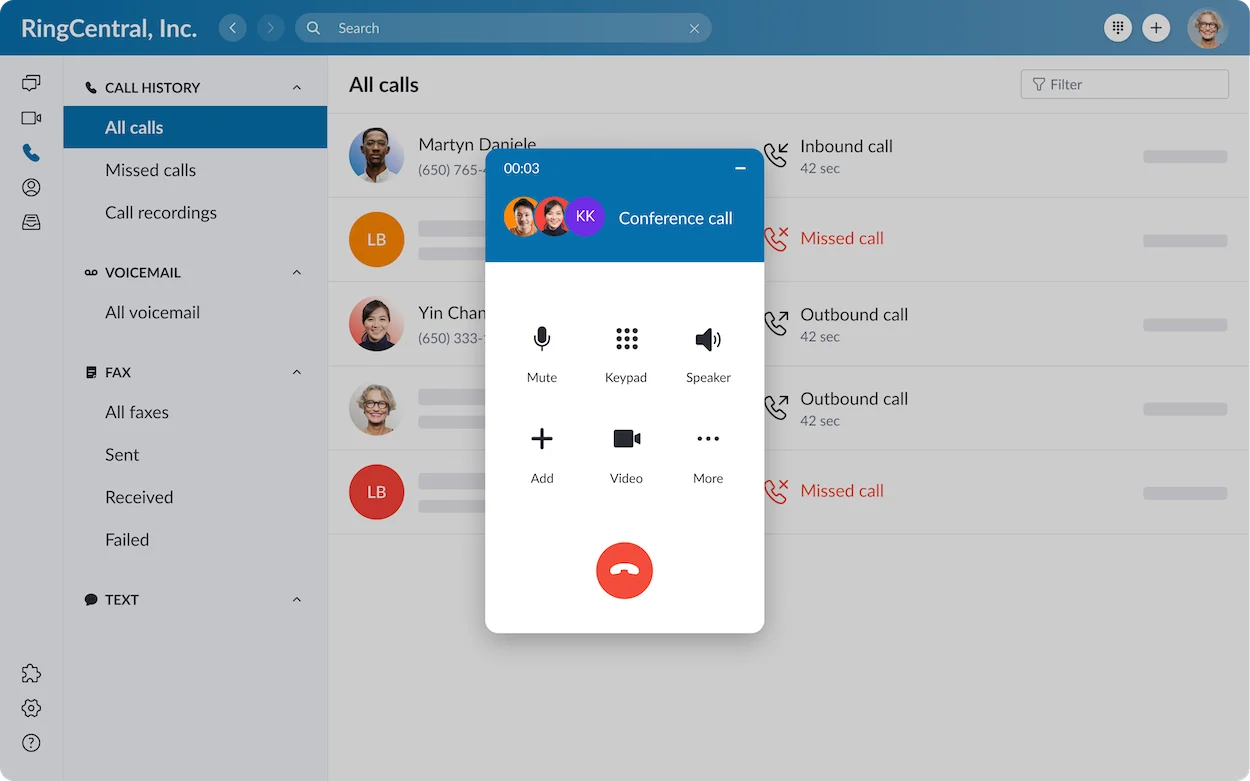
RingEX: Request A Healthcare Quote
Start 14-Day Free TrialThe advertised RingEX trial is 14 days for eligible users. Healthcare BAA support is documented for paying customers; confirm the applicable arrangement before patient use.
Nextiva — Best For Voice-First Medical And Dental Offices
Nextiva is worth comparing for a medical or dental office whose priorities are incoming calls, department routing and reliable staff handoffs. Rather than beginning with every available digital channel, define the patient-contact tasks the practice needs and request the healthcare configuration that supports them.
BAA Eligibility And Coverage
Nextiva’s published HIPAA guide describes a BAA and changes to visual voicemail, voicemail listening in the app, voicemail delivery to email/text and fax-by-email. Its feature comparison also limits SMS and other standard functions. Ask for a current matrix for the exact Nextiva product being quoted.
- Pro: A practical shortlist for practices willing to work within an approved voice/fax workflow.
- Con: Conveniences demonstrated on a standard account may be unavailable in the healthcare configuration.
What To Test Before Choosing
Have staff retrieve a fictional voicemail using the approved method, assign the callback and confirm that no transcript or attachment appears in an unapproved inbox. Include the person who handles incoming faxes in the demonstration.
Core Reference: $15/User/Month Annually; Healthcare Configuration: Confirm Quote
Start 14-Day Free TrialSome Nextiva customer-communications packages offer a 14-day trial. Confirm eligibility and healthcare configuration; a generic trial is not the final covered-service proposal.
Zoom Phone — Best For Practices Already Using Zoom
Zoom Phone is a relevant option when a healthcare team already operates in Zoom and wants phone administration alongside its existing collaboration environment. Familiarity may ease staff adoption, but the purchase still needs a Phone license and an approved account configuration. A Meetings subscription should not be mistaken for the complete telephony service.
BAA Eligibility And Coverage
Zoom’s current support guidance allows BAAs on eligible paid accounts and explains agreement management. It says AI features can be available with a BAA, while certain features may remain unavailable. Confirm that your specific Phone and AI functions are in scope.
- Pro: Familiar workspace for teams comparing business telephony with their existing Zoom environment.
- Con: Phone, healthcare account arrangements and optional features need separate licensing and scope checks.
What To Test Before Choosing
Test an appointment queue, a warm handoff and an after-hours route. Inspect the account’s BAA effective date and ask an administrator to show which recording, transcription and AI controls are enabled.
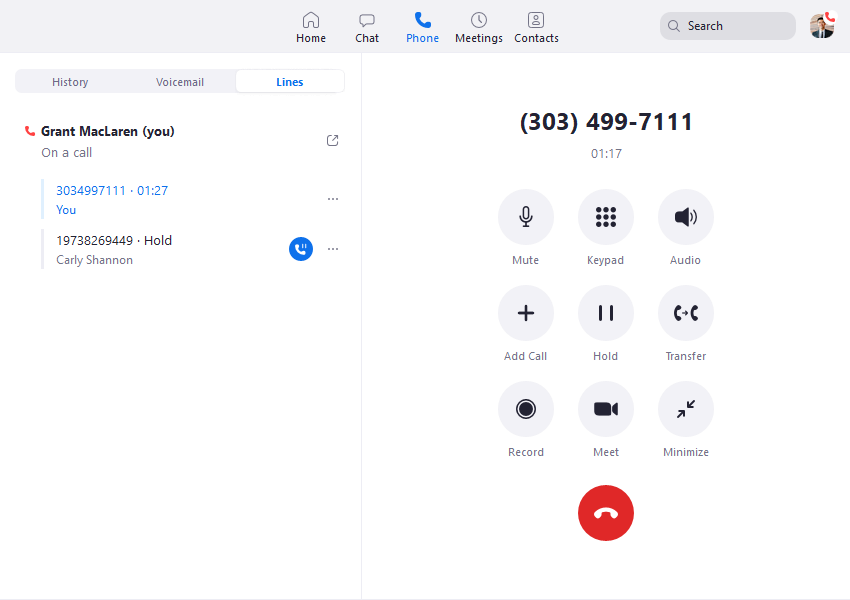
Zoom Phone: Request Current Plan & BAA Pricing
Start Free Trial (1–50 Users)A Zoom Phone trial is advertised; confirm current eligibility and duration. Use fictional calls until healthcare approval is complete.
For 50+ users, request the larger-business Zoom option and include healthcare requirements in the quote.
JustCall — Best For Larger Patient-Contact Teams
JustCall makes sense to evaluate where patient intake or follow-up operates more like a structured customer-contact team. The relevant question is whether routing, assigned callbacks and approved record synchronization reduce manual work without spreading patient details into unsuitable tools. It should not be chosen solely because a lower-priced sales plan has attractive features.
BAA Eligibility And Coverage
JustCall’s healthcare page describes BAA support for eligible healthcare teams. Its pricing page lists HIPAA compliance under the custom-priced Business plan with a 10-license minimum. Request that plan’s signed agreement and confirm channel and integration scope.
- Pro: Useful candidate for organized, higher-volume contact workflows and teams already evaluating CRM-based calling.
- Con: The healthcare buying floor is materially different from the $29 Team headline; small practices may not need ten licenses.
What To Test Before Choosing
Ask for a Business-plan demonstration using dummy contacts. Check the data copied into the proposed CRM, who can export it and how a callback is reassigned after a staff member leaves.
Business: Custom Quote; 10-License Minimum
Start 14-Day Free TrialJustCall advertises a 14-day product trial. Confirm whether the proposed healthcare arrangement is available during your pilot; the normal SalesPro trial is not proof of Business-plan BAA eligibility.
Dialpad — Best For Accessible BAA Signing And Approved AI Workflows
Dialpad deserves attention from smaller practices comparing a paid phone plan with a clearly documented BAA process. Connect is a business communications product; Support and Sell are different products with different operational purposes and pricing. Choose the service around the staff’s work rather than assuming the entire portfolio is included.
BAA Eligibility And Coverage
Dialpad documents online BAA signing by company administrators on all paid accounts. Its healthcare guidance describes configurable retention, encryption and other safeguards. A separate AI-training support page states that conversation data from companies with a BAA is not used to train its AI.
- Pro: An accessible contractual starting point, with retention and AI controls to examine during procurement.
- Con: Transcripts and summaries create additional patient records to govern; integrations and advanced administration can still require a different tier.
What To Test Before Choosing
After agreement approval, test an allowed AI workflow with invented information. Ask someone to correct an inaccurate summary, restrict access and explain the retention policy. Compare the same task with AI switched off.
Connect Standard: $15/User/Month Annually Or $27 Monthly
Start 14-Day Free TrialConnect’s published 14-day trial supports a usability pilot. Online BAA signing is documented for paid accounts, so do not assume the trial account has that status.
Quo — Best For A Small Shared-Phone Practice With Clear Channel Limits
Quo, formerly OpenPhone, is worth comparing when a small practice needs colleagues to share responsibility for incoming calls and follow-up. Business adds call-handling functions beyond Starter, making it the relevant entry point here. The service should be assessed with the practice’s messaging policy in view, because a shared inbox can contain channels with different contractual treatment.
BAA Eligibility And Coverage
Quo’s official HIPAA documentation makes its BAA available on Business and Scale. It explicitly excludes SMS/MMS and third-party integrations from covered services. It also sets out conditions for AI use. Those limits should be reviewed before enabling patient texting or connecting another platform.
- Pro: A focused option for a small team that wants shared calling and can manage the documented channel boundaries.
- Con: A BAA does not turn its ordinary SMS or connected CRM into a covered service; Starter is not the qualifying tier.
What To Test Before Choosing
Demonstrate a call handoff, missed-call assignment and staff removal. Disable unapproved exports and integrations. If patient texting is proposed, require a separate approved workflow rather than relying on the inbox’s overall HIPAA-ready label.
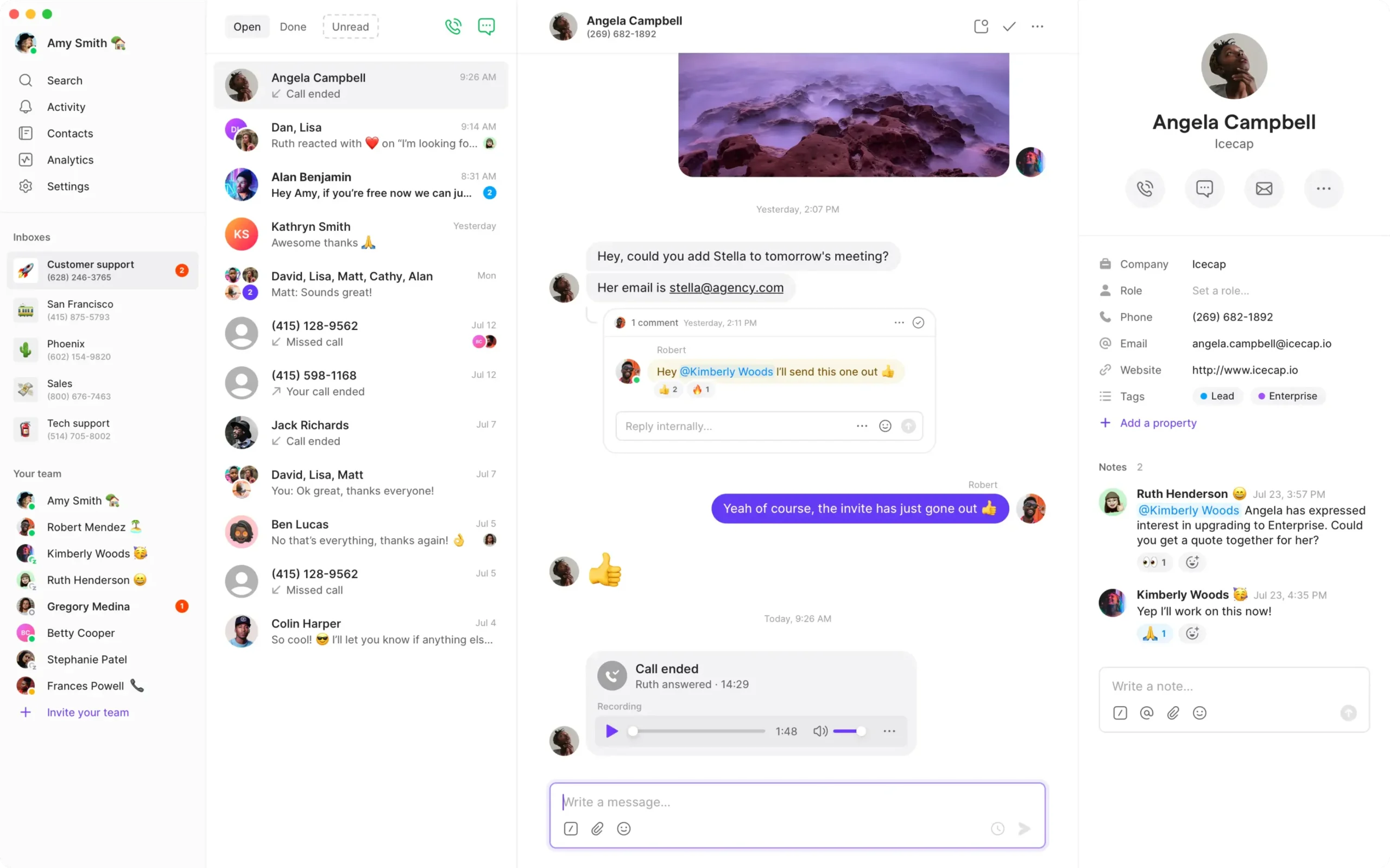
Business: $23/User/Month Annually Or $33 Monthly
Start 7-Day Free TrialQuo advertises a seven-day trial. Confirm the Business/Scale BAA arrangement before entering patient information.
Best HIPAA-Ready Phone Services By Practice Type
Small practices should compare the BAA-eligible entry plan and daily call handling. Larger organizations should also evaluate multi-site administration, approved integrations and incident support. Start with three relevant candidates, then eliminate any whose covered services cannot support the intended patient workflow.
Small Medical And Dental Offices
For a front desk with a few staff, simple retrieval and a clear callback owner may matter more than advanced sales analytics.
- Nextiva: Compare a healthcare-configured voice and fax workflow.
- Dialpad: Evaluate the paid-account BAA process and the required Connect tier.
- Quo: Compare Business or Scale for shared calling, with SMS exclusions understood.
Therapists And Behavioral Health Practices
Privacy at the staff workspace and the handling of voicemail need particular attention. Do not treat appointment information as harmless simply because a message omits a diagnosis.
- Dialpad: Compare retention and permitted recording/transcription controls.
- Zoom Phone: Evaluate Phone alongside the practice’s separately approved Zoom workflows.
- Nextiva: Assess a voice-first configuration and its documented voicemail restrictions.
Multi-Location Clinics And Larger Healthcare Groups
Administrative ownership becomes more important as locations, departments and staff turnover increase.
- RingCentral: Shortlist for broad department and location administration.
- Zoom Phone: Compare with an existing Zoom deployment and healthcare agreement.
- Nextiva: Request the exact healthcare product and location configuration.
Patient Intake And Healthcare Contact Teams
A contact operation needs defined ownership of unanswered calls, permissions and approved records flowing into other systems.
- JustCall: Business is relevant for teams meeting the published ten-license minimum.
- RingCentral: Compare the appropriate RingEX or separately scoped contact-center product.
- Dialpad: Distinguish Connect from a Support proposal and compare both licensing and scope.
Practices Comparing Lower Subscription Costs
The cheapest general phone plan may not be the cheapest qualifying healthcare plan.
Three Buying Priorities For Healthcare VoIP
1. Contractual Coverage You Can Match To The Workflow
Ask the vendor to name the exact legal entity, product, plan and services covered by the BAA. Have the proposed order identify any optional receptionist, dialer, analytics or transcription product. A written scope answer is more useful than a salesperson saying that the company is compliant.
During procurement, keep a simple list of intended channels and destinations. A clinical team should be able to understand which routes are approved without reading an entire sales brochure. Recheck that list when someone adds an integration or changes a plan.
2. Staff Access And Record Controls
Demonstrate individual logins, appropriate authentication, limited administrator access and staff removal. Have the vendor show what staff can view, download, forward or export. Ask whether the access history and retention options your practice needs are actually available in the quoted tier.
Front-desk turnover is a useful test. Remove a fictional employee, reassign the number and inspect their devices and integration credentials. A route still pointing to a former employee is an operational failure even if the underlying platform has strong security documentation.
3. Continuity And Patient Call Handling
A practice needs a reliable way to receive calls when a receptionist is busy or the main connection fails. Compare queue behavior, opening hours, an after-hours destination and support escalation. Test the alternative route before depending on it; it may create new records or use a different service.
For mobility, use supported apps and an approved device policy. Headsets, privacy screens where needed and a quiet workspace can be more useful than buying additional software. Do not promise a service is outage-proof because it advertises redundant infrastructure.
Calls, SMS, Voicemail, AI And Integrations Need Separate Checks
A healthcare phone account can contain both covered and excluded services. Review voice, stored records, ordinary SMS, AI processing, email notifications and third-party integrations individually. The signed BAA and approved configuration determine the relevant boundaries; an overall HIPAA-ready label is not enough.
| Workflow | Question For The Vendor | Practical Decision |
|---|---|---|
| Live Calls | What phone product is covered, and which destinations are supported? | Approve the product and the call path you will use. |
| Voicemail | Where is audio stored, who can retrieve it and can it be forwarded? | Assign ownership and restrict delivery destinations. |
| Recording / Transcription | Is this exact function covered and what retention is configurable? | Enable only when there is an approved purpose and access policy. |
| SMS / MMS | Is the messaging service covered or explicitly excluded? | Do not use a BAA for voice as a blanket approval for texting. |
| AI Receptionist / Summaries | Which provider and model process the content, under which terms? | Review the named feature before it receives patient information. |
| Email Notifications | Does the message contain PHI, an attachment or only a portal notice? | Review both delivery and the receiving mailbox. |
| CRM / EHR / Automation | What data leaves the phone platform and which entity receives it? | Assess each destination and any required agreement separately. |
| Exports / Webhooks | Who can enable the function and where do the records go? | Restrict destinations and document approval. |
Ordinary SMS Is Different From A Secure Patient Portal
A message can be useful without being an appropriate place for detailed patient information. Decide what staff may send, how patient communication preferences are recorded and what happens if a message reaches the wrong person. HIPAA approval, carrier registration and marketing consent address different requirements; completing one does not complete the others.
Quo’s exclusion of SMS/MMS is especially important to this comparison. For the other providers, request a current channel-specific answer rather than assuming ordinary texting has the same protections as stored voice records. Avoid attaching diagnostic details to a reminder simply because a texting button is available.
Recording And AI Create Records That Need Owners
Treat a summary as a draft, especially when it contains names, medication terms or follow-up instructions. Require staff review before relying on it operationally. Choose who can correct it, who can read it and where the corrected version belongs. A generated note should not silently become the clinical record.
Have the privacy lead approve applicable notices, permissions and use conditions for recordings and AI. Requirements depend on the function, jurisdiction and patient workflow. Do not assume one universal consent rule applies to every call, and do not enable all recording merely because storage is available.
An EHR Integration Needs More Than A Logo
Ask exactly which fields are read, written or displayed, whether external implementation work is needed and how access is authenticated. Use dummy records to test wrong-patient matching and permission boundaries. A supported connector does not establish that every destination or downstream automation is covered.
Read our VoIP vs UCaaS comparison if you also need meetings and team messaging. A broader platform may simplify administration, but every additional channel still needs its own approval.
How Much Does A HIPAA-Ready Phone Service Cost?
The cost depends on the BAA-eligible plan, required users, calling usage, numbers and optional services. In this shortlist, Dialpad’s paid Connect Standard reference is $15/user/month annually; Quo’s qualifying Business reference is $23. JustCall Business is custom-priced with a ten-license minimum. Request a configured healthcare quote before comparing totals.
For illustration, five Dialpad Standard seats at the published annual rate equal $75 per month in subscription equivalents, or $900 per year. Five Quo Business seats at $23 equal $115 per month, or $1,380 per year. These are subscription calculations, not guarantees that either entry configuration meets your practice’s requirements.
If the practice buys five $40 headsets, add an assumed $200 one-time equipment budget. Extra numbers, international usage, approved messaging arrangements, storage, integrations and taxes are additional where applicable. Ask whether the BAA, onboarding or necessary administration changes the final quote; do not invent a universal HIPAA surcharge.
- Compare annual commitment, monthly payment and renewal terms separately.
- Price the required paid users, including shared-desk or device licensing where applicable.
- Check whether an auto-attendant, queue, recording or audit capability requires an upgrade.
- Include any approved fax, contact-center or AI product as a named line item.
- Allow for old-carrier overlap during porting and staff rollout time.
A smaller clinic should challenge a ten-license quote if it has only three staff members needing access. A larger team should challenge a very cheap per-user proposal if it omits the controls or service scope it needs. The useful comparison is the complete approved workflow at the intended team size.
How To Set Up VoIP For A Healthcare Practice
- Map the work: List appointment calls, billing calls, clinical callbacks, voicemail, messaging and after-hours handling.
- Identify patient-data destinations: Include notifications, recordings, transcripts, integrations and exports.
- Select the eligible service: Confirm the plan, licensed users and any separate products.
- Execute and retain the BAA where required: Check the effective date and keep the current covered-service scope with procurement records.
- Approve the configuration: Have the designated privacy/security owners review the workflow and risk controls.
- Create individual staff accounts: Apply suitable authentication and permissions, with a controlled administrator account.
- Configure routes and schedules: Keep the patient menu short and provide a usable unanswered-call destination.
- Enable only approved record functions: Decide voicemail delivery, recording, AI, retention and external connections.
- Pilot using invented information: Test everyday calls, exports, permissions, outages and staff removal.
- Port and review: Keep the existing number active until transfer completes, verify outside calls and review the first week.
A Simple Medical Office Call Flow
Start with one main number and a short menu for appointments, billing and an appropriate clinical callback route. Define who receives unanswered calls during business hours and who reviews after-hours messages. Do not promise emergency monitoring unless the practice has an actual staffed process for it.
Test the recorded greeting from a patient’s perspective. It should explain the available route clearly and avoid inviting unnecessary clinical detail. Include an accurate statement about response times and the practice’s emergency instructions. Have the practice approve the wording before publication.
Run A Fictional Patient-Call Pilot
| Test | Dummy Scenario | Pass Condition |
|---|---|---|
| Role Access | A receptionist and an administrator open the same call record | Each sees only the functions and records appropriate to the role. |
| Voicemail | A fictional patient leaves a callback message | The approved mailbox receives it and ownership is clear. |
| Notification | The message generates an email or phone notification | Content reaches only the intended approved destination. |
| Transfer | A call moves from reception to another department | The handoff works without unnecessary disclosure. |
| AI / Recording | Use an approved function with deliberately ambiguous dummy details | Staff can identify errors and follow the review process. |
| Integration | Send a fictional record into the approved external system | Only the intended data and contact are updated. |
| Outage | Disconnect the usual connection in a controlled test | The agreed alternate route works and staff know what changes. |
| Staff Departure | Remove a fictional employee and their device | Calling, records and connected access are revoked as intended. |
Keep evidence of the chosen settings, responsible owners and test results. Revisit the configuration after a plan change, integration addition or major staffing change. Trial performance on an open standard account does not prove that a more restricted healthcare account behaves identically.
Why Other Business VoIP Providers Are Not In This Shortlist
KrispCall, CallHippo, Ringover, Calilio, Grasshopper and Talkroute appear in our broader business-phone comparisons. They are not presented here as verified HIPAA-ready recommendations because this research did not establish the necessary current, plan-specific BAA and coverage details for each of them. That is an evidence limit, not a finding that none can offer an eligible arrangement.
If you already use another provider, request its executed BAA process, covered-service schedule, eligible plan and required settings. A healthcare use case on a website or a general security page is not enough to resolve those questions. Retain written answers before the practice approves patient workflows.
KrispCall and Krisp are different companies and products. Evidence that one offers a BAA should not be transferred to the other. The same caution applies when a vendor’s underlying carrier offers an agreement: that does not establish the agreement between your practice and the app you purchased.
Which HIPAA-Ready VoIP Should You Choose?
Choose the shortlist by workflow. Start with RingCentral for a broader managed healthcare communications environment, Nextiva for a voice-first practice and Zoom Phone for an existing Zoom workplace. Compare Dialpad for accessible paid-account BAA signing, Quo Business/Scale for small shared-phone teams with explicit channel boundaries, and JustCall Business for larger contact operations.
Make the final selection only after comparing the approved service scope, actual staff tasks and full quote. A cheaper account that loses a required function can cost more in manual work. A feature-rich account can create unnecessary exposure if no one controls the records it produces.
HIPAA-Compliant VoIP FAQs
What Is The Best HIPAA-Compliant VoIP For A Small Practice?
Dialpad, Nextiva and Quo are relevant small-practice candidates for different reasons. Dialpad documents BAA signing on paid accounts; Nextiva offers a healthcare configuration with feature restrictions; Quo requires Business or Scale and excludes SMS/MMS and third-party integrations from its BAA. Compare the actual workflow before selecting.
Does A Signed BAA Make Every Feature Compliant?
No. The agreement has a service scope, and the organization still needs appropriate procedures and settings. An excluded messaging channel or outside integration is not brought into scope merely because voice is covered.
Is RingCentral HIPAA-Compliant?
RingCentral publishes BAA support for paying covered-entity customers and names RingEX in its HIPAA documentation. Obtain the current agreement and confirm the exact services, configuration and optional products before using it for patient information.
Is Nextiva HIPAA-Compliant?
Nextiva publishes HIPAA support and BAA availability for covered services. Its guidance documents restrictions that differ from a standard account. Request the current feature matrix for the actual phone, fax, messaging and AI products in your proposal.
Is Zoom Phone HIPAA-Ready?
Zoom publishes BAA support on eligible paid accounts and includes Phone in healthcare materials. Confirm Phone licensing, the agreement and any AI feature availability. A free Meetings account is not a substitute for this arrangement.
Is Quo, Formerly OpenPhone, HIPAA-Ready?
Quo documents BAA availability on Business and Scale. Its support guidance expressly excludes SMS/MMS and third-party integrations from covered services. Review those limits and its AI-use conditions before approving a patient workflow.
Can A Medical Office Use VoIP On Mobile Phones?
Supported mobile apps can be part of an approved deployment. Decide device access, screen locks, workspace privacy, notifications and the handling of a lost phone. Availability on a smartphone does not establish permission to send records to personal apps.
Can I Keep My Existing Practice Number?
Number porting is commonly supported, but verify your number type and location with the chosen provider. Keep the old service active until transfer completes and external calls pass. Arrange any fax or messaging changes separately.
Can I Use A Free Trial With Patient Information?
Use fictional information for the initial trial. Patient use requires the applicable agreement, eligible service and approved safeguards. Several providers document their BAA for paid or specific-tier accounts, so do not assume a public trial includes it.
Is A Traditional Landline Automatically More Compliant?
No. Assess the workflow and any stored records rather than relying on the phone technology alone. HHS distinguishes a transmission-only conduit from a service that also stores or processes PHI. Voicemail, recording and connected applications need their own review.
Do I Need To Record Every Patient Call?
No. Decide whether recording has an approved purpose and how records will be protected and retained. Applicable notice and permission requirements should be reviewed for the practice’s calls. More recordings are not automatically better.
Is HIPAA Certification Enough To Choose A Provider?
No. HHS does not certify specific products as HIPAA-compliant. Independent security evidence can support evaluation, but it does not replace an applicable BAA, covered-service review or the organization’s own safeguards.
Customer Feedback: Administration And Daily Calling
Customer reviews can help identify usability questions, but they cannot verify a clinic’s compliance. The following are paraphrased individual G2 experiences from general business use, not testimonials about a healthcare deployment.
RingEX: Keep The Menu Usable
Oliver B., October 2, 2026, rated RingEX 3.5/5 on G2. He reported fewer misrouted calls after organizing department menus, but said an overly deep menu confused callers and needed simplification. For a practice, this supports testing the patient’s path to a person rather than adding options for every possible enquiry.
Dialpad Connect: Check The Actual Mobile Workflow
Vic B., September 24, 2026, rated Dialpad Connect 4/5 on G2. He described intuitive navigation and useful administration, but preferred a different mobile-calling experience. A healthcare buyer should involve the staff who will use the app during daily work, rather than treating an administrator’s demonstration as sufficient.
Research Basis: HHS guidance on the Security Rule, cloud services and audio-only telehealth; provider BAA, healthcare, support and pricing documentation; and the attributed G2 reviews. The expert ratings assess buying fit. No independent hands-on testing, compliance certification or practice-specific legal determination is claimed.
Affiliate Disclosure: VoIPCalling.com may earn a commission when you sign up through links in this article. Recommendations consider published capabilities, limitations and suitability. Confirm current pricing, BAA scope and the required configuration with the provider.