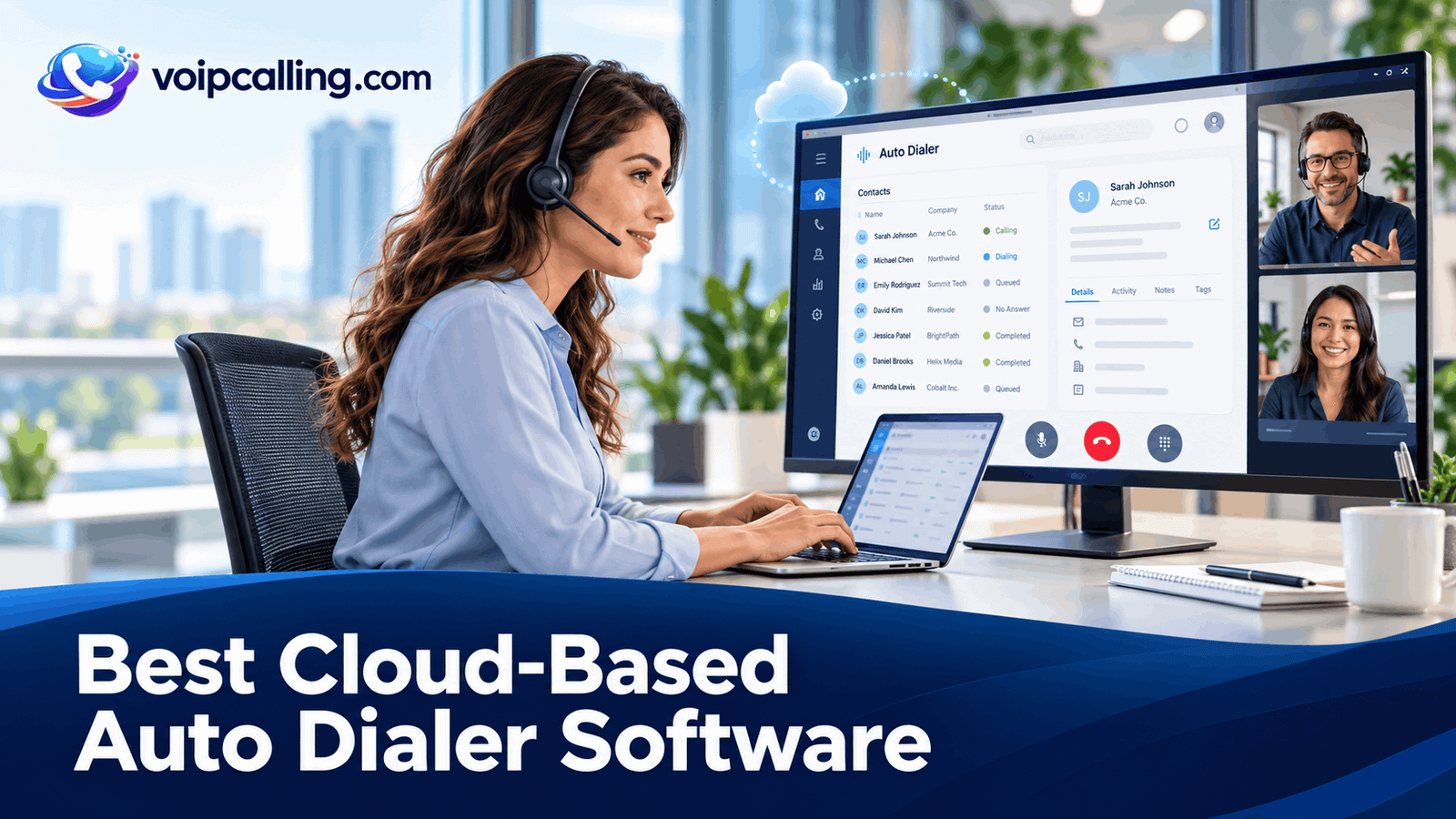
The best cloud-based auto dialer software helps teams run outbound calling without operating their own dialer server. KrispCall leads this shortlist for growing teams evaluating power dialing and shared calling; Calilio follows for its lower published power-dialer seat rate; and RingCentral RingCX is a candidate for broader contact-center requirements.
This 2026 comparison covers six providers in order: KrispCall, Calilio, RingCentral RingCX, JustCall, CallHippo, and Ringover. It explains cloud deployment, remote access, CRM integration, dialing modes, setup, costs, and the checks to make before choosing a hosted auto dialer. Best-fit labels reflect our buying assessment, not a standardized performance test.
Best Cloud Auto Dialers: Quick Comparison
Prices are USD. Annual rates below are monthly equivalents; usage, numbers, taxes, and optional services can increase the total. G2 ratings describe the named products overall, rather than a separately rated cloud-dialer feature.
 Customer Ratings From G2
| Provider | Cloud Team Fit | Dialing Options | Pricing & Trial |
|---|---|---|---|
| Best For Growing Teams Needing Cloud Power Dialing | Sequential power dialer | $32/user/monthAdvance · Billed annually$40/user with monthly billingDemo; no free trial currently advertisedCheck KrispCall Plans | |
| Best For A Lower Published Cloud Power-Dialer Seat Price | Power dialer with dispositions and live monitoring | $28/user/monthPremium · Billed annually$35/user with monthly billingConfirm evaluation accessCheck Calilio Premium | |
| Best For Cloud Contact-Center Outbound Operations | Manual, preview, progressive, and predictive; voice-broadcast option | Request a RingCX quoteOutbound deploymentRingCX-specific demo; separate from RingEXReview RingCX Options | |
| Best For CRM-Connected Cloud Sales Campaigns | Power; dynamic and predictive on the relevant SalesPro package | $49/user/monthPro · Billed annually · Minimum 2 licenses$69/user with monthly billing14-day trial; confirm enabled dialing modesStart 14-Day Free Trial | |
| Best For Comparing Cloud Dialing Workflows | Power, parallel, and documented Speed to Dial workflow | Request a dialer quoteConfirm region, currency and team sizeConfirm current trial accessCheck CallHippo Plans | |
| Best For Cloud Power Dialing And Coaching | Power dialer; confirm shared-campaign permissions and plan | $49/user/monthBusiness · 12-month commitmentMinimum 3 users7-day trial, with limitsStart 7-Day Free Trial |






RingCentral product distinction: this article evaluates RingCX for auto dialing. RingEX business-phone pricing and a RingEX trial do not establish access to RingCX outbound campaigns.
What Is Cloud-Based Auto Dialer Software?
A cloud auto dialer is an automated dialing system whose core software is hosted by a service provider. Agents use supported internet-connected interfaces to work calling lists, handle conversations, record outcomes, and complete follow-up. The provider operates the hosted service; your team still configures users, campaigns, numbers, permissions, and integrations.
“Cloud,” “hosted,” and “online” describe delivery rather than a particular dialing mode. A cloud product may offer power, progressive, preview, parallel, or predictive dialing. Those terms describe how calls are initiated and paced, with definitions that vary by vendor.
A VoIP auto dialer uses internet-based calling, while the service may connect to ordinary telephone networks for the recipient. For the broader terminology, see what an auto dialer is and how the main modes work.
How We Evaluated These Cloud Dialers
We reviewed vendor pricing, campaign documentation, integration materials, and selected customer feedback. The comparison prioritizes dialing behavior, shared work, administration, CRM updates, setup requirements, and total cost. We have not performed a standardized hands-on benchmark across all six products.
A hosted service can reduce local server administration, but that does not establish identical reliability, security, or support across products. Confirm the proposed subscription and demonstrate the actual workflow before committing.
1. KrispCall: Best For Growing Teams Needing Cloud Power Dialing
KrispCall is our first pick to evaluate for a growing team that wants sequential power dialing within a cloud business phone platform. Its shared callbox brings communication context together, while Advance includes Power Dialer, recording, and transfers. The buying question is whether that combination supports your actual campaign and CRM workflow.
Useful Cloud Dialer Features
- Sequential power dialing on Advance.
- Shared callbox for team communication context.
- Business calling and plan-dependent CRM connections in one platform.
Best Fit: A small or growing sales team that needs prepared-list calling alongside shared everyday communication.
Buying Considerations: Advance costs $32 per user monthly with annual billing or $40 monthly and is positioned for up to 50 users. Verify calling-bundle eligibility, additional usage, and the exact connector you require. The pricing page states that no free trial is currently offered; a refund policy is a different arrangement.
Cloud Demo Test: Use two agents in different locations. Have one complete a test call and another receive its callback. Inspect the shared history, owner, next action, CRM entry, and exclusions after a reimport.
Read our KrispCall review for more product context.
2. Calilio: Best For A Lower Published Cloud Power-Dialer Seat Price
Calilio ranks second in this shortlist as a lower-subscription-cost option for cloud-based sequential dialing. Premium combines a power dialer, dispositions, and live monitoring. Evaluate the full calling allowance and integration path rather than comparing the subscription alone.
Useful Cloud Dialer Features
- Power dialing for prepared contact lists.
- Dispositions to record useful outcomes.
- Live monitoring to assess for remote supervision.
Best Fit: A smaller team seeking a lower published seat rate for power dialing and supervisor access, subject to usage and workflow checks.
Buying Considerations: Premium costs $28 per user monthly with annual billing or $35 monthly. Usage and selected number, recording, storage, and AI requirements need separate review. Confirm the exact CRM handoff and automation rather than assuming the phone platform includes every feature of a sales-engagement system. Confirm the destinations and limits of included minutes; a bundle is not universal unlimited calling.
Cloud Demo Test: Run a test list from the agents’ actual work locations. Record interested, callback requested, no answer, and do not call outcomes. Check where the next task appears and how monitoring access is controlled.
Read our Calilio review for more product context.
3. RingCentral RingCX: Best For Cloud Contact-Center Outbound Operations
RingCentral ranks third here through RingCX, its contact-center product with documented outbound dialing modes. RingCX offers manual, preview, progressive, and predictive dialing, along with campaign list management and scripts. It is a candidate when requirements extend beyond a simple individual dialer.
Useful Cloud Dialer Features
- Preview, progressive, and predictive outbound modes.
- Campaign lists and scripts for structured agent workflows.
- Contact-center administration to evaluate for a larger distributed operation.
Best Fit: A larger sales or contact-center team with managers responsible for campaigns, staffing, routing, and agent administration.
Buying Considerations: Request a RingCX-specific outbound quote. RingEX business-phone pricing and a RingEX trial do not establish RingCX dialer entitlements. Include implementation, supervision, destinations, integrations, and staffing assumptions in the proposal.
Cloud Demo Test: Demonstrate an outbound campaign while remote agents receive callbacks and change availability. Inspect pacing, live-answer allocation, record updates, and the manager view. Require a RingCX-specific proposal.
Read our RingCentral RingCX review for more product context.
4. JustCall: Best For CRM-Connected Cloud Sales Campaigns
JustCall is worth evaluating when CRM-connected outbound campaigns are the main requirement. Its Sales Dialer documentation distinguishes individual power campaigns from shared dynamic and predictive campaigns. Confirm the mode and permissions in the proposed package before comparing prices.
Useful Cloud Dialer Features
- Power campaigns for an individual representative’s list.
- Shared dynamic and predictive campaigns on the appropriate package.
- Documented sales-dialer integrations and follow-up workflows.
Best Fit: A sales team with at least two licenses that wants cloud calling tied to CRM records and campaign activity.
Buying Considerations: Power Dialer campaigns are assigned to one agent; dynamic and predictive campaigns can be shared. Pro power dialing costs $49 per user monthly with annual billing and at least two licenses. SalesPro requires a quote for advanced campaign requirements. Do not budget a shared predictive workflow using Pro alone.
Cloud Demo Test: Complete a test call from an existing CRM record, request a callback, then change the assigned agent. Check contact matching, activity, task ownership, and the exact shared-campaign rights being demonstrated.
Read our JustCall review for more product context.
5. CallHippo: Best For Comparing Cloud Dialing Workflows
CallHippo is a candidate when the team wants to compare sequential calling, parallel attempts, and CRM-triggered response. Its help center distinguishes power, parallel, and Speed to Dial workflows. Evaluate each against a specific operational need rather than treating every mode as interchangeable.
Useful Cloud Dialer Features
- Power dialing for sequential list calling.
- Parallel dialing to evaluate multiple-attempt behavior.
- CRM-event-based calling in the documented Speed to Dial workflow.
Best Fit: A team comparing outbound prospecting with staffed lead-response automation using a supported CRM.
Buying Considerations: Request a dialer-enabled quote for your region, team size, and required modes. Ask for an itemized quote separating dialer access, usage, and additional licenses. Speed to Dial depends on configuration, CRM support, agent availability, and campaign state; it should not be treated as an unconditional instant-response guarantee.
Cloud Demo Test: Test a prepared campaign and a separate CRM-triggered inquiry. Change agent availability, inspect simultaneous answers, and check retry and campaign-resumption behavior. Confirm that the selected package includes both workflows.
6. Ringover: Best For Cloud Power Dialing And Coaching
Ringover is worth comparing for a team that wants power dialing alongside remote supervision. Business lists Power Dialer, analytics, monitoring, and whispering. Its campaign guide also describes scripts, shared lists, and assignments, with a license requirement that needs clarification against current packages.
Useful Cloud Dialer Features
- Power dialing within a cloud business phone platform.
- Manager monitoring and coaching on the relevant plan.
- Shared campaign workflows to demonstrate on the quoted subscription.
Best Fit: A team of at least three users that wants scheduled prospecting and manager-led coaching across work locations.
Buying Considerations: Business displays $49 per user monthly with a 12-month commitment and at least three users. The campaign guide names an Advanced license for shared campaigns, so ask how that requirement maps to the current packages. Confirm campaign and import limits, add-ons, and trial access in the written offer. The pricing page also lists an additional $0.08 per minute for calls made via call automation systems. Ask whether that provision applies to your specific dialer workflow.
Cloud Demo Test: Have two agents work the same test list while a manager supervises. Check record assignment, retries, permissions, and campaign reports. Ask the vendor to identify the license and any automated-calling charges used in the demo.
Read our Ringover review for more product context.
Benefits And Limitations Of A Hosted Auto Dialer
Less Local Infrastructure To Operate
A hosted platform can remove the need to maintain your own dialer server. It can also centralize campaign access and records across locations. Include configuration, number provisioning, training, and CRM work in the rollout; cloud delivery does not make those tasks disappear.
Shared Access For Remote Teams
A cloud-based auto dialer can support work across locations when agents have supported devices, reliable connections, and the required permissions. Demonstrate shared records, callbacks, supervisor access, and campaign assignment with the actual team configuration.
Internet And Provider Dependence
Calling depends on the local environment and the hosted service. A problem with a headset, Wi-Fi, browser permissions, carrier route, or provider can affect the conversation. Agree on troubleshooting ownership and fallback procedures before expanding the team.
Recurring Charges And Integration Limits
Subscription fees can be only part of the cost. Calling usage, additional numbers, storage, AI, integration work, and advanced modes may be separate. A cloud phone platform's CRM connector also may log calls without creating every task or workflow your sales process needs.
Browser, Desktop, And Mobile Access: What To Check
Cloud-hosted does not mean that every campaign feature works in every interface. Ask which functions are supported in the browser, desktop application, mobile app, and embedded CRM dialer. A mobile calling app may handle individual calls without running the same automated campaign as a desktop session.
- Supported environment: Confirm browser versions, operating systems, device requirements, and microphone permissions.
- Campaign controls: Demonstrate starting, pausing, wrapping up, and resuming the required dialing mode.
- Record access: Check notes, dispositions, ownership, and the next task in the interface agents actually use.
- Callbacks: Test notifications, business-number recognition, and routing after the outbound session ends.
- Concurrent work: Check what happens if an agent opens several tabs or signs in on another device.
For remote users, run a small test on their actual networks and headsets. Do not assume that a successful office demonstration proves that every home setup will behave the same way.
Which Cloud Dialing Mode Does Your Team Need?
Power dialing commonly works through a list sequentially. It is useful to evaluate when representatives need control and preparation. Compare KrispCall Advance and Calilio Premium against the same prepared-list workflow.
Progressive dialing generally places the next call as an agent becomes available. Predictive dialing uses availability and campaign information to adjust pacing. RingCX documents these modes; JustCall offers advanced campaign options on the relevant package.
Parallel dialing starts multiple attempts together. Evaluate CallHippo with controlled test numbers and ask what happens when several people answer. A higher attempt count creates questions about allocation and connection delay.
Preview dialing presents a record for review before the call. RingCX documents a preview mode. Ask other vendors how agents prepare and pause rather than assuming that every product offers an equivalent named feature.
Vendor definitions can overlap. Ask the supplier to demonstrate actual behavior, including wrap-up, voicemail detection, simultaneous live answers, and an agent becoming unavailable. Cloud hosting does not determine the correct pacing model.
Cloud Auto Dialer CRM Integration Checks
Test the exact Salesforce, HubSpot, Zoho CRM, Pipedrive, or other connector your team requires. These are examples of CRM systems to evaluate, not a claim that all six providers support every integration. Distinguish native functionality from third-party automation, API development, and file imports.
- Contact matching: Call an existing lead and check duplicates, alternate numbers, and unknown incoming callers.
- Campaign membership: Demonstrate how eligible records enter and leave the calling list.
- Ownership: Confirm who receives callbacks and who owns the next task after a handoff.
- Outcomes: Record interested, callback requested, no answer, wrong number, and do not call separately.
- Failure visibility: Check what happens when integration access expires or the CRM rejects an update.
- Export: Demonstrate retrieval of the data your team needs if it changes providers.
JustCall is worth assessing for CRM-connected campaigns. For Ringover, confirm the shared-campaign license requirement alongside the connector. Evaluate the completed workflow rather than counting integration logos.
Administration, Security, And Remote Supervision
Assign responsibility for adding users, changing roles, managing campaign access, and removing departing staff. Ask the vendor to demonstrate the authentication and access controls available on the quoted plan. Do not assume that enterprise controls are included in every subscription.
For recordings and customer records, confirm storage location where relevant, access, retention, deletion, and export. Review the applicable agreement and required controls for your industry and markets. Cloud delivery alone does not establish compliance with a particular standard.
Managers evaluating call monitoring should test listening, whispering, and access boundaries using actual agent roles. For call recording, define the applicable notices or permissions and retention process before enabling it.
Ask how service incidents are reported, which support channel is available during your working hours, and what service commitments apply to the purchased product. A marketing uptime statement is different from the terms and remedies in your agreement.
How Much Does Cloud Auto Dialer Software Cost?
Published annual-billing rates in this shortlist include KrispCall Advance at $32, Calilio Premium at $28, and JustCall Pro at $49 per user per month. Ringover Business displays $49 with a 12-month commitment. Obtain a RingCX-specific outbound proposal and a dialer-enabled CallHippo quote for a comparable budget.
At those rates, six users have monthly seat equivalents of $192 for KrispCall, $168 for Calilio, and $294 for JustCall Pro or Ringover Business. Those calculations exclude usage, optional features, taxes, and implementation. Annual billing may require payment upfront, and minimum licenses matter for smaller teams.
Ask each supplier to separate subscription, calling routes, numbers, advanced modes, CRM requirements, recording, storage, AI, and setup. Ringover's call-automation surcharge provision needs clarification for the intended workflow. Do not assume ordinary business-phone allowances cover every dialer campaign.
For international calling, compare outbound destinations separately from local-number availability and included usage. Our international calling guide explains those distinctions.
Model Total Cost Before Comparing Seat Rates
Use the same team size, calling destinations, minutes, mode, and CRM requirements for every quote. Include internal setup and agent training when comparing the first year, then calculate ongoing subscription and usage costs separately.
For a hypothetical pilot costing $720 in software and usage, 24 attended meetings produce a cost of $30 per attended meeting. That figure excludes labor, prospect data, advertising, and other acquisition costs. Keep the outcome definition consistent when comparing plans.
How To Set Up A Cloud Auto Dialer
- Choose one workflow: Define prepared-list prospecting, requested callbacks, or another specific campaign before selecting the mode.
- Prepare access: Set up users, roles, supported devices, headsets, and network checks.
- Configure numbers: Complete required verification and test caller identity, return calls, and routing.
- Connect the source: Configure the CRM or import process, map fields, and preserve contact ownership.
- Set campaign rules: Configure timing, retries, wrap-up, exclusions, and dispositions.
- Run controlled tests: Simulate live answers, voicemail, callbacks, integration failures, and agent breaks.
- Pilot a limited eligible segment: Review records, recipient experience, and actual charges before expanding.
Our auto dialer setup guide covers the general process in more detail. Keep an implementation owner responsible for resolving issues rather than assuming that a hosted subscription completes deployment automatically.
Questions To Ask During A Cloud Dialer Demo
- Which browser, desktop, and mobile functions are available on this exact plan?
- Can multiple agents share the campaign, and how are duplicate attempts prevented?
- What happens when two people answer or an agent disconnects?
- Which CRM actions work automatically, and how are failed updates identified?
- What calling usage and add-ons are excluded from the quoted subscription?
- How do exclusions and requested callbacks persist across imports?
- What data can we export, and what happens at cancellation?
Agree on acceptance criteria before a pilot. Track usable conversations per staffed hour, completed callbacks, record completeness, connection delay, and the agreed business outcome. A larger call count alone does not establish a better cloud dialer.
Review contact eligibility, recipient-local timing, exclusion lists, messaging, and recording requirements for the actual campaign and markets. Software controls help implement the approved process; they do not create permission to contact a person.
Frequently Asked Questions
What Is The Best Cloud-Based Auto Dialer Software?
KrispCall leads this shortlist for growing teams evaluating power dialing and shared calling. Calilio is worth comparing for a lower published power-dialer seat rate, while RingCentral RingCX is a candidate for broader outbound contact-center needs. The best fit still depends on the required workflow and quote.
Is A Cloud Auto Dialer The Same As A Predictive Dialer?
No. Cloud describes how the software is hosted. Predictive describes a pacing method. A hosted product may support power, preview, progressive, parallel, predictive, or several modes.
Can Remote Teams Use A Cloud Dialer?
Yes, when the platform supports the required interfaces and each user has a suitable device, headset, connection, and permissions. Test campaign access, callbacks, shared records, and supervision from the actual work locations.
Does Cloud-Based Mean Browser-Only?
No. A hosted platform may provide browser, desktop, mobile, or embedded interfaces with different feature coverage. Ask the vendor to demonstrate the exact automated campaign in the interface agents will use.
Does RingCentral Include Auto Dialing?
RingCX documents preview, progressive, predictive, and manual outbound modes. Confirm the proposed RingCX deployment and entitlements. RingEX phone pricing and a RingEX trial do not establish access to those campaigns.
Can A Cloud Dialer Work With Our Existing CRM?
Possibly, if the provider and plan support the required connection. Test matching, outcomes, ownership, next tasks, exclusions, and failed updates. A call log is different from a complete workflow integration.
Is There Free Cloud Auto Dialer Software?
Distinguish a free plan from a trial, demonstration, or refund policy. JustCall advertises a 14-day trial and Ringover a limited seven-day trial; confirm enabled dialing features. KrispCall currently states that it does not offer a free trial. Do not assume an unrestricted production dialer is free.
Customer Reviews: Practical Cloud Buying Checks
These selected G2 examples are paraphrased customer experiences, not controlled comparisons of cloud performance.
KrispCall: Setup And Reporting
A February 4, 2026 review rated 4/5 praised setup, integration options, and value, while mentioning busy-hour lag and limited reporting customization. Demonstrate the manager reports and network conditions relevant to your team.
Calilio: Interface And Number Requirements
A May 12, 2026 review rated 5/5 praised the interface, routing, and analytics. An October 28, 2025 review displayed 0/5 and described a number-capability mismatch and refund dispute. Confirm the required number functions and charges before deployment.
JustCall: CRM Context And Call Quality
A March 12, 2026 review rated 4/5 valued HubSpot integration, recording, SMS, and power dialing, while reporting call-quality and pricing concerns. Test the actual connector, calling routes, and local environment rather than assuming every setup will perform identically.