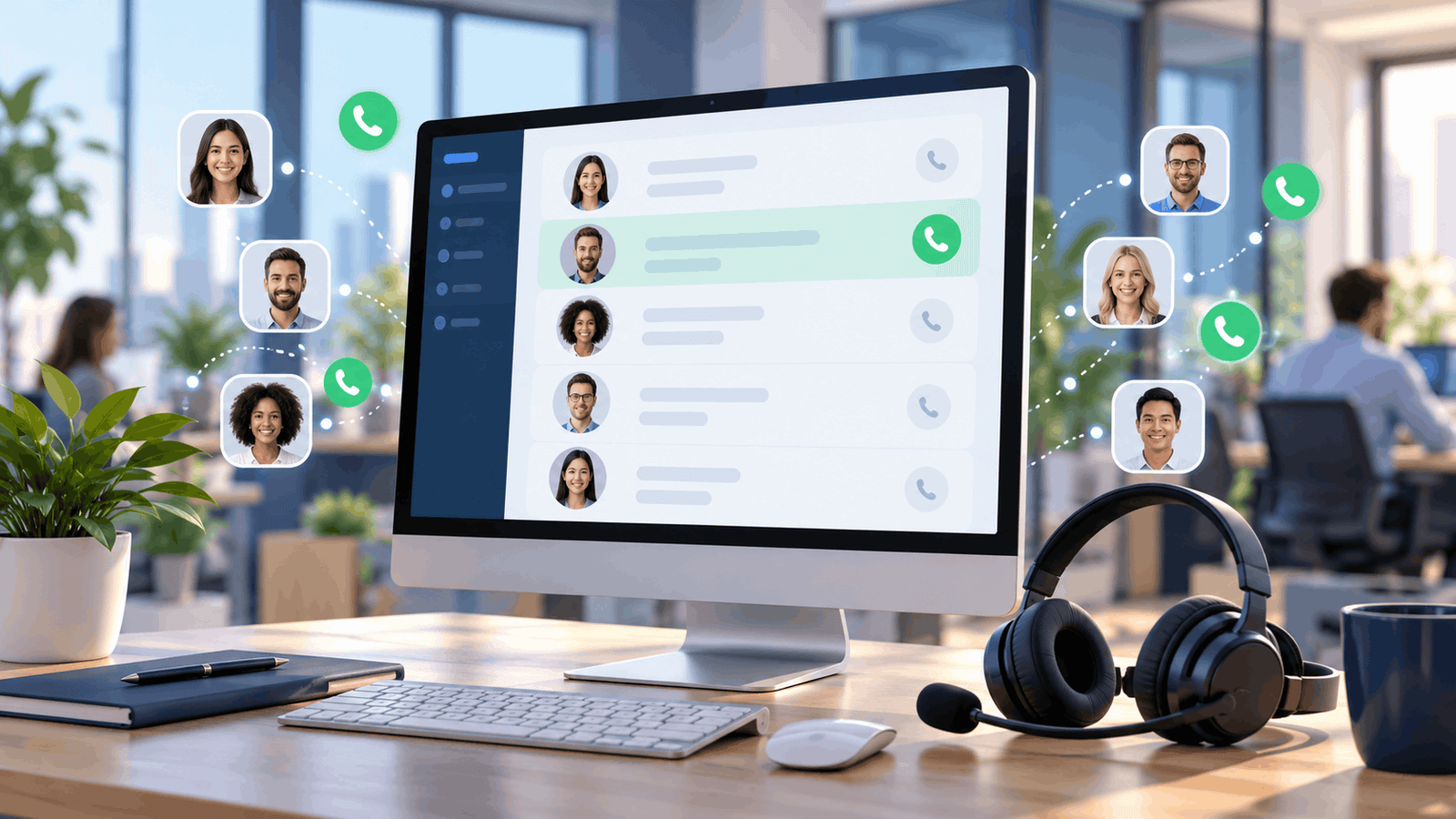
An auto dialer is software or equipment that places outbound phone calls automatically from a contact list. Depending on its dialing mode, it can connect answered calls to an agent or deliver an automated message. Also called an automatic dialer or autodialer, it helps businesses reduce manual dialing and organize outbound calling campaigns.
The right setup depends on what happens after someone answers. A representative calling a handful of important accounts needs preparation time; a larger team working a routine outreach list needs a steady flow of conversations. This guide explains how automatic dialing works, the main dialer types, their benefits and limitations, and what to check before using one.
What Is An Auto Dialer Used For?
An automated dialing system takes over the repetitive task of selecting and dialing telephone numbers. A campaign can also organize records, apply calling schedules, track outcomes, and decide which contacts should be tried again. The available controls depend on the product and plan.
Auto dialing is a function, while VoIP is a way to carry calls over an internet connection. Many cloud dialers use VoIP, but a basic business VoIP subscription does not necessarily include campaign dialing. Our guide to how VoIP works explains the underlying calling technology.
Three terms are worth separating:
- Auto dialer: Starts outbound calls according to a list and campaign rules.
- Auto attendant: Answers incoming calls and directs callers through a menu.
- Robocall: Commonly describes a call delivering an artificial or prerecorded voice message. An auto dialer can instead connect the recipient to a live person.
How Does An Auto Dialer Work?
The auto dialing process follows a simple sequence: load a contact list, check campaign rules, place calls, handle the result, and record what happened. Its dialing mode determines when the next call starts and whether an agent must already be available.
- Load or synchronize contacts. Import a list or connect a CRM. Useful fields include the number, contact owner, time zone, previous outcome, and permission or suppression status.
- Set eligibility and timing. Configure calling windows, excluded contacts, retry limits, and agent assignments. These controls need valid data; software cannot infer every recipient's permission from a phone number.
- Choose the dialing mode. Decide whether agents should review each record, receive one call at a time, or work with predictive pacing.
- Place the call. The platform sends it through its telephone service or a connected carrier. Calling permissions, available capacity, and destination support still apply.
- Handle the answer. Connect the recipient to an agent or use the configured automated flow. Some systems use answering machine detection to distinguish a person from voicemail.
- Record the outcome. Log results such as no answer, wrong number, appointment booked, or do not call. Where supported, synchronize these results to the CRM and schedule appropriate follow-up.
Can It Detect Voicemail?
Some auto dialers offer answering machine detection, often shortened to AMD. It analyzes the beginning of an answered call to estimate whether a human or machine responded. It is not perfectly accurate: a person can be classified as voicemail, and a voicemail greeting can be classified as a person.
Detection can also introduce a pause before a live agent speaks. During a pilot, listen from the recipient's side and check both recognition errors and connection delay. A feature that saves agent time can still create an awkward first impression.
A Practical Example
Imagine a training company following up with people who requested course information. An agent finishes a conversation, records the requested course and preferred callback time, then becomes available. A one-at-a-time dialer starts the next eligible call. If that person asks not to be contacted again, the agent records the request and the suppression process should prevent further campaign calls.
This example depends on a complete workflow: the dialer, the agent's notes, and the contact list must stay synchronized. Faster dialing alone does not fix missing follow-up or poor records.
Main Types Of Auto Dialers
Auto dialer is the umbrella term; predictive, progressive, and power dialing describe ways to pace outbound calls. Preview describes the opportunity to review a record first, parallel describes simultaneous attempts, and agentless describes a workflow without a live agent at the outset. These labels address different aspects of a system and are not always mutually exclusive. Preview dialing is often grouped with automated campaign tools, even when the agent manually initiates each call.
| Mode | How Calls Start | Useful When | Main Trade-Off |
|---|---|---|---|
| Preview | The agent reviews a record before initiating the call. | Account history or preparation matters. | More preparation time; slower list processing. |
| Progressive | The system places one call for each available agent. | You want controlled pacing and an available representative. | Agents can spend time waiting through unanswered attempts. |
| Power | Often calls sequentially, but some providers use this label for ratio-based dialing. | You need a repeatable outbound workflow. | The product's actual behavior must be checked. |
| Predictive | Forecasts agent availability and starts calls ahead of it. | A staffed campaign has enough volume for useful pacing predictions. | Someone may answer before an agent is ready. |
| Parallel | Starts several attempts at once, commonly for one representative. | You are evaluating simultaneous dialing for a low-answer-rate list. | Multiple people can answer at the same time. |
| Agentless | Calls trigger an automated message or interaction without a live agent at the outset. | An authorized notification does not require a conversation. | Message permissions, opt-outs, and escalation need careful design. |
Preview Dialer: Preparation Before Speed
Preview dialing gives an agent time to read customer details before calling. Consider it for account renewals, complex service follow-ups, or conversations where the wrong opening question would waste the customer's time. It reduces the pressure to accept a new conversation immediately.
Progressive Dialer: Calls Matched To Available Agents
A progressive dialer waits for agent availability before starting the next attempt. This makes the pace easier to manage than dialing ahead. Ask how the platform reserves agents and handles agents shared across campaigns; the word “progressive” should not be treated as a guarantee of zero abandoned calls.
Power Dialer: Check The Vendor's Definition
JustCall describes its power dialer as sequential, one-contact-at-a-time dialing. Genesys uses “Power” for a mode that can dial multiple numbers per idle agent. Therefore, comparing products by the label alone can give the wrong impression.
Ask a practical question: “If one agent is ready, how many numbers can this mode dial, and what happens if two people answer?” Also check whether agents can pause to finish notes.
Predictive Dialer: Calls Started Ahead Of Agent Availability
Predictive dialing uses campaign performance to estimate when agents will become free. It can reduce waiting between conversations, but a forecast can be wrong. If a recipient answers without an agent ready, the call may be delayed or abandoned.
This creates an operational trade-off: increasing activity can make the recipient's experience worse. Evaluate pacing with real staffing patterns, including breaks and after-call work, rather than assuming your full headcount is always available.
Parallel And Agentless Dialing
Parallel dialing emphasizes simultaneous attempts. It is not automatically the same as predictive dialing, which emphasizes forecasting availability. Ask how a parallel dialer handles additional live answers and whether those contacts are retried.
Agentless dialing uses an automated flow instead of starting with a representative. A suitable use might be a permitted service notification. Provide a clear next step if the person needs help, and verify the rules that apply to the message and recipients.
Common Auto Dialer Features
Auto dialer software can combine calling with contact management and reporting. When evaluating a system, separate its basic dialing function from optional features and integrations.
- Call scheduling: Organizes campaign windows and callbacks. Check which time zone controls each scheduled attempt.
- Call disposition: A structured label for the outcome, such as no answer, callback requested, or appointment booked. Clear labels help determine the next action.
- CRM integration and call logging: Connects calling activity with contact records. Check whether notes, dispositions, and follow-up tasks synchronize, rather than just the time and duration of a call.
- Call recording: Can support coaching and quality review where available and appropriately configured. Decide who can access recordings and how long they are retained.
- Dialer analytics: Helps compare attempts, conversations, and outcomes. Confirm the definitions behind each metric before comparing teams.
- Do not call list management: Keeps excluded contacts out of campaigns. Test whether an exclusion applies across lists, integrations, and future imports.
Cloud Auto Dialers And VoIP
A cloud auto dialer, also called a hosted auto dialer, runs on infrastructure managed by a service provider. A browser-based auto dialer lets agents access its interface through a web browser, although calling may still require a supported device, headset, or additional software. A VoIP auto dialer uses internet-based telephony to carry calls. These descriptions concern hosting, access, and call transport; they do not identify a separate dialing mode.
For remote sales teams and distributed call centers, test audio quality on the networks agents actually use. Also check sign-in controls, supervisor access, and how the platform behaves when an agent loses connectivity.
Auto Dialer Use Cases For Businesses
The examples below illustrate how a team might organize its work. The appropriate mode depends on the conversation, available staff, and recipient eligibility.
Call Centers And Customer Follow-Up
An auto dialer for call centers can help organize outbound service callbacks and other scheduled contact. When evaluating call center dialer software, ask how outbound work shares agents with incoming calls. A campaign should not keep dialing against staff who are already handling another queue.
Sales Teams And Lead Follow-Up
An auto dialer for sales can help representatives work through eligible inquiries and requested callbacks. A lead follow-up dialer should preserve the reason for the inquiry and any promised callback time. Completing the requested next step matters more than simply increasing attempts.
For example, a real estate team might follow up on viewing requests, insurance agents might organize requested policy discussions, and recruiters might schedule candidate conversations. Preview dialing is worth evaluating when each conversation needs preparation.
Small Businesses And Cold Calling
For a small business, start by measuring how much time manual dialing actually consumes. If calls are occasional or require substantial research, simpler calling tools may be sufficient.
When assessing an auto dialer for cold calling, separate the ability to place a call from permission to contact that recipient. Faster dialing does not establish eligibility, and an existing contact record does not by itself resolve the applicable calling requirements.
Benefits Of Using An Auto Dialer
The main benefit is less repetitive work between calls. Whether that translates into better business results depends on list quality, staffing, and the relevance of the conversation.
- Less manual number entry: Agents can work from a prepared list instead of copying and typing each number.
- More consistent follow-up: A configured campaign can organize eligible callbacks and reduce reliance on individual reminders.
- Clearer campaign records: Consistent outcomes make it easier to distinguish unsuccessful attempts from completed conversations.
- Better use of preparation time: Choosing an appropriate mode lets you balance research, talk time, and after-call work.
- Easier workflow review: Supervisors can investigate where contacts are lost between an attempted call, a conversation, and a completed next step.
An Illustrative Time-Saving Calculation
Suppose manually selecting and entering a number takes 15 seconds per attempt. Across 120 attempts, that is 1,800 seconds, or 30 minutes. Removing that task could recover some of this time, but agents still need to prepare, wait for answers, speak, and write notes.
These are hypothetical inputs, not a measured productivity claim. Measure your own workflow before estimating savings or reducing staffing.
Auto Dialer Disadvantages And Limitations
- Bad data moves faster: Duplicates, wrong numbers, and outdated records can turn automation into repeated unwanted contact.
- Connection quality matters: Delayed audio, failed transfers, and voicemail-detection mistakes can undermine a good conversation.
- High activity can hide weak results: More attempts do not prove that more qualified prospects were reached.
- Agents need recovery time: Aggressive pacing can leave insufficient time for accurate notes and scheduled follow-up.
- Caller reputation affects reach: A dialing tool does not guarantee that carriers or recipients will accept the call.
Auto Dialer Vs Manual Dialing
With manual dialing, the representative selects and initiates each call. An automatic dialer moves eligible contacts through a configured campaign. Manual calling gives the agent control over timing; automation reduces repetitive work but makes accurate lists and campaign settings more important.
For a small, valuable account list, manual or preview calling may be the better choice. If research and conversation quality are the bottlenecks, increasing dialing speed offers limited value.
Are Auto Dialers Legal?
Auto dialers are not universally prohibited, but lawful use depends on the jurisdiction, technology, purpose, recipients, and applicable permission requirements. A vendor's “auto dialer” label is not itself a legal classification.
For U.S. campaigns, review applicable TCPA/FCC requirements, the FTC's Telemarketing Sales Rule, and state rules. The FTC guidance covers do-not-call requests, calling times, abandoned calls, prerecorded telemarketing messages, and caller identification. Other countries have their own requirements.
Before launch, determine which rules apply to the campaign and how you will document permissions, honor opt-outs, restrict calling times, and control retries. Review recording requirements separately. Software settings can support these processes, but do not establish compliance on their own.
How To Choose Auto Dialer Software
Start with the call you want a customer to receive. Then work backward to the required preparation, pacing, recordkeeping, and telephone coverage. For an auto dialer CRM integration with Salesforce, HubSpot, or Zoho CRM, verify the exact connector, supported objects, permissions, and subscription requirements. Do not assume every dialer supports all three or offers identical synchronization.
- Dialing behavior: How many attempts can run per agent? What happens when several people answer?
- CRM synchronization: Do outcomes, notes, ownership, callbacks, and opt-outs transfer correctly in both directions?
- Agent controls: Can representatives pause, skip unsuitable records, and complete after-call work?
- Campaign safeguards: Can you configure exclusions, local calling windows, retry spacing, and access permissions?
- Coverage: Verify calling destinations separately from local-number availability and the countries where agents can use the service.
- Reporting: Can you export enough information to check conversation quality and campaign outcomes?
If you are evaluating a sales-focused platform, our JustCall review provides additional product context. You can also check JustCall's current plans; confirm the exact dialer mode and usage allowance included before subscribing.
What Does An Auto Dialer Cost?
There is no single price for auto dialing. Build your comparison around the full campaign cost, not just the advertised business-phone subscription. Request a quote that separates:
- Agent licenses and any minimum seat commitment.
- Dialer or contact-center add-ons.
- Telephone numbers, calling usage, and destination charges.
- Recording, storage, transcription, or AI extras.
- CRM integration, setup, support, taxes, and fees.
Ask how simultaneous calls are charged and whether unanswered attempts, voicemail detection, or connected voicemail create usage costs. An “unlimited calling” phone plan should not be assumed to permit every high-volume dialing workflow.
How To Set Up And Test An Auto Dialer
- Define the outcome. Choose a useful result such as a completed service callback or a qualified appointment.
- Clean the list. Remove duplicates and invalid entries, confirm exclusions, and check recipient eligibility.
- Configure the workflow. Set caller identification, schedules, retry limits, agent assignments, and clear outcome labels.
- Test with controlled numbers. Try a human answer, voicemail, no answer, busy response, callback, and opt-out. Check what the recipient hears.
- Run a small pilot. Use a limited eligible group before increasing volume. Give agents enough time to document calls.
- Review results and correct failures. Check CRM updates, duplicate retries, audio delay, and whether completed tasks stop further dialing.
Measure Conversations, Not Just Attempts
Use consistent definitions when comparing campaigns. A useful operational dashboard can include human conversations per staffed hour, completed next steps per conversation, opt-out frequency, and total cost per completed outcome.
For example, if a pilot costs $300 and produces 15 qualified appointments, the illustrative cost is $20 per appointment. Decide beforehand whether “qualified” means booked, attended, or accepted by sales. Otherwise, two teams may report the same metric while counting different results.
Track connection delay and abandoned calls alongside productivity. Use the applicable regulatory definition for compliance reporting rather than substituting an informal internal ratio.
Frequently Asked Questions
What Is The Difference Between An Auto Dialer And A Predictive Dialer?
Auto dialer is the broad category. A predictive dialer is a specific mode that estimates agent availability and places calls ahead of it. Other modes wait for an available agent or let the agent review a record before starting.
Can A Small Business Use An Auto Dialer?
Yes, provided the software fits its workflow and calling obligations. A small team should first evaluate preparation needs, eligible list size, and how often calls are made. One-at-a-time dialing may be easier to manage than aggressive simultaneous dialing.
How Does An Auto Dialer Differ From A Power Dialer?
A power dialer is generally a type of auto dialer, not a separate competing category. Many sales platforms use the term for sequential calls, while other systems use it for ratio-based dialing. Check the actual call pacing and agent controls.
Can An Auto Dialer Integrate With A CRM?
Yes, when the platform provides a suitable integration. A CRM is not always required because some systems also accept uploaded lists. Integration becomes valuable when teams need shared contact ownership, synchronized outcomes, and coordinated follow-up. Test those functions instead of assuming that an integration logo means every field synchronizes.
Is An AI Dialer Different From An Auto Dialer?
“AI dialer” can describe different products. Ask whether AI changes call pacing, assists a human agent, summarizes conversations, or speaks to the recipient. Those are different functions; the label alone does not establish which one you are buying.
Will Auto Dialing Increase Sales?
It can remove repetitive work, but it cannot guarantee sales. Results depend on the contact list, offer, timing, conversation quality, and follow-up. Compare qualified outcomes and total costs during a pilot before committing to a larger deployment.
Affiliate Disclosure: VoIPCalling.com may earn a commission if you purchase through an affiliate link in this article, at no additional cost to you.