

KrispCall and Calilio are the best Callture alternatives to try if you mainly need small-business calling and routing. Start with KrispCall for shared numbers and callbacks, or Calilio for queues and supervisor visibility. Compare RingCentral RingEX, GoTo Connect and Zoom Phone if internet fax is part of the move. Confirm the Canadian plan and fax number eligibility before switching.
Which Callture Services Do You Need To Replace?
Callture is a business phone provider based in Mississauga, Ontario. Its pricing page groups offers by number of users and lists internet fax, with a toll-free number shown in its multi-user offers. The page limits the advertised unlimited VoIP calling to Canada and the contiguous United States and lists toll-free usage separately. Check your invoice and order for the exact rates and included services.
Callture advertises a first-month-free offer subject to a 60-minute limit. Review the terms that apply to your order. A trial or promotion can help you test calling. It does not establish the recurring cost of extra numbers, hardware, fax or toll-free traffic. Use the amount and conditions on the written quote when comparing the options below.
Start with a list of the local, toll-free and fax numbers that customers already use. Then map the route and the people who own it. A business that uses one local number and voicemail has a different shortlist from a team that relies on a public toll-free line and a dedicated fax inbox. Quote those services separately even if Callture bundles them on the same bill.
Compare Callture Alternatives And Competitors
All seven options come from the VoIPCalling partner list. US-dollar plan references are useful for initial comparisons. Ask for a Canadian quote covering your numbers, equipment, support and services. Suggested team sizes are editorial estimates based on workflow.
| Provider | Best Fit | Buying Consideration | Pricing & Trial |
|---|---|---|---|
| Shared Calls And Follow-Up | Confirm North American number type, usage and app or device requirements. | US$32/user/monthAdvance, billed annually. US$40 with monthly billing. Up to 50 users. Usage and selected add-ons cost extra.7-Day Free Trial for VoIPCalling CustomersStart a 7-Day KrispCall Free Trial | |
| Menus, Business Hours And Live Supervision | Confirm the Canadian number allowance and supervision tier. | US$28/user/monthPremium, billed annually. US$35 with monthly billing. Number and usage charges can apply.Demo AvailableRequest a Calilio Demo | |
| Shared Calls And Texts For An App-Based Team | Use Business for transfers and phone menus. Confirm hardware requirements and separately maintained document workflows. | US$23/user/monthBusiness, billed annually. US$33 with monthly billing. Starter is lower-priced but has a different feature set.7-Day Free TrialStart A 7-Day Quo Free Trial | |
| Reception, Desk Phones And Fax Evaluation | US Core is the phone plan benchmark. Verify Canadian terms, desk phone models and integrations. | US$20/user/monthUS Core annual-billing reference. Quote the Canadian tier for fax and toll-free separately.Free Trial AvailableStart A RingEX Free Trial | |
| Branch Routing And Virtual Fax | Confirm Canadian fax eligibility, plan, toll-free rates and devices. | Custom PricingQuote the Phone System for each branch and shared device.Demo AvailableRequest A GoTo Connect Demo | |
| Calling And Online Fax In Zoom | Verify regional fax availability, number type and licensed plan. | Request Current Phone PricingConfirm the Canadian calling plan, eligible devices and common-area licences.Demo AvailableRequest Zoom Phone Pricing For 1–50 Users | |
| Calls With Transcripts And Useful Recaps | Confirm Canadian pricing, retention, languages and required integrations. | US$15/user/monthStandard US-dollar reference. Request a Canadian quote and confirm the integration tier.14-Day Free TrialStart A 14-Day Dialpad Connect Trial |







1. KrispCall — Best For Shared Business Calls And Callbacks
Suggested Team Size. About 2–20 staff sharing a business number and returning calls from different devices.
KrispCall fits an office that needs staff to answer one number without passing a handset between people. Start with a spare number and two users. Have one miss a call and the other return it from the business identity. Check what both can see about the original call and the callback.
Advance lists US$32 per user per month on annual billing or US$40 monthly. Ask whether your Canadian number can port and what usage, numbers and features the quote includes. If fax or a toll-free number stays in service, document how it will be handled before moving the primary voice line.
Use the exclusive 7-day VoIPCalling trial to test an employee working from a desktop and a colleague using cellular data. Include an after-hours voicemail and check how the next shift finds it.

2. Calilio — Best For Department Queues And Supervision
Suggested Team Size. About 5–30 staff who need separate sales and support routes and a supervisor.
Calilio fits a business that routes callers to separate departments. Bring your menu and business hours into the demo. Send one caller to a busy group and another after hours. Have the supervisor locate both events in the report and show what happens when the primary team cannot answer.
Premium lists US$28 per user per month annually or US$35 monthly. Verify allowances for eligible Canadian numbers and ask which tier covers the monitoring and reporting you need. Quote forwarding and additional numbers separately. If you use a toll-free line, ask about inbound minutes on that number rather than using a local allowance as a proxy.
Test a callback to someone who abandoned the queue. Check whether the supervisor can trace the original call and the follow-up. If staff switch between languages or schedules, test both sets of rules.

3. Quo — Best For A Shared Inbox For Calls And Texts
Suggested Team Size. About 2–15 staff sharing conversations on one or two business numbers.
Quo, formerly OpenPhone, suits teams that alternate between calls and texts. Test an appointment change. Have one person take the call and a second person read the reply or confirm the change after a shift handoff. Check which conversation history each employee can see.
Business has a US$23 per-user monthly reference on annual billing. Ask for the Canadian number type, included lines, menus and messaging requirements. If the current Callture plan also includes fax or desk devices, account for those separately before comparing an app-first deployment.
Verify voice and messaging activation for the exact number. Ask staff to test outbound identity and reply ownership. If activation dates differ, assign someone to monitor the original inbox and provide a temporary way for customers to reach the team.
4. RingCentral RingEX — Best For Reception, Desk Phones And Fax Evaluation
Suggested Team Size. About 10–75 staff with a front desk, phones and several business call paths.
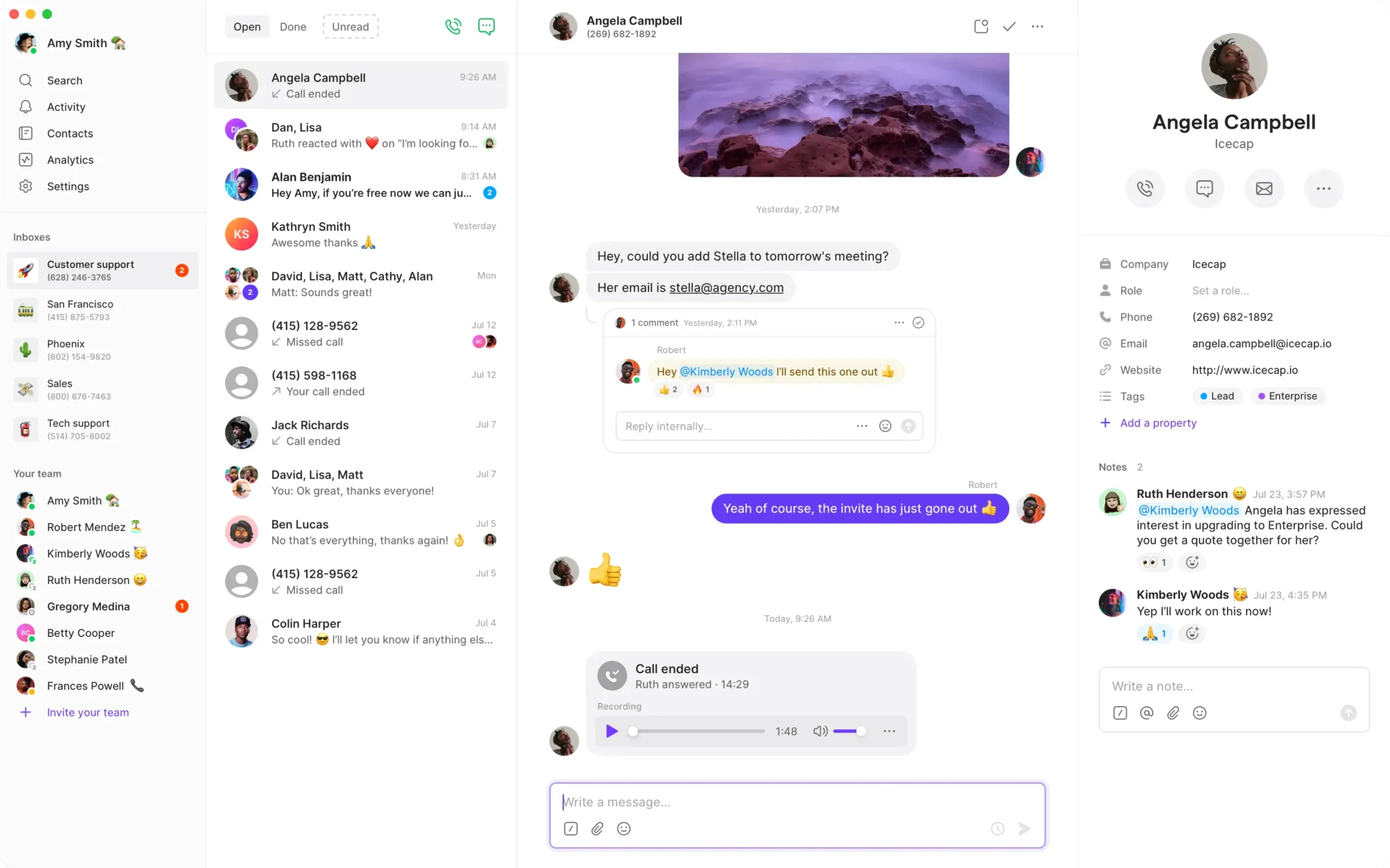
RingEX is a fit when the business wants a hosted phone system with reception and compatible desk devices. Bring the handset model and firmware. Ask reception to park a call, transfer to a busy colleague and retrieve it. Check what the user sees when callers dial a branch number or the company’s toll-free line.
US Core has a US$20 per-user monthly reference on annual billing. RingCentral lists internet fax on eligible plans, so request a Canadian quote for the actual fax-capable tier and any toll-free usage. Ask whether your fax number can port and which people can send and receive faxes. Price devices and installation separately.
If the business needs both reception and fax, have different staff test those paths. Save a fax confirmation and check the received document. Ask how support will distinguish a fax activation issue from a voice port issue.

5. GoTo Connect — Best For Branch Routing And Virtual Fax
Suggested Team Size. About 10–75 staff at sites that share reception, overflow or fax access.
GoTo Connect fits businesses that need different branch hours or a shared receptionist. Bring two schedules, a holiday exception and an overflow destination. Have a branch manager update one site and test both numbers. Check that the receptionist can tell which location a caller originally dialled.
GoTo advertises virtual fax. Request a Canadian Phone System quote covering the intended fax number and usage, toll-free service, desk devices and setup. Verify whether the exact fax number can move and who can access incoming documents. If you use a physical machine, ask the installer to scope that workflow separately.
Test an unavailable branch and ask who can restore the route. Send a fax to the proposed destination and have its recipient retrieve it. Put each result on the acceptance checklist.
6. Zoom Phone — Best For Business Calling And Online Fax In Zoom
Suggested Team Size. About 10–100 staff who already use Zoom or want to evaluate a combined calling client.
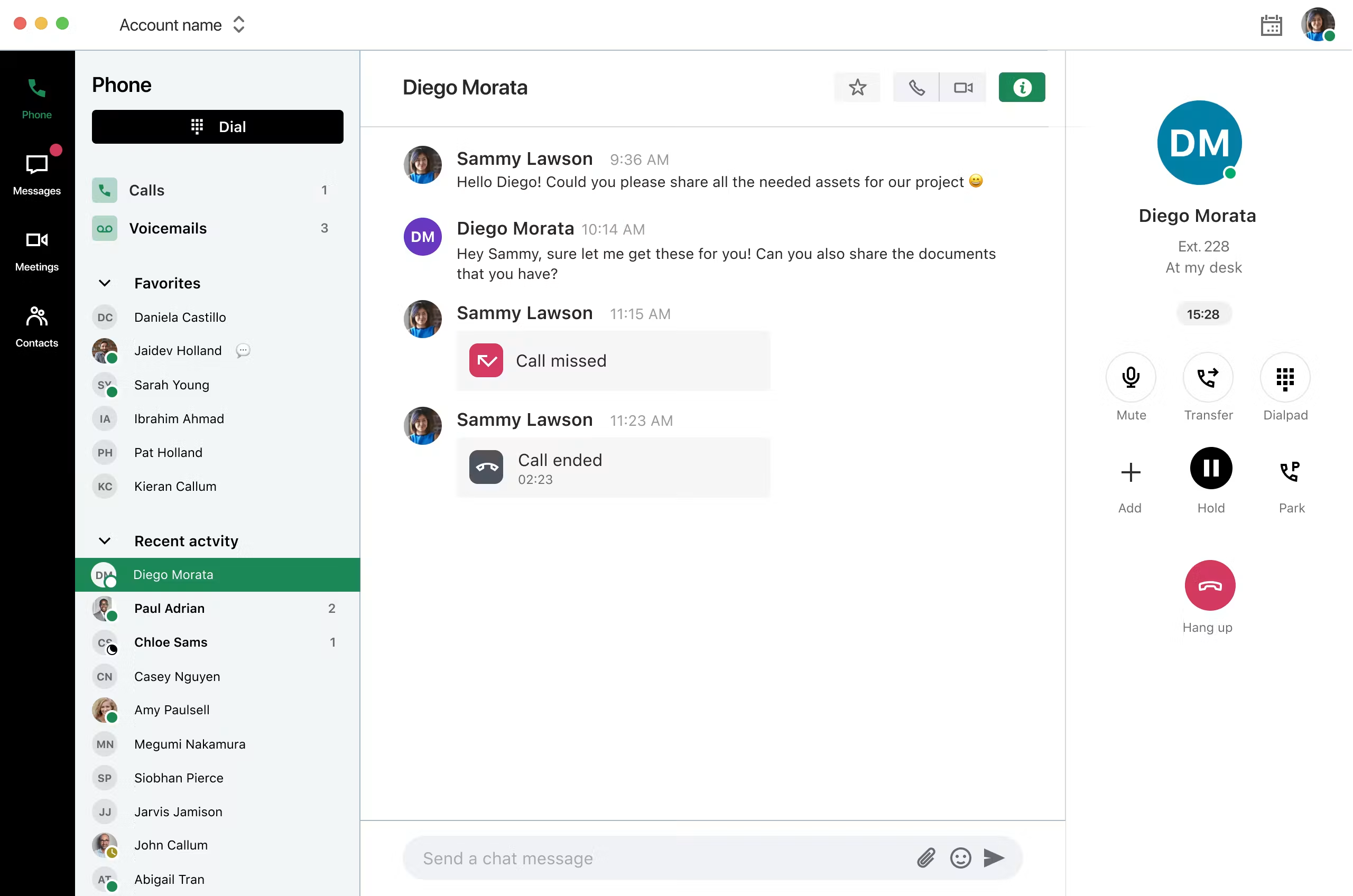
Zoom Phone is worth testing when employees already work in Zoom and want calling in the same client. Its documentation describes online fax for supported number arrangements. Ask the vendor to confirm the exact Canadian plan and whether your numbers and user roles qualify. Separate phone licences, fax and any common-area devices in the quote.
Run a demo where an employee receives a call during a meeting, transfers a caller and returns the call under the correct business identity. Then ask someone to send and receive a representative fax document and retrieve the fax history. Check whether ordinary users can access the right material without administrator privileges.
Request the applicable regional plan and ask how toll-free minutes are billed. If existing devices stay, test the proposed handset as well as the Zoom app before moving the main number.
7. Dialpad Connect — Best For Call Transcripts And Customer Follow-Up
Suggested Team Size. About 5–40 staff who need searchable call history and handoffs.
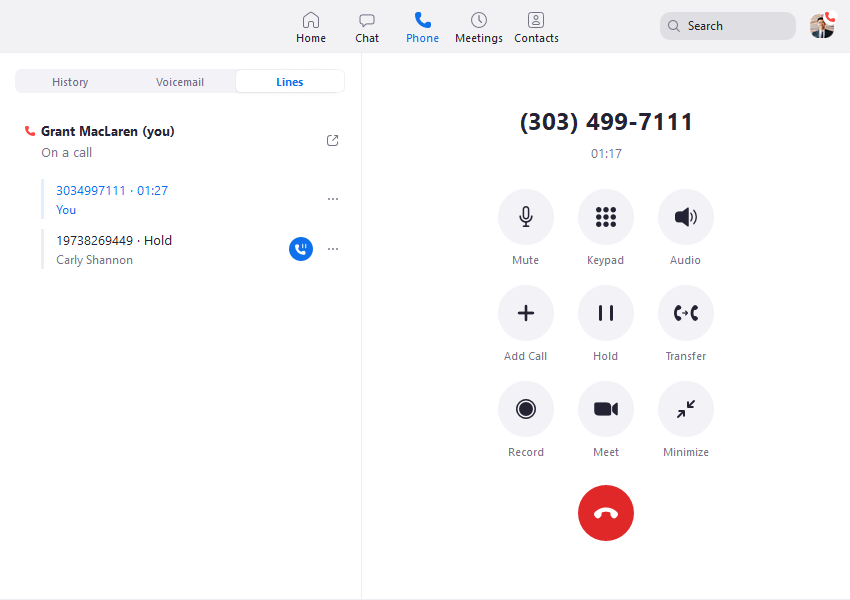
Dialpad Connect fits a business that wants to find details from earlier calls. Place a test call with a name, an address and a callback commitment. Have another employee find the summary and check it against the recording before updating the customer’s record.
Standard has a US$15 per-user monthly reference on annual billing. Ask for Canadian terms, supported languages, recording and the tier for your CRM. Confirm how long recordings and transcripts are retained and who can export them. If the business depends on fax, request a separate quote for that requirement.
Test with supervisor and ordinary user accounts. Verify who can locate the call and what happens when the original employee leaves. Include a sample where an incorrect summary needs to be corrected before a follow-up.
How To Choose A Callture Replacement
Map The Main Number And What Happens After Hours
Start by calling your own business. Write down the first greeting, the menu and where a call goes when no one answers. Call again after hours and leave a voicemail. Ask the person who normally handles it to show how it reaches them and how they return the call. This is the route the new provider needs to reproduce, even if its settings and terminology are different.
Repeat the exercise for any number customers use directly. A local branch number, a shared toll-free line and a fax number can have different destinations and administrators. Record who owns each one and which staff need access. Give the new provider the complete inventory before it quotes. A price based on user count alone can omit lines that do not belong to a named employee.
Decide How Staff Should Answer Calls
Ask the people who answer the most calls to describe their working day. Some use a physical phone and need to see whether another extension is busy. Others need to answer the same line from a browser or mobile device. Test both cases with a temporary number. Give the receptionist a call that needs an attended transfer and ask a mobile user to return a missed call using the company identity.
If you want to reuse desk phones, record their models, firmware and ownership. Ask whether the new provider will provision them and which call features it will support. Bring any common-area device, cordless base or analog adapter into the equipment list. Have the installer test what is actually proposed before assuming you can carry the old hardware forward.
Check Who Owns Setup And Ongoing Changes
Ask who builds the menus, loads the greetings and updates schedules after launch. If your current service handles changes for you, compare that scope with the new proposal. Some businesses are comfortable with a portal, while others need a provider to maintain the routes. Have the person who will own the account change a test holiday schedule during the pilot. Ask what happens if the office needs help after hours.
Identify the applications and records that staff need. A customer service team may depend on voicemail to email, a CRM event or a record of who called back. Ask vendors to demonstrate those outcomes using the correct roles. If you need to keep old call logs or messages, ask the current provider how to retrieve them and what access remains after the account closes.
Plan Internet Fax And Toll-Free Service Separately
Confirm The Fax Number And Delivery Workflow
Ask staff how they send and receive faxes now. A team might upload files through a portal, receive them by email or use a physical machine. Record the number, device or inbox, who receives the documents and who needs to see delivery confirmations. If the business will keep the number, have the gaining provider confirm it can port into the intended fax service.
RingCentral, GoTo and Zoom document internet or virtual fax options. Ask which plan, number type and user role apply in Canada. Test each shortlisted setup with a representative document safe to share. Send it in both directions and check the actual received pages. If a sender needs proof of delivery, show the confirmation to that person and verify they can retrieve it without help.
If the office still needs a physical fax machine, ask for a supported device or connection and include its test in the scope. An online fax demo does not prove that the physical workflow works. Arrange access to historical documents the business needs before switching. Confirm who will monitor the old and new inboxes if the fax cutover does not happen with the voice port.
Separate The Toll-Free Number From Its Usage
Callture’s pricing page lists a toll-free number with its multi-user offers and shows a separate toll-free minute rate. Check your invoice for the actual charges. Ask the replacement provider for number rental, included minutes, overage and any limits by originating country or network. A quote that includes the number may still bill for calls to it. Use an ordinary month and a busy month in the comparison.
Map the toll-free route through to the person who answers. If customers use it across Canada and the United States, test calls from the networks that matter to you. Confirm which greeting plays and whether a receptionist can distinguish those callers from local traffic. Ask the carrier what it needs to port the number and whether it can move on the same day as local lines.
Keep A Temporary Route For A Critical Number
Identify the number the business can least afford to lose and prepare an alternate way to receive calls or documents. Ask the providers who can enable forwarding, how long it takes and how those calls are billed. If you are publishing a temporary contact route, tell staff where it appears and when to remove it. Test that route before the port rather than opening a support ticket after the number has already moved.
Audit Who Can Open A Shared Fax Inbox
Give the proposed fax service a user who sends documents, a user who only receives them and an administrator who can change the route. Ask each person to sign in with the role they would have after launch. Send a test document from a different network and verify who is notified, who can open the file and who can see the delivery history. If staff should receive an alert without a copy of the document, have the vendor demonstrate that configuration.
Use the same test to check what happens when staff change roles or leave. Ask the administrator to remove a test user and verify whether the other users can still open the document history. Confirm how to export the records you need and who can restore access if a recipient is away. Put those requirements in the order if a department depends on shared fax access to finish daily work.
Shortlist Callture Competitors By Workflow
A Small Office Sharing One Local Number
Start with KrispCall if employees share incoming calls and callbacks. Compare Quo if the same staff also answer texts on that number. Run a test with two employees on different devices and one customer request that requires a handoff. Check who sees the unanswered call, where the reply goes and which number appears when a colleague takes over. If staff use a separate fax line, keep it in the quote even when the shared number is the main reason for moving.
A Business With Separate Department Queues
Try Calilio when sales and support need their own routes and a supervisor wants to review the outcome. Have a caller reach a queue during a busy period, leave before an employee answers and then call back. Verify how each event is labelled. If the business serves customers in English and French, test the greetings and voicemail paths with staff who use both languages. Confirm the supervision features available in the proposed tier.
A Reception Desk Or Several Branches
Compare RingEX and GoTo Connect for desk phones and branch schedules. Bring a real holiday exception, a shared receptionist and a call that must move from one branch to another. Check what happens when the intended recipient cannot answer. Ask for a written list of supported hardware and a price for each site. If fax and toll-free are required, have the vendor demonstrate both in the proposed Canadian setup.
A Workplace Already Using Zoom Or Reviewing Calls
Consider Zoom Phone when staff already spend much of the day in Zoom and want calling in that client. Include online fax in the trial if it matters. Consider Dialpad Connect when the bigger need is finding and verifying information from past calls. Bring a sample recording or a realistic conversation and ask staff to compare the transcript with the original before updating a CRM record or returning the call.
Compare Callture Pricing With The Full Replacement Quote
Use the actual Callture invoice and written terms as the baseline. Record users, voice numbers, toll-free usage, fax and equipment. Check which calls qualify for the advertised Canada and contiguous US allowance and which destinations are billed separately. Ask the new providers to quote the same traffic and services. Compare the same billing term and currency, and record any conversion assumption separately.
For illustration, ten KrispCall Advance seats at US$32 per user per month on annual billing would total US$320 in monthly seat charges. Ten Calilio Premium seats at US$28 would total US$280. These figures cover the seats in the example. Ask for the Canadian quote with the exact numbers, fax, toll-free service, devices and support the office needs before comparing totals.
For toll-free usage, build a line item for number rental and a separate one for minutes. Model a normal month and a busier month using your call logs. Ask whether the proposed plan includes a shared pool of minutes or an allowance for each number or account. Confirm rounding, overage and forwarding charges. If you expect a campaign to increase calls, include the extra traffic in the same worksheet.
Separate one-time and recurring charges. Put handset purchases, setup, porting and training in one column. Put licences, numbers, usage, fax, support and any equipment rental in the other. Include an overlap period when both services might be active. Ask what happens to the per-user rate if you add or remove people after the term starts.
Compare What You Can Prove During A Trial
Callture describes a first-month-free promotion with a 60-minute limit. KrispCall’s VoIPCalling trial lasts seven days. Confirm terms and use the test period for the workflows that matter, such as callback, overflow or a transfer from a desk phone. Ask the provider which parts require a paid order, port or separate approval. Set a reminder for the final trial day and collect results from the people who took the calls.
Price A Month Of Toll-Free Traffic Using Your Call Records
Use a completed billing period and count the minutes that reached the toll-free number. Keep calls to local numbers in a different column. Then ask each vendor to apply its included minutes, rounding and overage to the sample. If a call forwards to a mobile number, have the provider show whether it appears as an extra charge. Reconcile the estimate with the rate table or a sample invoice before putting it into the budget.
Repeat the exercise for a peak period, such as a promotion or a busy service week. Check how the vendor would alert you if usage exceeds its allowance and who can adjust capacity or routing. If the same number will ring two branches, verify which account pays for the traffic and how both locations see the reports. Ask finance to compare the forecast with the first invoice before renewing or expanding the service.
What To Ask Callture Competitors Before Signing
- Number Eligibility. Submit each local, toll-free and fax number. Confirm the documents and expected sequence for porting.
- Fax And Toll-Free. Verify the tier, number types, inbox access, usage and any support for a physical machine.
- Devices And Routing. Use the exact handset or app and test the main menu, transfers, voicemail and overflow.
- Texting And Records. Confirm activation, access and retention for messaging, call logs, recordings and CRM records.
- Support And Emergency Calling. Identify who handles setup and urgent changes. Follow the provider’s approved emergency calling configuration and validation procedure.
- Price And Term. Request the billing currency, contract term, applicable fees, equipment and recurring charges in writing.
After the demo, note which items the vendor showed and which depend on another plan, device or company. Have the provider quote those dependencies before you commit. If fax was demonstrated with a new number, keep porting the existing number as a separate open item. Assign each outstanding question to a person and record when it needs to be resolved.
Move Callture Numbers And Validate Voice And Fax
- Inventory Numbers And Services. Record local, toll-free and fax numbers, ownership, destinations and any attached messaging or voicemail.
- Set Up Temporary Numbers. Test reception, branch routing, app users and supported hardware. Use a non-production fax number to test documents and confirmations.
- Coordinate Each Port. Confirm eligibility and scheduling with the providers. Keep the current account active and check what remains after a partial move.
- Validate Every Service. Call from several networks, verify caller ID and test fax in both directions. Check texting separately where applicable.
- Review The First Bill And Open Tickets. Compare equipment, numbers, toll-free minutes and fax charges with the quote. Resolve open issues before closing the original service.
Give staff a test sheet with the number dialled, the network and the expected route. Add fields for the time and result so the provider can find the call. For fax, record how many pages arrived and which staff member could open them. Tell regular senders how to reach you if a critical number is delayed. Keep voice and fax acceptance separate so the business knows which services are ready.
FAQs About Callture Alternatives
What Are The Best Alternatives To Callture?
KrispCall and Calilio are starting points for small-business calling. Compare Quo for shared texts, RingEX or GoTo Connect for reception and branch routing, Zoom Phone for a Zoom workplace, and Dialpad Connect for transcripts.
Which Callture Competitors Offer Internet Fax?
RingCentral, GoTo Connect and Zoom Phone document internet or virtual fax options. Confirm the Canadian plan, exact number eligibility and user access. Test sending and receiving before porting a production fax line.
Can I Keep My Callture Toll-Free Number?
You can keep an eligible toll-free number by arranging a port with the gaining provider. Confirm its authorisation requirements and test the inbound route. Ask how included minutes and overage are billed.
Can I Keep My Existing Callture Desk Phones?
You may be able to reuse them if you control the equipment and the new provider supports the exact models and firmware. Verify provisioning, transfers and parking before switching.
How Much Does A Callture Replacement Cost?
Cost depends on users, numbers, equipment, toll-free traffic and fax. Compare written quotes in the same currency and include any support, fees or setup required by your office.
Does A Phone Number Port Move Fax And Texting Too?
Fax and texting activation depend on the number and the new provider. Confirm each service separately and test it after the port before closing the current account.
What Is The Best Callture Alternative For A Shared Inbox?
Quo is a strong option when staff share calls and texts on one business number. Try a shift handoff and verify that a colleague can find the conversation and reply from the correct line.
Use Customer Reviews To Set Pilot Tests
Look for reviews from businesses with similar devices and call volumes. A small office review may help you test shared callbacks. A multi-site review may raise useful questions about porting and branch routing. If fax is critical, ask the vendor to show the product and plan you will buy. Run a test with your own staff and documents.
Have the people who answer calls, receive faxes and administer the account each record their results. Ask finance to check the sample bill for toll-free and fax line items. Keep unresolved port or activation questions visible until the provider confirms them. Move the next number after the team can repeat the expected results on the first one.
Affiliate Disclosure. VoIPCalling may earn a commission when you purchase through a partner link.


