

KrispCall and Calilio are the best Inline Communications alternatives for small Canadian businesses moving to hosted calling. Try KrispCall for shared numbers and callbacks, or Calilio for separate department queues. Compare RingEX or GoTo Connect when reception, desk phones and branch schedules matter. If you own the PBX and only need a new SIP carrier, evaluate Signal House separately.
Which Inline Communications Service Are You Replacing?
Inline Communications offers TelCloud hosted VoIP and markets SIP trunks. It also advertises programming, installation and cabling services, including support for Asterisk, NEC and Avaya. Read the service order to determine whether you buy a hosted phone system, a connection to equipment you control or technician time to keep that equipment running. Several of those services can appear on the same account.
Inline’s pricing page lists Starter, Advanced and Ultimate business subscription tiers and directs buyers to book a call. It lists an auto attendant and call parking in Starter, softphones and voicemail transcription in Advanced, and recording, CRM integration and Teams presence among the Ultimate features. It also mentions a full Teams integration with a dialer. Confirm which items are on your order and which are separately scoped.
If you are moving offices, separate the work at the address from the phone subscription. List cabling, switches, device installation, configuration and user training. Ask whether the new vendor or a local installer will do each task. If your current phone system sits on-site, find out who owns it and who can access its backups before agreeing to change the carrier or retire the system.
Compare Inline Communications Alternatives And Competitors
All seven options come from the VoIPCalling partner list. Six cover hosted phone workflows. Signal House is for a trunk-only comparison. US-dollar prices are references. Request Canadian terms for the tested plan, numbers, hardware and support. Suggested team sizes are editorial workflow estimates.
| Provider | Best Fit | Buying Consideration | Pricing & Trial |
|---|---|---|---|
| Shared Calls And Follow-Up | Confirm North American number type, usage and app or device requirements. | US$32/user/monthAdvance, billed annually. US$40 with monthly billing. Up to 50 users. Usage and selected add-ons cost extra.7-Day Free Trial for VoIPCalling CustomersStart a 7-Day KrispCall Free Trial | |
| Menus, Business Hours And Live Supervision | Verify which Canadian numbers and routes qualify for the allowance. | US$28/user/monthPremium, billed annually. US$35 with monthly billing. Number and usage charges can apply.Demo AvailableRequest a Calilio Demo | |
| An Employee Platform For Calling, Meetings And Chat | US Core is the phone plan benchmark. Verify Canadian terms, desk phone models and integrations. | US$20/user/monthUS Core annual-billing reference. Request a Canadian quote for the tested tier and hardware.Free Trial AvailableStart A RingEX Free Trial | |
| Zoom Workplaces And Teams Integration | Verify Canadian availability, Microsoft licences and integration scope. | Request Current Phone PricingConfirm the Canadian calling plan, eligible devices and common-area licences.Demo AvailableRequest Zoom Phone Pricing For 1–50 Users | |
| Calls With Transcripts And Useful Recaps | Quote the regional Connect plan, recording, retention and integration. | US$15/user/monthStandard US-dollar reference. Request a Canadian quote and confirm the integration tier.14-Day Free TrialStart A 14-Day Dialpad Connect Trial | |
| Department Routes And Dial-Plan Administration | Quote branches, supported devices, setup and post-launch support. | Custom PricingQuote the Phone System for each branch and shared device.Demo AvailableRequest A GoTo Connect Demo | |
| SIP For A Retained PBX | Confirm Canadian ports and exact PBX interoperability. Arrange local maintenance separately. | Request A Voice QuoteQuote origination, termination, number rental and billing increments.Demo AvailableRequest A Signal House Demo |







1. KrispCall — Best For Shared Calls And Callbacks
Suggested Team Size. About 2–20 staff who share an incoming number or make mobile callbacks.
KrispCall is a good starting point when a TelCloud office mainly needs staff to answer one number and see who returned missed calls. Give two employees a temporary line. Let one miss a call and ask the second to return it from the company identity. Check what each employee can see in the call history.
Advance lists US$32 per user per month on annual billing or US$40 monthly. Ask for a Canadian number and port check, the routes included and the tier that supports menus and transfers. If Inline handled setup or ongoing changes, ask KrispCall to show which tasks your administrator will need to do.
Use the exclusive VoIPCalling trial to test a desktop user and a mobile user on different networks. Check after-hours voicemail and what happens when an employee signs out. If the office still uses a desk phone or paging equipment, test that separately before moving the number.

2. Calilio — Best For Department Queues And Call Supervision
Suggested Team Size. About 5–30 staff with distinct sales and support routes and a supervisor.
Calilio is a fit for teams that want to rebuild department queues and menus on a hosted platform. Bring a real TelCloud greeting and an overflow scenario. Place a call while the main queue is busy and check where the caller lands. Then ask the supervisor to trace the call and show how the outcome appears in the report.
Premium lists US$28 per user per month annually or US$35 monthly. Confirm allowances for eligible Canadian numbers, forwarding and extra usage. Ask which tier covers the monitoring controls, recording and reports you need. If calls go to both French and English teams, test the greeting, overflow and voicemail in both paths.
Have the supervisor compare a normal call, an abandoned call and a callback. Document any reporting differences from the current setup. Ask who can update a schedule without access to unrelated queues or recordings.

3. RingCentral RingEX — Best For Hosted Reception And Supported Desk Phones
Suggested Team Size. About 10–75 staff using a reception desk, phones and structured transfers.
RingEX is worth testing if a TelCloud or on-site system has a front desk that relies on parking, transfers and extension status. Ask RingCentral to identify the supported model and firmware for every phone you want to retain. Test with the proposed reception device. Have a colleague decline a transfer and verify how reception retrieves the call.
US Core has a US$20 per-user monthly reference on annual billing. Request the Canadian tier and quote additional devices, numbers, installation and the recording or CRM functions you use. RingCentral also offers an optional Cloud PBX integration for Microsoft Teams. Scope that separately if staff need to call from the Teams app.
Confirm who installs and provisions the hardware at each site. If the site uses paging, fax or an intercom, ask the installer to show the supported setup. A successful demo on a desktop app cannot establish that the reception equipment works.

4. Zoom Phone — Best For Zoom Workplaces And Calling Inside Teams
Suggested Team Size. About 10–100 staff already using Zoom or evaluating an integration for Teams calling.
Zoom Phone is a fit when people already use Zoom for meetings and want business calling in a familiar client. Test the called number, transfer and what happens when someone receives a call during a meeting. If two locations share coverage, have one site answer a call meant for the other.
Zoom also documents a Teams integration using Direct Routing. Ask whether the proposed Canadian deployment supports the dialer and phone functions you need. Verify Microsoft and Zoom licences, shared devices and who owns configuration in each system. Request a written quote for the actual regional plan.
Test from the client employees will use. Ask a user to make a call, retrieve voicemail and transfer to another person. Check whether reporting and recording appear where supervisors expect to find them.
5. Dialpad Connect — Best For Transcripts And Customer Follow-Up
Suggested Team Size. About 5–40 staff who want to review conversations or capture context for handoffs.
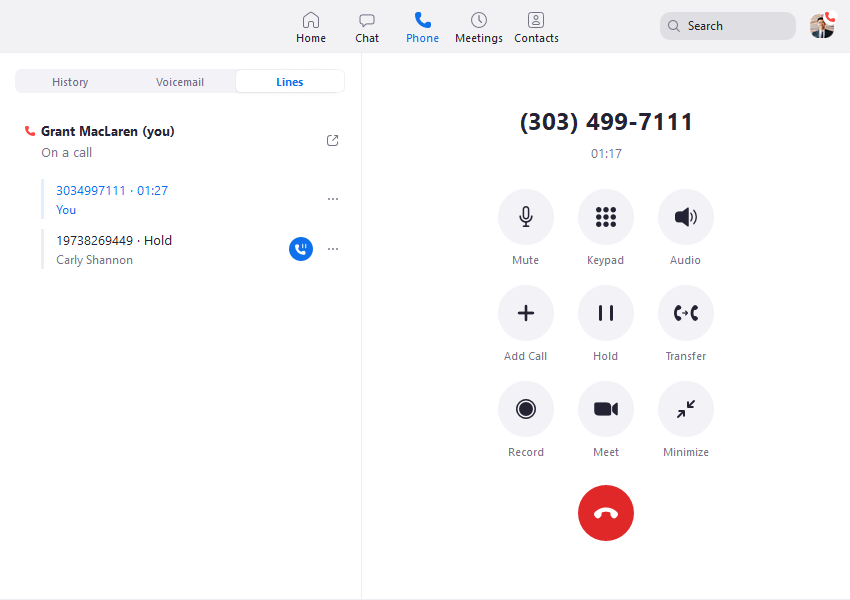
Dialpad Connect fits teams that use call history to follow up with customers. If you rely on TelCloud voicemail transcription or CRM integration, give the vendor a real workflow to recreate. Place a sample call with a name, address and a callback commitment. Have a second employee locate the record and check the summary against what was said.
Standard has a US$15 per-user monthly reference on annual billing. Ask for Canadian terms, the CRM tier, retention and supported languages. If the office needs recordings or transcripts accessible to several roles, have the vendor demonstrate exactly which users can see and export them.
Test what happens when the caller’s number is linked to two contacts and when the original employee is unavailable. Ask staff to confirm the match and show where they can correct the record. Confirm the retention and access settings before moving a production number.
6. GoTo Connect — Best For Branch Routing And Shared Reception
Suggested Team Size. About 10–75 staff at locations that share reception or cover each other’s calls.
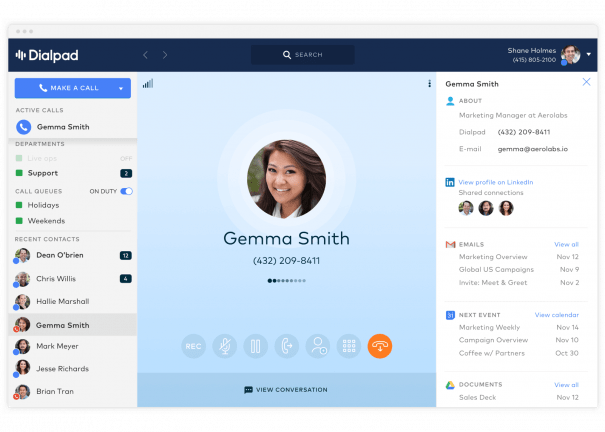
GoTo Connect is worth comparing if your main job is keeping different branch hours under one phone system. Give the vendor two locations, a shared receptionist and a holiday exception. Have a local manager update one schedule while the other branch remains open. Test calls to each location and check which branch the receptionist sees.
Request a Canadian Phone System proposal that covers supported devices, local numbers, deployment and support. Ask who can make routine changes and who investigates a branch that stops receiving calls. If your current Inline agreement includes on-site work, request the equivalent scope from an installer.
Include an unavailable branch in the pilot. Verify the fallback destination, caller identity and whether staff can restore normal routing without affecting other sites. Record those settings in the implementation scope.
7. Signal House — Best For SIP Carrier Service For A Retained PBX
Suggested Team Size. A technical team supporting roughly 5–100 people on a PBX it can administer. Size the trunk by traffic.
Signal House documents SIP trunks for an existing PBX. Consider it if Inline supplies the carrier connection and the phone system will remain in place. Give your maintainer the PBX version, intended authentication and current number list. Ask the carrier to confirm Canadian coverage and interoperability before scheduling any port.
Quote inbound numbers, outbound destinations and capacity separately. Confirm emergency calling, fax and fallback with the carrier. If an Avaya, NEC or Asterisk system needs local maintenance, quote that work with the technician who will support it. The carrier quote covers a different scope.
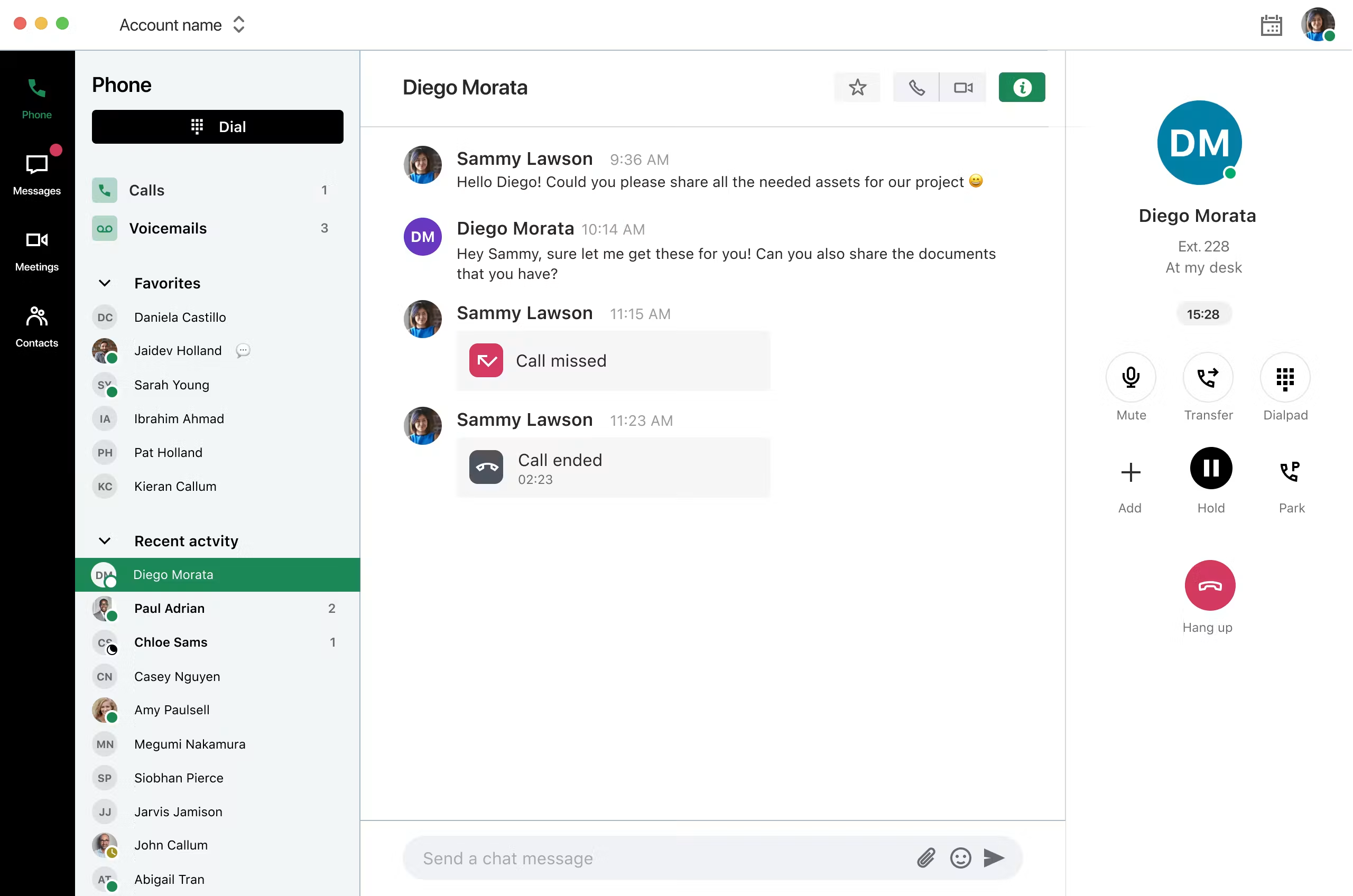
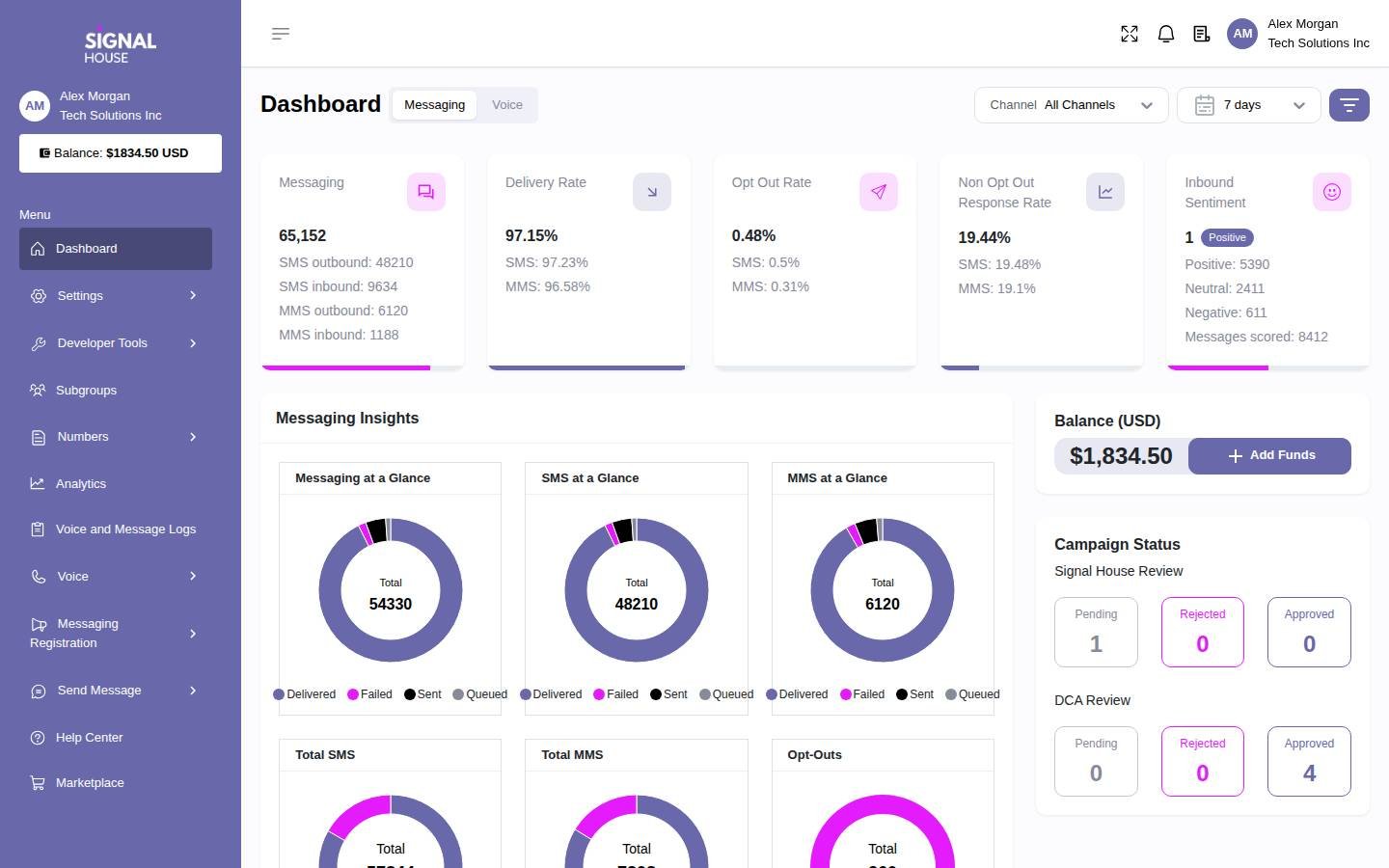
Pilot one temporary number. Test menu input, inbound caller identity, transfers and what happens when the PBX is unreachable. Ask for a trace the installer can match to its own records. The screenshot shows the broader Signal House platform.
How To Choose An Inline Communications Replacement
Decide Whether TelCloud Or An On-Site PBX Stays
Use your latest invoice and a diagram of the system. Ask where the extensions, menus and business hours are configured. If TelCloud owns them, a new hosted deployment needs to rebuild them. If a separate system controls those settings and Inline supplies the trunk, a carrier move may preserve the existing call paths. Document which components can stay and which provider can make changes after your current agreement ends.
Ask who owns the PBX, the licence and the hardware. Confirm access to configuration, backups and any installer credentials your organisation is entitled to keep. If a different technician will maintain the system, have them review its version and document what they can support before you change the trunk. The cost of maintaining an older system belongs in the carrier-only scenario alongside numbers and traffic.
Start With The Calls Staff Handle Every Day
Map a call to the main number, a transfer to another department and a call that arrives after close. Note where a caller goes if someone declines a transfer or a queue reaches its limit. Show the call paths to the provider and have it demonstrate the same conditions. Where the software uses a different workflow, let the person who answers the calls test it and explain which steps will change.
Include a mobile employee and a desk user. An app trial can prove shared callbacks, but the receptionist may also need extension status, call parking and an expansion module. Ask staff to handle both a normal call and an unusual one. Record what equipment was used and who could restore an unanswered call. Use the same scenarios for every finalist.
Compare On-Site Work, Cabling And Phone Support
Separate Site Work From The Subscription
Inline advertises voice and data cabling and installation. If your business relies on that work, ask the proposed provider to specify what it will perform at the address. List the rooms, devices, ports and any switches or gateways needed. Ask who will test and label the connections, provision the devices and confirm the phone routes. Get a separate quote from an installer if the hosted vendor handles setup remotely.
Plan how access to the site will work. For an office move, confirm when the network and internet connection will be ready and who can receive equipment. Decide which work must be complete before porting. A hosted phone can work from a temporary location, but an installer still needs access to the rooms and equipment that will be in use on opening day. Add a short acceptance test for each area.
Keep A Support Plan For Legacy Equipment
If a site retains an Avaya, NEC or Asterisk system, ask which version and hardware the maintainer will cover. Document how to reach that person, what is included in the support term and how replacement parts are handled. If you plan to phase out the PBX later, ask the installer to identify which devices or numbers still depend on it. That gives you a clear order for moving them without cutting off a line someone still uses.
Prepare a simple fault handoff. When a branch stops receiving calls, determine who checks the internet connection, who checks local equipment and who can review the carrier route. Have the phone vendor and installer show which evidence each needs. Save a successful test call and an example failure trace so the support teams can find the relevant records during a real incident.
Confirm Device Ownership And Provisioning
Inventory the exact phone models, firmware, ownership and accessories. Ask whether the devices can be released from their current provisioning and who will load the new configuration. Test parking, pickup and the display that shows whether another extension is busy. Include common-area phones, cordless handsets and analog devices separately. Get written approval for the hardware before treating it as reusable in the quote.
Decide Which Work Can Happen Before The Office Move
Ask the installer for a sequence that separates work at the old address, work at the new address and changes that can be made remotely. For example, the phone provider may be able to configure test users and schedules before the new office is ready. The installer can then verify the physical network and plug in the production devices. Set a date for each step and identify who will certify that the next step can begin.
Test temporary numbers at the new address before redirecting customer calls. Include the reception desk and at least one other area that depends on a shared phone. If the old address will remain open during the transition, ask the provider to show how calls reach both offices and how the outgoing identity is selected. Agree on who can restore the old route if the new location is not ready.
Keep specialty endpoints in the site plan. If a door intercom, paging device or fax machine will remain at the old address, identify how people will reach it during the overlap. If it must move, have its maintainer confirm the replacement connection and test it with the actual device. Give each endpoint a responsible person and acceptance date. That helps keep the public number port from masking work that is still open at either address.
After the first operating day, have reception and the installer compare the planned routes with what staff experienced. Record issues by device and location. If a phone never registered, check provisioning and the local connection before changing the main call route. Use the issue list to decide when the old equipment can be removed.
Test Microsoft Teams Calling And CRM Integration
Check Which Teams Experience Staff Need
Inline’s pricing page mentions Teams presence and a full Teams integration with a dialer. Ask your administrator which one employees actually use. Presence can show whether someone is available. Calling from a dial pad is a different workflow. If users need to call outside numbers from Teams, have each vendor place and receive a call in the native app and verify which licences and configuration are required.
RingCentral documents an optional Cloud PBX integration for Microsoft Teams. Zoom documents a Zoom Phone integration that uses Direct Routing. Ask both what they would deploy in your Canadian tenant and what they support in that configuration. Test an incoming call to a public number, an outbound call, a transfer and voicemail. Check where call records appear and who changes number assignments.
Bring A Sample CRM Record And A Recording Requirement
Give the vendor your actual CRM name and an example of what staff need. If the current system opens a record when the customer calls, ask the new platform to show the same behaviour when two contacts share a number. Have a second employee find the history and check that the call logged to the correct record. Ask which features belong to the quoted tier and who can change the integration.
If staff review call recordings or transcripts, include permissions and retention in the pilot. Ask a supervisor and an ordinary user to search for the same call and check which records each person can see. Have someone verify the summary against the recording before using it to follow up. Ask the current provider how to export records you need to retain before closing the old account.
Shortlist Inline Communications Competitors By Workflow
A Small Office Sharing One Main Line
Start with KrispCall for shared calls and callbacks. Compare Calilio if customers choose among departments or if supervisors need to review queues. Use a temporary number during a real shift. Send a call to an unavailable employee and have a colleague return it. Ask the team how it can tell who handled it and who can change the after-hours destination.
A Branch Network With Desk Phones And Reception
Compare RingEX and GoTo Connect when reception covers several locations. Bring two actual schedules and the proposed phone model. Ask the receptionist to identify which branch a caller dialled, park a call and retrieve it when the other site cannot answer. Ask the vendors to price common-area phones, local numbers and any installation work needed at each address.
A TelCloud Office Using Teams Or Reviewing Calls
Compare RingCentral or Zoom Phone when staff need to make public calls from the Teams app. Use the same tenant and test cases for both proposals. If the bigger need is searchable history and follow-up, test Dialpad Connect separately. Check the result in the client and CRM staff use, then confirm which platform your support team must administer.
A Business Retaining An On-Site PBX
Include Signal House when the phone system remains in service and you can configure a separate carrier connection. Ask the installer to design and support the trunk. Use a spare number to test transfers, caller ID and fallback without changing production. If the installer needs to replace hardware or update software first, add that work to the proposal before comparing it with hosted calling.
Compare TelCloud Pricing With The Full Replacement Quote
Inline’s pricing page lists subscription tiers and asks buyers to book a call. Use the current TelCloud order or renewal as your cost baseline. Separate hosted users, public numbers, equipment and features from work at the address. If the provider includes technician time, note the tasks covered. Request the same scope from each finalist or price the missing work separately.
For illustration, twelve KrispCall Advance seats at US$32 per month on annual billing would total US$384 in monthly seat fees. Twelve Calilio Premium seats at US$28 would total US$336. These examples cover seats. Request the actual Canadian quote for numbers, devices, setup and support. Compare amounts in the same currency and record any exchange-rate assumptions separately from the contracted price.
Use separate columns for monthly charges and one-time costs. Put cabling, handset purchases, installation, training and porting in the one-time column. Put licences, subscriptions, usage, add-ons, PBX maintenance and any equipment rental in the recurring column. Include the weeks when both systems might be active. Ask how the bill changes when you add a site, reduce seats or move to a different tier.
For a carrier-only quote, supply a sample of actual inbound and outbound usage. Include local and toll-free calls, forwarded legs and the number of simultaneous calls during the busiest period. Ask how the carrier counts and bills each item. Keep the cost of the PBX and its maintainer visible. A trunk proposal and a hosted service cover different parts of the deployment.
What To Ask Inline Communications Competitors Before Signing
- Canadian Number Eligibility. Submit the exact local, toll-free and fax numbers. Confirm who can authorise each move and what can port together.
- Phones And Installation. Confirm supported models, who provisions them and who performs any work at the address.
- Call Routing. Test menus, time conditions, transfer, parking, voicemail and what happens when a branch is unavailable.
- Teams And CRM. Identify the actual licences, client, contact records, reports and administrator responsibilities.
- Specialty Services. Check fax, paging and emergency calling by site. Follow the provider’s approved configuration and validation procedure.
- Support And Cost. Request the billing currency, one-time work, recurring cost and escalation contacts in writing.
Have the vendor mark what it proved in the demo and what still depends on another party. Ask the installer to sign off on any site work and hardware it owns. If support promises to configure a route, make the route part of the order. Use the confirmed scope to decide which branch or number can move first.
Move Inline Communications Numbers And Validate The New Setup
- Document The Existing System. Save number ownership, schedules, greetings, device assignments and relevant call records. Confirm who can approve the port.
- Pilot A Temporary Number. Include a receptionist, mobile user and administrator. Test the actual handset or client and verify what happens after hours.
- Coordinate The Port. Confirm which numbers can move together. Keep the original service active and establish an alternate route if a port is delayed.
- Verify Each Service. Test calls from different networks, outbound identity and the correct branch route. Test fax, messaging, Teams or CRM workflows separately where they apply.
- Review The First Business Cycle. Check missed calls, reports, recordings and billing. Resolve remaining issues before moving the next site or ending the original service.
If a move coincides with a new office opening, separate the site acceptance from the number port. Verify that the new internet link, phones and local routes work before redirecting the public numbers. Tell staff which alternate number to use if a site is late. Give the project lead the contacts for the carrier, hosted platform and installer so it is clear who can restore each part of the system.
FAQs About Inline Communications Alternatives
What Are The Best Alternatives To Inline Communications?
KrispCall and Calilio are starting points for small Canadian teams moving to hosted calling. Compare RingEX and GoTo Connect for reception and branches, Zoom Phone for a Zoom or Teams workflow, and Dialpad Connect for transcripts. Consider Signal House if the PBX stays.
Can I Switch From Inline And Keep My Avaya Or NEC System?
You may be able to keep it if you control the equipment and can arrange compatible trunking and maintenance. Ask an installer to review the model, version and configuration before porting any numbers.
Which Inline Communications Competitors Offer Calling In Microsoft Teams?
RingCentral and Zoom offer phone integrations for Microsoft Teams. Confirm Canadian availability, Microsoft and provider licences, native dialer behaviour and who supports the integration.
Can I Keep My Canadian Numbers When Leaving TelCloud?
You can keep eligible numbers by arranging a port through the gaining provider. Confirm each local, toll-free and fax number. Keep the existing service active through the port and route tests.
Will A Cloud Phone Provider Handle Cabling And On-Site Setup?
On-site work depends on the provider, installer and address. Ask for a written scope covering cabling, device installation and testing. Price local work separately if the hosted quote covers remote setup.
How Much Does An Inline Communications Replacement Cost?
Cost depends on seats or trunk usage, numbers, equipment, installation and support. Compare Canadian quotes for the same call flows and features, including any Teams or CRM integration.
Can I Reuse My TelCloud Desk Phones?
You may be able to reuse them if you control the devices and the new provider supports the exact models and firmware. Test transfer, parking and extension status before assuming the phones can move.
Use Customer Reviews To Set Pilot Tests
Choose reviews from teams with a similar deployment. For a front desk, look for details about supported phones and transfers. For a multi-site company, look for porting, branch routing and how support handled a fault. An integration review is most useful when the reviewer used the same phone and collaboration products you are evaluating.
Have the receptionist, site installer and administrator each sign off on the tests they own. Ask finance to compare the quote with the equipment and support required by the pilot. List open items and decide which must be settled before a number moves.
Affiliate Disclosure. VoIPCalling may earn a commission when you purchase through a partner link.


