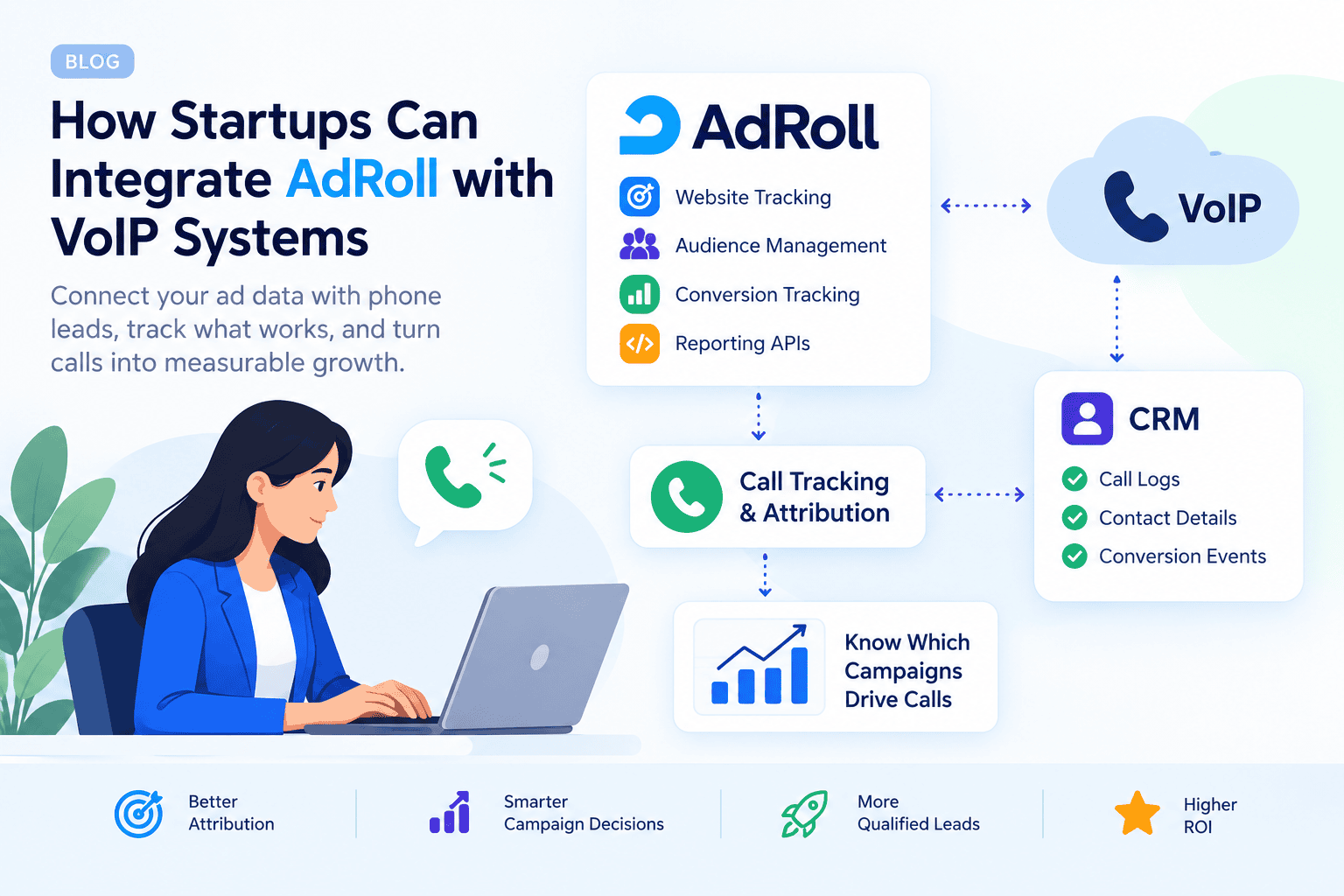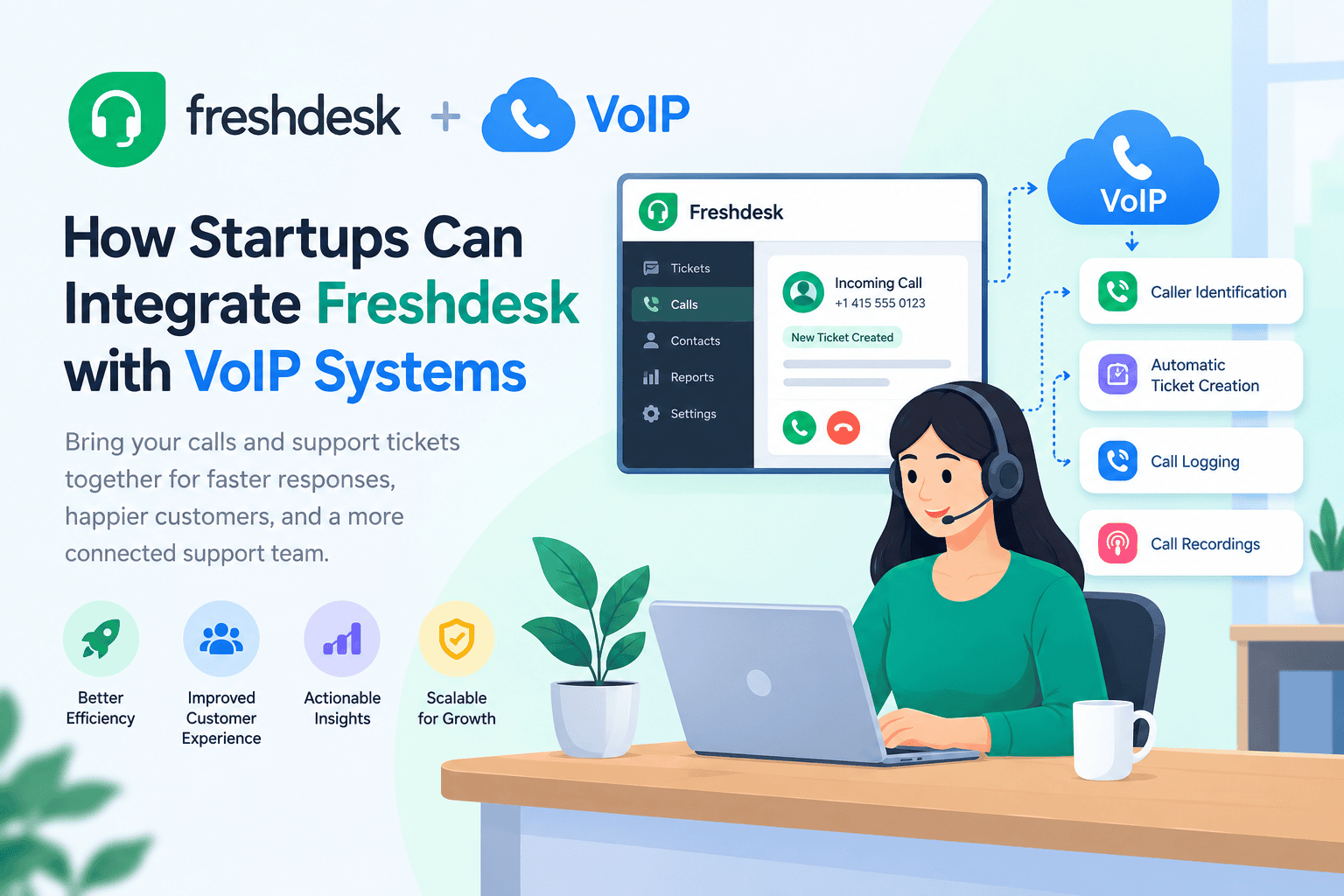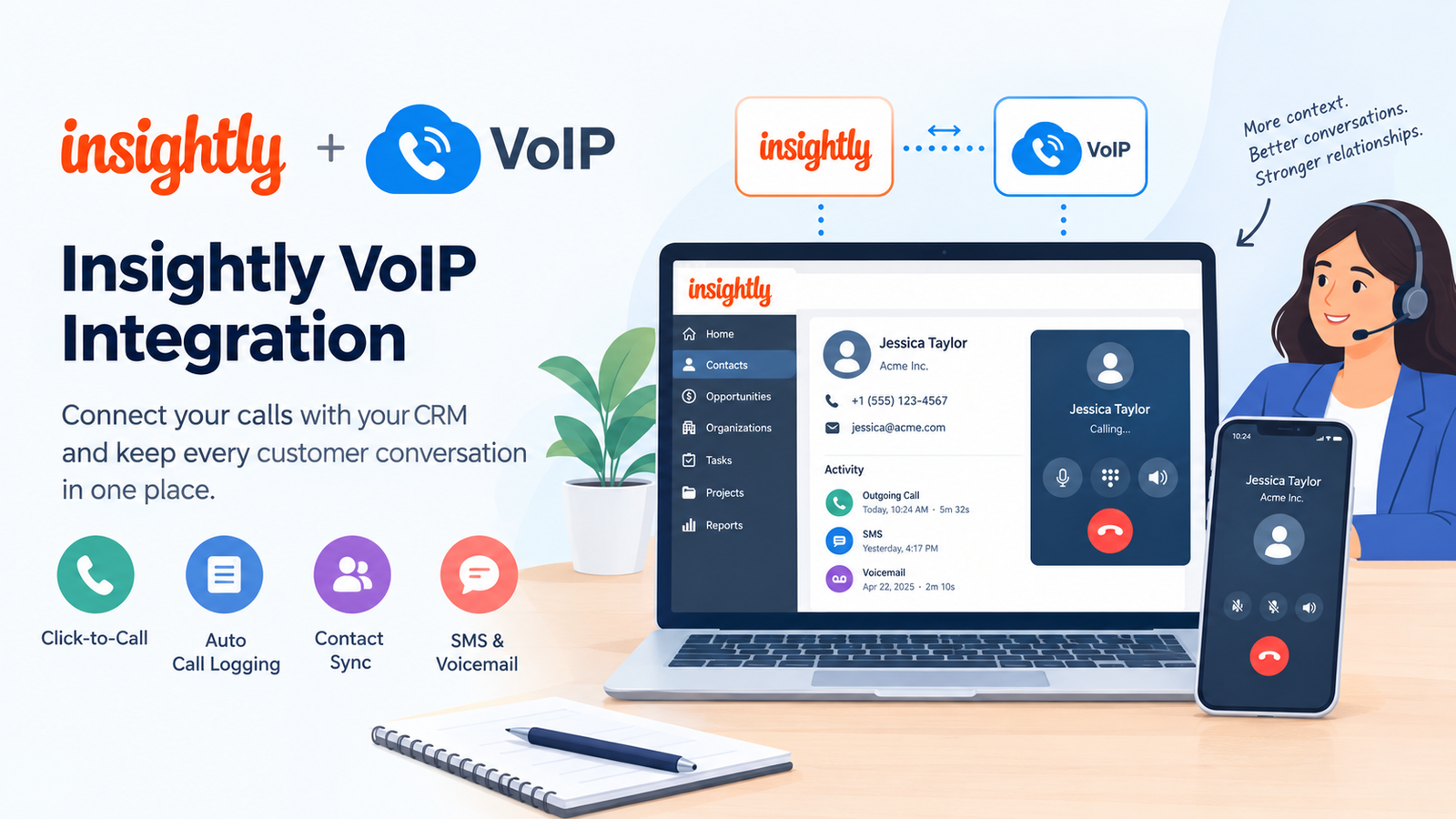
The best cloud VoIP providers for businesses connect everyday calling with the way a team handles customers, records activity and works across locations. RingCentral RingEX, Nextiva and Zoom Phone are our first options for a broader business platform. CRM-focused teams, smaller shared-number teams and buyers watching usage costs should compare the other services below.
This guide compares 10 cloud VoIP services from our provider list. It focuses on business workflows, plan upgrades, integrations and the cost of growing a team. Cloud VoIP and hosted VoIP substantially overlap: the cloud label does not create a separate class of phone system or guarantee more features.
Which Cloud VoIP Service Is Best For Your Business?
RingCentral RingEX is our first option for a growing business comparing a broader cloud communications platform. Nextiva merits consideration for customer-facing small teams, and Zoom Phone for an existing Zoom workplace. The right choice depends on the required call flow, integrations, countries and total cost of the usable plan.
- CRM-led sales and support: compare JustCall and Ringover against the exact integration and automation needed.
- AI-assisted notes: compare Dialpad Connect, including its integration tier.
- Lower entry subscriptions: evaluate KrispCall and Calilio with realistic usage and upgrade assumptions.
- Shared US/Canadian calls and texts: compare Quo’s team workspace and Business features.
- A defined domestic minute requirement: examine CallHippo’s selected regional offer.
Use the best provider list to choose candidates, then ask each one to complete the same business task. A published feature name is less useful than seeing a customer call reach the right person and produce the right follow-up record.
Best Provider List: Cloud Business Phone Systems Compared

G2 Customer Ratings
Product scores use the same 5-point scale.
| Provider | Best Fit | Important Plan Boundary | Pricing & Trial |
|---|---|---|---|
| Growing offices needing broader communication | Check the selected tier for administration, recording and integrations. | Core: $20/user/month, billed annually.14-day trial for eligible new subscribers; trial SMS is excluded.Start 14-Day Free Trial | |
| Small teams combining customer communication | Confirm NEXT product eligibility, SMS allowance and invoice fees. | NEXT Core: $15/user/month annually; $23 monthly.Confirm the current trial or demonstration offer.View Nextiva Plans | |
| Existing Zoom workplaces | Phone licensing, regional calling and specialist add-ons are separate decisions. | US & CA Unlimited: $16/user/month, billed annually.Confirm Phone-specific trial eligibility and limits.See Zoom Plans: 1–50 Users | |
| Small teams comparing an entry subscription | Starter caps users at 5; Advance lists transfers and recording. | Starter: $12/user/month annually; $15 monthly.14-day subscription-only refund; this is not a free trial.Compare KrispCall Pricing | |
| Sales and support working inside a CRM | Team requires 2 licenses; automation and specialist products can cost more. | Team: $29/user/month annually; minimum 2 licenses.A free trial is advertised; confirm included credits and duration.Start Free Trial | |
| Teams prioritizing transcripts and summaries | Connect Pro adds listed CRM integrations; AI agents are separately priced. | Standard: $15/user/month, billed annually.14-day free trial; confirm Connect eligibility and included features.Start 14-Day Free Trial | |
| Teams matching a US/Canada minute bundle | Confirm region, team-size selection, term and overage rates. | Starter displays $18/user/month; confirm US selection and billing.10-day free trial advertised; confirm the selected product and credits.Start 10-Day Free Trial | |
| Sales or recruitment teams connecting business tools | TALK and BUSINESS differ in numbers, integrations and commitment. | TALK: $19/user/month with a 12-month commitment; minimum 3 users.Check the current demo or trial offer and commitment terms.Compare Ringover Plans | |
| Teams able to forecast call and SMS usage | Standard caps users at 10; Premium adds listed menus, hours and transfers. | Standard: $12/user/month annually; $15 monthly.Confirm current trial terms, number entitlement and usage charges.View Calilio Pricing | |
| Small teams sharing calls, texts and context | Business adds transfers, menus and listed HubSpot/Salesforce integrations. | Starter: $15/user/month annually; $19 monthly.A 7-day free trial is advertised.Start 7-Day Free Trial |










USD before applicable taxes, provider fees, usage, additional numbers, hardware and add-ons. Annual rates are monthly equivalents with annual billing. These are differently equipped entry offers. Nextiva’s annual small-business offer has eligibility and commitment terms; Ringover has a minimum order and commitment. CallHippo’s displayed price depends on the selected region, team size and billing terms.
What Is A Cloud VoIP Phone System?
A cloud VoIP phone system provides business calling through an off-site platform accessed over the internet. Employees use supported apps or phones, while administrators manage users, numbers and call rules online. The provider operates the central service instead of the business maintaining its own local PBX server.
Cloud telephony is useful when staff need a consistent company identity across office, home and mobile work. It can also connect customer calls with messaging, CRM records or meetings. Which capabilities are included depends on the product and subscription.
Cloud VoIP Vs Hosted VoIP Vs UCaaS
Cloud VoIP and hosted VoIP commonly describe overlapping provider-managed phone services. Hosted PBX emphasizes where the phone-system infrastructure runs. UCaaS describes a wider communications package that can include voice, messaging and meetings. None of these labels establishes the exact routing, recording, support or integration entitlement.
For this comparison, the useful distinction is the job each service can complete: office calling, CRM-led customer work or shared calls and texts. A business number alone does not establish those capabilities.
1. RingCentral RingEX: For A Broader Cloud Communications Platform
RingCentral is our first option when a growing company wants to evaluate business calling alongside wider communication and centralized administration. Start with the people who manage reception, user access and multiple work locations.
Best Fit
- Growing offices and teams that need a broader platform.
- Businesses comparing supported apps and desk phones under common administration.
Buying Considerations
Core’s entry price should be matched to the required recording, integration and administrative features. Specialist contact-center, AI receptionist or conversation-intelligence products can add to the order. Verify the actual number and calling entitlements in the quote.
Have an administrator change an employee’s permissions and a receptionist transfer a call during evaluation. Those actions reveal more about operational fit than a long feature checklist.
Pricing: Core: $20/user/month, billed annually.
Trial or purchase terms: 14-day trial for eligible new subscribers; trial SMS is excluded.
Read our RingCentral RingEX review.
2. Nextiva: For Customer-Facing Small Teams
Nextiva deserves comparison when customer calls and messages are part of the same workday. NEXT Core lists voice and video calling, apps and a monthly business-messaging allowance, with other capabilities available through different tiers or add-ons.
Best Fit
- Small customer-facing teams comparing an integrated communication workspace.
- Offices that want staff to answer from supported mobile and desktop apps.
Buying Considerations
The annual small-business offer applies to eligible new customers with 1–100 employees signing a minimum 12-month agreement. Quote the required product, number configuration, SMS allowance and provider fees. Customer-engagement or contact-center requirements may change the purchase.
Ask an employee to recover a missed inquiry and show how the next person sees the customer’s context. A shared vendor does not automatically mean every channel has the same workflow.
Pricing: NEXT Core: $15/user/month annually; $23 monthly.
Trial or purchase terms: Confirm the current trial or demonstration offer.
Read our Nextiva review.
3. Zoom Phone: For An Existing Zoom Workplace
Zoom Phone is a logical candidate when staff already use Zoom and the business wants public-network calling within that environment. The priced US & CA Unlimited offer includes Workplace Basic; it is a regional phone configuration.
Best Fit
- Existing Zoom users adding business calling.
- Teams assessing centralized phone administration across supported locations.
Buying Considerations
Confirm Phone licensing separately from Meetings. Check local number availability, calling regions, supported desk-phone models and the add-ons needed for advanced workflows. International staff access is a different question from local telephony availability.
Test a call on the employee’s everyday device and verify how administrators configure the site. For a larger deployment, compare Zoom options for teams with 50+ employees against the full requirements.
Pricing: US & CA Unlimited: $16/user/month, billed annually.
Trial or purchase terms: Confirm Phone-specific trial eligibility and limits.
Read our Zoom Phone review.
4. KrispCall: For Small Teams Comparing Entry Costs
KrispCall Starter offers a lower entry seat price for teams whose requirements fit its allowances and 5-user cap. Its cloud workspace is relevant when staff want business calling on existing devices.
Best Fit
- Teams of up to 5 users evaluating an app-based phone system.
- Buyers who can forecast eligible calling minutes and SMS segments.
Buying Considerations
Starter lists multi-level IVR, while Advance lists transfers and recording. Those boundaries matter if the team hands live calls between employees. Eligible minutes and messages are limited; other usage and number-verification requirements need checking.
The advertised 14-day subscription refund is not a free trial. Ask what the pilot costs and model the required configuration for employee 6 before committing to the entry tier.
Pricing: Starter: $12/user/month annually; $15 monthly.
Trial or purchase terms: 14-day subscription-only refund; this is not a free trial.
Read our KrispCall review.
5. JustCall: For CRM-Led Sales And Support
JustCall deserves consideration when calls should become part of a sales or support workflow instead of remaining in a separate phone log. Team lists CRM integrations, call-menu setup and reporting.
Best Fit
- Customer-facing teams that work from CRM records.
- Businesses comparing a phone system with an automation upgrade path.
Buying Considerations
Team has a 2-license minimum. Higher plans and specialist products have different automation, analytics and calling entitlements. Do not assume an autonomous AI voice agent or high-volume sales product is part of the entry order.
Test the actual CRM: an inbound call, a transferred call, a missed call and a duplicate contact. Check who owns a follow-up and whether the integration logs the information your managers need.
Pricing: Team: $29/user/month annually; minimum 2 licenses.
Trial or purchase terms: A free trial is advertised; confirm included credits and duration.
Read our JustCall review.
6. Dialpad Connect: For AI-Assisted Notes
Dialpad Connect combines business calling, messaging and meetings with AI assistance. It is a relevant option when transcripts and summaries could reduce the work of keeping call records.
Best Fit
- Teams that want call notes within the communication workflow.
- Buyers evaluating how staff move between supported devices.
Buying Considerations
Standard and Pro are different configurations; Pro adds listed CRM integrations. Contact-center, sales and AI-agent offerings have their own pricing. Quote the required support, integration and data-access features.
Compare a generated summary with the actual conversation, including names, commitments and amounts. Decide who reviews AI-generated notes before they become instructions for customer follow-up.
Pricing: Standard: $15/user/month, billed annually.
Trial or purchase terms: 14-day free trial; confirm Connect eligibility and included features.
Read our Dialpad Connect review.
7. CallHippo: For A Defined Domestic Calling Requirement
CallHippo is worth examining when the team can describe its calling volume and choose a matching regional plan. The selected Starter offer displays $18 per user per month and lists 1,000 US/Canada calling minutes.
Best Fit
- Small teams comparing a known domestic call workload.
- Businesses assessing app access and a path to more advanced calling tools.
Buying Considerations
Confirm the selected region, number of users, billing term and allowance rules at checkout. Professional’s eligible domestic-calling offer differs from Starter. Specialized dialers, AI agents and other products should be quoted separately where required.
During the trial, test incoming calls and forwarding to the intended devices. Include billable forwarding legs and international destinations in the estimate rather than assuming all calls draw from one bundle.
Pricing: Starter displays $18/user/month; confirm US selection and billing.
Trial or purchase terms: 10-day free trial advertised; confirm the selected product and credits.
Read our CallHippo review.
8. Ringover: For Sales And Recruitment Workflows
Ringover merits comparison when a team wants calling connected to a CRM or applicant-tracking workflow. Its plan structure makes the choice of tier especially important.
Best Fit
- Sales and recruitment teams evaluating connected business tools.
- Teams buying at least the stated minimum number of users.
Buying Considerations
TALK lists a shared company number at $19 per user with a 12-month commitment and a 3-user minimum. BUSINESS lists $49 with the same minimum and commitment, adding a number per user, native integrations and more advanced routing. Confirm the specific connector and any specialist add-ons.
Ask for an integration demonstration using a real contact or candidate record. A connector’s availability does not establish that your required fields, recording links and permissions synchronize correctly.
Pricing: TALK: $19/user/month with a 12-month commitment; minimum 3 users.
Trial or purchase terms: Check the current demo or trial offer and commitment terms.
Read our Ringover review.
9. Calilio: For Teams That Can Model Usage
Calilio is a candidate for small teams comparing a lower subscription with usage-based costs. Standard supports up to 10 users, and Premium serves workflows needing more call-management features.
Best Fit
- Teams that can estimate call and SMS consumption.
- Businesses using supported web or mobile access rather than assuming a desk-phone rollout.
Buying Considerations
Premium lists IVR, business hours and transfers. Start with that tier if those tasks are essential. Confirm number entitlement, available allowances and wallet-funded usage. The entry license should not be described as a complete unlimited-calling bill.
Ask for estimates for a normal month and a busy month. Check the exact country and area-code inventory before promising a local number to a new branch.
Pricing: Standard: $12/user/month annually; $15 monthly.
Trial or purchase terms: Confirm current trial terms, number entitlement and usage charges.
Read our Calilio review.
10. Quo: For Shared Calls, Texts And Customer Context
Quo, formerly OpenPhone, is relevant when a small team wants calls, texts and customer context in a shared workspace. It is especially useful to evaluate when employees currently communicate from separate personal numbers.
Best Fit
- Small teams sharing US/Canadian customer communication.
- Businesses that want staff to see conversation history and internal context.
Buying Considerations
Starter’s $15 annual-rate entry offer differs from Business at $23. Business lists transfers, menus and HubSpot/Salesforce integrations. Confirm shared access, extra numbers, messaging fees and emergency-calling suitability before replacing the current line.
Have 2 employees handle the same customer inquiry and check what each can see. Also test number reassignment when someone leaves, rather than letting the customer relationship depend on an individual device.
Pricing: Starter: $15/user/month annually; $19 monthly.
Trial or purchase terms: A 7-day free trial is advertised.
Read our Quo (Formerly OpenPhone) review.
Choose By Business Workflow, Then By Plan
| Business Situation | What To Demonstrate | What Can Change The Plan |
|---|---|---|
| Office reception | Main-number greeting, transfer, busy handling and after-hours voicemail. | Menus, transfer entitlement, shared devices and call capacity. |
| Remote or hybrid team | Calls and alerts on the intended mobile and desktop devices. | Country eligibility, app support, location configuration and shared access. |
| Sales or recruitment | A call linked to the correct contact, with an assigned next action. | CRM/ATS connector tier, automation limits, recordings and manager access. |
| Customer support | An unanswered call becomes an owned callback with visible context. | Queues, reporting, shared inboxes or a separate contact-center product. |
| Multiple locations | Local answering rules with central oversight. | Site administration, number coverage, permissions and local calling plans. |
A complete demonstration should include failure and recovery: a missed call, an unavailable colleague and an integration that needs reconnecting. These are common business tasks, even when the product demonstration emphasizes its most advanced AI feature.
What Happens To Cloud VoIP Pricing As You Add Users?
Model the required plan at 5, 10 and 25 users. A low entry rate may stop applying when the team exceeds a tier cap or needs transfers, integrations and manager visibility.
| Selected Configuration | 5 Users | 10 And 25 Users |
|---|---|---|
| Zoom US & CA Unlimited at $16/user | 5 × $16 = $80. | 10 = $160; 25 = $400. |
| Dialpad Connect Pro at $25/user | 5 × $25 = $125. | 10 = $250; 25 = $625. |
| Quo Business at $23/user | 5 × $23 = $115. | 10 = $230; 25 = $575. |
| KrispCall Starter at $12; Advance at $32 | Starter: 5 × $12 = $60. | If all users need Advance: 10 = $320; 25 = $800. Starter caps at 5. |
These are calculations for specific configurations, not equivalent-feature rankings or custom quotes. They exclude usage, numbers, fees, taxes, add-ons and hardware. Obtain a written configuration for each team size. Annual monthly equivalents can also represent an upfront or minimum-term commitment.
The KrispCall example shows why a simple “current seats × entry price” forecast can fail. The buying question is not only whether the service can add staff, but which plan each person needs and how the contract handles growth.
Build A Complete First-Year Budget
- Subscriptions: user counts, plan mix, minimum seats and required commitment.
- Calling and messaging: included routes, overages, toll-free traffic, international calls and SMS registration.
- Numbers: included public numbers, additional numbers and any migration charges.
- Tools and data: CRM connectors, AI usage, recording retention and specialist products.
- Rollout: devices, headsets, training, network work and overlap with the old service.
- Invoice and renewal: provider fees, applicable taxes and the renewal rate.
Use our cheap VoIP pricing guide for a budget-first comparison. The lowest entry license is useful only if it completes the required work.
How To Evaluate A Cloud VoIP Integration
Write down the expected data exchange before choosing a provider. “Integrates with Salesforce” can describe different actions depending on the connector, plan and CRM edition.
- Identify the record. Decide whether activity belongs to a contact, lead, company, deal or support ticket.
- Test the call events. Include incoming, outgoing, missed and transferred calls rather than checking only click-to-call.
- Inspect the result. Confirm the fields, owner, duration, disposition and recording link that actually appear.
- Test permissions. Check which employees and managers can see the customer record and recording.
- Test recovery. Disconnect and reconnect authorization, then check missing or duplicate records.
Assign an owner for connector maintenance. Native integrations, automation services and a custom API implementation carry different support responsibilities. An available API is not evidence that a finished, supported workflow already exists.
Remote Teams: Separate Access, Numbers And Calling Coverage
Cloud access can make distributed work easier, but verify 3 separate questions: where an employee may use the service, where the business may rent numbers and which destinations the plan includes. A broad international-calling offer does not answer all 3.
Test mobile ringing with the screen locked, headset behavior, background-app settings and switching between Wi-Fi and mobile data. Set working hours around the team’s actual time zones and decide who receives a missed inquiry outside a local employee’s shift.
Confirm emergency-calling capabilities and location settings for the chosen product and deployment. Document a fallback for a failed office or home connection. Another endpoint or forwarding destination helps only if it remains reachable and is configured correctly; chargeable forwarding also belongs in the budget.
Security administration matters when work happens on personal devices. Review authentication, least-privilege access, device removal and number reassignment. A departing employee’s customer number and records should remain under business control.
Benefits And Limitations Of Cloud VoIP
The main benefit is easier access to a centrally managed business phone service across supported locations. Staff can use existing devices where compatible, administrators can adjust call rules online and integrations may reduce duplicate work. These advantages depend on the purchased features and a successful rollout.
- Connection dependency: local networking, power and internet quality still affect calling. Platform uptime does not cover every failed Wi-Fi connection.
- Plan boundaries: transfers, CRM integrations and administration may require a higher tier than basic calling.
- Usage and number restrictions: countries, routes, documents, SMS registration and fair-use terms can limit an attractive headline offer.
- Data and switching work: exporting records, porting numbers and rebuilding integrations can create a future migration project.
- AI limitations: assistance with summaries is different from autonomous voice calling. Check accuracy, permissions, included credits and separate charges.
If an existing on-site PBX supports specialized equipment or workflows, compare retaining it with SIP trunking before replacing it. If your main need is sophisticated customer queues and agent supervision, request a contact-center configuration rather than assuming an office-phone license covers the job.
Run A Business Pilot Before Moving Your Main Number
Use a temporary number and a representative group: a receptionist, a mobile worker, a CRM user and an administrator where those roles exist. Choose the actual proposed plan and devices rather than accepting a demonstration with every premium feature enabled.
- Confirm essential tasks. Answer, hold, transfer, overflow, voicemail and customer follow-up.
- Test busy periods. Use the required simultaneous-call scenario instead of equating user count with call capacity.
- Verify business records. Check CRM logging, shared context, permissions and exports.
- Test continuity. Confirm what happens when an endpoint or connection becomes unavailable.
- Confirm the order. Match the demonstration to a written quote, commitment and support scope.
- Plan porting. Keep the old service active until the transfer finishes and calls work; validate texting separately.
Our VoIP setup guide covers implementation. For a smaller workplace, use the small-business VoIP comparison alongside the same acceptance checks.
How We Compared Cloud VoIP Providers
We selected 10 relevant providers from the VoIPCalling.com master list and reviewed official pricing, product and support information. Recommendations emphasize business use, plan boundaries, integrations, remote access and growth costs. G2 product ratings and accessible review examples add customer context.
We have not conducted a standardized side-by-side call-quality test or independently measured every provider’s resilience. Growth figures are arithmetic examples based on named configurations. The list covers business phone platforms; it is not an exhaustive ranking of every carrier, PBX host or contact-center product.
Frequently Asked Questions
What Is The Best Cloud VoIP Provider For A Business?
RingCentral RingEX is our first option for a growing business comparing a broader platform. Nextiva and Zoom Phone suit different starting points, while CRM-led teams should compare specialist workflows. Choose the provider whose actual plan meets your calling, integration, country, support and budget requirements.
Is Cloud VoIP Different From Hosted VoIP?
The terms substantially overlap for provider-managed business phone services. Both commonly place the central platform off-site. Compare the actual product, management responsibilities and included features rather than expecting the word cloud to establish better routing, reliability or integrations.
Can Cloud VoIP Work With Salesforce Or HubSpot?
Yes, selected providers offer integrations, but the required plan and connector capabilities differ. Confirm your CRM edition and test call logging, ownership, recording links and contact matching. An integration logo or API listing does not establish that every required action is included.
How Much Does A Cloud Phone System Cost?
Several entry offers in this comparison sit between $12 and $29 per user per month at annual rates, with higher tiers adding cost. Calculate the required plan, minimum seats, numbers, calling, texting, fees, taxes and add-ons. A monthly equivalent is not necessarily a month-to-month commitment.
Can Remote Employees Use The Same Cloud Phone System?
Yes, where the provider supports their locations, devices and access requirements. Verify number sharing, time-zone routing, mobile alerts and administrator controls. Employee access from a country, local number availability and included calling to that country are separate capabilities.
Do Cloud VoIP Plans Include AI Features?
Some plans include assistance such as transcripts or summaries; autonomous voice agents and advanced analytics may be separately priced. Confirm the actual feature, usage credits, retention and permissions. Test accuracy before relying on generated notes or automated customer interactions.
Can I Keep My Business Number When Switching?
Often, subject to number, country and account eligibility. Confirm porting before signing, provide matching account details and keep the old service active until the transfer completes. Test incoming and outgoing calls, caller ID and messaging separately after the move.
Will Cloud VoIP Still Work During An Internet Outage?
Endpoints relying on the failed connection may stop working. An independently connected app or a configured forwarding destination may remain reachable. Test the fallback and its charges in advance. Provider-platform uptime does not guarantee uninterrupted power or connectivity at each employee’s location.
Customer Feedback: Integrations Need A Real Pilot
Ringover’s G2 review summary highlights an intuitive interface and useful CRM connections, while noting occasional mobile-app glitches. A September 30, 2026 review rated 4/5 praises analytics and call notes but describes a lengthy Salesforce integration setup. A July 3, 2026 review rated 5/5 reports easy setup and time savings from CRM integration. The different experiences make a pilot with your actual CRM configuration valuable.
Dialpad Connect’s G2 summary highlights transcripts, device switching and having calls, messages and meetings together. It also notes reports of inconsistent call quality under poor internet conditions. Evaluate staff connections and the accuracy of notes alongside the advertised AI features.
Nextiva’s G2 overview highlights navigation and mobile/desktop flexibility while identifying some administrative and reporting friction. RingEX’s G2 summary likewise pairs praise for combined communication tools with a learning curve in administration. Ask the people who will maintain the service to perform those tasks before committing.
Affiliate Disclosure: VoIPCalling.com may earn a commission if you purchase through links on this page, at no extra cost to you. Recommendations reflect our editorial assessment of provider information, costs and suitability.