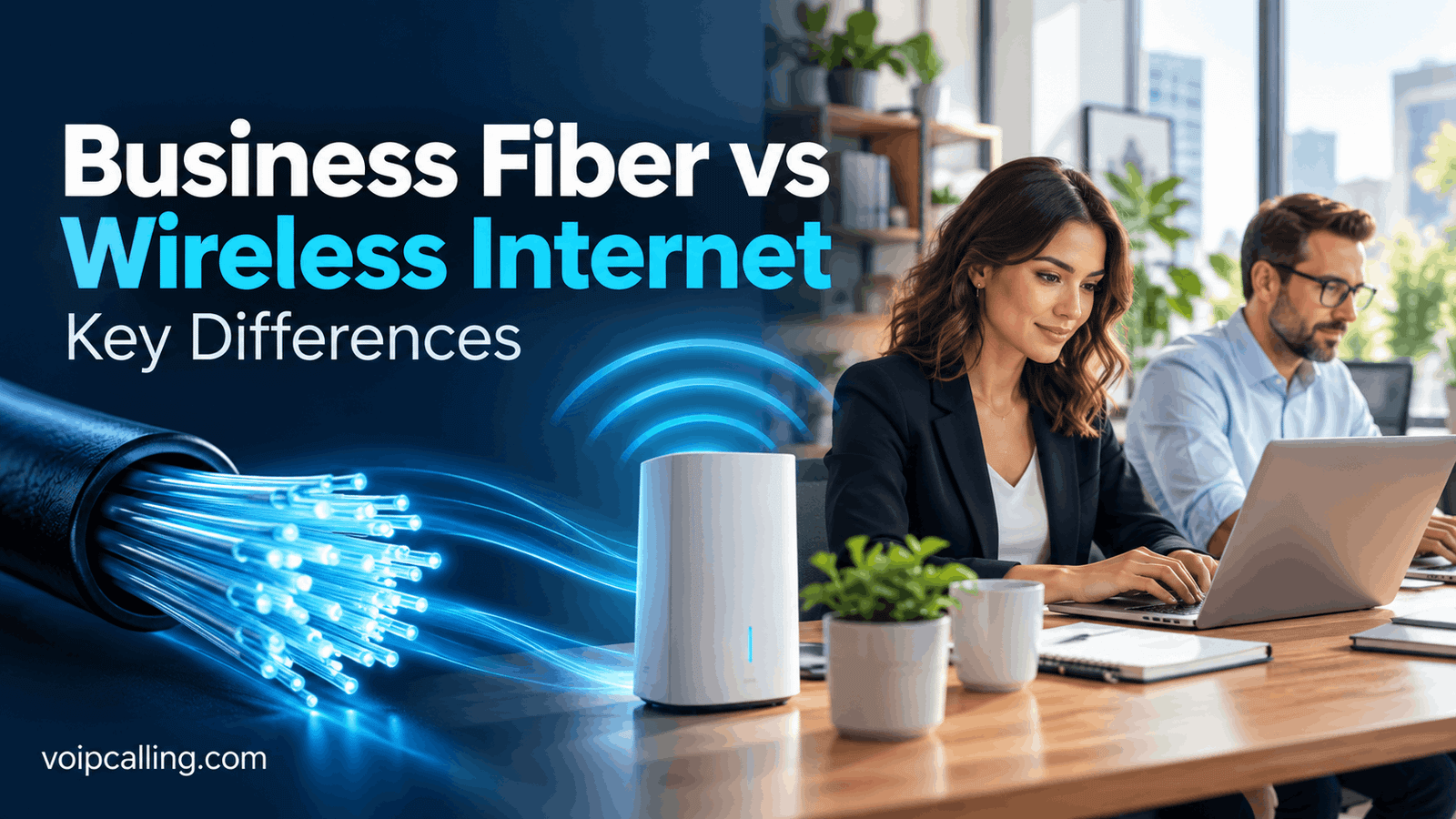
Business fiber uses a physical fiber-optic connection. Wireless internet receives the connection over radio, often from a cellular network. For a suitable permanent office, fiber is usually our first choice; wireless can solve fixed-site, temporary or backup requirements when the product and coverage fit.
The important distinction is not simply a cable versus a router. Some wireless services must stay at an approved address, while others permit portable use. This U.S. business guide compares the connection, uploads, costs, equipment and operating limits so you can choose the right service rather than a misleading speed headline.
Affiliate notice: VoIPCalling.com may earn a commission throughit, at no additional cost to you.
Quick Overview: Fiber vs Wireless for Business

| Connection type | How it reaches the business | Best starting use |
|---|---|---|
| Business fiber | A physical fiber-optic access line to an eligible premises. | Permanent office with frequent uploads, calls and cloud work. |
| Fixed wireless internet | A gateway receives radio signals at its qualified service location. | An approved fixed location where suitable wired access is unavailable or impractical. |
| Portable wireless internet | Compatible mobile hotspot or router, under a plan permitting changing locations. | Permitted temporary, on-the-go or emergency connectivity. |
AT&T examples: Business Fiber is wired; Internet Air for Business is fixed wireless at an approved address; Wireless Broadband permits portable use under its terms. A wireless hub does not automatically mean a portable subscription.
Customer Satisfaction Snapshot
J.D. Power’s 2026 small-business internet study: AT&T scored 686/1,000, versus a segment average of 659. It ranked highest for businesses with fewer than 20 employees in that study.
This is provider-level customer satisfaction, not a Fiber-versus-wireless score or a measured uptime guarantee. The official study provides useful context alongside address-specific performance and the accepted quote.
What Is Business Fiber Internet?
Fiber internet carries the access connection over fiber-optic infrastructure. The provider must make service available at your building and connect the relevant premises. Inside the office, a gateway or firewall distributes the connection through Ethernet and Wi-Fi.
Many business fiber offers provide symmetrical speeds: the advertised upload tier matches the download tier. That is useful when staff send files, join video meetings, synchronize cloud documents and perform off-site backups. Confirm the actual product specification rather than assuming every service using fiber somewhere in its network has symmetrical access.
Ordinary business broadband over fiber and dedicated internet are separate purchases. The access medium alone does not establish exclusive bandwidth, repair commitments or contractual service levels. If those are essential, request the specific dedicated or managed service scope.
Read our AT&T Business Fiber review for the related product overview.
What Is Wireless Business Internet?
Wireless internet uses a radio link for the access connection instead of a new wired fiber or cable access line into the premises. Cellular business internet typically uses a gateway with a compatible subscription, connecting to the provider’s network.
Fixed wireless: a location-specific service
AT&T Internet Air uses cellular towers, including available 5G connectivity, but its hub must remain at the approved service address. It is a fixed internet alternative, not a travel hotspot. A change of service address requires the provider’s approval under the published Air terms.
Check indoor reception, placement guidance and local network capacity. Qualification is the starting point; it does not establish identical performance in every room or during every working hour. Other fixed wireless providers also have their own location and equipment rules.
Portable wireless: a different plan and permission
AT&T Wireless Broadband is portable for permitted on-the-go, temporary pop-up and emergency business needs. Its plans have maximum speed tiers and activity restrictions. It should not be described as unlimited permission to perform any activity wherever a signal exists.
Read our Business Wireless review for that distinct product. A smartphone subscription, fixed gateway plan and portable router plan should be compared separately.
Fiber vs Wireless Is Not the Same as Wired vs Wi-Fi
Wi-Fi distributes connectivity inside the workplace. Fiber or wireless access supplies the internet connection to that workplace. A fiber-connected office can use Wi-Fi, and a fixed wireless gateway can connect office equipment through Ethernet.
This matters when troubleshooting. If one meeting room has poor reception but a wired laptop works well, the office Wi-Fi may be the problem. Changing from fiber to cellular access will not necessarily fix access-point placement, interference or weak internal coverage.
For critical fixed devices, consider suitable wired connections and an appropriate network design. For guest access, check both the internet service’s permitted use and separation from business systems. Do not assume every business wireless plan permits public Wi-Fi.
Key Differences: Speeds, Setup, Costs and Flexibility
| Difference | Business fiber | Wireless business internet |
|---|---|---|
| Access connection | Physical fiber to eligible premises. | Radio link; fixed or portable depending on the plan. |
| Uploads | Symmetrical tiers are available on many offers. | Confirm actual upload capability; do not assume symmetry. |
| Performance variables | Access capacity plus gateway, cabling and office network. | Those factors plus radio reception, placement and network congestion. |
| Setup | May involve an appointment, building permissions or new access work. | Often gateway setup; equipment and coverage still need validation. |
| Location flexibility | Installed service at a qualified premises. | Fixed plans stay at an approved location; portable plans have separate permissions. |
| Equipment | Gateway, firewall and internal networking as required. | Compatible gateway or hotspot; device charges and routing arrangements vary. |
| Backup role | Needs an appropriate secondary connection and power design. | Can provide a separate access method, but automatic failover is not inherent. |
| Contractual assurance | Depends on the actual broadband or dedicated agreement. | Depends on the exact plan; a 5G label is not an SLA. |
Download and Upload Speeds: Look Beyond the Largest Number
Download speed affects incoming files, software delivery and received meeting video. Upload speed matters when the business sends presentations, transfers media, synchronizes files or transmits meeting video. Both directions can become busy at the same time.
For an upload-heavy office, suitable symmetrical fiber is our starting preference. For email, modest cloud work or a temporary operation, a permitted wireless service may provide sufficient capacity. Judge the actual tasks together rather than selecting a plan from employee count alone.
Wireless throughput can change with reception and network demand. A maximum speed tier describes a ceiling, not a guaranteed working-hour result. With either method, an old router, unsupported cabling or poor Wi-Fi can prevent a device from using the purchased capacity.
Use a practical acceptance check
Run a normal video meeting, several business calls and a typical file upload concurrently. Repeat during operating hours. Record responsiveness and upload completion as well as speed results. A single download test taken when the office is quiet can miss the workload that actually matters.
Before paying for a faster tier, investigate the bottleneck. Scheduling a large backup outside business hours or improving the internal network may be more useful than increasing the internet headline.
Which Is More Reliable: Fiber or Wireless?
For a suitable permanent office, fiber is generally our preferred primary connection. It avoids dependence on cellular signal inside the building and supports strong upstream capacity on symmetrical offers. This is an access-method recommendation, not a promise that fiber never fails.
Wireless can work well at a qualified site, particularly where wired installation is unavailable or impractical. Its suitability depends on reception, local capacity, equipment and the permitted workload. Test representative working hours before making it the only connection for essential operations.
Both methods depend on powered equipment. A fiber line can remain physically intact while the office gateway is off. A working cellular network cannot help a hotspot with a depleted battery or an unpowered router. Plan power protection around the equipment needed for the essential workflow.
For a business that cannot tolerate interruption, purchase recovery rather than relying on a general reliability claim. Confirm how staff reach support, what the agreement commits to and how payments, calls and cloud tools behave when the connection changes.
Pricing Examples: Compare the Whole Purchase
| Service | Standalone reference | Qualifying bundle reference |
|---|---|---|
| Business Fiber 300 | $60 | $40 |
| Internet Air Standard | $50 | $30 |
| Wireless Broadband Standard, up to 25 Mbps | $70 | $50 |
These references concern the internet line, not the complete account. Qualifying Business wireless service is paid separately. The offers and eligible locations can change; confirm the written order before purchase.
The Fiber offer includes a Wi-Fi gateway and no annual internet contract. The Air offer sells the device separately; its displayed price uses a $5 qualifying billing discount and a $10 new-customer credit over 36 months, with discounts beginning after the stated processing periods. Pricing can increase during that period and changes after promotional credits end.
The Wireless Broadband offer uses a $5 qualifying AutoPay and paperless-billing discount. Compatible equipment charges are additional. Confirm billing timing and each applicable charge rather than treating a headline as the first bill.
Price the requirement, not just the subscription
Compare equipment, installation, activation, any required mobile account, network management and backup costs. Ask about cancellation and device-payment obligations. The cheapest internet line can become a more expensive purchase when it requires services or equipment the business otherwise would not need.
Do not use these U.S. retail examples to estimate an overseas office. International enterprise connectivity needs a separate location-specific proposal.
Installation and Equipment: Faster Setup vs a Permanent Access Line
Fiber availability must be checked for the exact address and suite. Ask about an installation appointment, building access, landlord permissions and where the equipment will be installed. A building already served by fiber can have different requirements from one needing additional access work.
Fixed wireless can reduce the need for a new external wired access line. However, the provider must qualify the location, deliver suitable equipment and support the intended service. Self-setup still requires correct placement, power and office-network configuration.
Portable wireless adds a different equipment decision: the hotspot or router must support the selected network and plan. Ask about battery or mains power, Ethernet needs, connected-device capacity and supported management. Portability alone does not make a consumer device suitable for every business workflow.
Keep the existing working service until the replacement passes your essential application checks. Coordinate cutover with the person managing the firewall, phones, payment equipment and other systems.
Location Rules and Permitted Use Can Decide the Winner
Fiber is installed at a premises. Fixed wireless provides a radio-based alternative at a qualified premises. Portable wireless permits changing locations only where its specific agreement allows. Moving the equipment is a separate question from whether a device can physically receive a signal elsewhere.
Air’s terms restrict server hosting and certain high-bandwidth or continuous activities. Its Standard plan can qualify at some residential business addresses, while Premium excludes residential business locations under the cited terms. Confirm your actual activity and address before accepting a proposal.
Wireless Broadband’s published restrictions exclude public or guest Wi-Fi, consumer entertainment, continuous video streaming and web hosting. A portable connection for approved business tools should not be repurposed as a customer hotspot without an appropriate service agreement.
If guest access, continuous cameras or hosted systems are central to the project, describe them explicitly to the provider. Have the proposed service matched to those requirements before comparing monthly prices.
Fiber Plus Wireless: A Backup Strategy, Not Automatic Protection
A fiber primary connection with a suitable wireless backup can provide an alternative access path. To make that useful, define what must recover: payments, calling, a VPN, cloud records or only basic communication. Then choose compatible routing and power arrangements.
A second paid plan does not automatically create failover. A supported router or managed arrangement must detect the interruption and switch traffic. Sessions can reconnect differently after the public IP changes, so application tests are part of the design.
AT&T’s Fiber FAQ describes integrated backup for eligible 1 GIG-and-higher service with the specified gateway, wireless coverage and power. Static IPs and AT&T VoIP do not fail over, and battery backup is not included. Check third-party applications separately.
For any backup proposal, ask whether it shares dependencies with the primary service and how restoration is handled. Preserve a written recovery procedure so staff know which work can continue and which requires intervention.
Clear Winners by Business Requirement
| Overall requirement | Clear starting winner | Why |
|---|---|---|
| Permanent office with regular uploads, calls and cloud work | Suitable business fiber. | Strong upstream capacity on symmetrical offers and no indoor cellular dependency for primary access. |
| Approved fixed site without practical wired access | Qualified fixed wireless. | A gateway-based alternative when local performance meets the workload. |
| Permitted temporary pop-up or on-the-go activity | Portable business wireless. | Location flexibility is the deciding need. |
| Customer Wi-Fi plus business systems | Suitable fixed access with an appropriate Wi-Fi design. | Use a product whose agreement permits guest access; portable Wireless Broadband does not. |
| Medium business with growing simultaneous cloud traffic | Suitable fiber plus managed networking and recovery. | Evaluate capacity and operations together rather than assigning a plan by headcount. |
| Enterprise-grade contractual performance requirements | A dedicated or managed proposal. | Specify service levels and routing; do not infer them from fiber or 5G marketing. |
| Emergency connection for essential permitted tasks | A compatible wireless recovery arrangement. | Alternative access only helps if equipment and applications are ready. |
Budget-conscious businesses should compare the complete quotes for locally suitable options. There is no universal price winner when hardware, eligibility, required bundles and installation differ.
Questions to Ask Before Ordering
- Is the exact location eligible? Include suite details and any home-office use.
- Is the plan fixed or portable? Get approval and relocation rules in writing.
- Are our activities permitted? Describe guest access, hosted systems and continuous traffic.
- What are the upload expectations? Compare simultaneous work, not just download headlines.
- What is the complete bill? Include devices, setup, required subscriptions and applicable charges.
- Who configures the office network? Assign gateway, firewall, calling and payment responsibilities.
- How will we recover? Confirm power, routing, essential applications and support escalation.
For the supplied AT&T inquiry routes, you can typically expect a sales response within 24–48 business hours. This is an expected inquiry response, not an installation or repair guarantee.
Frequently Asked Questions
Is business fiber better than wireless internet?
For a suitable permanent office, fiber is our usual starting preference. Wireless can be better when a qualified fixed site lacks practical wired access or when permitted portability is essential.
Is fixed wireless internet portable?
Not necessarily. AT&T Internet Air must stay at its approved service address. Choose a plan that expressly permits portable use for changing locations.
Does 5G business internet replace office Wi-Fi?
No. 5G is an access-network technology; Wi-Fi distributes the connection indoors. You may still need suitable access points and separate guest networking.
Is wireless always cheaper than fiber?
No. Compare the full quote, including equipment, discounts, installation and required subscriptions. A lower line price can have a higher total purchase cost.
Can fiber and wireless work together?
Yes, through an appropriate primary-and-backup configuration. Confirm supported routing, power and application recovery; two subscriptions alone do not create automatic switching.
Does fiber mean dedicated internet?
No. Standard fiber broadband and dedicated internet have different service scopes. Request the contractual bandwidth and SLA requirements explicitly.
Can a wireless plan serve public Wi-Fi?
Only if its agreement permits that use. AT&T Wireless Broadband’s published restrictions exclude public or guest Wi-Fi.
Which should an upload-heavy business choose?
Start with suitable symmetrical fiber and confirm the simultaneous upstream requirement. Validate the internal network so it can support the purchased connection.
Final Recommendation
Choose suitable business fiber as the primary connection for a permanent office. Choose qualified fixed wireless when wired access is impractical, and portable wireless when changing locations is an authorized requirement. For critical operations, build and test a recovery arrangement alongside the primary service.
The best connection is the one that supports the real workload at the intended location, under acceptable terms and a clear total cost. Check local performance and the accepted agreement before making the final choice.
AT&T and its product names belong to their respective owners. VoIPCalling.com is an independent publisher.
Customer Reviews: Positive Feedback and a Useful Caution
Belinda C., G2, 5/5, May 1, 2026: she gave positive feedback about dependable internet and phone service. Her review does not identify one of the three packages covered here.
Richard T., IT Director, G2, 4.5/5, August 20, 2025: he valued a dedicated account manager but raised concerns about attention to smaller businesses and responses during incidents. His review explicitly concerns IPFLEX internet and phone service, rather than a verified Fiber, Air or Wireless Broadband installation.
These examples help frame questions about support and service fit. For your own purchase, seek recent feedback about the same access product in a comparable location and verify the quoted support arrangement.
Affiliate disclosure: VoIPCalling.com may earn a commission if you purchase through it, at no additional cost to you.