When a mobile user encounters a situation where communication is interrupted, it typically results from a breakdown in the signal path between the smartphone and the local cellular tower. This disruption can occur for various reasons, including environmental interference, hardware malfunctions, or temporary service outages from the carrier. In most cases, the device displays a notification indicating that the attempt to connect has been unsuccessful. This problem affects both traditional cellular lines and Voice over Internet Protocol services, often requiring a systematic approach to identify whether the fault lies within the device settings, the physical SIM card, or the broader network infrastructure.
Understanding Why Are All My Calls Failing
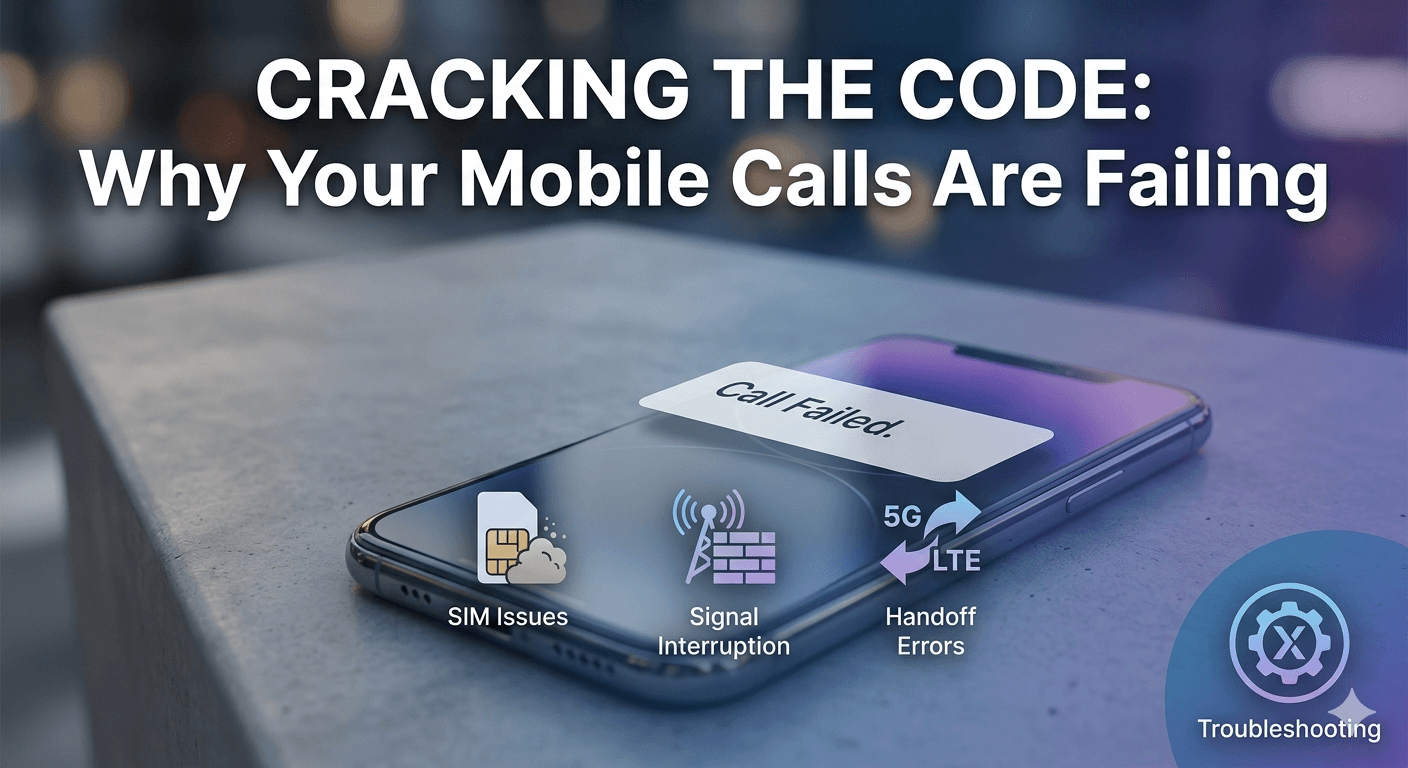
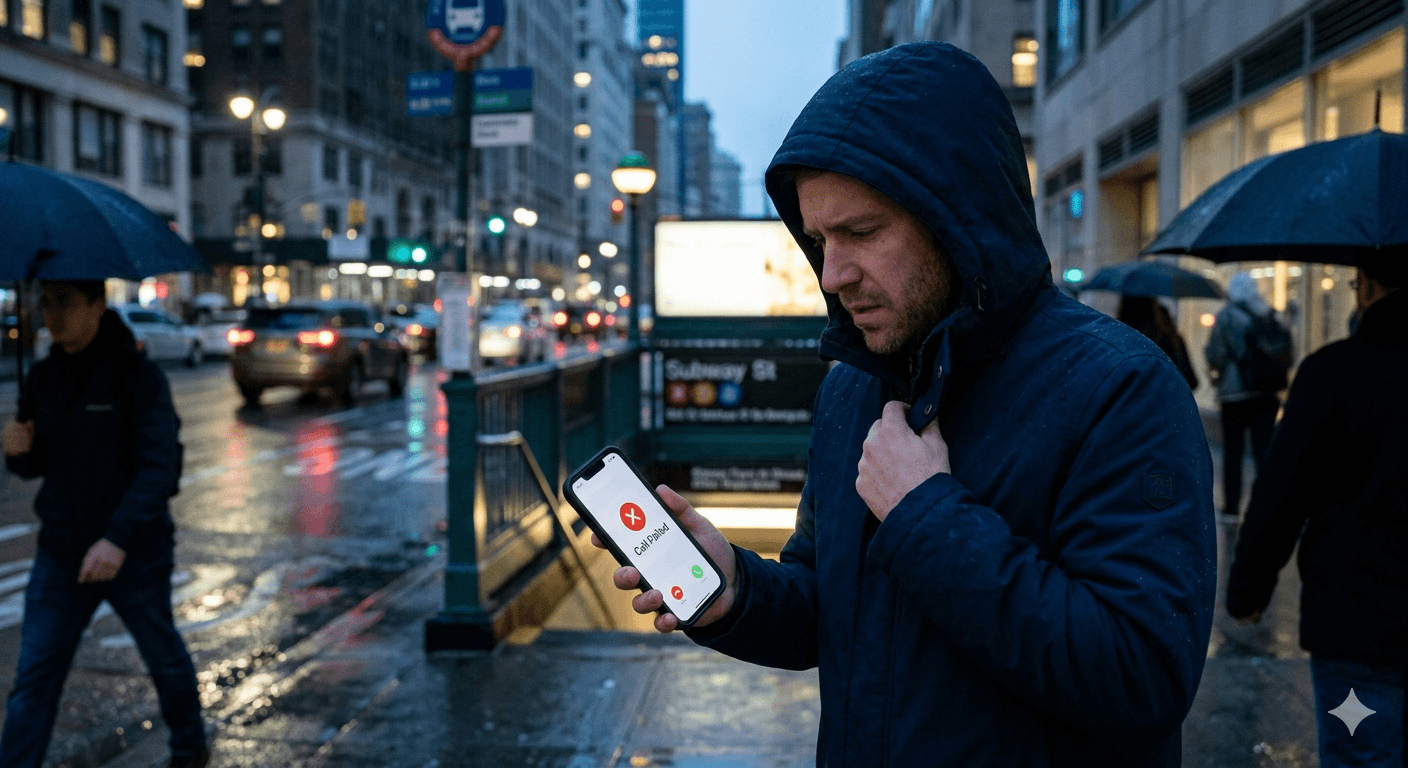
The experience of a failed communication attempt is often described through the simple on-screen notification that a call could not be completed. From a technical perspective, this means the digital handshake between your device and the switching center of the carrier was never finalized. When you dial a number, your phone sends a request to the network to find the recipient. If the network cannot locate the recipient or if your phone cannot maintain a stable connection to the tower during this request phase, the system terminates the process. This termination is what triggers the error message on your screen, leaving many users wondering why does it say call failed when the signal bars appear to be full.
In many instances, the issue is not with the destination but with the originating device’s ability to sustain a broadcast frequency. Cellular networks operate on specific bands, and if there is significant electromagnetic interference or if the device is transitioning between two different towers, the handoff can fail. This is particularly common in high-traffic urban areas where thousands of devices are competing for the same bandwidth.
According to a report by RootMetrics, network congestion remains one of the leading causes of dropped and failed connections in major metropolitan hubs, as the infrastructure struggles to manage peak-load demands during business hours.
Another layer of this problem involves the authentication process. Every time a call is placed, the network must verify that the user has an active subscription and the rights to use the specific frequency. If there is a delay in this verification or if the carrier’s database is undergoing maintenance, the request will time out. This results in the phone indicating that the connection has been dropped before it even started. Users who frequently travel or move between different network types, such as switching from 5G to LTE, are more likely to encounter these synchronization errors because the device must re-authenticate with the network on a different protocol.
Common Reasons Why Calls Keep Failing on Modern Mobile Devices
One of the most frequent causes for persistent connection issues is the physical state of the SIM card. The SIM card is responsible for identifying your phone to the carrier, and any microscopic scratch or accumulation of dust on the gold contacts can lead to intermittent failures. If the phone loses contact with the SIM for even a millisecond during the dialing process, the system will immediately abort the attempt. It is often helpful to remove the tray and clean the card with a soft cloth to ensure a secure physical connection. Many people overlook this simple hardware check when trying to figure out why does my phone keep saying call failed during important conversations.
Environmental factors also play a massive role in call reliability. Modern building materials, such as reinforced concrete, steel beams, and low-emissivity glass, are highly effective at blocking cellular signals. If you are deep inside a large building or in a basement, your phone might show one or two bars, but it may not have enough power to push a voice signal back to the nearest tower. This imbalance between receiving and sending power is a common reason why a call fails despite the device appearing to have a marginal connection. Moving toward a window or stepping outside often resolves the issue instantly by providing a clear line of sight to the transmission equipment.
-
Signal interference from electronic devices or large physical obstacles frequently disrupts the transmission of voice data packets between the phone and the tower.
-
High network traffic during peak hours can lead to a lack of available channels for your device to initiate a new outgoing request.
-
Damaged or outdated SIM cards may fail to provide the necessary authentication credentials to the carrier in a timely manner.
-
Extreme weather conditions, such as heavy rain or solar flares, can occasionally impact the stability of high-frequency cellular bands used for 5G.
-
Moving at high speeds, such as in a car or train, can cause handoff errors where the network fails to transfer the connection from one tower to the next.

Identifying Why Are All of My Calls Failing Due to Carrier and Account Issues
Sometimes the problem is not related to the hardware or the environment but is instead linked directly to your service provider or account status. Carriers occasionally experience localized outages due to hardware failure at a specific tower or maintenance on their core switching systems. If you notice that everyone in your immediate vicinity using the same provider is having issues, it is highly likely a network-wide problem. In these scenarios, the only solution is to wait for the carrier to rectify the technical fault. Checking official service status maps or social media updates from the provider can confirm if there is a known outage in your specific geographic area.
Account-related restrictions are another significant factor that can cause communication to cease. If there is a billing discrepancy or if a user has exceeded their roaming limit, the carrier may place a temporary hold on outgoing services. This suspension often happens automatically through the carrier’s management software. While you might still be able to use mobile data or receive incoming messages, the voice service is usually the first to be restricted. This leads to a situation where the phone appears to be working normally for internet browsing, but every attempt to dial a number results in an immediate failure notification.
Furthermore, international roaming settings can cause significant confusion. If you are traveling and have not enabled the correct roaming permissions on your account, the local towers in the foreign country will reject your device’s connection attempts. Each carrier has specific agreements with international partners, and if your phone tries to connect to a network that is not part of your provider’s partner list, the authentication will fail. Ensuring that your plan supports international dialing and that the roaming toggle is active in your device settings is a crucial step for those wondering why does the call keep failing while they are abroad on business or vacation.
Exploring Why Are My Calls Failing on My iPhone Specifically
Apple devices have specific software features that, while intended to improve the user experience, can sometimes interfere with standard calling functions. One such feature is the “Silence Unknown Callers” setting, which can sometimes behave erratically if the software is not up to date. Additionally, the way iOS handles the transition between Wi-Fi Calling and cellular data can occasionally lead to a momentary drop in connectivity. If the Wi-Fi signal is weak but the phone still tries to prioritize it over a strong cellular signal, the handover process can stall, causing the system to report a failure. This is a common point of frustration for those seeking to understand why are my calls failing on my iphone during a switch between home and mobile networks.
Carrier settings updates are also unique to the iPhone ecosystem. Apple frequently pushes small configuration files that tell the iPhone how to interact with a specific carrier’s network. If these settings become corrupted or are significantly out of date, the device may struggle to maintain a stable link with the tower. These updates are separate from the main iOS updates and are often prompted by a pop-up menu. Ignoring these prompts can eventually lead to a decline in call quality or a complete inability to place outgoing calls. Regularly checking the “About” section in the General settings menu can trigger the device to look for and install these essential network configurations.
-
Outdated iOS versions may contain bugs that affect the cellular radio’s firmware, leading to frequent connection drops.
-
The “Low Data Mode” setting can sometimes restrict background processes that are necessary for maintaining a stable VoLTE connection.
-
Corrupted network settings often require a complete reset to clear out old cache data that might be conflicting with new tower protocols.
-
Incorrect date and time settings on the device can cause security certificate mismatches during the network authentication process.
-
Physical damage to the internal antenna, often caused by dropping the phone, can result in intermittent signal loss that appears as a software failure.
Software and Device Configurations Leading to Call Failures
The operating system of any smartphone is a complex web of background processes, and occasionally these processes can enter a state of conflict. For example, if a third-party security or caller ID app is poorly optimized, it might intercept an outgoing call and cause it to crash before it leaves the device. This is particularly common on devices with heavily customized software skins. When multiple apps are competing for control over the dialer or the microphone, the system may simply terminate the call request to prevent a system-wide freeze. Identifying and disabling recently installed apps that have permissions to manage phone calls is a standard troubleshooting step.
Another often overlooked aspect is the state of the device’s internal storage and RAM. If a phone is completely full of photos and videos, the operating system may struggle to find the temporary space needed to run the communication stack efficiently. While it might seem unrelated, system performance directly impacts the speed at which a phone can process the complex signaling required for modern 5G and VoLTE communication. A device that is overheating will also throttle its cellular radio to protect internal components, which significantly weakens the signal strength and can lead to a situation where the phone keeps saying call failed until it has had a chance to cool down.
According to research by the International Journal of Interactive Mobile Technologies, smartphone performance can degrade significantly when the device reaches 95% of its storage capacity, affecting real-time tasks like voice encoding. This research underscores the importance of maintaining digital cleanliness to ensure that the hardware can focus on its primary function of communication. Regularly clearing the cache of the phone app and ensuring that background tasks are limited can provide the necessary system resources for a stable connection. This is especially true for older devices that may have less processing power to handle the demands of modern, data-heavy network protocols.
Troubleshooting Why Are Calls Failing on My iPhone and Other Devices
The first and most effective step in resolving connection issues is to toggle the connection state by using Airplane Mode. By enabling Airplane Mode for about thirty seconds and then disabling it, you force the device to completely disconnect from all towers and perform a fresh search for the strongest available signal. This action clears the temporary tower cache and often resolves minor synchronization errors. It is a quick and non-invasive way to jumpstart the communication hardware without having to perform a full system reboot, and it effectively addresses the immediate concern of why is my call failing in a specific location.
If the simple toggle does not work, the next step involves a reset of the network settings. This is a more comprehensive fix that erases all saved Wi-Fi passwords, Bluetooth pairings, and cellular configurations. It essentially returns the phone’s networking stack to its factory state, which can be incredibly effective if a software glitch has corrupted the way the phone interprets signal data. After performing this reset, the phone will re-download the necessary configuration files from the carrier. This process has a high success rate for users who find that their phone calls keep failing despite having a physically healthy device and an active account.
-
Restarting the device clears the system’s temporary memory and stops any background apps that might be interfering with the phone’s dialing process.
-
Checking for carrier settings updates ensures that your phone is using the most efficient protocols for your specific service provider.
-
Ensuring that the SIM card is properly seated in the tray prevents hardware-based disconnections during high-vibration environments.
-
Disabling VoLTE or Wi-Fi calling temporarily can help identify if the issue is related to specific high-definition voice protocols.
-
Contacting the carrier’s technical support team can reveal if there are specific blocks or outages affecting your individual subscriber line.
Using Advanced Tools to Improve Call Reliability
For businesses and power users who cannot afford to have their communication interrupted, utilizing specialized platforms can provide an extra layer of stability. Tools like PowerDialer.ai or Talk Home utilize intelligent routing to ensure that calls are placed through the most stable path available. These systems can automatically switch between different carriers or use data-based VoIP if the local cellular signal is too weak to support a traditional voice line. By leveraging multiple paths for data transmission, these services minimize the risk of encounter a failed connection and maximize the success rate of every outgoing dial.
These advanced systems also provide real-time monitoring and analytics, allowing users to see exactly when and why a call might have dropped. For instance, if a specific region is experiencing network degradation, an AI-driven dialer can reroute traffic through different gateways to avoid the problem area. This level of redundancy is essential for call centers and sales teams where every missed connection represents a lost opportunity. Understanding that the traditional cellular network is just one of many ways to connect allows users to diversify their communication strategy and move beyond the limitations of a single carrier or a single mobile device.
Integrating these tools with existing Customer Relationship Management systems also helps in identifying patterns. If a user consistently sees that calls to a specific area code are failing, the system can flag this for investigation. It might be a routing issue between two major carriers that needs to be addressed at the enterprise level. By moving communication management into a more data-driven environment, users can gain insights into the technical health of their network that would be impossible to see on a standard smartphone interface. This proactive approach to connectivity ensures that the phrase call failed becomes a rarity rather than a daily occurrence.
Read More: How to Perfect Your Business Voicemail Greeting for Success?
Final Thought
Experiencing failed calls is a multifaceted issue that can range from a simple software glitch to a complex network outage. Whether the problem is caused by an improperly seated SIM card, environmental interference, or an outdated iOS version, the key to a resolution lies in a systematic troubleshooting process. By understanding the underlying mechanics of how a mobile device interacts with a carrier, users can quickly identify the source of the trouble and implement a fix. Moving forward, as 5G networks and VoIP technologies continue to merge, staying informed about device settings and network reliability will be the best defense against the frustration of interrupted communication.
FAQs
-
Why is my iPhone showing “Call Failed”?
An iPhone typically displays this error when there is a sudden loss of signal or a software conflict within the iOS communication stack. Common reasons include outdated carrier settings, a weak connection to the cellular tower, or a glitch in the transition between Wi-Fi and mobile data. To fix this, users should try toggling Airplane Mode, updating to the latest version of iOS, or resetting their network settings to clear any corrupted data that might be blocking the connection.
-
Can VoIP calls fail even with a strong Wi-Fi connection?
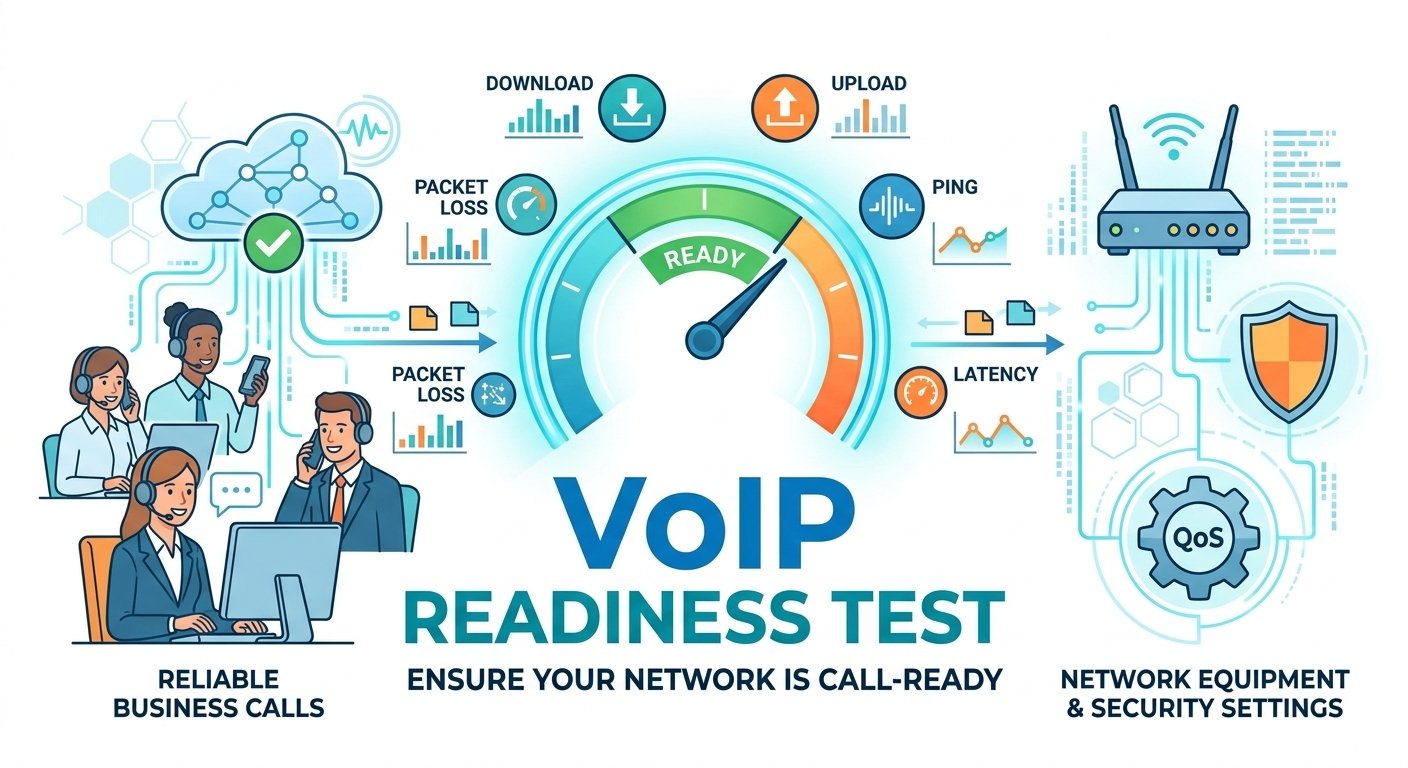
Yes, VoIP calls can fail if there is a server-side issue with the service provider or if the local network is experiencing high latency or packet loss. Even if your Wi-Fi signal is strong, if the internet connection is unstable or if there is a firewall blocking the necessary communication ports, the call will not be able to connect. Furthermore, some routers have settings like SIP ALG that can interfere with VoIP traffic, leading to frequent failures despite a seemingly healthy internet link.
-
Are blocked numbers reported as “Call Failed”?
In most cases, if you try to call a number that has blocked you, the system will not explicitly say the call failed. Instead, you might hear a specific recording or be sent directly to voicemail after a single ring. However, depending on how a specific carrier handles blocked outgoing requests or how your device’s privacy settings are configured, it could potentially show an error message. Usually, a “Call Failed” notification is strictly reserved for technical and connectivity issues rather than social blocking.
-
Why do international calls fail more often than local ones?
International communication involves multiple carriers and complex routing gateways across different countries. A failure can occur at any point along this chain, from the initial handshake in your home country to the final delivery in the destination country. Latency, different telecommunication standards, and restrictions on virtual numbers can all contribute to higher failure rates. Using professional dialing services can help mitigate these issues by using optimized international routes.
-
Why does my phone keep saying call failed in the same location?
If calls consistently fail in a specific spot, it is almost certainly due to a “dead zone” where cellular signals are blocked by geography or building materials. High concentrations of electronic interference or being at the edge of a cell tower’s range can also cause this. If the issue persists even with different devices, the location may simply have poor infrastructure coverage from your carrier. Utilizing Wi-Fi calling is often the best workaround for staying connected in these problematic areas.