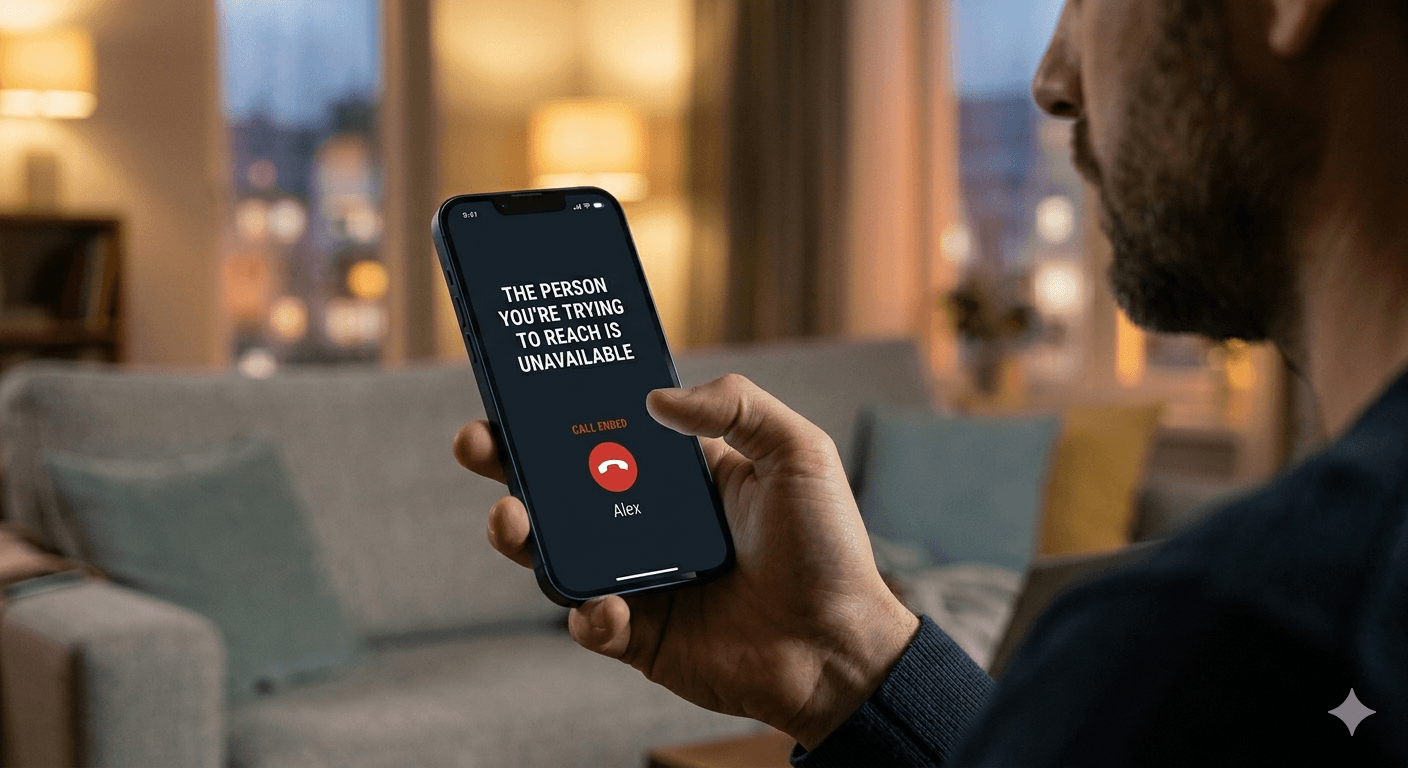
When you encounter an automated recording stating that the person you are trying to reach is unavailable, it usually indicates a failure in the communication link between your device and the recipient. This message often triggers when the target phone is powered off, has an empty battery, or is currently in an area with zero cellular reception. It can also occur if the recipient has enabled Do Not Disturb mode or has manually diverted incoming calls to a non-functional voicemail. Understanding this message helps determine whether the issue is a temporary network glitch, a hardware problem, or a specific setting on the recipient’s smartphone.
Why the person you are trying to reach is not available and common technical causes
The underlying reason for receiving a notification that the person you are trying to reach is not available often stems from the physical state of the mobile device. Modern cellular networks operate by pinging a device constantly to verify its location relative to the nearest cell tower. If the phone shuts down suddenly due to a depleted battery or a software crash, the network loses this connection. When you attempt to call, the system looks for the device but fails to find an active signal, resulting in the standard recording. In some cases, the user might be traveling through a dead zone where signals are blocked by geographic obstacles or thick building materials, leading the carrier to report the user as temporarily out of reach.
Network congestion is another significant factor that results in the message stating the number you are trying to reach is not available. During peak hours or large public events, cell towers can become overwhelmed with traffic, causing them to reject new incoming call requests. This is not a fault of the recipient but rather a limitation of the local infrastructure. Furthermore, if the person you are calling has not paid their monthly service bill, the carrier may suspend their ability to receive calls. In this specific scenario, the system plays a generic recording to inform the caller that the service is inactive, though the exact wording varies depending on the specific service provider.
According to a study by the Pew Research Center, nearly 15 percent of rural Americans report frequent issues with digital connectivity and cellular dead zones. This research highlights that environmental factors are often the primary culprit when you hear that the person you’re trying to reach is not available. Another technical aspect involves the Handover process in mobile networking. If a person is moving quickly between two different cell tower zones, the network might momentarily lose track of the device during the transition. If a call is placed at that exact millisecond, the system defaults to the unavailability message because the routing path is temporarily broken.
Understanding the wireless customer is not available meaning and carrier specifics
If you receive a message stating the wireless customer is not available, it often points toward a specific status within a carrier like AT&T or Verizon. This phrase is a specialized automated response that differentiates mobile users from landline users. It typically signifies that the phone is not currently registered on the network. This could be due to the user putting their phone into airplane mode for a flight or a meeting. When airplane mode is active, the cellular radio is completely disabled, making it impossible for the network to deliver the call, thus triggering the notification that the person you’re trying to reach is unavailable.
There is a distinct difference between a busy signal and the notification that the wireless customer is not available. A busy signal means the phone is active and the network is working, but the line is occupied. Conversely, the unavailability message suggests a total lack of connection. If you are wondering about the wireless customer is not available am i blocked scenario, it is important to note that blocking usually behaves differently. When a number is blocked, the call might ring once and go to voicemail, or you might hear a message saying the caller you are trying to reach is unavailable immediately without any ringing. However, the wireless customer message is more frequently associated with technical or service-related outages.
- The recipient may have moved out of their service coverage area or is roaming in a region where their carrier does not have an active partnership with local towers.
- The SIM card inside the device could be damaged or improperly seated, preventing the hardware from authenticating with the mobile network.
- System maintenance performed by the telecommunications provider can occasionally take down local routing servers, leading to the subscriber you are trying to reach is unavailable message.
- Software updates that require a reboot will take the phone offline for several minutes, during which time any incoming attempts will be met with a recorded unavailability prompt.
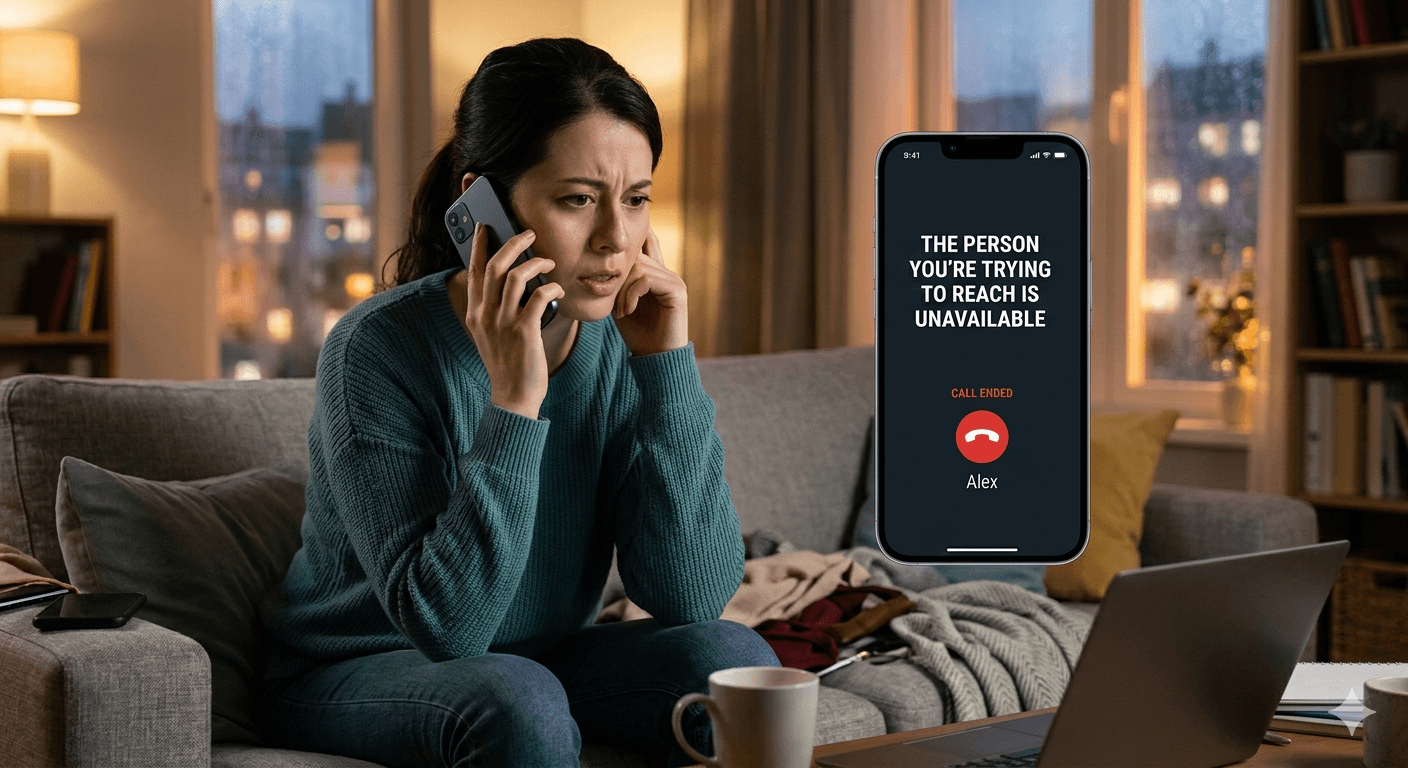
Decoding the number you are trying to reach is not reachable for international and local calls
When the system informs you that the number you are trying to reach is not reachable, the issue might be related to international routing or specific regional constraints. For international calls, your local provider must hand off the signal to a foreign gateway. If there is a failure at this gateway or if the destination country is experiencing infrastructure problems, the call will fail. You might hear that the number you are trying to call is not reachable because the complex digital handshake between two different global carriers could not be completed. This is especially common when calling regions with developing telecommunications systems or during periods of political instability where networks might be restricted.
Local issues also play a role in why the person you have called is not available. If the recipient is using a Voice over LTE or Wi-Fi calling service and their internet connection drops, the call routing might fail before it can switch back to standard cellular protocols. This creates a loop where the network thinks the device is online via data, but since the data packet cannot be delivered, it reports that the user is not found. If you find that the number you trying to call is not reachable, it is often helpful to wait a few minutes and try again, as many network routing errors are transient and resolve themselves once the system refreshes its location registry.
Telecommunications experts note that the success rate of call completion globally sits around 98 percent, meaning that 2 percent of calls fail due to switching errors. This fact supports the idea that the person you are calling is not available might just be a victim of a minor technical glitch in the global switching fabric. Sometimes, the issue lies with the caller’s own network settings. If your device has a corrupted network profile, it may fail to initiate the outbound path correctly, leading to an error message that sounds like it is coming from the recipient’s end when it is actually an internal error on your own device or service plan.
Common solutions to caller unavailable and troubleshooting steps
If you are consistently told that the person you trying to reach is not available, there are several troubleshooting steps you can take to identify the source of the problem. First, try sending a text message or an iMessage to the individual. Text messages use a different signaling channel than voice calls and can often get through even when voice capacity is limited. If the text is delivered, it confirms the phone is on and connected, suggesting the voice issue is a temporary network bottleneck. If the text also fails to deliver, it is highly likely the phone is turned off or has no signal whatsoever.
Another common solution when the number you’re trying to call is not reachable is to try calling from a different phone number or using a third-party app like WhatsApp or Telegram. If the call goes through on a different platform, the recipient’s cellular service is likely the problem. However, if the call goes through from a different phone number but not your own, it strongly suggests that your number might be restricted or blocked. This is a practical way to diagnose the wireless caller not available meaning without needing technical tools. You should also check if you are dialing the correct area code, as missing a single digit can lead to a message stating this number is not available.
- Check your own signal strength and ensure you are not in a dead zone that prevents you from making outbound connections effectively.
- Restart your mobile device to clear any temporary software bugs that might be interfering with the dialer application or the network handshake.
- Disable your caller ID in settings to see if the call goes through as a private number, which can bypass some basic blocking filters.
- Verify that your account has sufficient credits or an active plan, as some carriers prevent outbound calls if the billing cycle has ended.
- Wait for thirty minutes before attempting the call again to allow local network congestion or tower maintenance to conclude.
Understanding what does wireless customer not available mean in the context of blocking
One of the most frequent questions people ask is what does wireless customer not available mean in regards to their relationship with the recipient. While it is often a technical issue, many modern smartphones allow users to set up custom call rejection rules. If a user adds your number to a block list, the carrier may play a generic recording to protect the privacy of the person you are calling. In this case, the user you are trying to reach is unavailable because their phone is actively rejecting your specific connection attempt. This is designed to prevent the caller from knowing for certain that they have been blocked, providing a layer of social deniability for the recipient.
To determine if the person your trying to reach is not available because of a block, look for patterns in the call behavior. If the call always goes to the recording at exactly the same time or after exactly one ring, it is a sign of an automated rejection. If the message varies or if the phone sometimes rings multiple times before the message, it is more likely a signal or battery issue. When the subscriber you are trying to reach is unavailable, it is also worth checking social media status. If the person is active online but their phone is unreachable, they may have silenced their cellular line while remaining on a Wi-Fi connection for apps.
Understanding what does it mean when a number is not reachable requires looking at the total communication picture. If you see a blue bubble in your messaging app but the call fails, the recipient has internet access but no cellular signal. This person cannot be reached at the moment via traditional voice, but they can receive data-based communications. This distinction is vital for troubleshooting, as it helps you decide whether to keep trying the phone line or switch to an internet-based calling method to reach the person. The number is not available message is rarely a permanent state and usually clears up once the recipient returns to a stable coverage area.

Managing network codes and location tracking for better connectivity
There are various network codes that users can enter into their dialer to manage how calls are handled, which can influence whether someone hears the person you are trying to reach is not available message. Codes like *#61# are used to check the status of call forwarding when a call is not answered. If a user has incorrectly configured these settings, every incoming call might be sent to a dead-end number, causing the network to report that the number you are trying to reach is not reachable. Users can reset these settings by using specific MMI codes provided by their carrier to ensure their line is open and functioning as intended.
For those trying to track real-time location even if you’re blocked, it is important to realize that traditional cellular calls are not the only way to establish a connection. If you have shared locations through system-level apps, you might still see where the person is even if the caller you are trying to reach is unavailable. This occurs because location sharing often uses a separate data protocol that is not tied to the voice calling status. However, if the phone is completely off or in airplane mode, the location will also stop updating, confirming that the device is totally disconnected from all network services.
- The code *#21# allows you to see if all your calls and messages are being diverted to another device or number.
- The code *#31# can be used to manage your outgoing caller ID status, which may help in reaching someone who filters anonymous calls.
- Checking the SIM status in the phone’s settings menu can reveal if the device is experiencing an internal hardware error.
- Utilizing find my device features can provide a last-known location, which helps explain why a person might be unavailable if they are in a known low-coverage area.
Read More: Interactive Voice Response (IVR) Systems: optimizing Business Communication
Final Thought
Hearing that the person you’re trying to reach is unavailable can be a frustrating experience, especially when you need to deliver an important message. In the vast majority of cases, this recording is the result of simple technical issues like a dead battery, a lack of signal, or the recipient being in airplane mode. While it can sometimes indicate that a number has been blocked, the automated nature of cellular networks means that glitches and maintenance are just as likely to be the cause. By understanding the different meanings behind carrier recordings and utilizing basic troubleshooting steps, you can better navigate these communication hurdles and find alternative ways to stay connected.
Faqs
-
What does *# 61 *# do?
This code is used to check the status of call forwarding on your mobile device. Specifically, it shows the number that your calls are forwarded to when you do not answer the phone. It also displays the amount of time the phone rings before the call is diverted to voicemail or another number.
-
How do I know my number is blocked by someone?
While there is no definitive way to know, common signs include the call consistently ringing only once before going to voicemail or hearing a repeated message that the person is unavailable. If you call from a different number and it rings normally, your original number is likely blocked.
-
What is the *#21 code used for?
The *#21# code is a diagnostic tool that reveals if your calls, faxes, or data are being diverted to another number. It is an all-inclusive forwarding check that helps users ensure their privacy and verify that their incoming communications are not being intercepted or rerouted without their knowledge.
-
What is *# 31 code used for?
This code is used to manage your Outgoing Caller ID. By dialing *#31#, you can check whether your number is hidden or visible to others when you call them. You can also use variations of this code to hide your number on a per-call basis, which is useful for maintaining privacy.
-
What does it mean when a number is not available?
When a number is reported as not available, it typically means the network cannot find the device on any active cell tower. This happens if the phone is off, the SIM card is inactive, or the user is in a location with absolutely no cellular service, preventing the call from being routed.