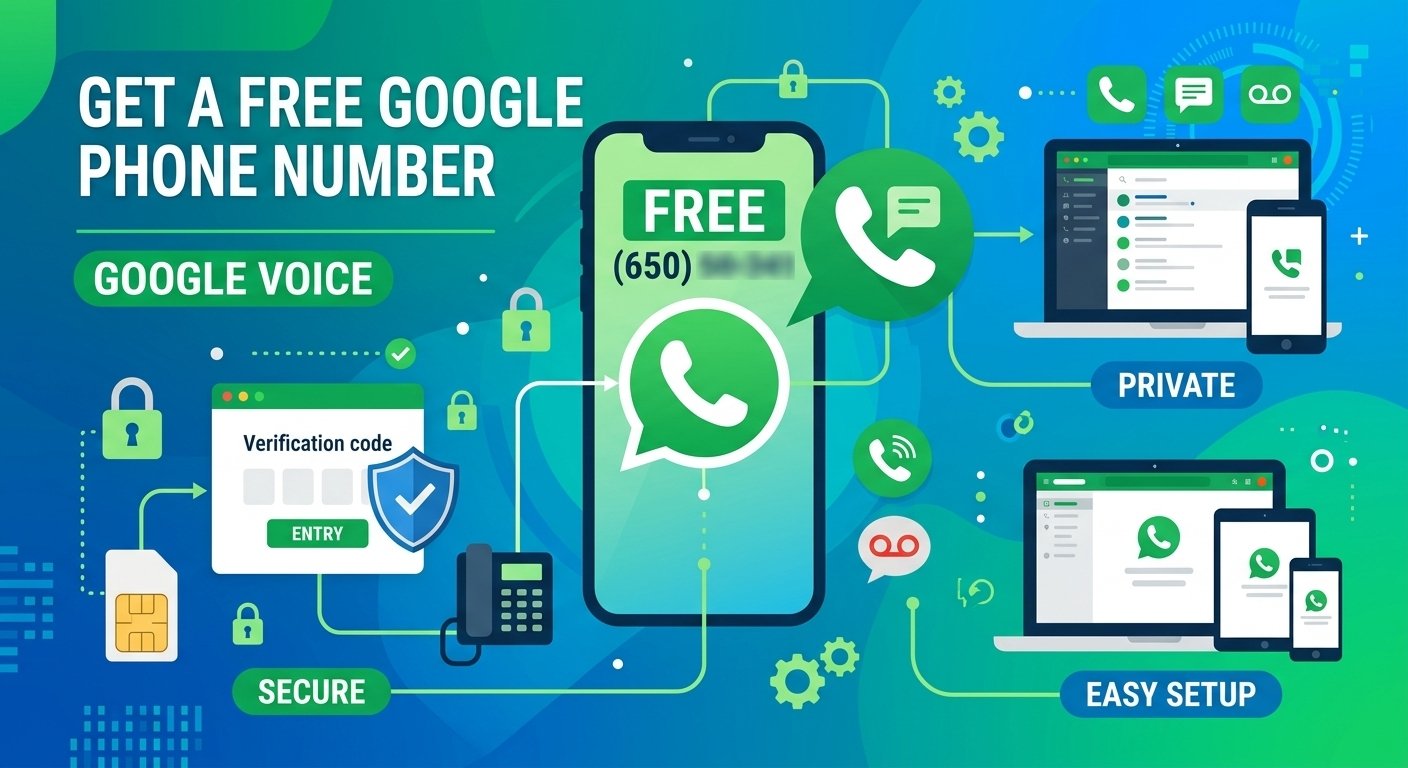
Yes, Google offers a free phone number through Google Voice for eligible personal users in the United States. Google’s Basic individual plan costs $0 per month and includes one phone number for calling and texting across supported devices. You need an existing mobile number to sign up. Business Google Voice plans and some international calls or features cost extra.
A free Google phone number is a virtual alternative that allows you to keep your privacy online, handle professional calls and messages, or confirm online accounts without giving away your real mobile number. Users can access a dedicated line in the United States via the Google Voice platform, which allows them to make calls, send texts, and use voicemail via an easy-to-use app or browser.
This service is a strong protection barrier, and you can protect your personal information from marketers, unknown platforms, and possible security dangers. Understanding how to set up will help you to enjoy a seamless connection while maintaining the confidentiality and security of your main contact details.
Quick answer: How to Get a Free Google Phone Number Right Now
The process of getting a free Google phone number is simple and requires users to register through the official Google Voice website. The provider has some initial verification requirements, which include an active Google account and a secondary phone number.
- Sign in to your Google Account.
- Open Google Voice on the web or through the Google Voice mobile app.
- Search for an available number by entering a city or area code.
- Select the Google Voice number you want.
- Enter your existing eligible mobile number when requested.
- Complete Google’s verification process.
- Finish setup and start using your Google Voice number for supported calls, texts and voicemail.
Google’s help documentation confirms that available numbers can be searched using a city or area/ZIP code and then selected.
It is very easy to do: go to the official voice.google.com site or download the voice.google.com app, log in with your Gmail account, and choose the personal use option. After you have scrolled through the options and selected an area code that you like, you will have to confirm your identity by connecting an existing physical SIM card or landline to finish the setup.
What is a “Free Google phone number” and what can you do with it?

A free Google phone number is a virtual phone number that you can use to communicate cost-effectively in the United States through the Google Voice ecosystem. It works without any hardware, so you can view your messages and call log from any internet connected device, such as a tablet, laptop, or smartphone.
The main value of this service is to provide a second point of contact for a range of activities. It is highly appreciated for its ability to sign up online, manage multiple lines for business projects, screen incoming calls with an automated system and archive voicemail messages into your email inbox.
Studies have shown that customers who use virtual numbers for online registration receive much fewer unwanted marketing calls than customers who enter their main mobile numbers. You can remove your public contact details from your device and manage who can access them and when.
Requirements and limitations for getting a free Google Voice number in 2026
In 2026, there are certain guidelines and eligibility requirements that must be met to access these services. Google has a strong security system that prevents abuse, and you will need to have a good account standing before you can be successful in claiming a new virtual identity.
You need to have a verified Google account with no suspicious activity and a valid physical phone number (not VoIP) that can receive a one-time verification code. Also, you need to be in a supported geographic location: the free version of the service is currently only available for users in the United States.
| Requirement | Details |
|---|---|
| Google Account | Required |
| Location | Free Basic service is available in the U.S. |
| Existing Mobile Number | Required |
| Available Google Voice Number | Choose from numbers Google makes available |
| Internet Connection | Needed for web/app-based Voice use |
| Monthly Fee | $0 for the Basic individual plan |
Google currently lists the Basic individual option as $0/month and available in the U.S., with an existing mobile number required.
Step‑by‑Step: Create a Free Google Phone Number with Google Voice
There are slight differences in the configuration process between desktop computers and mobile devices. Each method is optimized for speed, giving you the ability to secure your virtual line in a matter of minutes, following these structured phases.
If you’re on a desktop, log in to your account and click the Get a Number button on the voice settings panel. Once you enter your desired city or area code, verify and connect a forwarding destination by entering the verification code sent to your physical device.
If you’re using a mobile device, download the official Voice app from the app store of your device and grant the required permissions. Click on the on-screen instructions to choose your new virtual identity and then click on the verification link with your existing mobile number to make the final connection.
Privacy, Security, and Benefits of Free Google numbers
These services provide you with a cover for your personal identity but they are not entirely invisible. All calls, text messages and voice messages are sent through Google’s infrastructure, which means that Google has access to these records as per its privacy policies and legal requirements.
For personal security, do not have very private or sensitive conversations on your virtual line. Also, make sure to always use two-factor authentication on your primary account to avoid unauthorized access, and regularly review your data privacy settings to control what data is shared or monitored.
The study indicates that those who change their secondary contact details regularly are more likely to be protected from long-term data profiling. The service offers a degree of anonymity from other users, but remember that your virtual line should be used like a professional or temporary communication channel, not as an alternative to encrypted communication channels.
| Benefit | Description |
| Enhanced Security | Reduces your vulnerability to SIM-swapping attacks and unauthorized account recovery. |
| Data Privacy | Eliminates unnecessary data sharing with large service providers, reducing your digital footprint. |
| Account Management | Simplifies the process of maintaining multiple accounts for different projects or personal needs. |
| Spam Prevention | Keeps your private mobile number out of third-party databases, reducing unsolicited marketing calls. |
| Identity Protection | Prevents the linkage of various online activities to your primary, real-world identity. |
Free vs Paid Google Voice Comparison
Google’s current U.S. page lists Basic at $0/month, Starter at $10/month, Standard at $20/month, and Premier at $30/month, although promotions can temporarily change displayed prices.
| Google Voice Option | Price | Best For |
|---|---|---|
| Basic | $0/month | Personal calling and texting |
| Starter | $10/month | Individuals needing professional features |
| Standard | $20/month* | Advanced business calling |
| Premier | $30/month | Advanced/global business requirements |
Alternatives To Free Google Phone Numbers:
Google Voice is a strong option for eligible U.S. users who want a second number without a monthly fee. Google’s current Basic individual plan is $0/month and includes a single number plus unlimited domestic calling and texting, subject to its terms. However, it isn’t the best choice for everyone.
If you need a different type of number, international availability, a full business phone system, or cellular service independent of an internet connection, consider the following alternatives.
1. TextNow — Best Free Alternative to Google Voice
TextNow is one of the closest alternatives to Google Voice for someone specifically looking for a free phone number. Its free service provides a phone number plus unlimited calling and texting across North America over Wi-Fi or an existing data connection. It works through Android, iOS and a desktop browser, although the free version is supported by advertising.
TextNow also offers wireless/SIM options in the U.S., which makes it somewhat different from a purely virtual-number service. Its geographic availability is more limited than a global VoIP provider; TextNow currently says registration and use are available within North America.
Best for: People who want a free second number for everyday calls and texts.
Main advantages: Free number, free North American calling/texting, mobile and browser access.
Main limitations: Ads on the free service, geographic restrictions, and additional charges/features for some international or premium usage.
2. Microsoft Teams Phone — Best for Microsoft 365 Businesses
Microsoft Teams Phone shouldn’t be presented as another free-number service. It is better positioned as a business alternative for companies already using Microsoft Teams or Microsoft 365.
Teams Phone turns Teams into a cloud-based business phone system. Businesses can make and receive PSTN calls, transfer calls between devices, use existing numbers, and obtain Microsoft-provided phone numbers with eligible Calling Plans.
As of September 2026, Microsoft lists Teams Phone Standard at $10 per user/month when paid yearly. That base phone-system option doesn’t itself include Microsoft’s PSTN Calling Plan. In the U.S., Microsoft currently lists a pay-as-you-go calling package at $13/user/month and a domestic Calling Plan package at $17/user/month, subject to licensing requirements and availability.
Best for: Companies already working within Microsoft 365.
Main advantages: Business phone features, PSTN integration, number portability and deep Teams integration.
Main limitation: It’s paid and requires appropriate Teams/Microsoft licensing, so it isn’t a direct replacement if the reader simply wants a free personal number.
3. Paid Virtual Phone Number Providers — Best for More Number Choices
A paid virtual phone number is worth considering when Google Voice or another free service doesn’t offer the location, number type or features you need.
Depending on the provider, virtual-number services can offer local, mobile, toll-free and international numbers. Because calls are managed over the internet, users can often answer the same business number from a smartphone, computer or web application.
Paid virtual numbers are particularly useful when you need a specific country or area code, want to maintain a number for professional use, or require features that aren’t available with a basic free service.
Best for: Freelancers, remote workers, international users and small businesses that need more flexibility than a free number provides.
Main advantages: Wider number selection, international options and more professional calling features.
Main limitation: Monthly number rental and usage charges may apply.
4. Business VoIP Providers — Best for Companies and Teams
If the number will primarily be used for business, a full business VoIP phone system is usually a more appropriate alternative than repeatedly relying on free virtual numbers.
Business VoIP services can provide each employee with a business number or extension while adding features such as call routing, call queues, IVR/auto attendants, voicemail, call recording, analytics, business hours and CRM integrations.
This makes business VoIP fundamentally different from a free Google Voice number. Google Voice Basic is useful for a single person’s everyday calling and texting, while a business VoIP system is designed to manage communications across a team.
Best for: Small businesses, sales teams, support teams and companies handling larger call volumes.
Main advantages: Multiple users, advanced call management, analytics, integrations and business administration.
Main limitation: Monthly per-user or per-number costs are common.
This section also gives you a very natural internal-link opportunity to your business VoIP/provider pages rather than forcing links from unrelated words.
5. Physical SIM or eSIM — Best When You Need a Real Mobile Line
A physical SIM or eSIM can be a better choice when you need an actual mobile service rather than an internet-based virtual number.
Unlike a typical VoIP number, a SIM/eSIM number is issued as part of a cellular service. It can therefore be preferable when you need conventional mobile calling, SMS and mobile-network access.
An eSIM performs essentially the same subscriber-identification role without requiring a removable physical card on compatible devices. Some phones also support multiple SIM/eSIM lines, making it possible to keep personal and work numbers on the same device.
Best for: People who need a conventional mobile number and cellular connectivity.
Main advantages: Cellular service, standard SMS/calling and less dependence on a VoIP application.
Main limitations: Usually requires a mobile plan, and pricing depends on the carrier and country.
Google Voice Alternatives Compared
I would definitely add this table after those explanations:
| Option | Free Option | Best For | Number Type | Calling Method | Business Features |
|---|---|---|---|---|---|
| Google Voice | ✅ Yes, eligible U.S. personal users | Free second U.S. number | Virtual/VoIP | Internet + supported calling | Limited on Basic; more on paid plans |
| TextNow | ✅ Yes | Free calls and texts | Virtual number | Wi-Fi/data; U.S. wireless options | Limited |
| Microsoft Teams Phone | ❌ Paid | Microsoft 365 businesses | Business/PSTN | Internet + PSTN | ✅ Extensive |
| Paid Virtual Number Provider | Usually ❌ | Flexible/international numbers | Virtual/VoIP | Internet | Varies |
| Business VoIP Provider | Usually ❌ | Businesses and teams | Business VoIP | Internet/PSTN connectivity | ✅ Extensive |
| Physical SIM/eSIM | Usually ❌ | Standard mobile service | Mobile/cellular | Cellular network | Carrier-dependent |
Final thought
Google Voice remains an easy way for eligible U.S. users to get a second phone number without a monthly fee. Google’s Basic plan costs $0 per month, but you’ll need an existing mobile number to get started. If you need multiple users, advanced call management, guaranteed number retention or business features, compare Google’s paid Voice plans before deciding which option is right for you.
FAQ’s
-
Can I get a Google phone number for free?
Yes, you can get a virtual number for personal use for free using Google Voice.
-
Does Google give a Free phone number?
Google offers this service as part of its communication package, and users can register a virtual line that is linked to their account.
-
Is a Free Google Voice Number Private?
A Google Voice number can help keep your primary mobile number separate from everyday calls and texts, but it doesn’t make you anonymous. Your Voice number is connected to your Google account, and Google processes service data according to its privacy policies. Use normal account-security practices such as a strong password and two-step verification.
-
What Is Free With a Google Voice Number?
Then explain that Google’s current Basic plan includes a separate number and domestic calling/texting under its applicable terms, while international calls and premium/business features can cost extra.
-
Can you google a phone number for free?
After conducting a search for available numbers in your area, you can easily sign up for a virtual identity on the official platform.
-
How do I get a free Google Voice number?
Sign up on the official website, choose your desired number, and confirm with a secondary phone.
-
Does a Google Voice number hide my identity?
It serves as a screen or cover for your main contact information, but is still linked to your account information.
-
Can I use a Google Voice number for WhatsApp?
Some platforms support virtual lines, but the success will depend on the verification protocols that the target application supports.
-
Do I need a real phone to get a Google number?
Yes, a valid physical phone number is needed at setup to complete the required security verification.
-
Can I Get a Free Google Voice Number Outside the US?
Google’s free Basic Google Voice plan is currently listed as available in the United States. Google also offers paid Voice services in additional countries for eligible business/Workspace customers, but that does not mean the free U.S. personal number is globally available.