For a small business with a permanent office or storefront, start by checking suitable AT&T Business Fiber. Choose Internet Air when you need a wireless hub at a qualified fixed address, and Wireless Broadband when you need permitted portable connectivity. Pick the access method before selecting a speed tier or a bundle.
The right service depends on where you work, the applications running together and how much interruption you can tolerate. This guide gives practical recommendations without assigning arbitrary plans to five-person or twenty-person teams.
Affiliate notice: VoIPCalling.com may earn a commission through the AT&T product links below, at no additional cost to you.
Quick Overview: Which AT&T Service Should You Choose?

| Your requirement | Starting recommendation | Key qualification |
|---|---|---|
| Wired internet for a permanent office or storefront | Business Fiber. Our first shortlist choice. | Check premises eligibility, the full quote and installation. |
| Wireless hub instead of a new fiber or cable access line | Internet Air for Business. | Approved service address only. Validate reception and applications. |
| Permitted on-the-go, pop-up or emergency mobile needs | Wireless Broadband. Portable. | Confirm equipment, coverage, maximum speed tier and permitted use. |
Fiber is our starting access recommendation for a suitable permanent location. Air and Wireless Broadband solve different requirements. This is an editorial assessment, not a nationwide reliability ranking or a claim of testing at your premises.
G2 Customer Review Snapshot

5/5 — individual AT&T review on G2. Belinda C., Practice Administrator, May 1, 2026, reported dependable internet and phone service.
Her review does not identify Fiber, Air or Wireless Broadband. Use it as general customer context, alongside the product-specific decision criteria below.
Decide in This Order: Location, Workload, Recovery, Cost
- Where will it work? One fixed premises or changing locations?
- What runs at the same time? Calls, meetings, uploads, payments, customer Wi-Fi or other systems?
- What must remain available? Identify the tasks that cannot wait during an interruption.
- Which products qualify? Verify the actual address or intended portable locations.
- What is the complete bill? Include equipment, setup, required subscriptions and applicable charges.
A small design studio uploading large files can need more upstream capacity than a larger office mostly sending email. A temporary operation can need portability more than a high download headline. Employee count is useful context, but it should not choose the product by itself.
Write down the purpose of the purchase before requesting a quote. It helps prevent a cheap fixed-address proposal from being mistaken for a portable service or a bigger speed tier from being used to solve poor indoor Wi-Fi.
Choose Business Fiber for a Suitable Permanent Workplace
The Official Business Fiber offer lists symmetrical uploads and downloads, no data caps, a Wi-Fi gateway and no annual internet contract. Actual speeds vary and premises eligibility applies.
We would put it first on the shortlist for a permanent workplace using regular calls, meetings and cloud uploads. Its wired access method avoids dependence on indoor cellular reception and tower capacity for the main connection.
Choose a tier from simultaneous work
Begin with the workload that has to run together. Consider outgoing meeting video, phone calls, file transfers and backups. Ask the IT contact to check whether the current access connection is actually the bottleneck before purchasing more capacity.
A higher tier makes sense when it addresses a measured limit or a clear growth requirement. It does not automatically improve a slow computer, poor cabling or an overloaded router.
Do not ignore installation and the internal network
Confirm the service address and suite, appointment arrangements and any building permissions. Separate the provider connection from your own desk cabling, access points and firewall configuration. Keep the existing service until essential applications have passed checks.
Read our Business Fiber review or request a Fiber proposal for your premises.
Choose Internet Air When a Fixed Wireless Hub Fits
Internet Air receives internet from AT&T cellular towers instead of a new physical cable or fiber line to the premises. The hub must be used at its qualified business service address. It cannot travel with you or be taken on the road.
The Official Air product page describes self-setup and a separately sold device. Evaluate it when suitable wired access is unavailable or impractical and the approved location can support the business workload.
Validate the applications during working hours
Qualification for the offer does not establish performance in every room. Follow placement guidance and compare suitable gateway positions at the approved premises. Test calls, a meeting and a normal upload together rather than relying only on a quiet-time speed result.
Choose from what the business can actually do: clear conversations, responsive cloud tools and usable uploads. A low price provides limited value if those tasks regularly fail.
Check activities and home-office eligibility
The Air terms restrict server hosting and certain high-bandwidth activities. Confirm continuous broadcasting or other intensive work before ordering. Standard can qualify at certain residential business addresses; Premium is not available at residential business locations under the cited terms. Eligibility must still be verified.
Premium includes a 250GB eligible Turbo traffic-treatment threshold. It is not a hard data cap, and busy-network slowing can apply afterwards. Assess the site benefit rather than assuming a plan name guarantees performance.
For an appropriate fixed wireless requirement, request an address-specific Air proposal with the hub cost included.
Choose Wireless Broadband for Permitted Portable Work
Wireless Broadband is portable. Compatible hotspot or router equipment can serve permitted on-the-go activity, temporary pop-up sites and emergency mobile needs. It is different from fixed Internet Air and from an employee smartphone subscription.
The Official Wireless Broadband plans offer unlimited data with maximum speed tiers of up to 25, 50 or 100 Mbps. Actual speed depends on equipment, coverage and congestion; the tier is a ceiling rather than a guaranteed result everywhere.
Match the plan to permitted activity
Published restrictions exclude public or guest Wi-Fi, consumer entertainment, continuous video streaming and web hosting. Do not choose it for a customer Wi-Fi network or an activity the agreement prohibits.
For a temporary sales operation, identify the approved cloud tools and payment workflow, then validate equipment and coverage at the intended site. For emergency use, decide how staff reconnect and which tasks take priority.
A portable subscription does not automatically create seamless switching on an existing office router. If automatic recovery matters, ask for the complete routing and configuration arrangement.
Read our Business Wireless review or request the appropriate portable equipment and plan.
Clear Winners by Small-Business Use Case
| Business need | Best option to evaluate | Reason |
|---|---|---|
| Permanent office with calls, meetings and uploads | Business Fiber. | Our preferred wired foundation where suitable. |
| Storefront wanting wired access and customer Wi-Fi | Business Fiber plus an appropriate Wi-Fi design. | Separate customer and business access; Wireless Broadband is not for guest use. |
| Fixed location wanting a wireless hub instead of a new wired line | Internet Air. | Qualify the address and confirm practical performance. |
| Permitted temporary or on-the-go work | Wireless Broadband. | Portability is the deciding requirement. |
| Upload-heavy studio or professional office | Suitable Fiber. | Size the actual upstream workload. |
| Home-based business | Suitable fixed access; Air Standard may qualify. | Confirm residential business eligibility and usage terms. |
| Budget-conscious office without suitable Fiber | Air compared with available local wired options. | Count the hub and validate working-hour results. |
| Medium business growing into more concurrent cloud work | Suitable Fiber and a recovery design. | Assess traffic, internal network and interruption tolerance. |
| Enterprise-grade contractual requirements | Dedicated or managed proposal. | Specify the SLA, routing and service scope separately. |
The product chosen first should match the overall access need. The final decision still depends on location, allowed use, the accepted quote and application checks. A competing local service can be the better fit.
Costs: Compare the Full Quote
| Product | Standalone internet reference | With qualifying Business wireless |
|---|---|---|
| Fiber 300 | $60 | $40 |
| Air Standard | $50 | $30 |
| Wireless Broadband Standard, up to 25 Mbps | $70 | $50 |
These are internet-line offer references, not complete account bills. Qualifying mobile service is separately paid. Confirm applicable taxes, other fees, equipment and order-channel conditions.
Air’s displayed price uses AutoPay/paperless and a $10 new-customer credit for 36 months; its rate can change during that period and the then-prevailing price applies afterwards. Wireless Broadband references use the stated $5 billing discount. Early bills can differ while discounts begin.
A small headline saving may not decide the purchase
The cited standalone Fiber 300 and Air Standard charges differ by $10 monthly, or $120 across twelve months if unchanged. Air hardware, other fees, installation and price changes are outside that calculation. Obtain the full quotes before treating Air as a cheaper total purchase.
Ask for each device payment schedule and any return or cancellation obligation. A bundle can reduce the internet line while raising the complete account expense if it requires subscriptions the business otherwise would not buy.
For a small business, predictable usable service and a manageable support arrangement can matter more than a modest price difference. Avoid purchasing the highest tier without a clear workload reason.
Fiber vs Air: Which Is More Reliable for an Office?
For a suitable permanent office, our starting preference is Fiber. Its access connection does not rely on cellular reception inside the building. That supports our recommendation for regular uploads and simultaneous calling.
Air can still be appropriate where local performance meets the requirement. Test during normal operating hours and validate the tasks that matter. Neither access method removes dependence on power, office equipment and Wi-Fi.
If wired access performs well but one room has poor Wi-Fi, improve coverage before changing the internet provider. If one application fails while others work, investigate its configuration and requirements as well as the connection.
Do not turn an access-method preference into a promise that one service never fails. Build a recovery plan around the business impact of an interruption.
Payments, Phones, Guest Wi-Fi and Security
Internet is only one part of these systems. Have the payment provider, calling provider or IT contact confirm the requirements before migration. Buying connectivity does not automatically include calling licences, phone numbers or a contact center.
Payments and cloud tools
Run approved test transactions or checks with the relevant provider. Record whether the application reconnects after a network change. A browser loading a page does not prove every payment workflow is ready.
Calls and meetings
Make incoming and outgoing calls and use a meeting while typical uploads run. Listen for broken audio and check reconnection behaviour. Confirm the phone system configuration and emergency-address requirements with its provider.
Customer access
For a storefront offering guest Wi-Fi, select an access product whose terms permit it and arrange an appropriate separate network. Do not expose business administration or payment systems to the guest network.
Equipment administration
Protect gateway and firewall credentials, update supported equipment and keep a record of the configuration. Avoid publishing device access codes in screenshots. Ask who manages security settings when a third party maintains the office network.
Backup: Specify the Tasks That Must Recover
Eligible Fiber 1 GIG-and-higher integrated backup requires the specified gateway, wireless coverage and power. The published FAQ says static IPs and AT&T VoIP do not fail over; the gateway does not include battery backup.
Check third-party calling, payments and VPNs separately. Upgrading for a backup feature is worthwhile only if the supported arrangement meets the essential workflow. Budget power protection for the required router, switches, access points and terminals.
A second subscription by itself does not create automatic failover. Ask who supplies the routing equipment, configures the changeover and tests restoration. Record whether sessions reconnect and which tasks need staff intervention.
Choose a recovery design from interruption tolerance. A business that can pause nonurgent uploads has different needs from one that cannot process payments during an outage.
Small Business Today, Medium or Enterprise Needs Later
For growth, examine simultaneous work and network management rather than buying for a future headcount alone. More access points, traffic scheduling or a better firewall may be required alongside bandwidth.
Medium businesses should identify the responsible IT contact, escalation process and recovery design. Multiple premises may need different access products, with consistent security and management.
If the business requires dedicated connectivity, specified contractual performance or specialized routing, request an appropriate proposal. Ordinary shared Business Fiber is a different service scope from Dedicated Internet. Do not infer the latter from a larger broadband speed tier.
Before Accepting the Order
- Confirm the exact address or intended portable use. Include the suite and activity.
- List essential applications. Identify simultaneous uploads, calling, payments and guest access.
- Obtain an itemized quote. Include devices, installation, add-ons, applicable charges and required mobile service.
- Record the terms. Note discounts, credit dates, equipment obligations and allowed use.
- Assign setup responsibilities. Separate provider access from office-network work.
- Validate normal work and recovery. Keep the existing service until the new arrangement is accepted.
After an inquiry through the supplied referral route, you can typically expect a response within 24–48 business hours. This is an expected sales response, not an installation, activation or repair guarantee.
The prices discussed concern eligible U.S. service locations. For an international office, submit the location and requirements for a separate availability assessment and custom proposal. Confirm local survey, installation and support responsibilities.
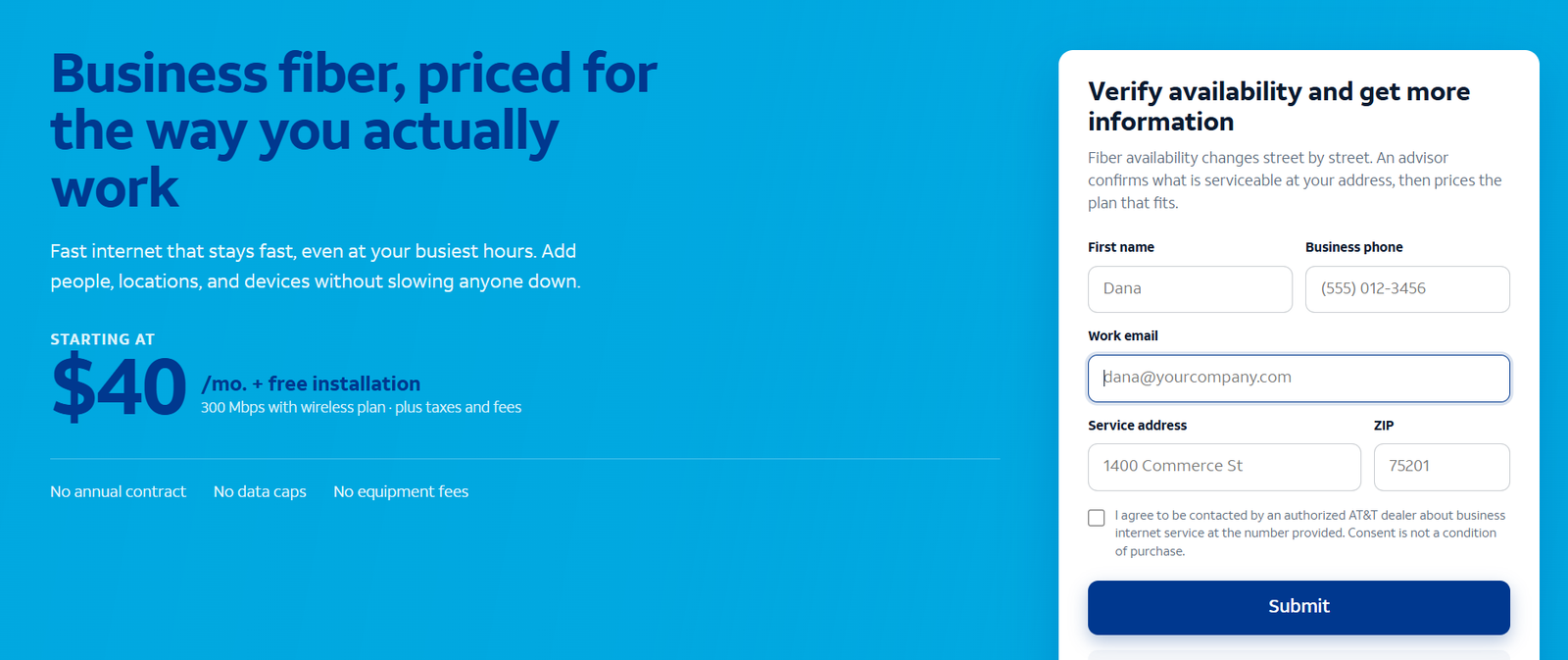
Request an AT&T Business Fiber Proposal
Open the Business Fiber inquiry page to confirm availability, pricing and the equipment arrangement.
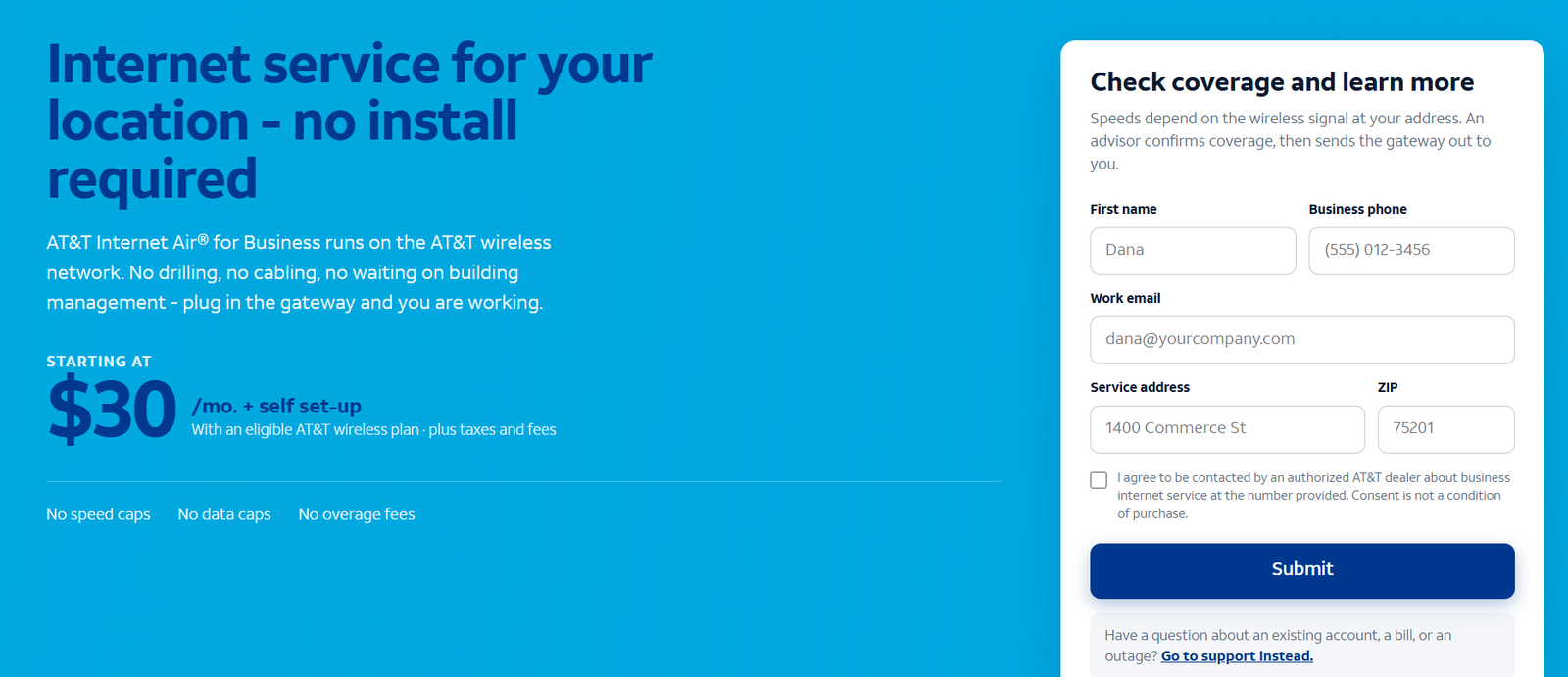
Request an AT&T Internet Air Proposal
Open the Internet Air inquiry page to confirm availability, pricing and the equipment arrangement.
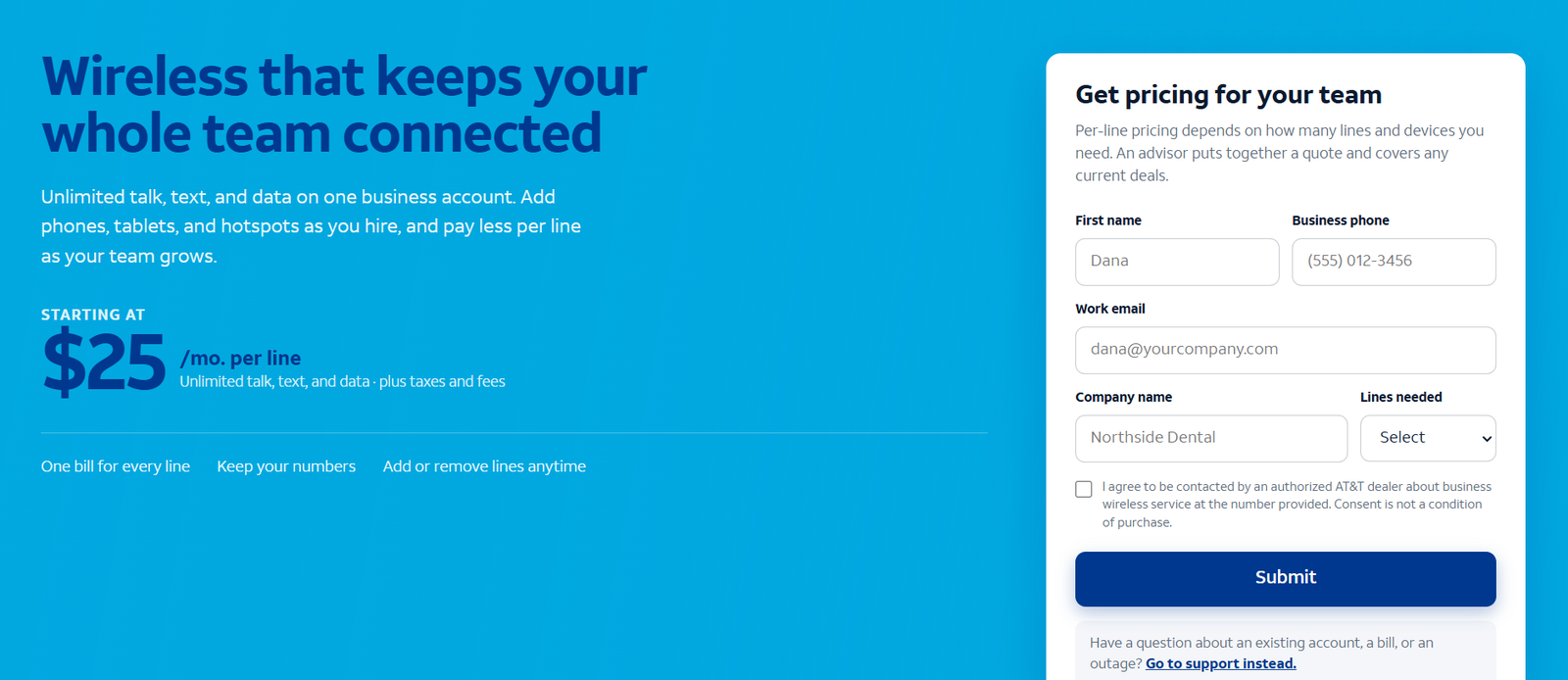
Request an AT&T Business Wireless Proposal
Open the Business Wireless inquiry page to confirm availability, pricing and the equipment arrangement.
Frequently Asked Questions
Which AT&T internet service is best for a small business?
Start with suitable Business Fiber for a permanent office, Air for qualified fixed wireless access and Wireless Broadband for permitted portable needs. Then compare the workload and complete quote.
Can Internet Air be moved around?
It must stay at its qualified service address. Ask AT&T for approval before changing the address; choose an appropriate portable service for changing locations.
Does Wireless Broadband offer unlimited data?
Yes, with maximum speed tiers and activity restrictions. Unlimited data does not guarantee throughput or permit every use.
Can I use Wireless Broadband for customer Wi-Fi?
The published plan restrictions exclude public or guest Wi-Fi. Request a suitable fixed-access and Wi-Fi arrangement instead.
Does a home office qualify for Air?
Standard can qualify at certain residential business locations. Premium excludes residential business addresses under the cited terms. Verify the actual address.
Should I buy the fastest Fiber plan?
Choose capacity for simultaneous work and foreseeable growth. First check whether the access line is the limit rather than office Wi-Fi or equipment.
Is the Air hub included?
It is sold separately. Include the device agreement and any applicable setup or activation charges in the quote.
Will Fiber backup preserve every service?
No. The current FAQ says static IPs and AT&T VoIP do not fail over. Verify other essential applications and power requirements.
Final Recommendation
Choose Fiber for a suitable permanent workplace, Air for a qualified fixed location needing a wireless hub, and Wireless Broadband for permitted portable access. Select the role first; choose a tier and bundle after reviewing the actual workload and full bill.
The right purchase keeps essential work usable and gives the business an understandable support and recovery arrangement. Retain a satisfactory current service or choose a competitor when its local connection and quote better fit the requirement.
AT&T and its product names are trademarks of their respective owners. VoIPCalling.com is an independent publisher.
Customer Reviews: Positive Feedback and a Useful Caution
Belinda C., G2, 5/5, May 1, 2026: she gave positive feedback about dependable internet and phone service. Her review does not identify one of the three packages covered here.
Richard T., IT Director, G2, 4.5/5, August 20, 2025: he valued a dedicated account manager but raised concerns about attention to smaller businesses and responses during incidents. His review explicitly concerns IPFLEX internet and phone service, rather than a verified Fiber, Air or Wireless Broadband installation.
These examples help frame questions about support and service fit. For your own purchase, seek recent feedback about the same access product in a comparable location and verify the quoted support arrangement.
Affiliate disclosure: VoIPCalling.com may earn a commission if you purchase through it, at no additional cost to you.