

KrispCall and Calilio are the best RingOffice alternatives for small Canadian businesses moving to an app-based phone system. Choose KrispCall for shared numbers and callbacks, or compare Calilio if sales and support need separate queues. If you depend on managed 3CX, Microsoft Teams Direct Routing or an existing SIP trunk, scope that service first. It determines which quotes belong on the same shortlist.
What RingOffice Service Are You Replacing?
RingOffice is a managed communications provider based in Markham, Ontario. Its hosted RingVoice service combines business calling and routing with setup, hosting, monitoring, backups, remote administration and SIP connectivity. The company also sells standalone SIP trunks and offers Microsoft Teams Direct Routing for eligible deployments. Its RingConnect, RingAI and RingInsight offerings address integrations, assisted calling and reporting. Check which layers are in use before narrowing the vendor list.
Ask for the service schedule, the licence owner and a recent invoice. Look for a managed phone subscription, a 3CX licence, separate SIP channels, phone numbers and Teams services. Then assign an owner to every task currently handled by RingOffice. A cloud app can replace an employee’s calling client. The quote also needs to cover who builds the menus, manages the devices, handles porting and responds when inbound routing fails.
RingOffice publishes a concurrency-based model for its managed service and quotes exact amounts. Some hosted competitors price by named seat. That matters when a business has many extensions and relatively few simultaneous calls. Compare your actual headcount, device count and busy-hour load alongside the level of support in each quote.
Compare RingOffice Alternatives And Competitors
The first seven providers are VoIPCalling partners for hosted business phones. The eighth covers a carrier-only scenario. Prices marked US$ are reference prices in US dollars. Ask for Canadian availability, billing currency, taxes and a quote that matches your call flows. Suggested team sizes are editorial estimates based on workflow.
| Provider | Best Fit | Buying Consideration | Pricing & Trial |
|---|---|---|---|
| Shared Calls And Follow-Up | Confirm North American number type, usage and app or device requirements. | US$32/user/monthAdvance, billed annually. US$40 with monthly billing. Up to 50 users. Usage and selected add-ons cost extra.7-Day Free Trial for VoIPCalling CustomersStart a 7-Day KrispCall Free Trial | |
| Menus, Business Hours And Live Supervision | Verify which Canadian numbers and call types qualify for the included allowance. | US$28/user/monthPremium, billed annually. US$35 with monthly billing. Number and usage charges can apply.Demo AvailableRequest a Calilio Demo | |
| Shared Calls And Texts For An App-Based Team | Use Business for transfers and phone menus. Confirm hardware requirements and separately maintained document workflows. | US$23/user/monthBusiness, billed annually. US$33 with monthly billing. Starter is lower-priced but has a different feature set.7-Day Free TrialStart A 7-Day Quo Free Trial | |
| An Employee Platform For Calling, Meetings And Chat | US Core is the phone plan benchmark. Verify Canadian terms, desk phone models and integrations. | US$20/user/monthCore, billed annually. US$30 with monthly billing on the US pricing page. Canadian quotes may use different currency.Free Trial AvailableStart A RingEX Free Trial | |
| Calling For An Existing Zoom Workplace | Quote the US or Canada Phone plan and required devices. Meetings is separate. | Request Current Phone PricingConfirm the Canadian calling plan, eligible devices and common-area licences.Demo AvailableRequest Zoom Phone Pricing For 1–50 Users | |
| Calls With Transcripts And Useful Recaps | Quote the regional Connect plan, recording, retention and integration. | US$15/user/monthStandard US-dollar reference. Request a Canadian quote and confirm the integration tier.14-Day Free TrialStart A 14-Day Dialpad Connect Trial | |
| Department Routes And Dial-Plan Administration | Verify support scope, fax and shared-device eligibility. | Custom PricingQuote the Phone System for each branch and shared device.Demo AvailableRequest A GoTo Connect Demo | |
| SIP Trunks For A Retained PBX | Confirm Canadian number coverage, 3CX compatibility and emergency calling. | Request A Voice QuoteQuote origination, termination, number rental and billing increments.Demo AvailableRequest A Signal House Demo |








1. KrispCall — Best For Shared Calls And Callbacks
Suggested Team Size. 2–20 staff sharing a main number or customer callbacks.
KrispCall is a good starting point when a Canadian office can retire desk extensions in favour of a shared calling workspace. Start the trial with one temporary number and two users. Route it to both, have one user miss a call and ask the second to return it from the business number. Verify that both users can see the outcome before the next shift begins.
Advance lists US$32 per user per month on annual billing or US$40 monthly. Ask for the Canadian rate-centre and port check, device support, which calls count toward the allowance, and the cost of extra numbers. If RingOffice configured your schedules and voicemail, have KrispCall show which changes your own administrator would make and what onboarding covers.
For an office with rotating coverage, repeat the test with the first employee signed out and the second on cellular data. Include an after-hours call that goes to voicemail. Check who gets notified and how colleagues know whether the message was handled. A spare-number pilot can establish that workflow before you submit port paperwork.

2. Calilio — Best For Department Queues And Call Supervision
Suggested Team Size. 5–30 staff with separate sales and service routes.
Calilio fits a team that needs business hours, menus and a supervisor’s view of call handling. Ask for a live demonstration based on one of your RingOffice routes. Send calls to sales, let the queue overflow and watch what happens when the backup group is already busy. Give the supervisor a separate login and ask them to trace the call end to end.
Premium lists US$28 per user per month annually or US$35 monthly. Verify the allowance on eligible Canadian numbers, including forwarding and extra usage. Ask which monitoring controls, reporting and integration features are included in the quoted tier and whether setup assistance extends to holiday routing.
If agents handle more than one department, define what a missed call means when one person is busy and another answers. Ask the supervisor to compare the live queue display with the exported report. A mismatch in how the two systems classify missed or overflowed calls can affect your staffing decisions after the switch.

3. Quo — Best For Shared Canadian Calls And Texts
Suggested Team Size. 2–15 staff sharing conversations on a small number of lines.
Quo, formerly OpenPhone, is a fit when several people answer a business number and text the same customers. The shared inbox gives staff a place to find the context of a conversation before calling back. Start with a common event such as a customer asking to reschedule, then have a colleague take over the response during a shift change.
Business lists US$23 per user per month on annual billing. Confirm the Canadian number type, messaging eligibility, transfer and menu features, and any fees for additional lines. If the team still depends on 3CX handsets or paging, put those needs on a separate worksheet and see whether the office can realistically move to an app-first setup.
Ask what happens when a number receives a reply during a port. Confirm the timeline for voice and messaging separately. If a person uses the line today for verification codes, check whether the sender accepts the new line type before assuming the same workflow will carry over.
4. RingCentral RingEX — Best For Reception And Office Collaboration
Suggested Team Size. 10–75 staff using reception, desk phones and collaboration tools.
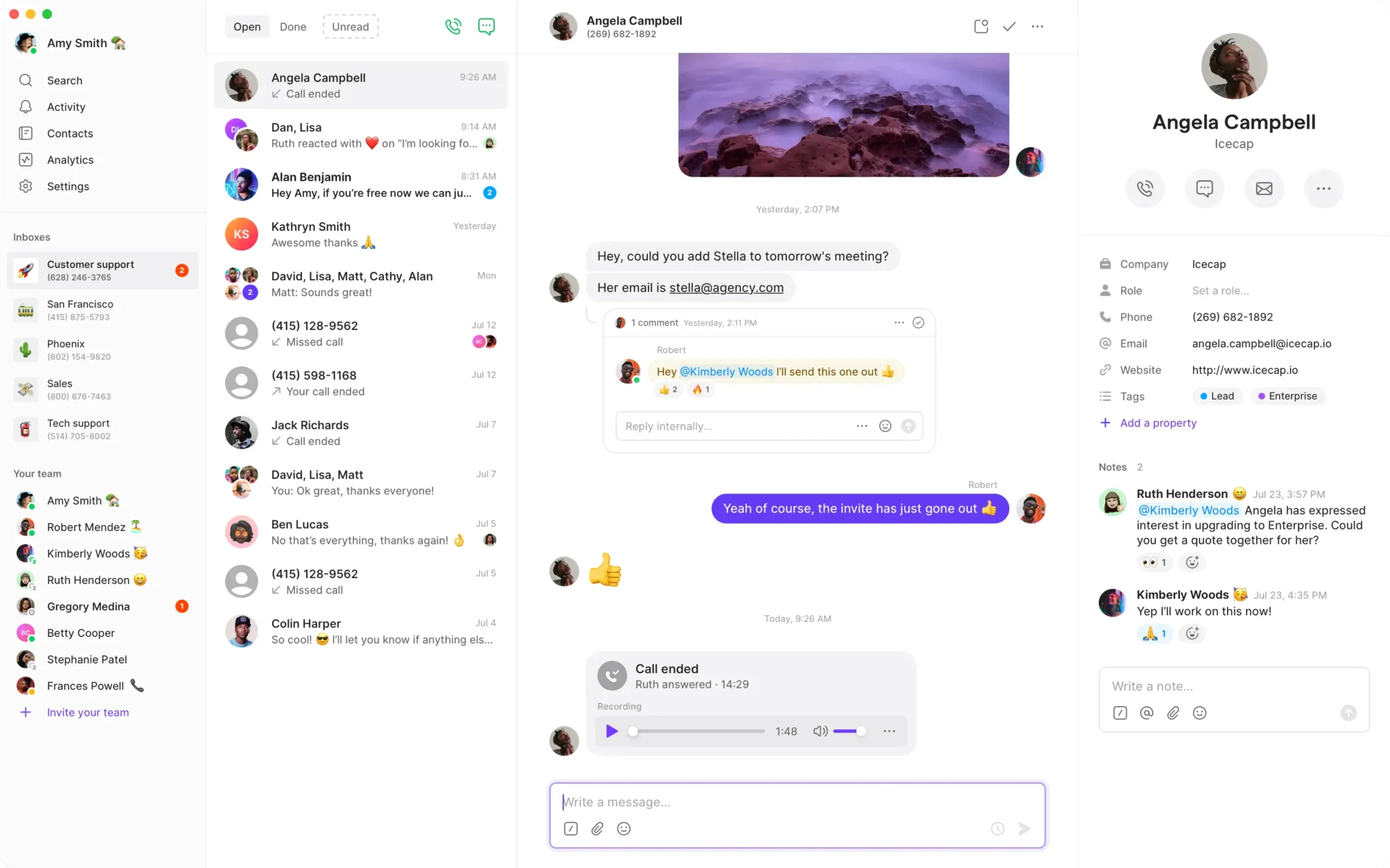
RingCentral RingEX suits an office that wants to replace calling and collaboration together. Give the vendor an inventory of models and firmware, plus a sample day at reception. Test a warm transfer, call parking and retrieval from a second handset. Check whether reception can see extension availability in the proposed console.
RingEX Core has a US$20 per-user monthly reference on annual billing. Ask for a Canadian quote that includes the right tier, handsets, additional numbers and support for your branches. RingCentral also offers an optional Cloud PBX integration for Microsoft Teams. Ask for a separate quote if people need native Teams calling and have the vendor identify the required Microsoft licences.
Include an employee who uses both a desk phone and the mobile app. Test which devices ring and whether unanswered calls follow the right voicemail rule. If the company keeps its existing video or messaging platform, compare the cost of the phone service on the tier you actually need and review any overlap in subscriptions.

5. Zoom Phone — Best For Zoom Workplaces And Teams Integration
Suggested Team Size. 10–100 staff already using Zoom or evaluating calling across collaboration clients.
Zoom Phone is worth evaluating if staff already use Zoom for meetings and want calling in a familiar client. Test a user who receives a call in a meeting and a branch that shares after-hours coverage with another location. Ask whether a receptionist can identify the called number when covering more than one site.
Request the applicable Canadian Zoom Phone quote and include common-area devices, number availability and destinations. Zoom also documents a Microsoft Teams integration that uses Direct Routing to make Zoom Phone numbers available in the Teams app. If you need that route, confirm availability, licensing and which workflows can be performed from each client.
Use an actual reception or service scenario for the demo. Test the menu, transfer, group pickup and voicemail from the client the user will open every day. If call reports must combine users in Zoom and Teams, have the vendor export the test records and show how they identify each user and number.
6. Dialpad Connect — Best For Transcripts And Service Follow-Up
Suggested Team Size. 5–40 staff using call history to share customer context.
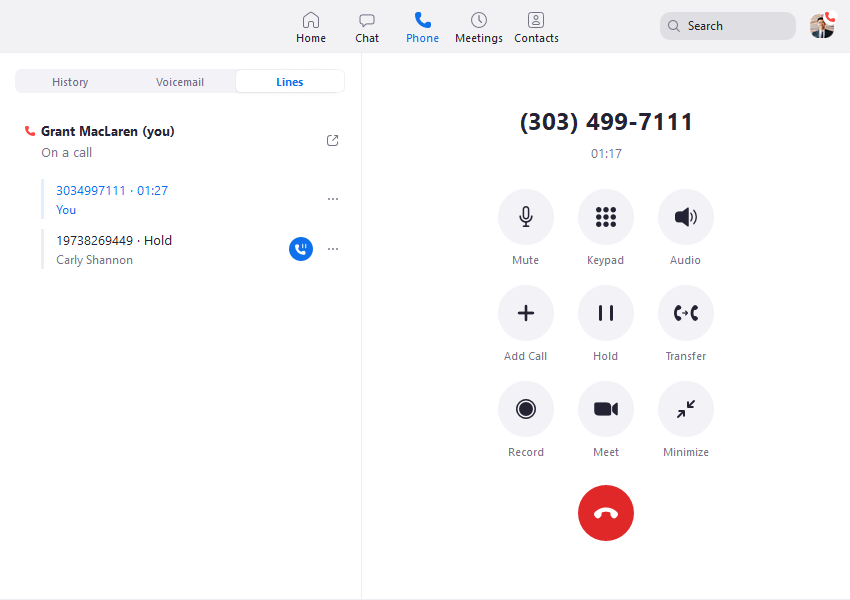
Dialpad Connect fits teams that want searchable transcripts and call summaries. It is a useful comparison if RingAI primarily helps staff recall what happened on a call. Use a sample with Canadian city names, a caller spelling a surname and an agreed follow-up date. Have the next employee confirm the recap against the recording before relying on it.
Standard has a US$15 per-user monthly reference on annual billing. Confirm the Canadian quote, transcription controls, supported languages, retention and the tier for your CRM. If your current setup includes an AI receptionist, price that workflow separately and ask how callers reach a person when the system cannot classify their request.
Give administrators and ordinary users different permissions in the pilot. Ask both to find the same call and check which can export the transcript. Have an administrator show what happens to historical material when a staff member leaves. Keep a separate checklist for the regional processing and retention commitments you need in writing.
7. GoTo Connect — Best For Branch Routing And Schedule Changes
Suggested Team Size. 10–75 staff across branches that share reception or overflow.
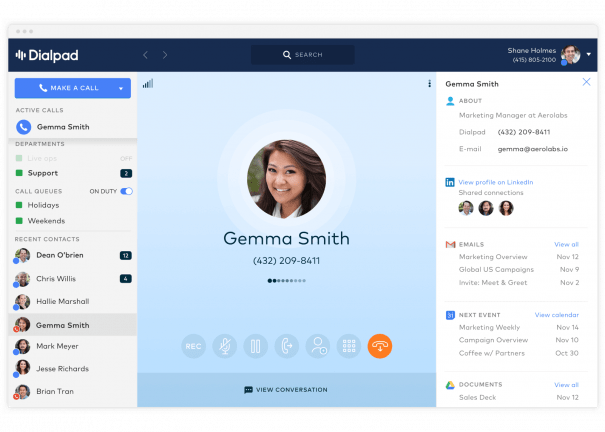
GoTo Connect is a strong candidate when the job is to coordinate sites with different opening hours. Build a sample dial plan with two branches, a shared receptionist and a local overflow number. Let a branch manager change a single date and check that it affects the right site while preserving the company holiday rules.
GoTo quotes its Phone System through sales. Ask for Canadian terms that identify equipment, numbers, setup and support. If an installer sets up the initial plan, ask who can make subsequent routing changes and which changes require a ticket. Confirm the administrator role used in the demo is available on the quoted plan.
Include a branch that loses internet access while other sites remain online. Ask the vendor to show how callers can still reach staff, what caller ID appears on forwarded calls and how reception gets back to normal. Document which part of the design depends on local network equipment or power.
8. Signal House — Best For SIP For An Existing PBX
Suggested Team Size. 5–75 staff with a PBX administrator. Size the trunk from simultaneous calls and location needs.
Signal House offers SIP trunks as part of its programmable voice platform. Put it on the carrier shortlist when you have a PBX you can administer and want to evaluate a separate trunk. Request written confirmation of Canadian local and toll-free numbers, port eligibility and support for your exact 3CX version and hosting model before committing.
Ask for origination, termination, number rental, concurrent capacity and support in the voice quote. In a pilot, send a temporary number through the trunk, test menu key presses from multiple networks and simulate an unreachable PBX. Confirm the fallback destination and what appears in each system’s logs.
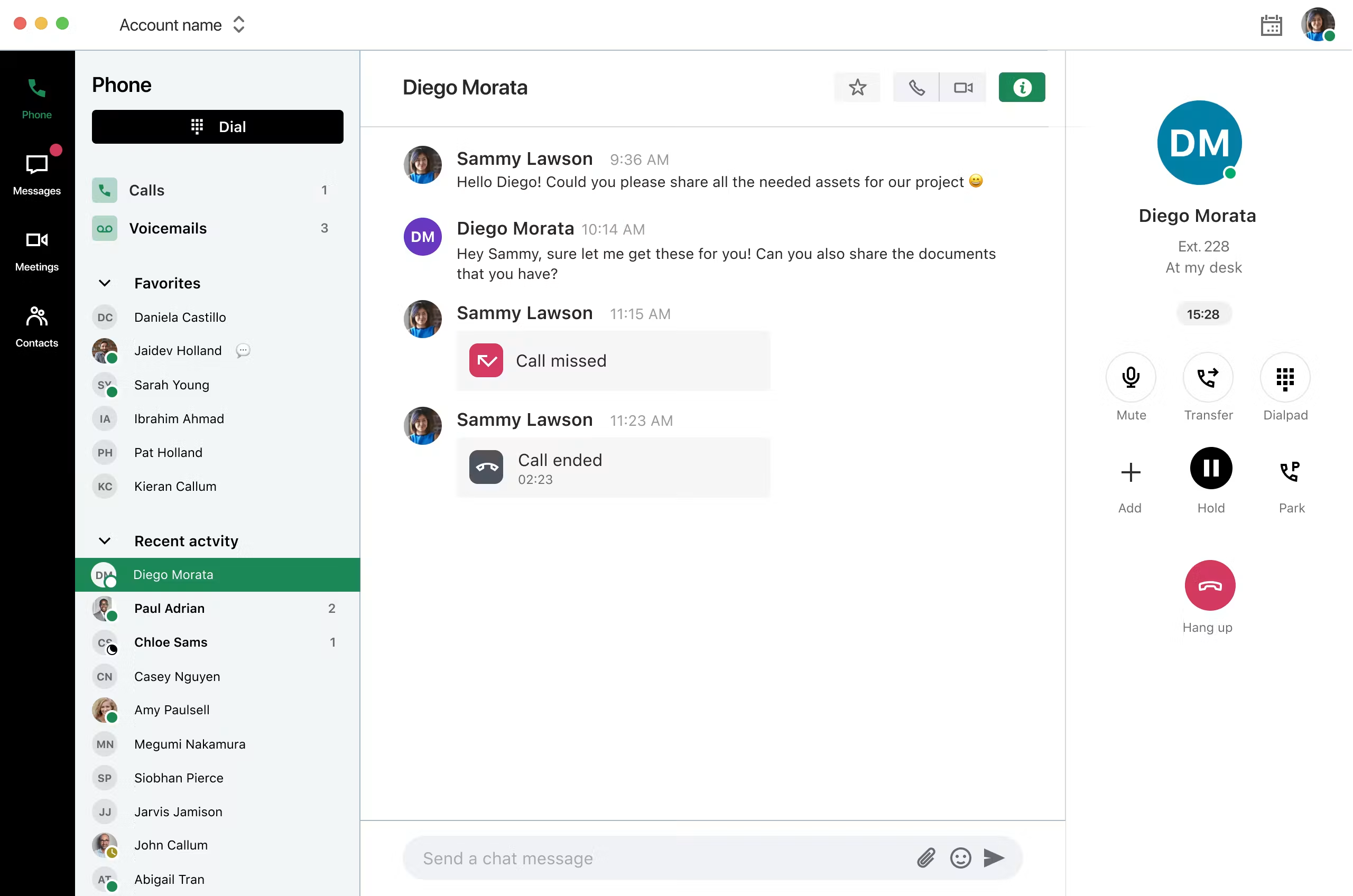
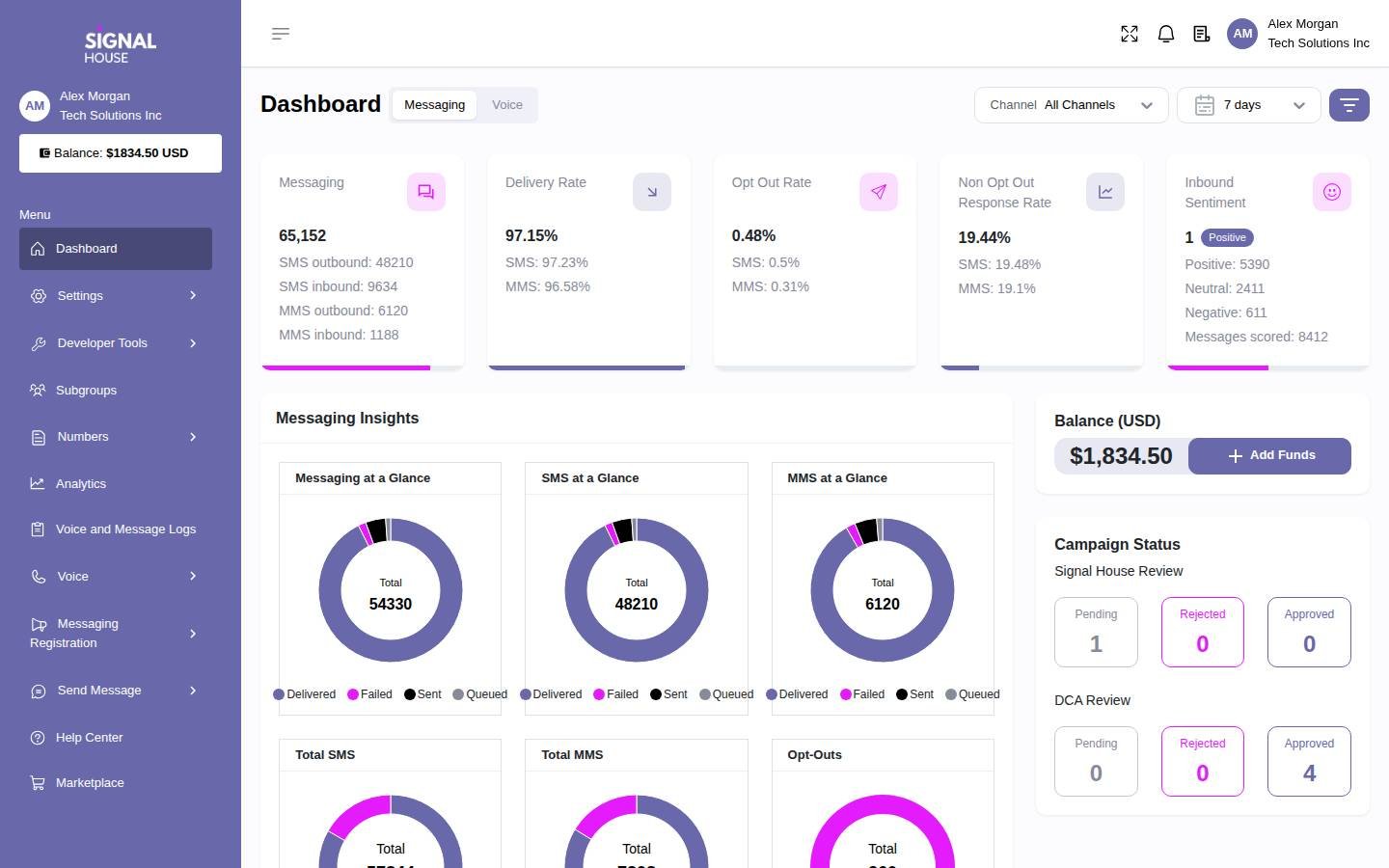
RingOffice advertises a 3CX-certified trunk and can bundle it with managed hosting. Establish who will own the 3CX licence, upgrades, backups and troubleshooting in the proposed design. Confirm emergency calling and fax with the provider and your maintainer. The dashboard below shows the broader Signal House platform.
How To Choose A RingOffice Replacement
Decide Who Will Run The Phone System
List the last five changes your business asked RingOffice to make. Typical examples are opening a new branch, changing holiday hours, reassigning a number, restoring a greeting or adding a call report. Ask competing vendors to show who would handle those same requests. If the answer is your team, identify the administrator, set aside time for training and include the cost of after-hours cover. A lower subscription can come with a larger operational commitment.
Ask what is monitored and what triggers a response. A provider can monitor its cloud service without watching whether your specific branch loses connectivity or your queue has stopped receiving calls. Ask who checks those conditions, who receives alerts and what a support agent can change during an incident. Review the incident handoff for any service that spans your internet provider, a phone platform and a SIP carrier.
Keep 3CX If You Still Need Its Call Flows
If the business wants to stay on 3CX, start with the instance rather than the trunk. Record the version, hosting environment, licence ownership, backup format, admin access and supported recovery procedure. Ask the current operator which settings and recordings can be exported, whether the instance can move and what changes when the agreement ends. Have the incoming maintainer review the backup and the migration plan before your old support term closes.
Ask what the new maintainer will do during updates. A hosted instance still needs capacity checks, configuration changes and a tested restore process. Include licence renewal, hosting and trunk costs separately when you compare the proposed support package. If your priority is one help desk that owns the whole service, require that arrangement in the written quote and ask how it works when an upstream carrier is involved.
Check The Call Paths You Want To Rebuild
Use a real call from a customer. Note which number they dial, which greeting they hear and whether the route depends on time, language or location. Then record who answers, what happens when nobody is free and how the system handles a caller who presses an invalid menu option. Repeat for the numbers customers use most and for any line that must remain reachable outside normal hours.
Check internal features with the people who use them. Reception may depend on seeing extension status or retrieving a parked call. A service group may depend on a shared voicemail box rather than a queue. Find out what each role needs at a desk, in a browser and on a mobile device. If the new system changes the sequence of actions, demonstrate the new workflow to the staff who will use it and see whether they can complete it without help.
Keep External Calling Inside Microsoft Teams
If staff already place and receive public telephone calls in the Teams app, treat that as a requirement from the start. RingOffice offers managed Direct Routing. RingCentral documents an optional Cloud PBX integration for Microsoft Teams, and Zoom documents a Zoom Phone integration that uses Direct Routing. Have both vendors explain the exact design they would deploy in your tenant. A calling tab or a separate softphone changes what employees must do during a transfer or an incoming call.
Take an inventory of users, shared calling endpoints, auto attendants, queues, resource accounts and assigned numbers. Ask for the Microsoft licences and provider licences for each group. In the demo, place a call from the native Teams dial pad, answer a Canadian number, transfer it to a second user and verify the result in the reporting tools. If numbers move between routing arrangements, identify who changes assignments and who can recover the original settings if the first test fails.
Check what must stay in Teams and what can happen in the vendor’s app. Test shared voicemail, call history and any recording or CRM requirements. Have IT verify the affected policies and the scope of admin access the provider needs. Ask who supports the session border controller and who investigates a fault that appears for one site or one user. Those responsibilities should be clear before you approve a port or sign a new term.
Shortlist RingOffice Competitors By Team And Workflow
A Small Office With A Shared Number
Test KrispCall and Quo with two people covering the same line. Have one answer a customer and the other follow up an hour later. Ask whether the second person can tell which calls have been handled and whether customers see the same number every time. If a lot of follow-up happens by text, check messaging alongside voice. When a third staff member joins, see whether you can add them without disturbing the number or the existing history.
A Support Desk With Distinct Queues
Shortlist Calilio when supervisors need to see what happened to a call as it moved between departments. Consider Dialpad Connect if the main reason to switch is that agents spend time reconstructing earlier calls. Test how each system handles an abandoned call and a subsequent callback. Check which information reaches the CRM, what a supervisor sees and whether staff can correct an inaccurate summary before others rely on it.
A Business With Local Numbers Across Canada
Compare GoTo Connect and RingEX for several branches with different schedules. Bring a real example where one branch closes early and a second one covers the line. Ask the receptionist how to tell which location was called and make sure the local voicemail remains available. If some branches serve customers in French and English, test the recorded greetings and menu paths with speakers of both languages. Quote local numbers and supported hardware for each branch.
A 3CX Site Evaluating A New Trunk
Consider Signal House when the phone system stays in place and the buyer wants to evaluate a separate carrier. Confirm support with the PBX maintainer before you schedule a port. Run a test using the same connection method and security settings planned for production. Collect one trace on a successful call and one on a failed route so both parties can see how they will troubleshoot an incident. Keep a managed 3CX renewal quote in the comparison if you still want one vendor responsible for the entire service.
Compare RingOffice Pricing With Per-User Phone Plans
RingOffice publishes quote-based pricing for its managed system, sized by concurrent calls. Its pricing page describes hosting, monitoring, backups, remote administration, the phone platform and a SIP trunk as parts of the managed bundle. Confirm the included features, term and support level on your order. Its standalone trunk is a separate purchase with quoted channel pricing and other usage options.
To compare competing offers, write down three numbers for each site: named users, shared devices and the largest observed overlap of external calls. Use a period that includes your busiest work and record the source of the peak count. Ask whether calls in a queue, active transfers and forwarded calls use one or more paths. A firm with 40 extensions and six simultaneous calls can have a different cost profile from a firm with 15 employees that regularly needs 12 external calls at once.
For an illustration, 20 KrispCall Advance licences at US$32 per user per month would total US$640 in monthly seat charges on annual billing. Twenty Calilio Premium licences at US$28 would total US$560 on the same billing basis. Both figures exclude additional charges and do not establish the cost of either service in Canada. Compare an actual Canadian quote, in the currency you will be charged, with the managed proposal for your measured peak capacity.
Make separate lines for implementation, monthly service, usage, devices, number rental, recording, integrations and support. Put taxes, any exchange-rate assumptions and the timing of annual prepayments beside the totals. Ask whether your renewal price can change if peak calls grow or seats decline. Include the overlap period when you are paying for both services and the cost of having someone manage the new system after the project team leaves.
Do the same exercise for AI and reporting. If RingOffice answers calls automatically, transcribes calls and retains historical reports for your team, scope those functions individually. A plan with transcripts may price automatic answering separately, and a basic report may not preserve the call detail you need. Give each vendor a sample report and an AI receptionist scenario and ask what plan, usage or service fee each one requires.
What To Ask RingOffice Competitors In A Demo
- Canadian Numbers. Supply the list of local and toll-free numbers. Ask for port eligibility by number and confirm which branches need local caller ID.
- Routing And Coverage. Provide a weekday route, a holiday route and a failure scenario. Ask the vendor to demonstrate each one using the quoted plan.
- Managed Support. Ask who handles schedule changes, handset provisioning, backups and incidents outside business hours. Record the contact path and any billable work.
- 3CX Or Microsoft Teams. Confirm the instance or tenant design, licences, support responsibilities and the steps to revert configuration changes.
- CRM And AI. Use a test customer record, a representative call and an inaccurate summary. Verify who can correct, export or remove the result.
- Devices And Sites. Check specific desk phones, common-area devices and any paging or analog equipment. Ask how a branch can receive calls when its main connection fails.
- Commercial Terms. Request pricing in the billing currency, identify one-time and recurring fees, and compare support, renewal and exit provisions.
After the demo, record which items the vendor proved live, which it promised to configure and which depend on a third party. Assign someone on your team to each open question. Ask the vendor to issue the quote against the final list and mark any assumptions about call traffic, hardware or customer-provided licences. That gives the implementation team a usable starting point and helps prevent an incomplete scope from looking cheaper than a full service.
Move Canadian Numbers And Validate The New Phone System
- Build The Number Inventory. Record the billing details, active numbers and their assigned services. Include fax, toll-free, published numbers and any line used solely for forwarding or outbound caller ID.
- Pilot One Representative Route. Start with a temporary number and the people who answer the busiest queue. Test supported handsets, mobile use, overflow, outbound caller ID and voicemail during a normal shift.
- Plan The Port With Both Providers. Confirm the scheduled window, the order of numbers and whether any remaining services depend on the first number you move. Keep the old account active while the port is in progress.
- Verify Calling And Messaging Separately. Test from multiple networks and locations. Check call routing, caller ID, fax and messaging where applicable. Coordinate any emergency calling configuration and approved test procedure with the provider.
- Review The First Week Of Operation. Check abandoned calls, tickets, recordings and exports. Compare a busy hour with your pilot and verify which routes still need adjustments before ending the original service.
Document the temporary route if a primary number becomes unreachable. Give the port team the name of the person who can enable forwarding, a destination that can handle the volume and a way to tell reception what changed. If the fallback depends on a mobile line, test it before the port window. Have the gaining provider explain which failures can be fixed with configuration and which must be investigated by the carriers.
For a managed 3CX move, give the outgoing and incoming teams a common handover checklist. Confirm access to backups, the plan for restoring the old instance if necessary and the time when the new trunk becomes authoritative for inbound calls. For a move to Teams, include number assignments and voice policies in the checklist. Keep a change log and identify which team can make each correction if a test fails.
FAQs About RingOffice Alternatives
What Are The Best Alternatives To RingOffice?
KrispCall and Calilio are the best starting points for small Canadian teams moving to cloud calling. Compare GoTo Connect and RingEX for branch routing and reception. Consider RingCentral or Zoom Phone if calling must stay in Teams, and assess Signal House separately for a carrier-only change.
Can I Leave RingOffice And Keep 3CX?
Yes, if you can retain or migrate the 3CX licence and instance and arrange ongoing support. Verify ownership, administrator access, backups, trunk compatibility and port eligibility before changing providers.
Which RingOffice Competitors Offer Calling In Microsoft Teams?
RingCentral and Zoom offer phone integrations for Microsoft Teams. Verify native dial-pad access, Canadian availability, the required licences and support responsibilities for your tenant before choosing either.
Can I Keep My Canadian Numbers When Switching From RingOffice?
You can usually retain eligible Canadian numbers by arranging a port with the gaining provider. Confirm eligibility for every local, toll-free and specialty number and keep the existing service active until the port has been validated.
How Much Does A RingOffice Replacement Cost?
Cost depends on the number of users and devices, call concurrency, and how much management you want included. Request a quote for equivalent routing, numbers, support and integrations in the billing currency you will actually pay.
Which RingOffice Alternative Can Replace A SIP Trunk?
Signal House offers SIP trunks for an existing PBX. Get written confirmation for Canadian numbers, 3CX interoperability, emergency calling and support. Arrange hosting and system administration separately if you need them.
What Should I Compare If I Use RingAI?
Compare AI answering, transcription and call summaries as separate features. Test caller handoff, supported languages, accuracy and access to records. A plan that transcribes calls may require a separate service for an AI receptionist.
Use Customer Reviews To Design The Pilot
Compare reviews from businesses with the same type of deployment. For a small office, look for detail about shared lines and missed calls. For a multi-site team, focus on number porting, holiday routing and who handled problems. When evaluating Signal House, check whether each review describes SIP or another part of its platform. Use the relevant experiences to create test cases that reflect your own business.
Ask frontline staff to run those tests without help from the sales engineer. See whether a receptionist can recover a failed transfer and whether a manager can make a schedule change without interrupting another branch. Ask IT to verify that it can get support on the terms in the quote. The best fit is the option your staff can operate and recover under the same conditions they face today.
Affiliate Disclosure. VoIPCalling may earn a commission when you purchase through a partner link.


