

The best Fidalia alternatives depend on what Fidalia manages for you. Start with KrispCall for shared calls or Calilio for phone menus and supervision. If you want to keep 3CX, ask your maintainer to assess VoIP.ms for the SIP connection. Compare Bell separately if you need a business internet quote for a Canadian address.
Which Fidalia Service Do You Need To Replace?
Fidalia Networks markets business phone systems built around 3CX alongside Canadian business internet. Its calculator describes an annual 3CX licence and monthly charges for SIP trunks, hosting and phone numbers. Use your invoice and renewal to identify which of those items you buy and which company handles changes. A site may also rely on a separate circuit or backup service that has its own term and support arrangements.
Look up where the PBX runs and who can administer it. Confirm who holds the 3CX licence, who can retrieve a backup and which carrier supplies the numbers. If you retain the PBX, your project might only require a new carrier and maintenance arrangement. If you move to a hosted phone system, price the users, devices, queues and numbers that will take its place.
Fidalia markets connectivity options including fibre and satellite. Ask the current provider which access technology is installed and what it charges to retain it during a phone-only switch. If you bought backup connectivity, identify the equipment and carrier behind it and ask who tests it. Match the replacement to the address and the workload it has to support.
Compare Fidalia Alternatives And Competitors
The first seven options are VoIPCalling partners for hosted office calling. VoIP.ms and Bell address two requirements outside that list: keeping a SIP-based system and replacing a Canadian internet connection. Published US-dollar rates are plan references. Request a Canadian quote with currency, eligible destinations, equipment, taxes and support. Compare seats, SIP usage and circuits on separate lines.
| Provider | Best Fit | Buying Consideration | Pricing & Trial |
|---|---|---|---|
| Shared Calls And Follow-Up | Confirm North American number type, usage and app or device requirements. | US$32/user/monthAdvance, billed annually. US$40 with monthly billing. Up to 50 users. Usage and selected add-ons cost extra.7-Day Free Trial for VoIPCalling CustomersStart a 7-Day KrispCall Free Trial | |
| Menus And Call Supervision | Confirm which Canadian numbers and calls qualify for the allowance. | US$28/user/monthPremium, billed annually. US$35 with monthly billing. Number and usage charges can apply.Demo AvailableRequest a Calilio Demo | |
| Shared Calls And Texts For An App-Based Team | Use Business for transfers and phone menus. Confirm hardware requirements and separately maintained document workflows. | US$23/user/monthBusiness, billed annually. US$33 with monthly billing. Starter is lower-priced but has a different feature set.7-Day Free TrialStart A 7-Day Quo Free Trial | |
| An Employee Platform For Calling, Meetings And Chat | US Core is the phone plan benchmark. Verify Canadian terms, desk phone models and integrations. | US$20/user/monthCore, billed annually. US$30 with monthly billing on the US pricing page. Canadian quotes may use different currency.Free Trial AvailableStart A RingEX Free Trial | |
| Calling For An Existing Zoom Workplace | Quote the US or Canada Phone plan and required devices. Meetings is separate. | Request Current Phone PricingRequest Canadian pricing, calling allowances, numbers and devices.Demo AvailableRequest Zoom Phone Pricing For 1–50 Users | |
| Calls With Transcripts And Useful Recaps | Quote the regional Connect plan, recording, retention and integration. | US$15/user/monthStandard US-dollar reference. Request Canadian pricing, currency and billing terms.14-Day Free TrialStart A 14-Day Dialpad Connect Trial | |
| Department Routes And Dial-Plan Administration | Request Canadian terms for sites, hardware and support. | Custom PricingQuote the Phone System for each branch and shared device.Demo AvailableRequest A GoTo Connect Demo | |
VoIP.ms  | Self-Managed Canadian Numbers And SIP | Confirm 3CX version and hosting compatibility. Arrange PBX administration separately. | From US$1.10/month per numberNumber starting price. Inbound and outbound usage are separate.Check Paid Account TermsCheck VoIP.ms Rates |
Bell Canada  | Address-Based Canadian Business Internet | Verify access technology and support. G2 covers broader Bell Canada services. | Check Address-Based PricingQuote speed, installation, backup and equipment separately.Check AvailabilityCheck Bell Business Internet |







1. KrispCall — Best For Shared Calls And Callbacks
Suggested Team Size. About 2–20 staff needing shared incoming calls and mobile callbacks.
KrispCall leads these Fidalia alternatives for offices that want employees to share a number and see who returned a call. Use a spare number and have one user answer on mobile, transfer to a colleague and leave a second call unanswered. Check whether the colleague can return it under the right business identity.
Advance lists US$32 per user per month on annual billing or US$40 monthly and includes transfers and menus. Ask about Canadian numbers, destinations and usage. If staff used desk phones on 3CX, list which devices they still need and get written compatibility confirmation.

2. Calilio — Best For Menus And Call Supervision
Suggested Team Size. About 5–30 staff needing separate sales and service routes with a supervisor.
Calilio fits teams that need separate sales and service routes and want supervisors to see how calls are handled. Ask for a demo that sends an inbound call to one group and uses another as overflow. Have a supervisor find the result and verify which roles can monitor or review calls.
Premium lists US$28 per user per month annually or US$35 monthly. Its published call and text allowances apply to eligible US and Canadian numbers. Check which minutes are inbound and outbound and what happens after the wallet credit runs out. Price any forwarding route separately if staff will use it.

3. Quo — Best For Shared US And Canadian Calls And Texts
Suggested Team Size. About 2–15 staff needing one or two shared numbers for calls and texts.
Quo, formerly OpenPhone, suits a team that wants a shared number in an app. Its pricing guide lists Starter at US$15 per user per month and Business at US$23 on annual billing. Compare Business if you need features such as menus and transfers. Confirm Canadian number availability, the included numbers and messaging requirements.
Have a team member answer a call and another follow up by text from the same number. Then check what appears in the shared history. If the current inbound number is provisioned for a PBX or analog device, decide whether staff can move the workflow to an app before choosing Quo.
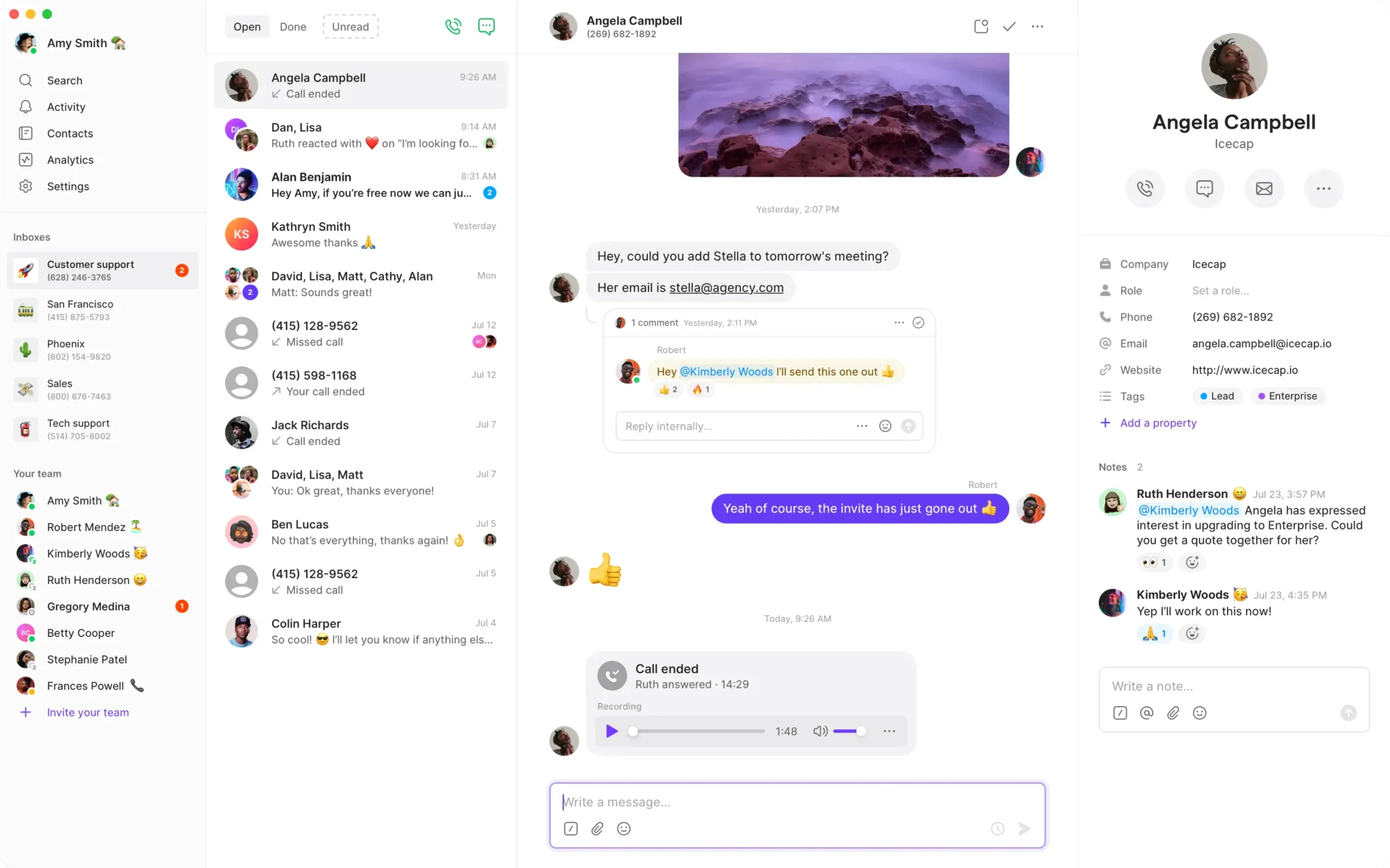
4. RingCentral RingEX — Best For An Office Phone And Collaboration Platform
Suggested Team Size. About 10–75 staff needing a mix of reception, desk phones and collaboration.
RingEX makes sense if the project includes office calls, meetings and messaging. The US Core reference is US$20 per user per month on annual billing. Request a Canadian quote in the actual billing currency and the tier for any CRM, recording or multi-site requirements. Ask for the exact supported desk phone model if reception uses one.
Test how reception transfers to a busy employee and how a remote user returns a call. Price supported handsets and app-only users separately. This is an office subscription comparison, so include the equipment and support in your current Fidalia agreement.

5. Zoom Phone — Best For A Workplace Already Using Zoom
Suggested Team Size. About 10–100 staff needing business calls alongside an existing Zoom deployment.
Zoom Phone is worth evaluating if users want business calls in the Zoom client they already use. Request the Canadian Phone plan and quote the equipment, common-area devices and calling destinations. Ask for a separate price for any contact centre requirement.
Test an incoming call while the user is in a meeting, followed by a transfer and a callback. Check where the caller goes if the employee is busy and whether the outbound number remains consistent across devices.
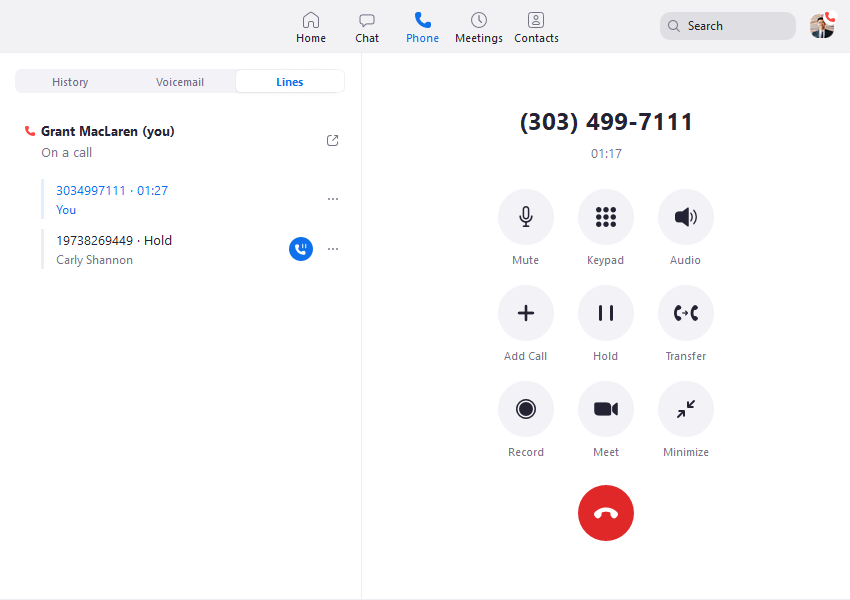
6. Dialpad Connect — Best For Call Transcripts And Summaries
Suggested Team Size. About 5–40 staff needing transcripts, summaries and structured follow-up.
Dialpad Connect fits teams that need searchable context after customer calls. Its public Standard price is US$15 per user per month and includes transcripts and summaries. Pro adds advanced integrations. Confirm the regional plan, retention and access settings before moving an inbound number.
Simulate a call with a change to an order or address. Have a second user find the call, compare the recap with the recording and verify who can export it. That helps establish whether the managed workflow is worth moving from a 3CX deployment with separate hosting and SIP.
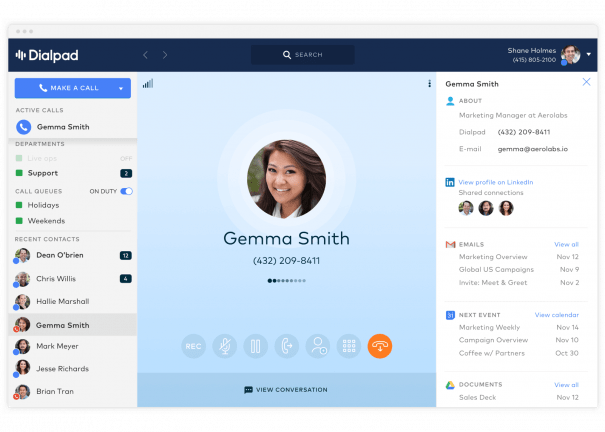
7. GoTo Connect — Best For Branch Routing
Suggested Team Size. About 10–75 staff needing several locations with different routing needs.
GoTo Connect suits teams looking at Fidalia alternatives because branches share reception or cover each other’s queues. Ask the vendor to map two branches with different hours, a central receptionist and a holiday fallback. Check whether a branch manager can edit local hours without making changes to the rest of the company.
GoTo directs Phone System buyers to sales for plan details. Request a Canadian proposal that includes desk devices, numbers and reporting. Have the vendor demonstrate the difference between changing a local branch rule and modifying a company-wide route. Ask which changes your team can own and which require support.
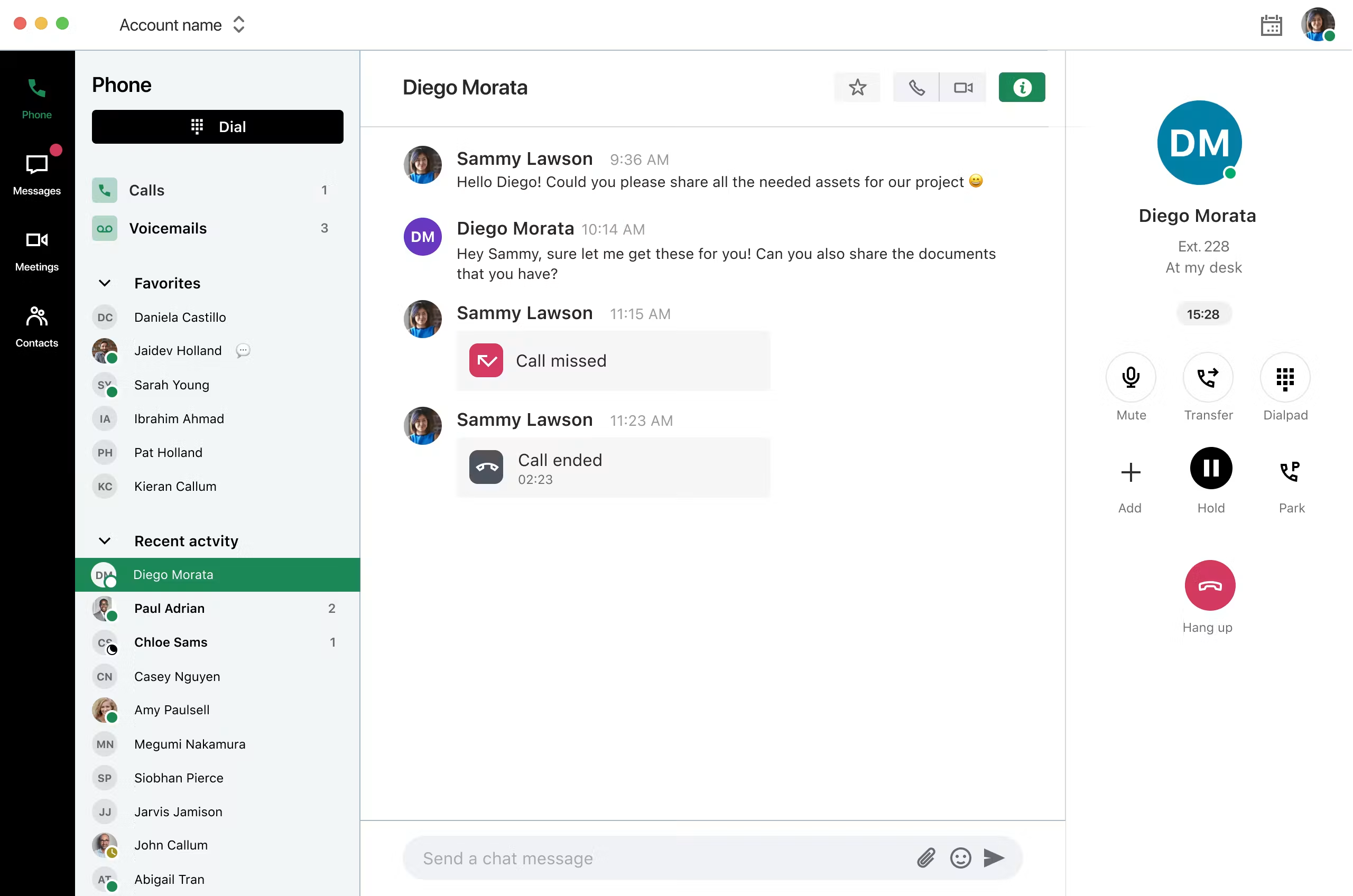
8. VoIP.ms — Best For A Self-Managed Canadian SIP Setup
Best Fit. A solo operator or an office of roughly 5–30 staff with a designated PBX maintainer. This is an editorial fit estimate. Check capacity and peak calling separately.
VoIP.ms is a Fidalia alternative for the carrier layer. Its public price page shows voice numbers starting at US$1.10 per month, with usage charged separately. Confirm Canadian number availability, rates and portability. Ask the maintainer to check the 3CX version and hosting arrangement. VoIP.ms has published 3CX setup guidance, but it did not appear by name on the current 3CX Canada provider list. If your installation requires a listed provider, use the 3CX Canada compatibility list to verify the exact carrier and configuration.
Test incoming calls to a spare number, outgoing calls to the destinations your staff use and a fallback that runs when the primary site is unreachable. Ask who can review a failed call on both sides of the connection. Include the recurring cost of 3CX hosting, administration and licence renewal in the comparison.
9. Bell Canada — Best For A Canadian Business Internet Quote
Best Fit. A small office or multi-site business that needs an address-based quote. Use site availability, traffic and repair terms to size the service.
Bell offers small-business internet packages and a separate dedicated internet service for medium and large organizations. Ask whether your address qualifies, which access technology it would use and what support terms apply. Request upload and download speeds, installation and equipment charges, and backup separately. If your current Fidalia site uses satellite or a temporary circuit, confirm whether Bell can match that specific requirement before including it in the shortlist.
Keep the phone service on its own proposal. If one company supplies connectivity and another supplies calling, ask both which support team handles a voice problem at a single site. Test a typical workload, including concurrent calls, and document what happens when the primary connection drops.
How To Choose A Fidalia Replacement
Retain 3CX And Replace Only The Carrier
Use a carrier-only migration when the existing 3CX deployment still meets the needs of staff and the person responsible for it can support a new connection. Find out who administers the instance, where backups are kept and which numbers the current trunk supplies. Ask the maintainer to identify the software version, how calls reach the instance and whether your hosting arrangement limits the carrier or connection type.
Draw the route for one inbound call and one outbound call. Include the public number, the SIP trunk, the PBX and the final destination. If staff forward calls to an external mobile, show that second route too. Ask the prospective carrier how it bills the additional leg, what caller ID it sends and which party can trace a call if the customer never reaches the office.
Use actual concurrency when describing capacity. An office with 25 staff may rarely have ten people on calls, while a smaller service desk can run several inbound and outbound calls together. Ask which events count against the limit and how quickly additional calls can start. Have the maintainer run a busy-period test with a few controlled simultaneous calls before you submit a port.
Move The 3CX Instance And Keep The Familiar Workflow
Moving hosting is a separate project from switching the carrier. Start with access to the 3CX licence and administration, the location of backups and any documents that describe the live routes. Ask the outgoing and incoming teams which settings, greetings and recordings will move. If some items need to be rebuilt, agree who will do that work and who will validate the result.
Give the new maintainer a list of extensions, desk phones, queues, remote users and external routes. Ask for a test instance or a maintenance window that lets staff check the important functions before number porting. If hosting and carrier changes can be separated, test one first. It is easier to investigate a failed call when the network and route have only changed in one place.
Compare ongoing responsibilities as well as setup. Ask who installs updates, responds to registration faults and recovers the service if the host fails. Have the supplier describe what is included in ordinary support and what becomes project work. Record who can update a greeting or add an extension after the handover.
Move Employees To A Hosted Phone Platform
Start by writing down the jobs the phones do. Reception may answer and transfer calls. A sales team may need one shared number and a way to see who returned a missed call. Another group may need recordings or notes to appear in a CRM. A new hosted system should pass each required test on the quoted tier. The provider’s complete feature list can be useful for discovery, but the buying decision depends on the paid configuration.
Set the device mix by role. A receptionist might keep a compatible desk phone while a remote employee uses an app. Identify the shared phones in meeting rooms or stock areas and check whether they need their own licence. Ask about provisioning and the time required to replace a failed phone. If employees already have headsets, test the hardware they actually use.
For hosted Fidalia alternatives, give one person at the office and one remote worker the same temporary number during the pilot. Test ringing, an attended transfer, voicemail and a callback. Check what the recipient sees on the callback and whether a supervisor can find the interaction. Ask for the plan and any add-ons that produced that result.
Replace Internet Access At One Or More Canadian Sites
Get a serviceability answer for each address and unit number. Ask about upload and download speeds, installation timing, equipment, static IPs and fault escalation. If the site needs dedicated access, compare a dedicated quote. If it uses satellite or another temporary connection, specify that requirement early so the supplier can say whether it can cover the location and timeframe.
Include backup in the brief when the phones depend on the circuit. Ask which company supplies the backup connection, where it will be installed and who configures the switchover. Test an ordinary workday with the proposed connection, then use an agreed maintenance window to check the fallback. If the access line and phone service move at different times, keep separate records for the circuit and the call routes.
Shortlist Fidalia Competitors By Team And Workflow
Small Office With One Shared Number
For roughly two to ten people who answer the same customer line, compare KrispCall and Quo first. Give each provider the same opening hours, voicemail destination and callback rule. Ask one user to answer from a desk or desktop and a second to return a missed call from mobile. Check what the caller sees and what the team sees in its history. Include ordinary texting in the test if customers already use it.
If all you need is an existing number on a compatible phone and you have someone who can maintain it, quote the simpler SIP route as well. Write down how many people actually answer calls and whether those people need shared records. Paying for individual seats only makes sense if the users need the workflow that comes with them.
Growing Team With Department Queues
Compare Calilio for menus and supervision, and GoTo Connect if several sites share coverage. Ask for two queues with different hours, one shared fallback and a supervisor who can see both. Test a missed call when the first queue is full. Check who gets the voicemail, how the interaction is recorded and which team can change the holiday message.
For a larger office, add RingEX or Zoom Phone if staff need calling alongside an existing collaboration platform. Ask each vendor to show the proposed setup at a branch and in a remote worker’s home office. Compare the paid support and any common-area phones. The editorial team ranges in this guide help choose a pilot. Use vendor terms to confirm actual seat minimums and capacity.
Service Team That Relies On Transcripts Or Recordings
Dialpad Connect is worth testing when employees use written notes to pick up another person’s conversation. Use a test call where a customer changes a time or address. Have a second employee find the transcript and check it against the recording. Ask a supervisor to verify access and retention. If you currently retrieve recordings through 3CX, establish which records can be exported before ending the old service.
Ask each provider to show what happens when a call moves between departments. If one team can see the transcript and another cannot, decide whether that matches your policy. If you retain recordings for a particular period, ask how the platform handles export and removal. Add the relevant storage or plan tier to the quote.
How Much Does A Fidalia Replacement Cost?
Build the cost comparison in Canadian dollars where possible and keep any US-dollar reference visible until the provider confirms billing currency. Ask for separate prices for the 3CX licence, hosting, trunk, numbers, usage, network access and support. Include setup and porting on the first invoice. A new carrier can change a few rows. A hosted phone system can replace several rows with subscriptions and equipment charges.
For a hosted example, five KrispCall Advance seats at the displayed annual rate of US$32 produce a US$160 monthly equivalent. Five Quo Business seats at the published annual rate of US$23 produce US$115. These are seat subtotals for different plans. Check Canadian number availability, eligible calling, taxes and billing before comparing them. If the office needs three users and a separate reception device, request that configuration rather than automatically pricing five identical seats.
For a self-managed example, two voice numbers at VoIP.ms’s advertised starting rate of US$1.10 give a US$2.20 monthly number subtotal before call usage or any other applicable charges. The number rate can differ by location and type. Add the actual inbound and outbound rates, 3CX hosting, licence and maintenance. Compare with the same number and support scope on your Fidalia bill.
For internet, give both suppliers the same address, required speeds and support expectations. Ask what equipment and setup cost, when billing starts, what any promotion changes and how backup is charged. A Bell quote for an eligible small-office fibre package covers a different scope from a dedicated or satellite service. Price the access type that can pass your site tests.
Ask for a monthly estimate and a total for the first year. Include the month in which old and new services overlap. Mark any amounts still subject to survey or porting confirmation. If you switch only one service, ask how the remaining Fidalia products will be billed. Compare those retained costs as part of the decision.
What To Request From Fidalia Competitors
Send each candidate the same inventory and a short description of the problem you want to solve. For example, an office looking for better coverage during absences should ask for the main number to ring a backup team. A site with recurring access faults should ask for a circuit and escalation proposal. These are different requests even when the current supplier handles both.
- Phone service. List users, shared devices, public numbers, call routes and reporting. Ask which tier includes the features you need, plus the cost of setup and support.
- SIP carrier. List the PBX version, hosting model, destinations, concurrent calls and porting requirements. Ask who supports the configuration and how the carrier traces failed calls.
- Internet access. List addresses, access types, router requirements and backup. Ask for installation dates, speed and support commitments for each location.
- Handover. Request a list of changes the supplier will handle, the documents it will provide and the support contact after go-live. Confirm billing currency, term and applicable fees.
Ask the provider to identify where the proposal relies on work from someone else. The network team may need to supply an address or update a router, while a 3CX maintainer may need to install a new template. Get a named owner and estimated timing for each dependency before choosing the cutover date.
Move Canadian Numbers And Verify The Live Service
- Inventory the accounts. Record every public number, direct line and range, plus the circuit, hardware and application each one relies on.
- Check eligibility. Ask the receiving provider which exact numbers can move and what documentation is required. Coordinate the port before cancelling any associated service.
- Test a spare route. Check inbound and outbound calling, caller ID, voicemail, transfers and the agreed fallback on the actual devices or PBX.
- Agree on the change window. Name the people responsible for the carrier, PBX and circuit. Ask the receiving provider to confirm emergency calling configuration using its approved process.
- Verify the live numbers. Call from an external network, check direct lines and test a callback. Give staff the support contact and record open issues.
Set a pass condition before the trial starts. For the main number, note where the call should ring and what the caller hears if nobody answers. For a retained PBX, ask the maintainer to verify the inbound route, outbound identity and a fallback test. For an internet switch, record the access and backup tests separately from phone tests so the team can isolate a problem.
Before closing the old service, verify what happens to voicemail and recordings. Export the items you still need and have the person who uses them confirm access. If a line also receives messages, test the specific messaging workflow and find out who can recover access if a user leaves.
FAQs About Fidalia Alternatives
What Are The Best Alternatives To Fidalia?
KrispCall and Calilio are starting points for hosted office calling, VoIP.ms is a candidate for a compatible self-managed SIP setup, and Bell is an option for Canadian internet access. Choose the provider that covers the specific service you plan to move.
Which Fidalia Competitor Can I Use With 3CX?
VoIP.ms is worth evaluating if your maintainer confirms support for your 3CX version and hosting arrangement. If your installation requires a carrier on 3CX’s current Canada list, verify the exact provider and configuration before ordering.
Can I Switch From Fidalia And Keep 3CX?
Yes, if you can retain or move the 3CX instance and have a supported carrier and maintainer. Confirm licence, hosting and administrator access, then test the new setup before porting your main number.
Can I Keep My Canadian Business Number?
Yes, if the receiving provider confirms the exact number is eligible to port. Ask about number ranges and account details, and agree the transfer date before cancelling related services.
What Does A Fidalia Replacement Cost?
The cost depends on whether you replace the SIP trunk, 3CX hosting, a full phone system or internet access. Compare Canadian quotes for each item, including numbers, usage, equipment, setup and support.
Can I Keep Fidalia Internet And Switch Phone Providers?
You can keep the circuit if your agreement allows the services to be separated and the new phone system works on that connection. Confirm pricing and support with both suppliers and run a call test before porting.
Which Option Suits A Small Canadian Office?
Start with KrispCall for shared calls, Calilio for menus and supervision, or Quo for shared calls and texts. Check Canadian number availability and test the smallest plan that covers your everyday route.
Use Customer Feedback To Plan The Pilot
Use G2 ratings to identify questions for the demo and weigh them alongside the tasks your staff need to do. For a hosted platform, have reception handle an external call and a remote user return a missed call. For SIP, ask your maintainer to trace a call and verify a fallback. For access, use the exact site and the service commitment in the quote.
Give the tests to the people who will own the work. A receptionist can verify the transfer, an administrator can verify the settings and a supervisor can check the records. Ask each to write down which plan and devices they used. Match their results with the proposed contract before deciding among Fidalia alternatives.
Affiliate Disclosure VoIPCalling may earn a commission when you purchase through affiliate links in this article. Recommendations consider provider suitability, pricing and service limits.


