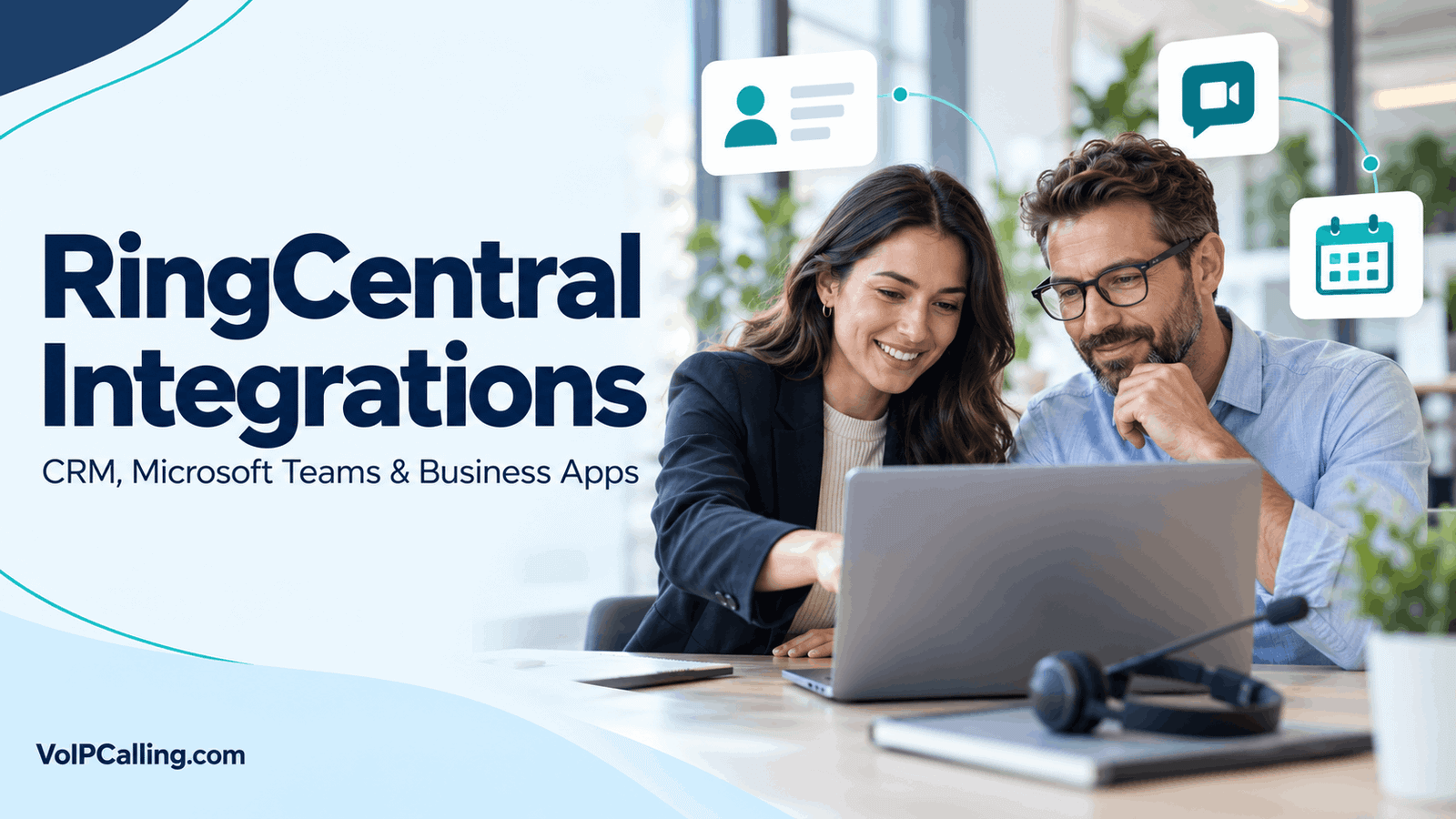
RingCentral integrations connect communications with tools such as Salesforce, HubSpot, Microsoft Teams and Google Workspace. The useful question is whether the exact integration supports your workflow, not simply whether the application name appears in a directory.
An embedded dialer, calendar add-on, ticket-notification bot and custom API connection do different jobs. Their licensing, permissions, support and data handling can also differ.
This guide explains practical integration choices and checks for RingEX users, with separate attention to RingCX compatibility. Information was checked October 3, 2026. Examples are illustrative; this article does not claim firsthand integration testing.
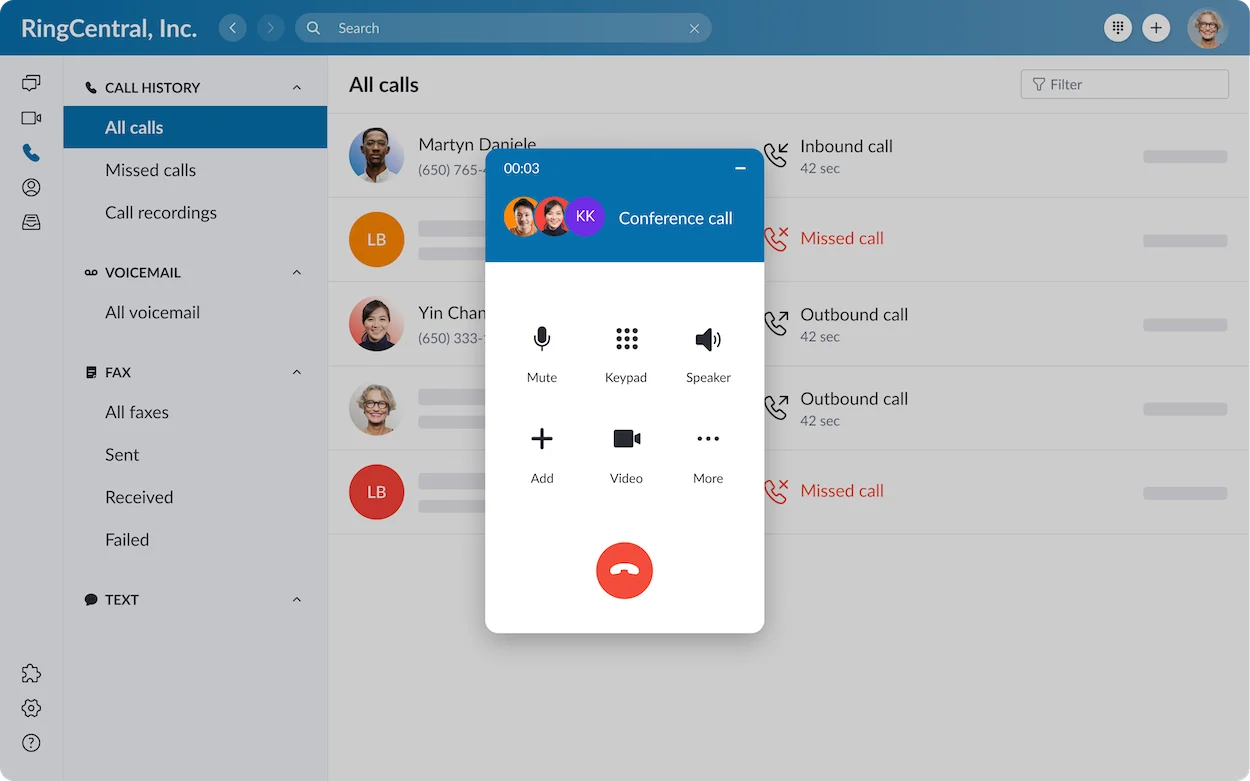
What Can a RingCentral Integration Do?
Depending on the connector, an integration may place communication controls inside another application, associate activity with a customer record or help employees schedule meetings. Confirm the supported action rather than assuming every connector provides all three.
| Integration Type | Task to Evaluate | Important Check |
|---|---|---|
| CRM calling | Contact a customer from their record. | Calling endpoint, supported client and user permissions. |
| Activity logging | Associate a communication with the correct record. | Matching rules, supported events and duplicate handling. |
| Teams integration | Use the chosen business calling arrangement in Teams. | Deployment model and licensing. |
| Email or calendar | Communicate or arrange a meeting in the normal work context. | Add-on scope and calendar behavior. |
| Support add-in | Notify colleagues or work on a customer ticket. | Whether it handles tickets, calling or both. |
| Custom connection | Support a workflow without a suitable packaged connector. | Development, maintenance and error handling. |
RingCentral’s App Gallery organizes listings by products and categories. A listing can be published by RingCentral, a partner or a Labs contributor. Those labels help you identify the scope, but do not replace a working demonstration.
RingCentral CRM Integrations
Salesforce
RingCentral’s Salesforce listing describes embedded calling and messaging, activity logging, caller context and meeting scheduling. The listing identifies Advanced and Ultra eligibility and Salesforce edition requirements; reconfirm the current conditions before installation.
Salesforce administrative privileges are required for the installation described in the listing. Use an appropriate test environment before a broad production rollout.
Example: A salesperson calls from a customer record, then a colleague reviews the resulting activity. Test whether it belongs to the right record and whether notes and access behave as expected.
The listing includes some historical operating-system and browser references. This guide does not present those old version numbers as current compatibility advice. Use the current release documentation for the selected integration.
HubSpot
RingCentral describes a HubSpot connection with embedded calling and activity logging. The exact logging behavior and available functions must be checked against the selected integration and configuration.
Example: A sales team needs the outcome of a call associated with the correct contact or deal. Demonstrate a known contact, an unknown number and two records sharing a number.
Ask whether calls made outside the embedded interface are captured, which settings enable that behavior and whether additional capabilities need separate entitlement. Automatic logging is not a universal promise covering every device, event and record association.
Other CRMs Through App Connect
RingCentral’s App Connect documentation lists connectors for systems including Pipedrive, Zoho, Clio and others. It separates connector documentation from features marked beta or experimental.
Confirm the supported actions for your specific connector. A supported CRM name does not establish that every field, workflow or advanced capability is available.
Example: An operations team may need a call entry on an existing record but not permission to create new records automatically. Demonstrate the intended behavior and identify who maintains the connector.
RingCentral and Microsoft Teams
The Embedded RingCentral App
RingCentral’s Teams listing describes an embedded calling experience with options such as SMS, fax, contact search and presence synchronization. Availability depends on the configured service.
The purpose is to make RingCentral communication functions accessible within the Teams working environment. Employees should demonstrate the actual client and devices they intend to use.
Example: A user working in Teams needs to call a customer and then reach an internal colleague. Test contact lookup, calling controls, availability and any required handover.
Direct Routing Is a Different Deployment
RingCentral documentation distinguishes the embedded app from Direct Routing. Microsoft’s Direct Routing planning documentation addresses Teams telephony requirements; obtain a proposal for the specific model rather than assuming the same license rules apply to both.
Ask sales to name the deployment explicitly and identify the required Microsoft licenses, RingCentral service, administration and calling experience. Do not carry an embedded-app “no Teams Phone license” statement over to a different telephony arrangement.
What to Verify in a Teams Pilot
- The exact installation and sign-in process.
- Calling from the Teams clients used by employees.
- Number assignment and outbound caller ID.
- Transfers and unavailable destinations.
- Presence behavior and contact visibility.
- Emergency calling arrangements and user guidance.
These checks should be performed on the proposed deployment, not inferred from a generic Teams demonstration.
Google Workspace and Calendar Connections
The Google Workspace add-on listing describes access from Gmail and Google Calendar, including calling or messaging in email context and scheduling or joining meetings.
Example: A consultant receives an email and wants to arrange a meeting without rebuilding the invitation in another application. Test creation, recipient experience and changes to the event.
For Outlook or other calendar workflows, confirm the exact currently supported add-in and installation requirements. An email integration is not automatically a complete CRM logging solution.
Test time zones, rescheduling and permissions before deploying a calendar workflow across the company.
Customer Support Tools: Look Beyond the App Name
The Zendesk Add-in for RingCentral listing describes ticket notifications, ticket creation and private notes in a messaging environment. It identifies the add-in as a Labs project, with support limitations that differ from an official supported product.
That listing should not be treated as evidence of every possible Zendesk telephony workflow. If you need calling controls and call-to-ticket association, identify and evaluate the specific integration that provides them.
Example: A support team may want only notifications about new tickets. Another team may need every call linked to a ticket. Those requirements need different demonstrations and may require different tools.
Automation, APIs and Custom Workflows
RingCentral offers developer resources for communications and account-related integrations. A custom connection can be relevant when a packaged integration does not support the required workflow.
Define the trigger, intended action, permissions and failure behavior before commissioning development. Identify the person responsible for maintaining it when either platform changes.
Example: A business wants a missed call to create a follow-up task in another system. Check duplicate prevention, ownership and retries. A working normal case is not enough if failures create repeated tasks or lose the enquiry.
Compare development and ongoing maintenance costs with the benefit. Avoid buying custom work merely to reproduce an existing supported connector.
Are RingCentral Integrations Free?
There is no universal answer. A listing may require an eligible RingCentral tier, another application’s subscription, an additional vendor payment or implementation work.
- RingCentral entitlement: Confirm the product and package.
- Connected application: Check edition, user licenses and access requirements.
- Integration charges: Ask the publisher about subscription and usage costs.
- Optional features: Verify AI, reporting and other specialized capabilities separately.
- Administration: Budget configuration, training and maintenance.
Our RingCentral review covers the wider purchasing decision. Use the full required package when comparing providers.
How to Set Up a RingCentral Integration
- Name the workflow: Define the task and expected final record.
- Identify the listing: Confirm the publisher and compatible RingCentral product.
- Check requirements: Review licenses, clients, permissions and support.
- Pilot installation: Use an appropriate test environment or a small approved user group.
- Authorize access: Review the requested permissions and organizational approval.
- Configure behavior: Establish matching, logging and ownership rules.
- Test exceptions: Include missing records, duplicates and failed authorization.
- Roll out: Train users and document the support owner.
Follow the selected connector’s instructions rather than assuming one installation sequence applies to all integrations.
Common Integration Problems to Check
| Symptom | Check | Useful Test |
|---|---|---|
| No call activity appears | Logging settings, supported call source and authorization. | Compare a known interaction from the supported interface. |
| Activity reaches the wrong record | Number formatting, matching and duplicate records. | Use a record with one unique verified number. |
| Calling control is missing | Installation, entitlement and client compatibility. | Compare the approved pilot configuration. |
| Repeated entries appear | Multiple connectors or overlapping logging processes. | Isolate one approved logging path. |
| Only some users are affected | Individual permissions, licenses and account connection. | Compare affected and working users’ configurations. |
Record the connector version, affected user, time and intended action for support. Change one variable at a time and verify the resulting data before rolling out a fix.
RingEX vs RingCX Compatibility
A RingEX integration listing does not automatically establish RingCX support. Use the product classification and current documentation for the actual customer-facing deployment.
Confirm agent workflow, supported events and reporting if evaluating a contact centre connector. The intended record may differ from an ordinary employee call log.
Our contact centre guide explains the broader workflow, while the RingCentral alternatives guide can help build a comparison shortlist.
Frequently Asked Questions
Does RingCentral Integrate With Salesforce?
Yes. Verify the current connector, eligible RingCentral tier and Salesforce requirements for your deployment.
Does RingCentral Integrate With HubSpot?
Yes. Demonstrate calling, logging and record association in the selected configuration rather than assuming every event is captured.
Can RingCentral Work Inside Microsoft Teams?
RingCentral offers Teams integration options. Identify whether the proposal uses an embedded app or another telephony deployment and confirm its licensing.
Are All App Gallery Listings Supported by RingCentral?
Do not assume so. Check the publisher and support arrangement, especially for partner and Labs listings.
Will Every Integration Work With RingCX?
No universal compatibility should be assumed. Confirm support for the specific product and required workflow.
Which Integration Should We Start With?
Choose one that addresses repeated work and has a clear owner. Pilot it and inspect the final records before broad deployment.
Our Recommendation
Choose RingCentral integrations around a specific task, then demonstrate the result in the connected application. Confirm licensing, permissions, support and exception handling before expanding the rollout.
The best connection is the one your team can use consistently and maintain, with accurate records and clear ownership.
Affiliate disclosure: VoIPCalling may earn a commission when you purchase through provider links on this page. Our recommendations consider product fit and business requirements.