To change your voicemail password, open your phone or carrier’s voicemail settings and select the option to change or reset your PIN. You can also call your voicemail, enter your current PIN, and follow the prompts for password or security settings. If you’ve forgotten the password, use your carrier’s app or website to reset it, or contact your mobile provider or system administrator.
Ways to Change Voicemail Password for Total Security
Standard methods to update your voicemail credentials involve direct interaction with your telephone handset, which remains one of the most reliable ways to manage your account. For many traditional landlines and office systems, the most direct way to update your security is through the handset itself. This method is highly reliable because it requires physical access to the device, adding a layer of verification. You should begin by lifting the receiver and entering the voicemail access code provided by your organization or service provider to learn how to change voicemail password.
In many corporate environments, the standard access number is often a specific four-digit extension. Once you hear the automated voice greeting, you will be prompted to enter your current credentials. After successful authentication, listen carefully to the menu options. One common method is to call your voicemail directly from your phone. Enter your current PIN when prompted, then listen for an option such as Settings, Personal Options or Security. The exact menu and buttons vary by carrier and phone system, so follow the recorded instructions provided by your service.
General Procedures for Online Portal PIN Resets
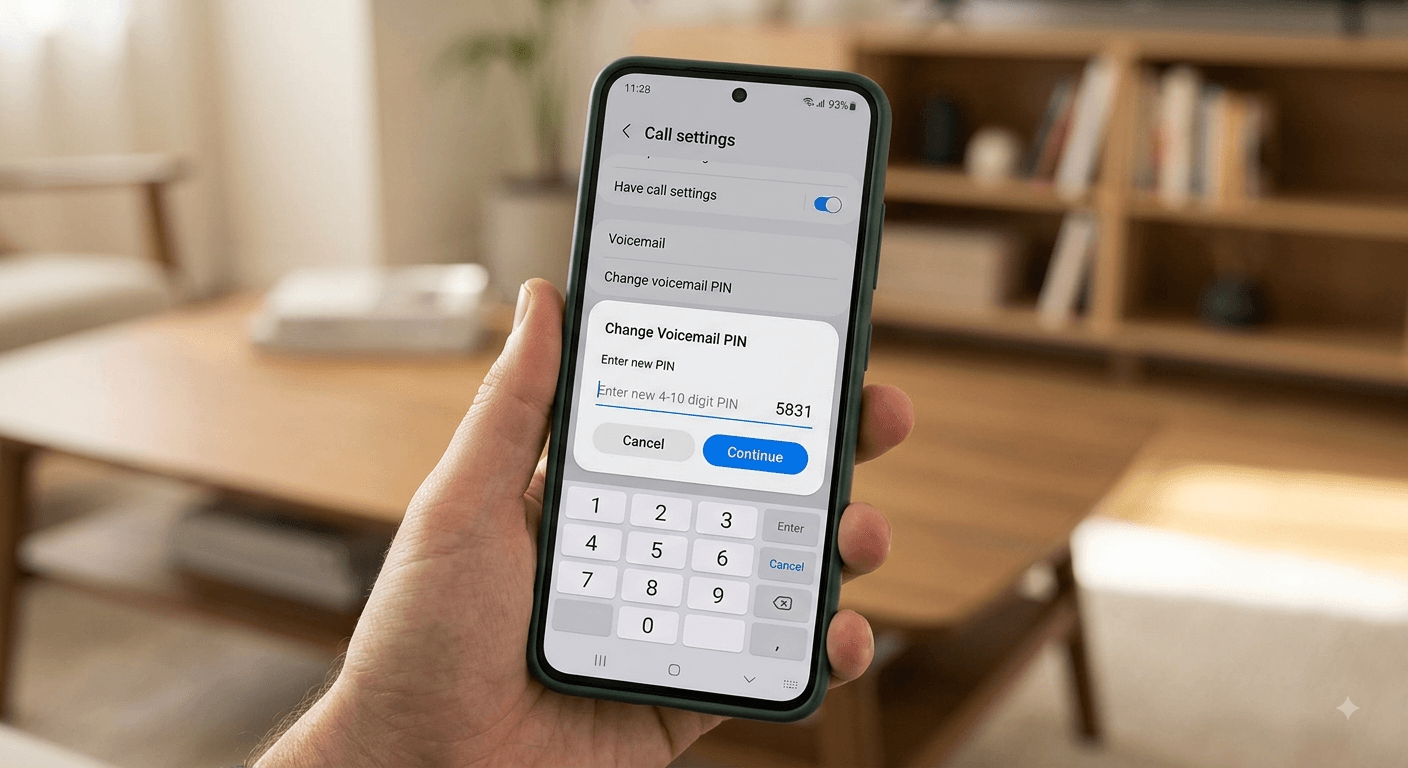
As modern communication shifts toward cloud-based solutions, learning how to change voicemail password via a web browser has become increasingly common. Most service providers offer user-friendly dashboards that allow for quick updates without having to listen to long audio menus. To start this process, you must navigate to the login page of your respective service and enter your credentials to reach the user hub. This digital approach is often preferred by remote workers who may not have a physical desk phone.
- If your carrier or business phone provider offers an online account portal, sign in and look under Phone, Calling, Voicemail or Security settings.
- Some providers allow you to change or reset the voicemail PIN online. The exact menu names vary by service.
- Look for the voicemail PIN section where a clear button labeled reset voicemail PIN is visible. Clicking this will open a dialogue box where you can input your new code twice to confirm there are no typos before submitting. This make sure that your new security credentials are synchronized across all your linked devices immediately.
Step-by-Step Procedure for System Administrators
Administrators managing a team have a specific set of steps to follow when a user needs a PIN reset. This process make it possible that employees can regain access to their messages quickly while maintaining the overall security of the corporate phone system. It is a vital task for maintaining business continuity, especially when an employee can’t remember voicemail password or
their credentials or experiences a lockout.
-
Log in to the administrative voice portal using your specific management credentials.
-
Navigate to the user management section, usually located at the top or side of the main dashboard.
-
Select the specific user from the list who requires a reset of their voicemail credentials.
-
Locate the security or authentication section within the user profile to expand the available options.
-
Select the option to change the voicemail PIN and enter a new numeric code that meets system requirements.
-
Save the changes and provide the user with their new temporary PIN for their first login.
Essential Security Rules for Selecting a New Passcode
When you decide to update your security, the system will often enforce strict rules to prevent you from using weak codes. A strong PIN makes unauthorized access more difficult. For example, most systems will immediately reject a sequence of digits that match your own phone number or extension. They also prevent you from using the reverse of those numbers, as this is a common tactic used by unauthorized individuals seeking access.
Many platforms now require the code to be between 6 and 30 digits. A PIN like 12345 or 11111 provides almost zero protection against modern hacking tools. Many platforms now require the code to be between 6 and 30 digits long to increase the mathematical difficulty of a successful hack. If you attempt to use a PIN that you have used recently, the system will likely recognize it from its history and force you to choose something entirely unique to maintain high security standards.
| Avoid when choosing a voicemail PIN | Example | Why |
|---|---|---|
| Simple sequences | 1234, 123456 | Easy to guess |
| Repeated digits | 1111, 000000 | Easy to guess |
| Your phone number | Last four digits | May be predictable |
| Your extension | 2456 | Easy for colleagues or callers to identify |
| Personal dates | Birth year/date | May be discoverable |
| Previously compromised PINs | Old PIN | Could already be known |
PIN length and security requirements vary by carrier and voicemail system. Follow the requirements shown by your provider when creating a new PIN.
Smartphone Specific Guides for Mobile Users
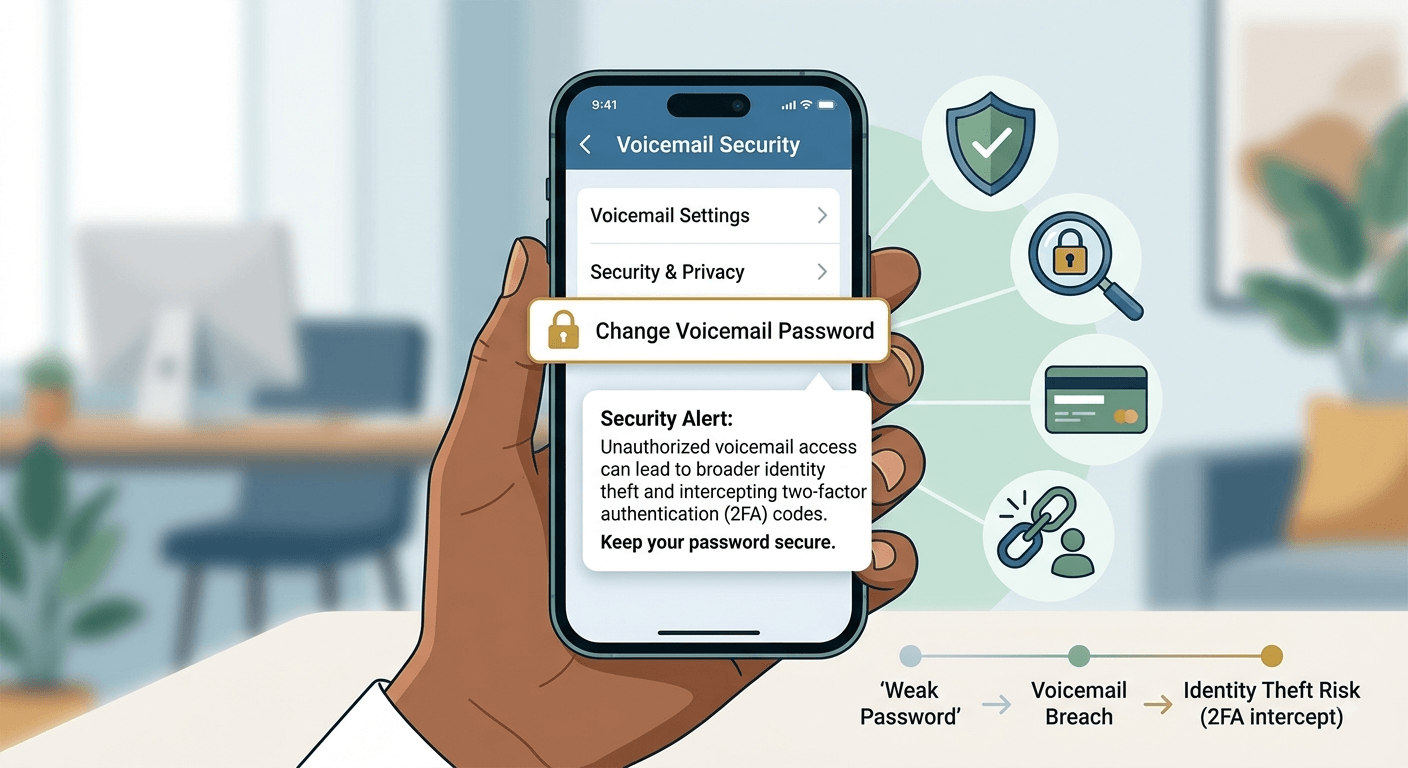
How you change a voicemail password on a smartphone depends on both the device and mobile carrier. Some phones provide a voicemail password option in the Phone settings, while others require you to call voicemail or reset the PIN through your carrier’s app or website. On most modern smartphones, the process is integrated directly into the operating system settings. Instead of calling a number, you can often find the change password option within your device configuration menu. You should look under the phone or calling app settings to find the relevant security fields.
According to a security report by Verizon, unauthorized access to voicemail boxes is often a precursor to broader identity theft. This highlights why keeping your mobile voicemail secure is just as important as securing your email or bank account. If a hacker gains access to your messages, they could potentially intercept two-factor authentication codes sent via voice call, giving them the keys to your entire digital life and personal accounts.
Handling Lockouts and Technical Voicemail Difficulties
To resolve a voicemail account lockout caused by multiple failed login attempts, you should first wait 15 to 20 minutes for the security timer to expire before attempting to sign in again. During this wait, ensure your hardware is ready by checking for dedicated voicemail buttons. If you still cannot gain access or have forgotten your credentials, utilize an online self-service recovery tool to receive a reset link via email, or contact your IT department or service provider directly to verify your identity and restore your access.
Read More: How to Call Japan from USA?
Final Thought
Changing your voicemail password is usually straightforward, but the exact steps depend on your phone, carrier or business phone system. You may be able to change the PIN by calling your voicemail, using your provider’s app or website, or opening your phone’s voicemail settings. If you’ve forgotten the current PIN, use your provider’s reset option or contact your system administrator. When choosing a new PIN, avoid simple patterns, repeated numbers and information that other people could easily guess.
FAQ’s
-
How to change voicemail password if I have forgotten the current one?
If you have forgotten your current password, the most effective way to reset it is through your service provider’s online user portal or by contacting your system administrator. Many providers offer a reset option that doesn’t require you to know the old PIN, provided you can verify your account. For mobile users, you can often reset it through your carrier’s website or mobile app by verifying your account details and requesting a temporary code via email or text.
-
Can I change my voicemail password from a different phone?
Yes, you can typically change your password from another phone by dialing your own number and pressing the star or pound key when the greeting starts. You will then be prompted to enter your current PIN to access the main menu. From there, navigate to the setup or personal options menu to find the password change settings. However, some corporate systems may restrict this feature for security reasons, requiring you to use your primary handset.
-
Why does the system keep rejecting my new voicemail PIN?
Your provider may reject a PIN if it’s too short, too simple, matches your phone number or extension, or doesn’t meet its security requirements. Check the rules displayed by your voicemail system and choose a less predictable number.
-
How often should I update my voicemail security code?
Security experts generally recommend updating your voicemail password every three to six months. Frequent updates help mitigate the risk of long-term unauthorized access if your code is ever compromised. In corporate environments, your IT policy may mandate a password change at specific intervals. Always update your PIN immediately if you suspect someone else has gained access to your mailbox or if you have shared your code with a colleague.
-
What is the difference between a voicemail PIN and a passcode?
In the context of voicemail, the terms PIN and passcode or password are often used interchangeably. They all refer to the numeric sequence used to authenticate your identity when accessing your voice messages. While password can sometimes imply an alphanumeric string, most traditional and modern voicemail systems only accept numeric digits due to the physical limitations of telephone keypads and automated voice menus.
-
Is there a way to remove the password requirement for voicemail?
While some systems allow you to disable the PIN requirement when calling from your own handset, it is highly discouraged for security reasons. Disabling the password makes your messages vulnerable to anyone who has physical access to your phone or anyone who can successfully spoof your caller ID. If your system allows it, the option is usually found under the skip PIN or autologin settings within the configuration menu.
-
How do I fix a locked voicemail account?
A locked account is usually the result of too many failed login attempts in a short period. To fix this, first wait for about 15 to 20 minutes to see if the lockout is temporary. If you still cannot gain access, use your provider’s online management tool to trigger a password reset, which often clears the lockout status automatically. If you are using a company phone, you may need to contact your IT help desk for a manual unlock.
-
Does changing my voicemail password delete my saved messages?
No, changing your password or PIN does not delete your saved messages or change your recorded greetings. The password is only a security layer used for authentication at the point of entry. Your messages are stored securely on the server and will remain intact throughout the update process. However, if an administrator has to perform a factory reset on your entire mailbox to resolve a technical issue, there is a risk of data loss.
-
How do I change my voicemail password on Samsung?
On a Samsung device, open the phone app and tap the three dots to enter settings. Navigate to the voicemail section where you will find the option to update your PIN. If your carrier manages the service, you may be redirected to a dial-in menu where you can follow the prompts to enter a new security code.