Do Not Disturb
Do Not Disturb (DND) works like a “Do Not Disturb” sign for your business phone. When it’s enabled, incoming calls don’t ring your device and are handled according to your phone system’s configured rules. It’s useful during meetings, focused work, breaks, or whenever you temporarily don’t want to receive calls.
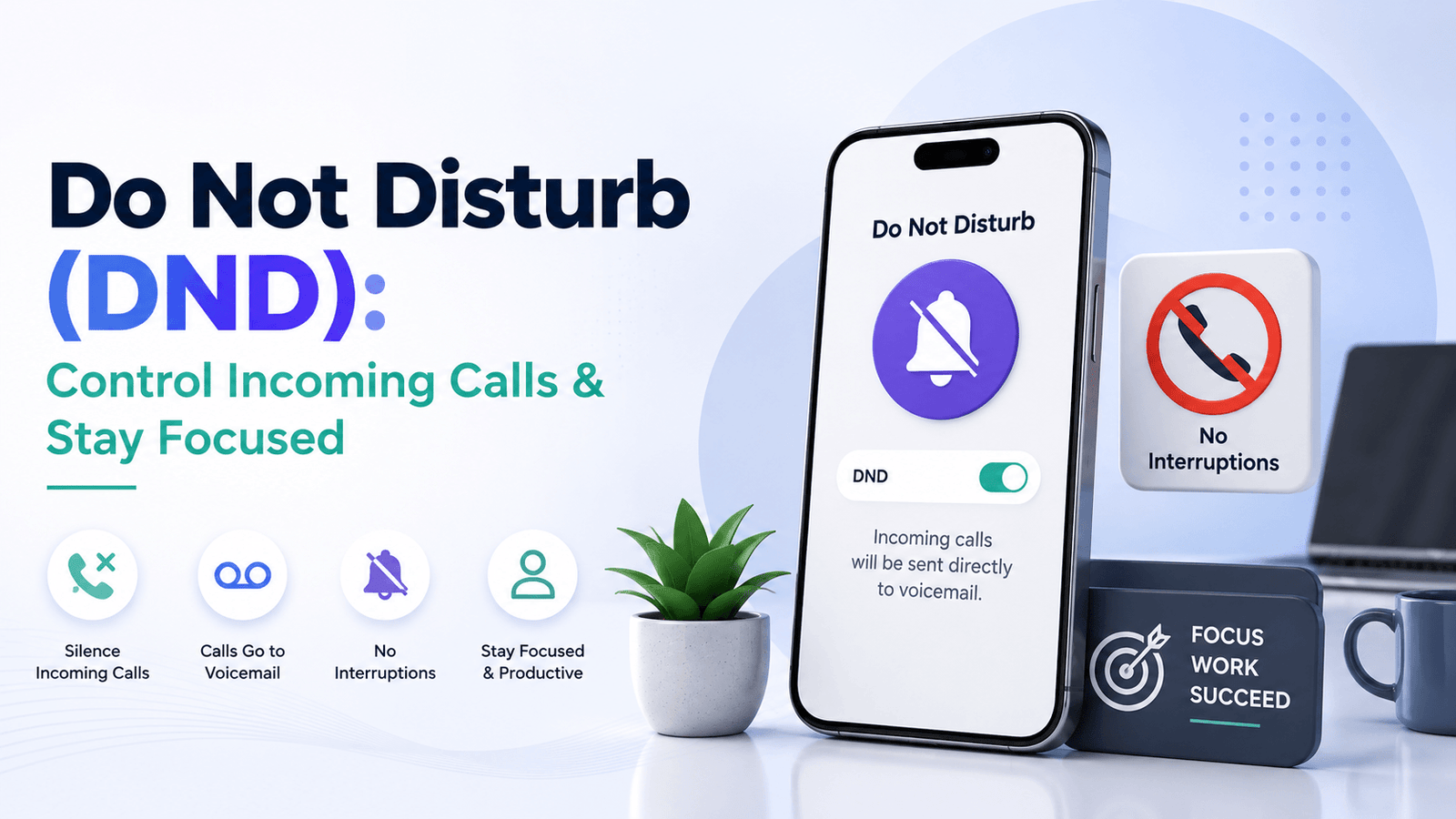
Stay Focused With Do Not Disturb!

When DND is enabled, incoming calls won’t ring your phone or extension. Depending on your VoIP or PBX settings, those calls may be sent to voicemail, forwarded to another user, or handled by another configured routing rule.
DND can be useful during meetings, presentations, focused work, or periods when you aren’t available to answer calls. On supported systems, users may be able to switch DND on or off from an IP phone, desktop application, mobile app, or web portal.
DND Scenario in PBX
Suppose you’re working on an urgent report and don’t want incoming calls to interrupt you. You enable DND for your extension, so calls no longer ring your phone. If your PBX is configured to send unanswered or DND calls to voicemail, callers can leave a message for you to review later.
👉 Once you’ve finished your work, you can disable DND and start receiving calls normally again.
How Does DND Work?
1. Enable DND
Turn on Do Not Disturb for your extension using the controls available through your phone system, such as an IP phone, app, or web portal.
2. Incoming Calls Stop Ringing Your Device
While DND is active, calls don’t ring the affected phone or extension.
3. The Phone System Applies Your Routing Rules
Depending on your configuration, the call may go to voicemail, another extension, a call queue, or another destination.
4. Disable DND When You’re Available
Turn DND off when you’re ready to receive incoming calls normally again.
Benefits of the Do Not Disturb feature
Do Not Disturb (DND) is a phone system feature that temporarily prevents incoming calls from ringing a user’s phone or extension. Depending on the VoIP or PBX configuration, calls may be sent to voicemail, forwarded to another destination, or handled according to predefined call-routing rules.
Stay Focused
Temporarily silence incoming business calls when you need uninterrupted time for focused work. Calls can still be handled according to your configured routing rules.
Avoid Call Interruptions
Use DND during meetings, presentations, interviews, or important conversations when an unexpected ringing phone could be disruptive.
Manage Calls While You're Unavailable
When configured with voicemail or other call-routing options, DND allows incoming calls to be handled without ringing your device. You can then review messages or return calls when you're available.
Scheduled Do Not Disturb
Some phone systems allow DND or similar availability rules to follow a schedule. This can help prevent calls from ringing during meetings, breaks, outside working hours, or other predefined periods.
DND Across Connected Devices
Depending on the VoIP platform, enabling DND for your user or extension may affect multiple connected devices. Check your provider's settings to understand whether DND applies to your desk phone, desktop app, mobile app, or each device separately.
Do Not Disturb vs Call Forwarding
| Feature | Do Not Disturb | Call Forwarding |
|---|---|---|
| Main purpose | Stop calls from ringing your device | Redirect calls elsewhere |
| Phone rings | Usually no | Depends on configuration |
| Destination | Based on DND/routing rules | Specified forwarding destination |
| Voicemail | May be used | May be used |
| Best for | Temporary unavailability | Receiving calls elsewhere |
DND and call forwarding serve different purposes. DND prevents incoming calls from ringing a particular phone or extension, while call forwarding redirects calls to another number or destination. Some VoIP systems allow both features to work with broader call-routing rules.
Do Not Disturb FAQs
Not necessarily. Silent mode usually stops your device from making an audible ringtone while the call still reaches the device. In a business VoIP or PBX system, DND can affect how the phone system handles the incoming call itself, such as preventing the extension from ringing and applying another routing rule.
It can, depending on the VoIP or PBX system. DND may work alongside voicemail, call forwarding, queues, ring groups, business-hours routing, and other call-handling rules. Check your provider’s configuration options to see how DND affects each call flow.
The exact process depends on your phone system. DND may be activated from an IP phone, desktop or mobile app, web portal, or a feature code provided by your VoIP or PBX provider.
DND can reduce interruptions during meetings, focused work, presentations, or other periods when you aren’t available to answer calls. Incoming calls can then be handled according to your existing routing settings.
Calls can still reach the phone system, but they generally won’t ring the extension where DND is active. What happens next depends on your configuration—for example, the call may go to voicemail or another destination. Some systems may also support exceptions or priority callers.
Yes, if your phone system supports it. DND may be available through a button or menu on an IP phone or through your provider’s desktop or mobile app. The exact steps vary by device and provider.
Not always. Some systems route DND calls to voicemail, while others may forward, reject, or route them according to predefined rules. The behaviour depends on your VoIP or PBX configuration.
In many business phone systems, DND can be enabled for an individual user or extension without affecting the rest of the team. Exact controls depend on the provider and system configuration.