
Group Voicemail
Group voicemail is a business phone feature that allows multiple users or extensions to access messages from a shared voicemail box. It is commonly used by departments such as Sales, Support, or Billing so that incoming messages are available to the appropriate team instead of being stored in one employee’s personal voicemail.
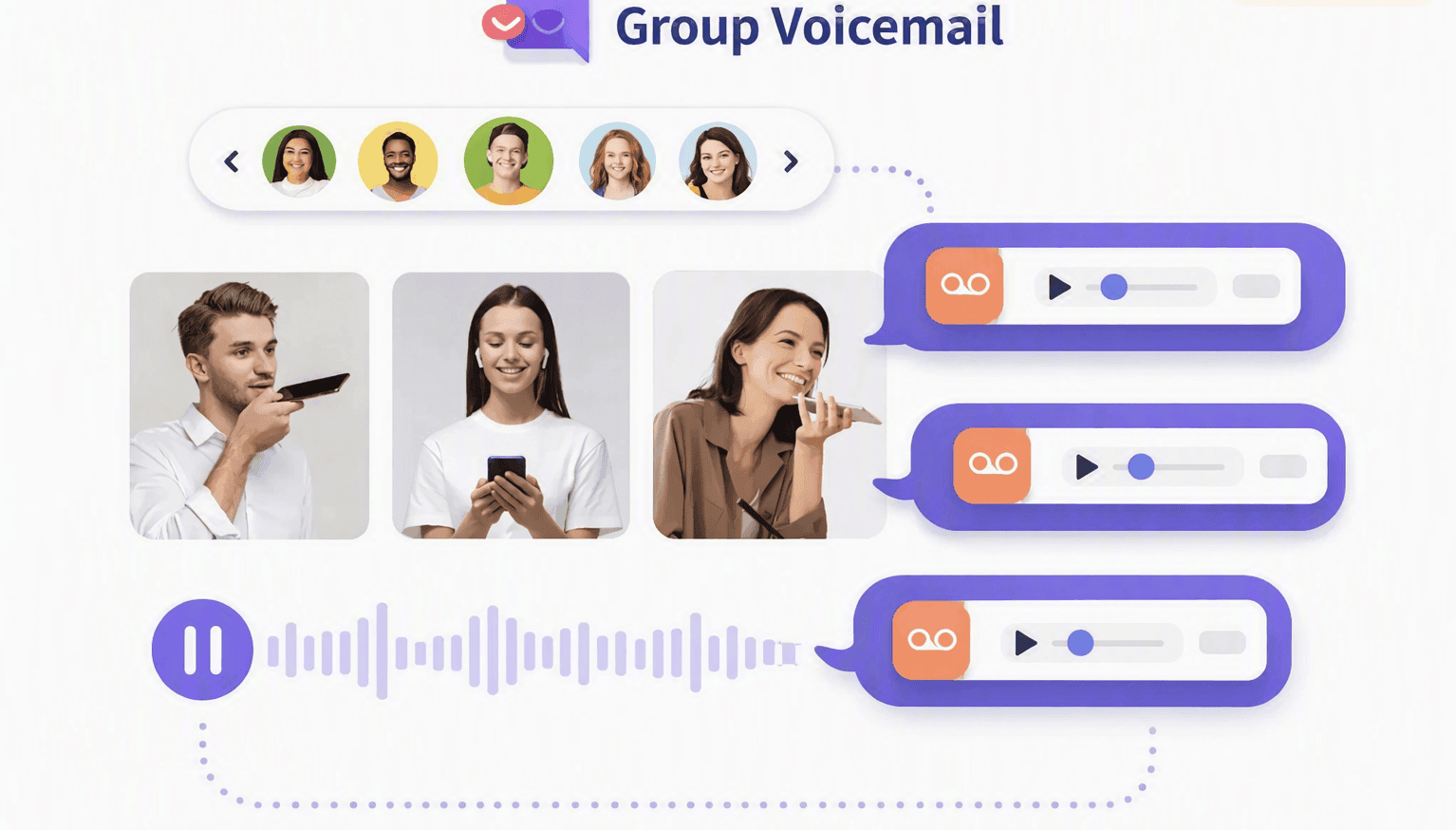
Share Voicemails To Groups/Teams
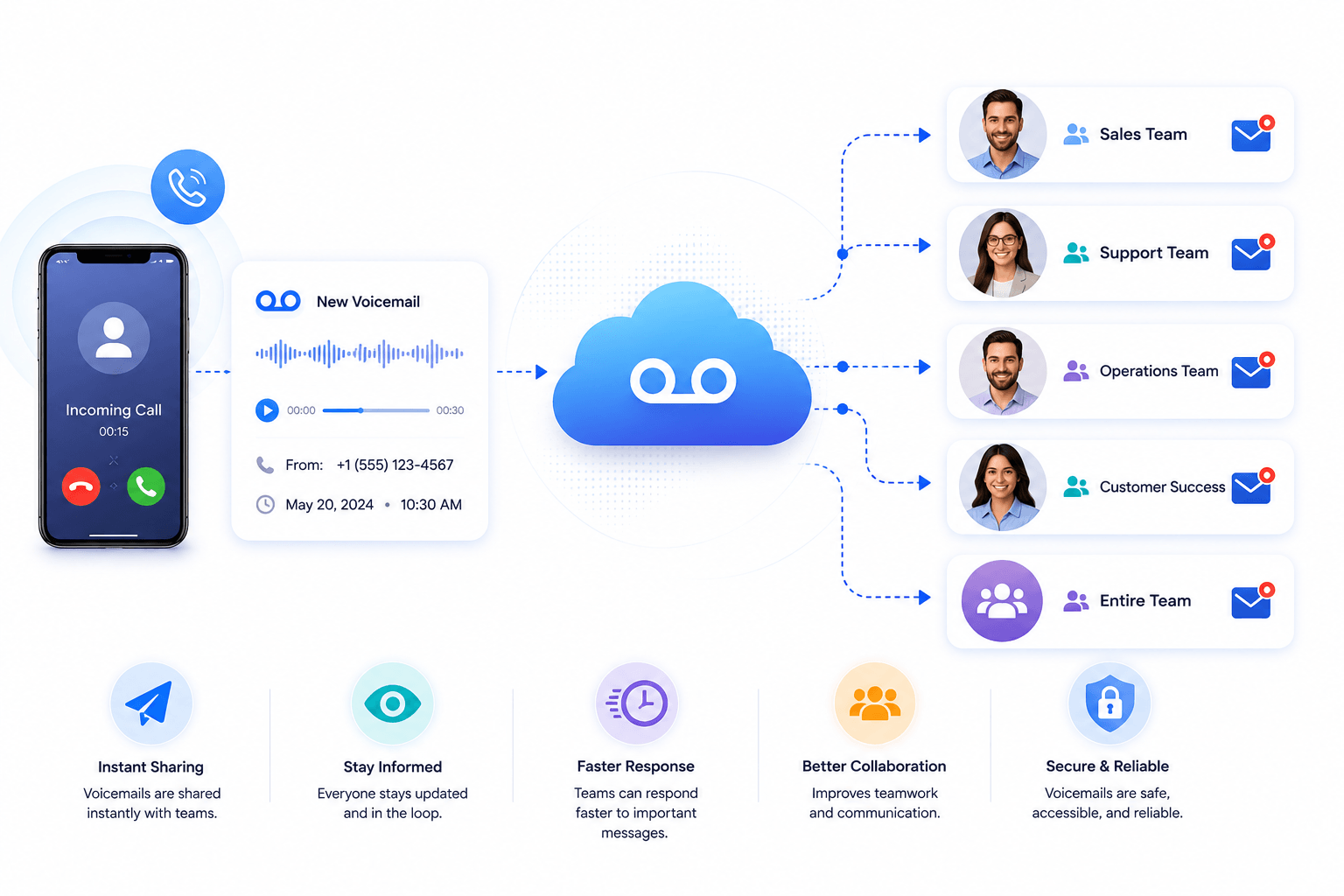
A shared voicemail box gives selected team members access to messages left for a department or group. For example, calls to your Sales or Support team can be sent to a shared voicemail box when nobody is available, allowing another team member to pick up the message and follow up.
Benefits of the Group Voicemail
Share voicemails to ring groups
Route unanswered calls from a department, ring group, or call queue to a shared voicemail box when supported by your phone system. Authorized team members can then access the message and follow up with the caller.
Receive Voicemail Notifications by Email
Some business phone systems can send voicemail notifications or audio recordings to users by email. This allows team members to review new messages without repeatedly checking the shared voicemail box.
Keep Team Members Informed
Notify selected team members when a new voicemail arrives in the shared mailbox. Depending on the phone system, notifications may be available through email, desktop applications, mobile apps, or other alerts.
Support Remote and Distributed Teams
Shared voicemail can help employees access important caller messages even when they work from different offices or remote locations. Team members don't need to rely on one person being physically available to check a department's voicemail.
Shared Access for Group Members
Give authorized members of a department access to the same voicemail box. For example, a Sales team can share one departmental mailbox so available team members can review messages and follow up with callers.
How Group Voicemail Works?
1. A caller contacts the department
The incoming call is routed to a department, ring group, or call queue.
2. Nobody answers the call
Based on the configured routing rules, the unanswered call is sent to a shared voicemail box.
3. The caller leaves a message
The voicemail is stored in the group’s mailbox rather than an individual’s personal inbox.
4. Team members are notified
Authorized users can access the message and decide who should follow up with the caller.
Group Voicemail vs Personal Voicemail
| Feature | Group Voicemail | Personal Voicemail |
|---|---|---|
| Mailbox access | Multiple authorized users | Usually one user |
| Best for | Departments and teams | Individual employees |
| Message ownership | Shared | Individual |
| Typical use | Sales, Support, Billing | Direct extension |
| Team coverage | Better suited | Limited |
| Notifications | May go to multiple users | Usually individual user |
Group Voicemail Features
Shared Mailbox
Allow authorized team members to access voicemail messages from one departmental inbox. This makes it easier for available employees to review and respond to caller messages.
Voicemail-to-Email
Receive voicemail notifications or recordings by email when supported by your phone system. Team members can review messages without having to dial into the voicemail box.
Group Notifications
Alert selected users when a new message arrives in the shared mailbox. This helps departments stay aware of unanswered customer calls.
Department Voicemail
Create separate voicemail boxes for teams such as Sales, Support, Billing, or Customer Service. Each department can manage its messages independently.
After-Hours Voicemail
Route calls to a shared mailbox when the office or department is closed. The appropriate team can review the messages when normal business hours resume.
Custom Voicemail Greetings
Use a department-specific greeting to tell callers they’ve reached the correct team and explain what information they should leave in their message.
Frequently Asked Questions

Where all the voicemails for the group are stored?
Group voicemails are typically stored in a shared voicemail box associated with a department, group, or extension. Authorized members can access the messages according to the permissions configured in the business phone system.
How can I access the group voicemails?
Access methods depend on your VoIP provider. Group voicemail may be available through an IP phone, web portal, desktop or mobile app, voicemail access number, or email notification.
How will I be notified when there is a new message in group voicemail?
Depending on the phone system, users may receive notifications by email, desktop or mobile app, or through a voicemail indicator on a supported phone. Administrators can usually choose which group members receive notifications.
Can multiple users access the same voicemail box?
Yes, shared voicemail systems can allow multiple authorized users to access the same mailbox. The exact permissions and number of users supported depend on the VoIP provider.
Can group voicemail be used with a call queue?
Some business phone systems allow unanswered calls from a call queue to be routed to a shared voicemail box. This gives the team a way to follow up when no agent is available to answer.
Can group voicemail be sent to email?
Many VoIP platforms support voicemail-to-email, although the available options vary by provider. Messages may be delivered as audio attachments or as notifications containing a link to the recording.
Who should use group voicemail?
Group voicemail is useful for teams that share responsibility for incoming calls, such as Sales, Support, Billing, Reception, or Customer Service. It is particularly helpful when several employees need access to messages left for the same department.