VoIP Call Blocking- Block Unwanted Calls
VoIP call blocking is a phone-system feature that prevents selected numbers or types of callers from reaching your business phones. Depending on the VoIP provider or PBX, businesses may be able to block individual phone numbers, anonymous callers, specific calling patterns or other unwanted calls. Blocked calls may be rejected, disconnected or handled according to configured call-routing rules.
For businesses, call blocking can reduce interruptions from spam, nuisance calls and repeatedly unwanted callers while allowing legitimate calls to continue through the normal call flow.
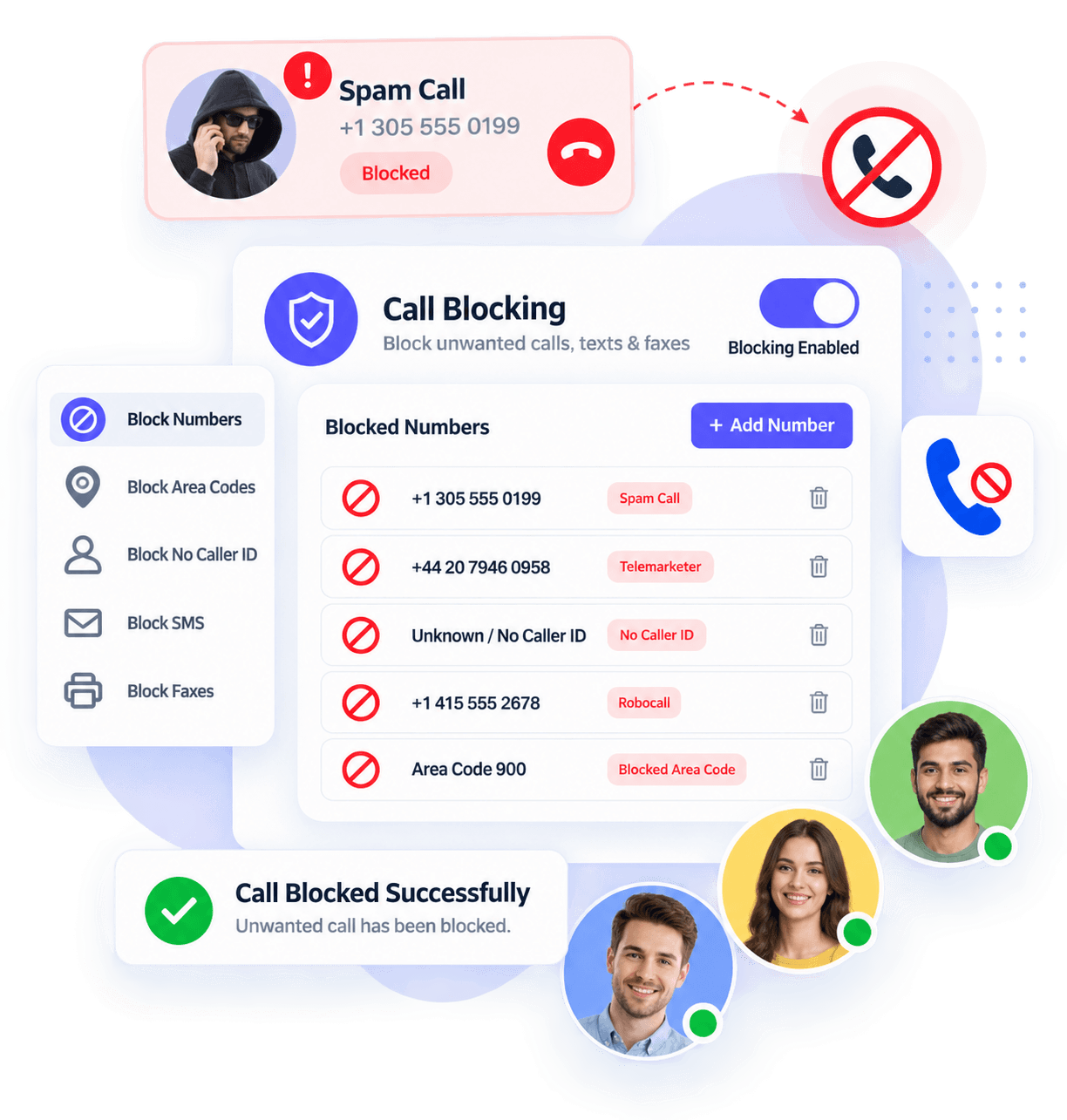
How Does VoIP Call Blocking Work?
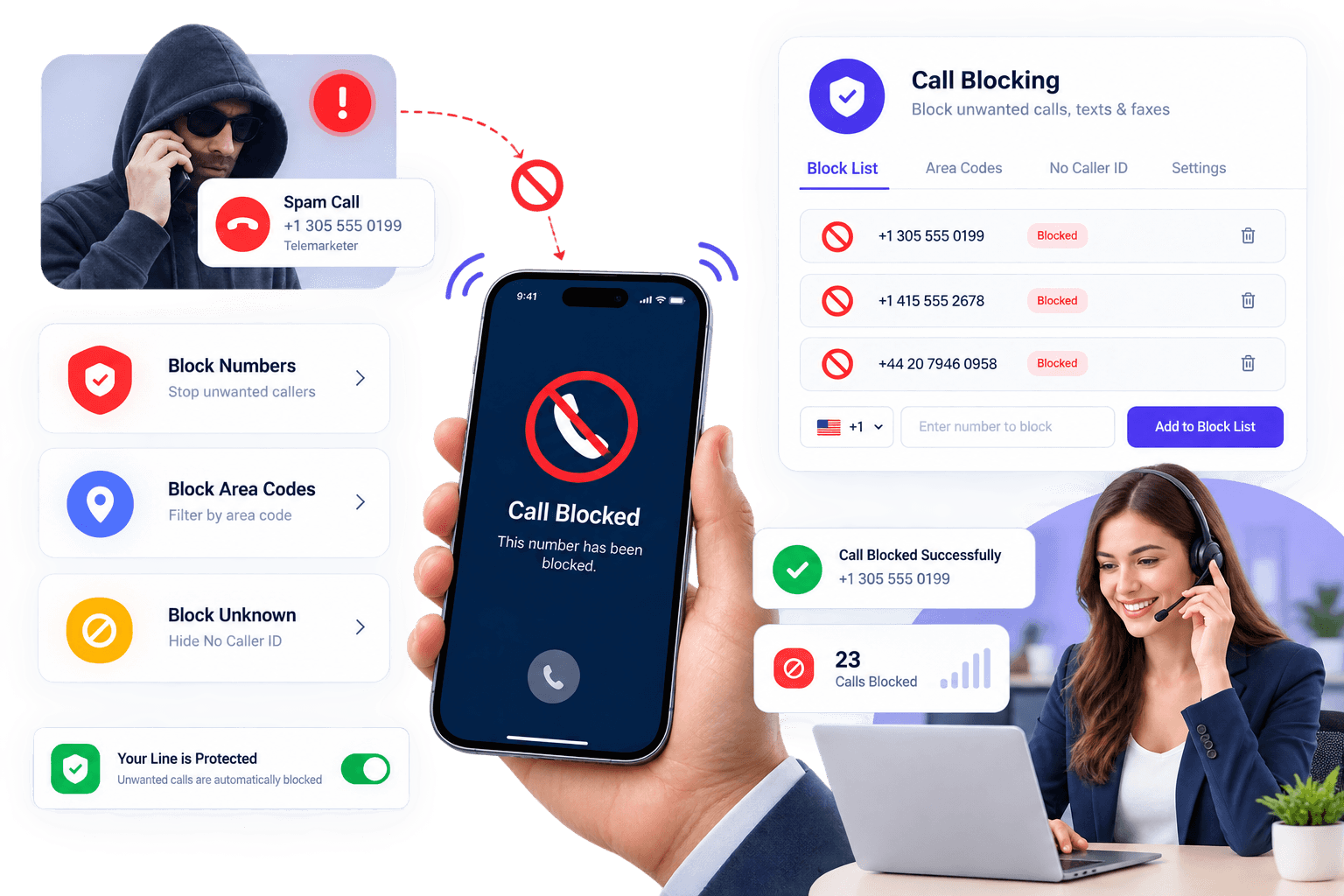
When an incoming call reaches a VoIP system, the PBX or service provider can compare the caller information against configured blocking rules. If the number matches a blocked entry, the system can prevent the call from reaching the intended extension or department.
Depending on the provider, administrators may be able to create rules for individual numbers, anonymous callers or broader calling patterns. Some systems apply blocking across the entire organization, while others allow rules to be configured for individual users or extensions.
What happens to a blocked call also varies by system. It may be rejected immediately, disconnected, routed elsewhere or handled with a recorded message.
What Happens When a VoIP Number Is Blocked?
When a call arrives, the VoIP platform evaluates the incoming caller information and any configured call-handling rules. If the number matches an entry on the block list, the system applies the selected action before the call reaches the user’s phone.
If there is no match, the call continues through the normal PBX flow and may be sent to an extension, ring group, call queue, IVR or voicemail.
Call Blocking vs Call Screening
Call blocking is best for callers you already know you don’t want to receive, while call screening provides more flexibility when the caller is unfamiliar.
| Feature | Call Blocking | Call Screening |
|---|---|---|
| Main purpose | Prevent selected calls from reaching users | Evaluate calls before answering/routing |
| Known unwanted number | Can be automatically rejected | May still be presented for review |
| User action | Usually none after rule is configured | May require user/system decision |
| Caller ID | Often used to match rules | Often used to identify caller |
| Best for | Repeated unwanted callers | Unknown or potentially unwanted calls |
Call Blocking vs Do Not Disturb
Call blocking targets selected callers or numbers, whereas Do Not Disturb (DND) generally changes how incoming calls are handled for a user or extension regardless of who is calling. For example, DND may send incoming calls directly to voicemail, while a block list can reject a specific unwanted number.
Can VoIP Call Blocking Stop Spoofed Calls?
Call blocking can reduce calls from known unwanted numbers, but it cannot stop every spoofed call. Scammers can manipulate the caller ID information displayed to the recipient or change the number they use. Blocking one displayed number therefore does not guarantee that the same caller cannot try again using another number.
For broader spam protection, businesses may need a combination of provider-level spam detection, caller authentication technologies, call screening, firewall/PBX security and user awareness.
Can You Block Anonymous or Private Calls?
Some VoIP systems allow anonymous or withheld caller IDs to be rejected automatically. However, this feature should be used carefully because legitimate callers may also withhold their number. Availability and behavior vary by provider and PBX.
Limitations of VoIP Call Blocking
- caller ID can be spoofed;
- spammers can rotate numbers;
- legitimate callers can be blocked accidentally;
- anonymous-call blocking may reject legitimate calls;
- capabilities vary by provider;
- blocking a number isn’t the same as securing a PBX;
- provider-level spam filtering may work differently from a personal block list.
Benefits of VoIP Call Blocking
By blocking your unwanted calls you can identify the callers and select your response
Reduce Unwanted Interruptions
Blocking repeatedly unwanted numbers can reduce unnecessary ringing and help employees spend less time dealing with nuisance calls.
Control Who Can Reach Your Business
Administrators may be able to create blocking rules for known unwanted numbers or other caller categories supported by their phone system.
Apply Rules Across Multiple Extensions
Some business VoIP platforms allow administrators to manage organization-wide blocking rules, while also giving individual users control over their own block lists.
Improve Call Handling
Call blocking can work alongside caller ID, call screening and routing rules to help businesses decide which calls should reach employees and how unwanted calls should be handled.
Reduce Repeated Spam Calls
Once a known unwanted number is blocked, future calls from that displayed number can be prevented from reaching users, subject to the phone system's configuration.
Create Custom Blocking Rules
Depending on the VoIP platform, users or administrators can add specific numbers to a block list and configure how matching calls should be handled. Some systems also support anonymous-call rejection or broader blocking rules.
Frequently Asked Questions
How to block voip calls?
You can block VoIP Calls using your phone’s built-in call blocking features, grab a call-blocking app, or dive into your VoIP provider’s settings to put a stop to them. It’s all about making sure your phone stays hassle-free.
Can I block numbers using a desk phone?
Some VoIP desk phones allow users to block numbers directly from the call history or phone menu, while others require the rule to be configured through a web portal, desktop app or PBX administrator. Check your phone-system documentation for the available method.
Can I screen calls with VoIP Calling for desktop?
With an incoming call, the caller ID will be displayed on the screen when the information is available. You can also click on the voicemail button to hear the real-time voicemail messages then you can decide whether you want to receive the call or not.
Can I screen calls on my mobile phone?
Yes, you can screen calls on mobile phones also.
Will blocking a number stop spam permanently?
Not necessarily. Blocking prevents calls that match the configured number or rule, but spammers may use different or spoofed caller IDs. Provider-level spam filtering and call screening can provide additional protection.
Will blocking a number stop spam permanently?
Not necessarily. Blocking prevents calls that match the configured number or rule, but spammers may use different or spoofed caller IDs. Provider-level spam filtering and call screening can provide additional protection.
What is caller ID?
Caller ID displays available information about an incoming call, typically the telephone number and, where available, a caller name or label. It can help users decide whether to answer, but displayed caller information should not always be assumed to be genuine because caller ID can be spoofed.