VoIP Call Conferencing

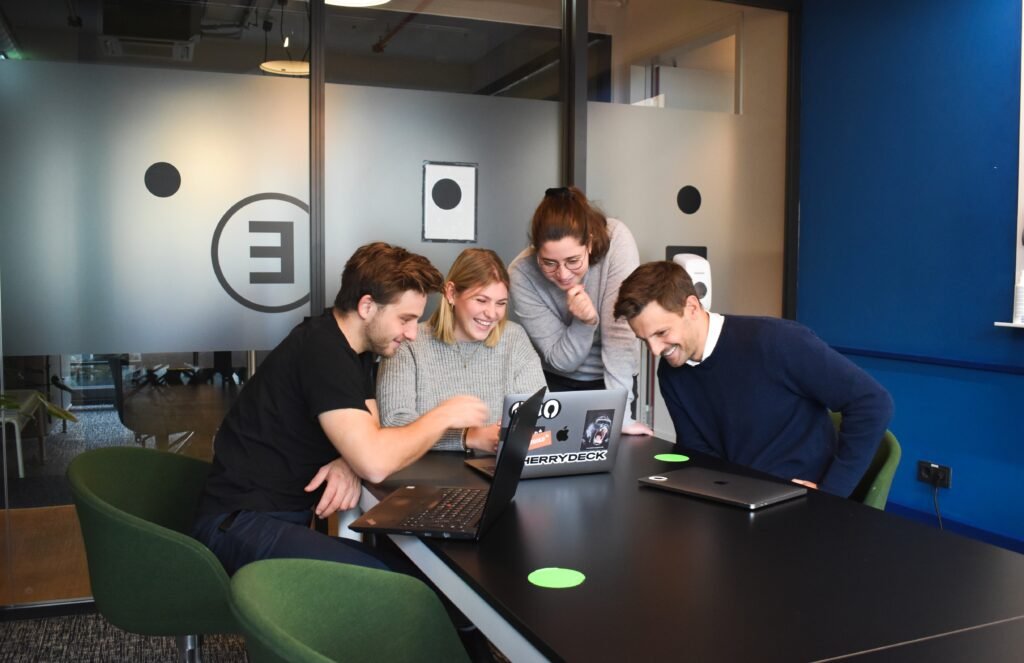
Stay connected with your team anytime, anywhere with our video conferencing. Enjoy HD video, screen sharing, and live chat—all powered by VoIP to make collaboration effortless and productive.

Video Conferencing feature

How Call Conferencing Works?

How Call Conferencing Works

Call conferencing works by letting multiple people join the same call at once—kind of like a group chat, but with voices. You dial in, others join, and everyone can talk and listen together in real time. It’s perfect for team meetings, client discussions, or even quick family catch-ups.

Stay connected with your team anytime, anywhere with our video conferencing. Enjoy HD video, screen sharing, and live chat—all powered by VoIP to make collaboration effortless and productive.

Call Conferencing Scenario

For Example if your sales team is closing a big deal. The client has a technical question, so instead of putting them on hold, the sales rep adds a product specialist and the manager to the same call. Now everyone is in one conversation, the client gets instant answers, and the deal moves forward without delays. That’s the power of call conferencing—real-time teamwork without the back-and-forth.

Call Conferencing Scenario

Benefits of Call Conferencing

Ease Of Use

Audio and video conference calls are easy to set up and very simple to use. In no time, all participants can be connected over the phone for an important meeting.

Cloud-based

There is no need to purchase expensive conference phones, business communication hardware or a traditional PBX. You can join conference calls instantly by using our mobile or desktop app.

HD Quality

VoIP Calling Video conferencing lets you connect with clients and staff as if you were face-to-face in the same room. HD video allows you to share your ideas or earnest belief in a product. Enjoy video meetings without any glitches or lags.

Competitive Pricing

In terms of costs, telecoms have always been more expensive. Therefore our VoIP phone system offers the same quality of phone conferencing but at a reduced and more competitive price.

FAQ: Call Conferencing

Can I use a number for conferencing?

Sure, you can choose a dedicated conference number or configure conferencing on your VoIP business hosted phone system account.

Do I need any expensive hardware?

No expensive hardware is needed, just use a headset if you want, or any accessory available for your voice to be crisp, sharp and good quality enough to be digitally transferred to your fellow conference users. Also, you can dial in the conference using any phone.

How many users can I allow in my conference?

You can have up to 25 users. Available on request, you can also host up to 125 attendees in your conferences.

Can I record the conferences as well?

You can enable call recording during the conference and your full conference will be recorded and available to download as well. There are also logs of your conferences, a full trial of your conferences so that you can easily trace all your conferences and refer to them.

Scroll to Top