

KrispCall and Calilio are the best JiveTel alternatives for small teams moving to app-based calling. Start with KrispCall for shared numbers and callbacks, or Calilio for department queues and supervision. GoTo Connect and RingCentral RingEX are stronger starting points when reception and desk phones still matter. If you own the PBX and only want a new SIP trunk, evaluate Signal House separately.
Affiliate disclosure. VoIPCalling may earn a commission when you buy through a partner link.
Which JiveTel Service Are You Replacing?
Jivetel, styled here as JiveTel, advertises a hosted phone system with SIP extensions, hunt groups, queues, multilevel IVR, recordings, time routes and voicemail delivery by email. It also lists separate portals for fax and SMS. Its published service fees distinguish hosted PBX support from support on an on-premises system or a service-only account such as SIP trunking. Start with your invoice and find out which of those arrangements applies to your business.
Jivetel Mobile is another distinct service. It can use a mobile phone’s native dialer and messaging app for the business line. A cloud phone app installed on a personal handset will change that experience. If technicians depend on the native dialer, cellular service or mobile recording, identify those requirements before treating a standard softphone trial as a successful replacement.
Draw a route for each public number and mark the person who can change it. Include numbers that forward directly, numbers used only by fax machines or forms, and seasonal or after-hours lines. If JiveTel handles changes for you today, include that labour in the comparison. An administrator portal shifts the responsibility for holiday schedules, permissions and emergency changes to whoever will actually log in.
Compare JiveTel Alternatives And Competitors
These eight VoIPCalling partners cover different jobs. Suggested team sizes reflect workflow fit and are editorial estimates. The first seven offer hosted business phone systems. Signal House is included for customers who want a SIP connection to a PBX they already control. Price references are in US dollars and apply to the tier shown. Confirm licence counts, taxes, usage and deployment costs in writing.
| Provider | Best Fit | Buying Consideration | Pricing & Trial |
|---|---|---|---|
| Shared Calls And Follow-Up | Confirm North American number type, usage and app or device requirements. | US$32/user/monthAdvance, billed annually. US$40 with monthly billing. Up to 50 users. Usage and selected add-ons cost extra.7-Day Free Trial for VoIPCalling CustomersStart a 7-Day KrispCall Free Trial | |
| Menus, Business Hours And Live Supervision | Verify which US numbers and call types qualify for the included allowance. | US$28/user/monthPremium, billed annually. US$35 with monthly billing. Number and usage charges can apply.Demo AvailableRequest a Calilio Demo | |
| Shared Calls And Texts For An App-Based Team | Use Business for transfers and phone menus. Confirm hardware requirements and separately maintained document workflows. | US$23/user/monthBusiness, billed annually. US$33 with monthly billing. Starter is lower-priced but has a different feature set.7-Day Free TrialStart A 7-Day Quo Free Trial | |
| An Employee Platform For Calling, Meetings And Chat | US Core is the phone plan benchmark. Verify Canadian terms, desk phone models and integrations. | US$20/user/monthCore, billed annually. US$30 with monthly billing on the US pricing page. Canadian quotes may use different currency.Free Trial AvailableStart A RingEX Free Trial | |
| Calling For An Existing Zoom Workplace | Quote the US or Canada Phone plan and required devices. Meetings is separate. | Request Current Phone PricingConfirm the US calling plan, eligible devices and common-area licences.Demo AvailableRequest Zoom Phone Pricing For 1–50 Users | |
| Calls With Transcripts And Useful Recaps | Quote the regional Connect plan, recording, retention and integration. | US$15/user/monthStandard US-dollar reference. Confirm billing and the integration tier.14-Day Free TrialStart A 14-Day Dialpad Connect Trial | |
| Department Routes And Dial-Plan Administration | Verify support scope, fax and shared-device eligibility. | Custom PricingQuote the Phone System for each branch and shared device.Demo AvailableRequest A GoTo Connect Demo | |
| SIP Trunks For A Retained PBX | Confirm PBX interoperability, emergency calling and fax before ordering. | Request A Voice QuoteQuote origination, termination, number rental and billing increments.Demo AvailableRequest A Signal House Demo |








1. KrispCall — Best For Shared Calls And Callbacks
Suggested Team Size. About 2–20 staff needing shared incoming calls and mobile callbacks.
KrispCall leads these JiveTel alternatives for offices that want employees to share a number and see who returned a call. Use a spare number and have one user answer on mobile, transfer to a colleague and leave a second call unanswered. Check whether the colleague can return it under the right business identity.
Advance lists US$32 per user per month on annual billing or US$40 monthly and includes transfers and menus. Confirm whether your existing number can be ported and what destinations are included. If staff use registered desk phones, get written confirmation for each model and firmware version.
If callers currently reach staff through follow-me rules, put the test handset in sleep mode and use mobile data. Run the same call with the employee signed out. Have someone else check whether an unanswered call appears as work they can claim, then return it from the main number. The result tells you whether a shared timeline can replace the handover your team uses today.

2. Calilio — Best For Menus And Call Supervision
Suggested Team Size. About 5–30 staff needing separate sales and service routes with a supervisor.
Calilio fits teams that need separate sales and service routes and want supervisors to see how calls are handled. Ask for a demo that sends an inbound call to one group and uses another as overflow. Have a supervisor find the result and verify which roles can monitor or review calls.
Premium lists US$28 per user per month annually or US$35 monthly. Its published call and text allowances apply to eligible US and Canadian numbers. Check which minutes are inbound and outbound and what happens after the wallet credit runs out. Price any forwarding route separately if staff will use it.
Start with the phone tree printed on your welcome script. Test a caller who presses nothing, one who selects an invalid option, and one whose chosen department has no one signed in. Then compare the supervisor’s queue view with the route the callers experienced. That matters more than the number of menu options advertised, especially when the same employees cover two departments.

3. Quo — Best For Shared US And Canadian Calls And Texts
Suggested Team Size. About 2–15 staff needing one or two shared numbers for calls and texts.
Quo, formerly OpenPhone, suits a team that wants a shared number in an app. Its pricing guide lists Starter at US$15 per user per month and Business at US$23 on annual billing. Compare Business if you need features such as menus and transfers. Confirm US number eligibility, the included numbers and the messaging registration timeline.
Have a team member answer a call and another follow up by text from the same number. Then check what appears in the shared history. If the current inbound number is provisioned for a PBX or analog device, decide whether staff can move the workflow to an app before choosing Quo.
The first messaging test should use an outbound reminder and an inbound reply rather than two staff members exchanging test texts. Ask who sees the reply when the sender is off duty, who can close it and how someone on the next shift can tell whether it was handled. Check when a ported number can send business texts. Plan how you will accept replies during any gap.
4. RingCentral RingEX — Best For An Office Phone And Collaboration Platform
Suggested Team Size. About 10–75 staff needing a mix of reception, desk phones and collaboration.
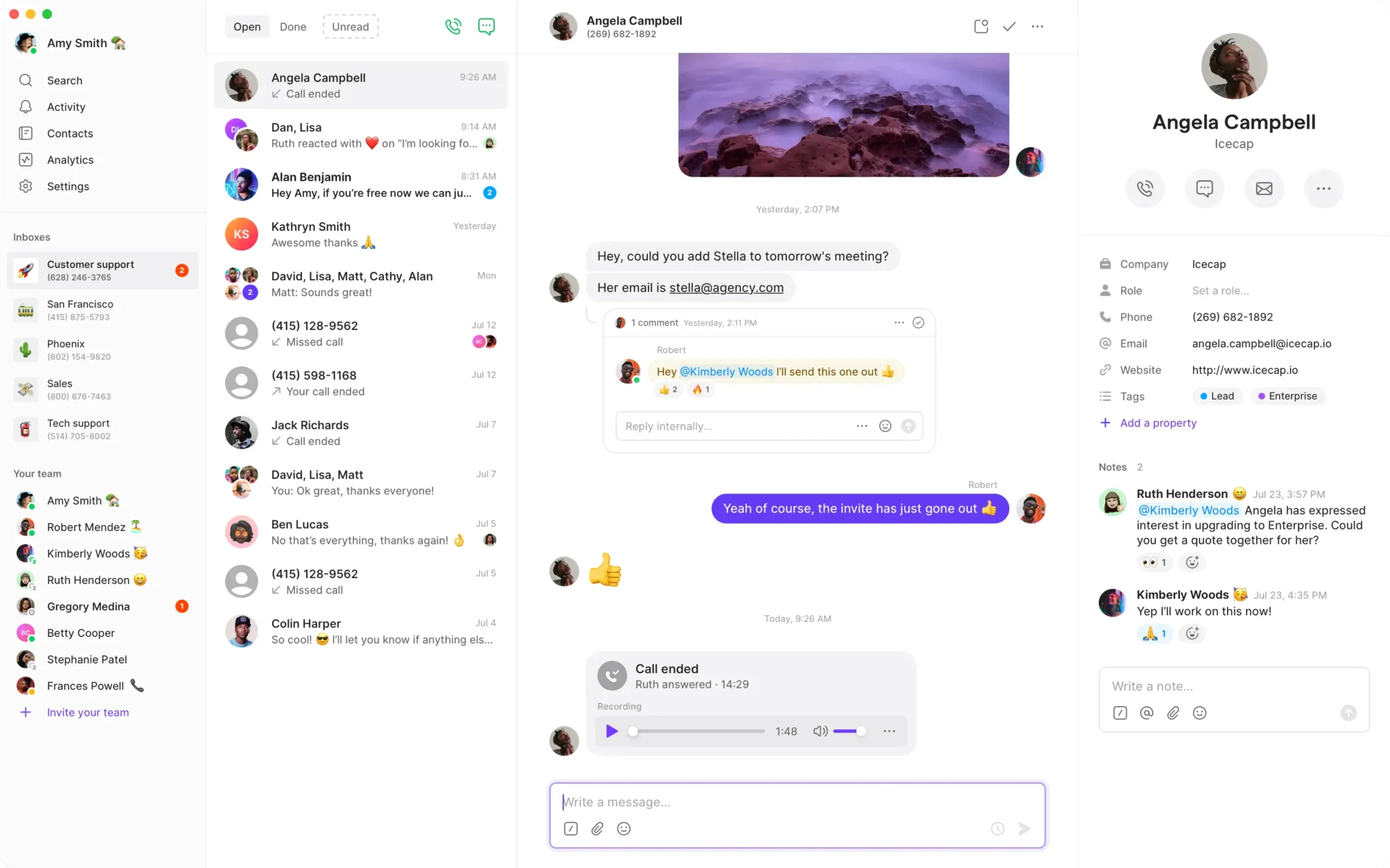
RingEX makes sense if the project includes office calls, meetings and messaging. The US Core reference is US$20 per user per month on annual billing. Ask for the US tier that covers your CRM, recording and multi-site requirements. Ask for the exact supported desk phone model if reception uses one.
Test how reception transfers to a busy employee and how a remote user returns a call. Price supported handsets and app-only users separately. This is an office subscription comparison, so include the equipment and support in your current JiveTel agreement.
Include reception in the first demo. Have the receptionist park a call, tell a colleague where it is parked, then take it back when the colleague cannot answer. If the current console shows which extensions are busy, reproduce that with the proposed hardware or desktop view. A successful inbound test on a mobile app tells you little about this part of the switch.

5. Zoom Phone — Best For A Workplace Already Using Zoom
Suggested Team Size. About 10–100 staff needing business calls alongside an existing Zoom deployment.
Zoom Phone is worth evaluating if users want business calls in the Zoom client they already use. Ask for the US Phone plan and quote the equipment, common-area devices and calling destinations. Ask for a separate price for any contact centre requirement.
Test an incoming call while the user is in a meeting, followed by a transfer and a callback. Check where the caller goes if the employee is busy and whether the outbound number remains consistent across devices.
Zoom meetings and Zoom Phone may be familiar to the same employee, while a lobby handset serves a different purpose. Quote shared endpoints separately. For each one, record its displayed location, where its outbound calls are allowed to go and whether it needs inbound calling. A room’s meeting licence should be treated as a separate purchasing decision from the phone that sits there.
6. Dialpad Connect — Best For Call Transcripts And Summaries
Suggested Team Size. About 5–40 staff needing transcripts, summaries and structured follow-up.
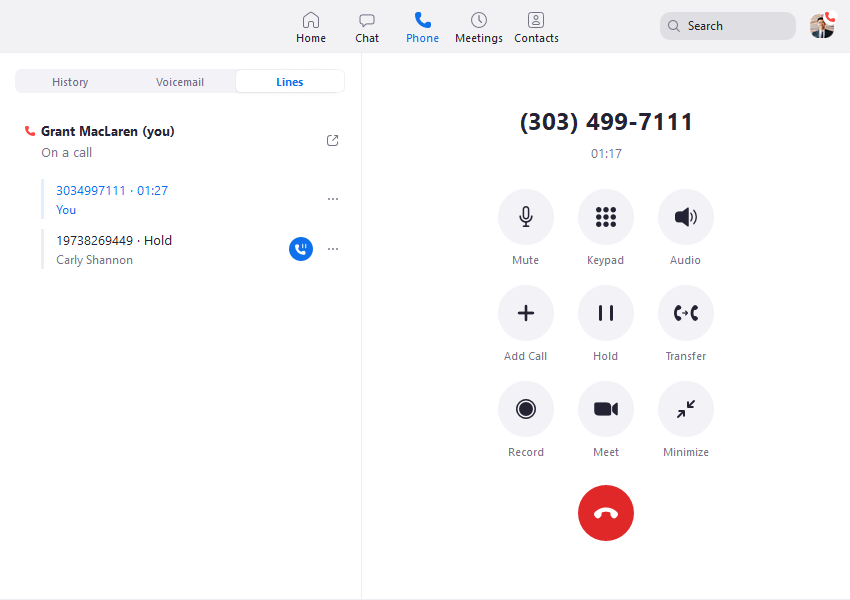
Dialpad Connect fits teams that need searchable context after customer calls. Its public Standard price is US$15 per user per month and includes transcripts and summaries. Pro adds advanced integrations. Confirm the plan, retention and access settings before moving an inbound number.
Simulate a call with a change to an order or address. Have a second user find the call, compare the recap with the recording and verify who can export it. That helps establish whether transcripts justify changing how staff record follow-up on JiveTel.
Use a call sample with product names and a caller spelling a surname. Have the user compare the transcript and recap with the recording before entering anything into the CRM. Then ask an administrator to remove a departed test user and check who can find past calls. That makes retention and ownership concrete before you decide whether to rely on searchable call history.
7. GoTo Connect — Best For Branch Routing
Suggested Team Size. About 10–75 staff needing several locations with different routing needs.
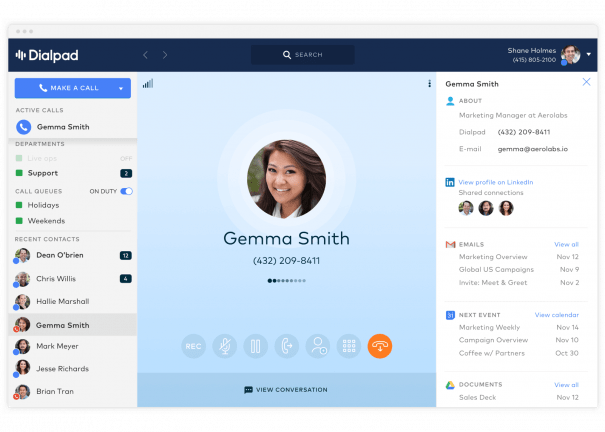
GoTo Connect suits teams looking at JiveTel alternatives because branches share reception or cover each other’s queues. Ask the vendor to map two branches with different hours, a central receptionist and a holiday fallback. Check whether a branch manager can edit local hours without making changes to the rest of the company.
GoTo directs Phone System buyers to sales for plan details. Request a US proposal that includes desk devices, numbers and reporting. Have the vendor demonstrate the difference between changing a local branch rule and modifying a company-wide route. Ask which changes your team can own and which require support.
Build the proposed dial plan around an actual day at two locations. Close one branch early, leave the second open and send a test call to each main number. Then ask whether one change can handle a holiday across both locations without erasing their normal schedules. If your business changes hours frequently, test the person who would make those updates without help.
8. Signal House — Best For Keeping A SIP-Based PBX
Suggested Team Size. About 5–75 staff on an existing PBX with a designated maintainer. Size the trunk from simultaneous calls and the number of sites.
Signal House lists SIP trunking as part of its programmable voice platform. It belongs on the shortlist when your organisation owns or controls the PBX and wants to compare the carrier layer. Have your maintainer confirm the proposed connection, authentication, supported media, DTMF, available numbers and how inbound calls reach your PBX. Ask about the cost of number rental, minutes, support and failover separately.
Test with a temporary number that reaches an isolated route on the PBX. Make inbound and outbound calls, test a blind and an attended transfer, and make sure the menus react to key presses from several networks. Ask what the carrier sees when your primary endpoint is unreachable and where it can send calls instead. Then document what the PBX maintainer can see and who owns the incident if the two systems disagree.
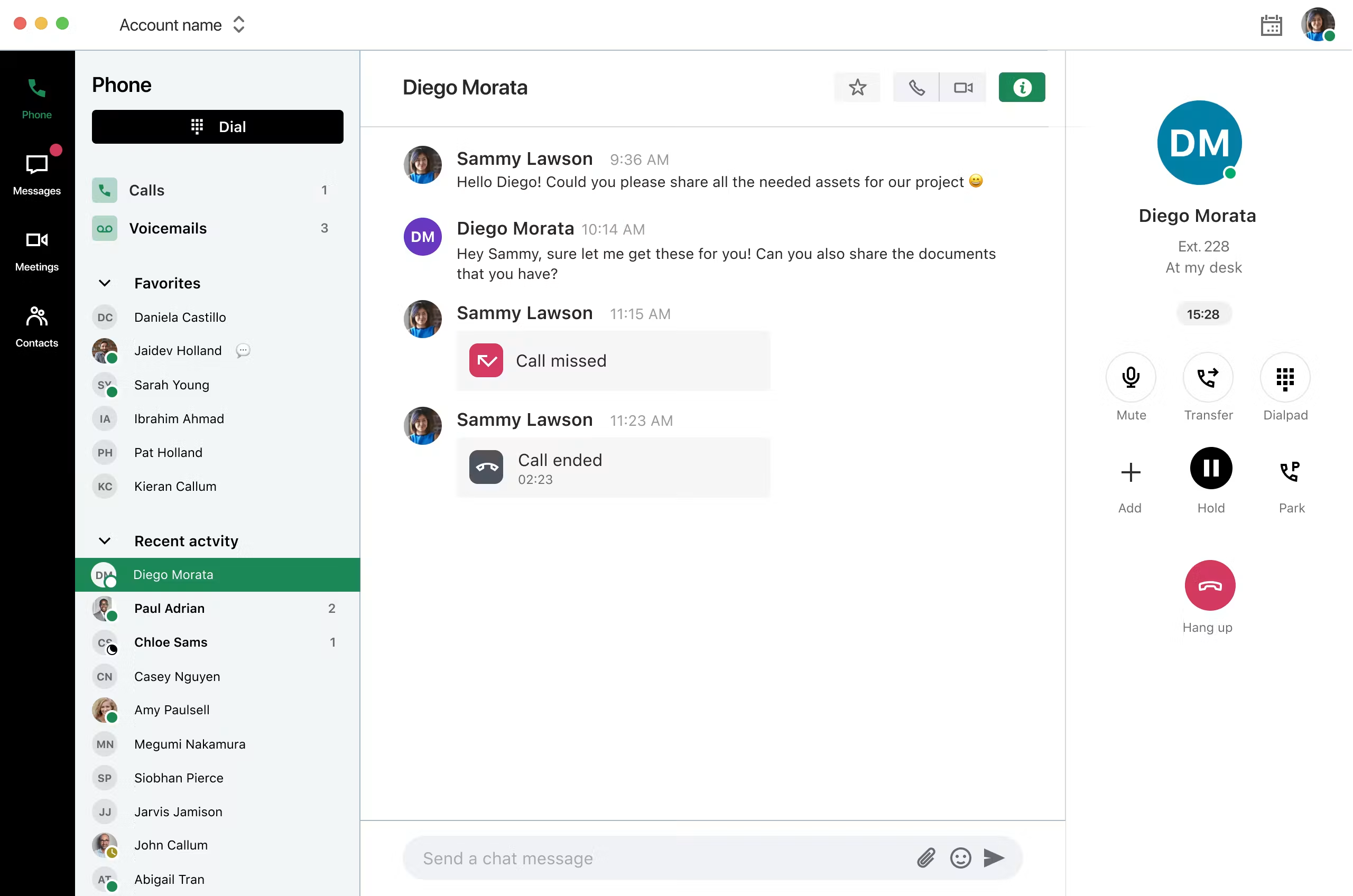
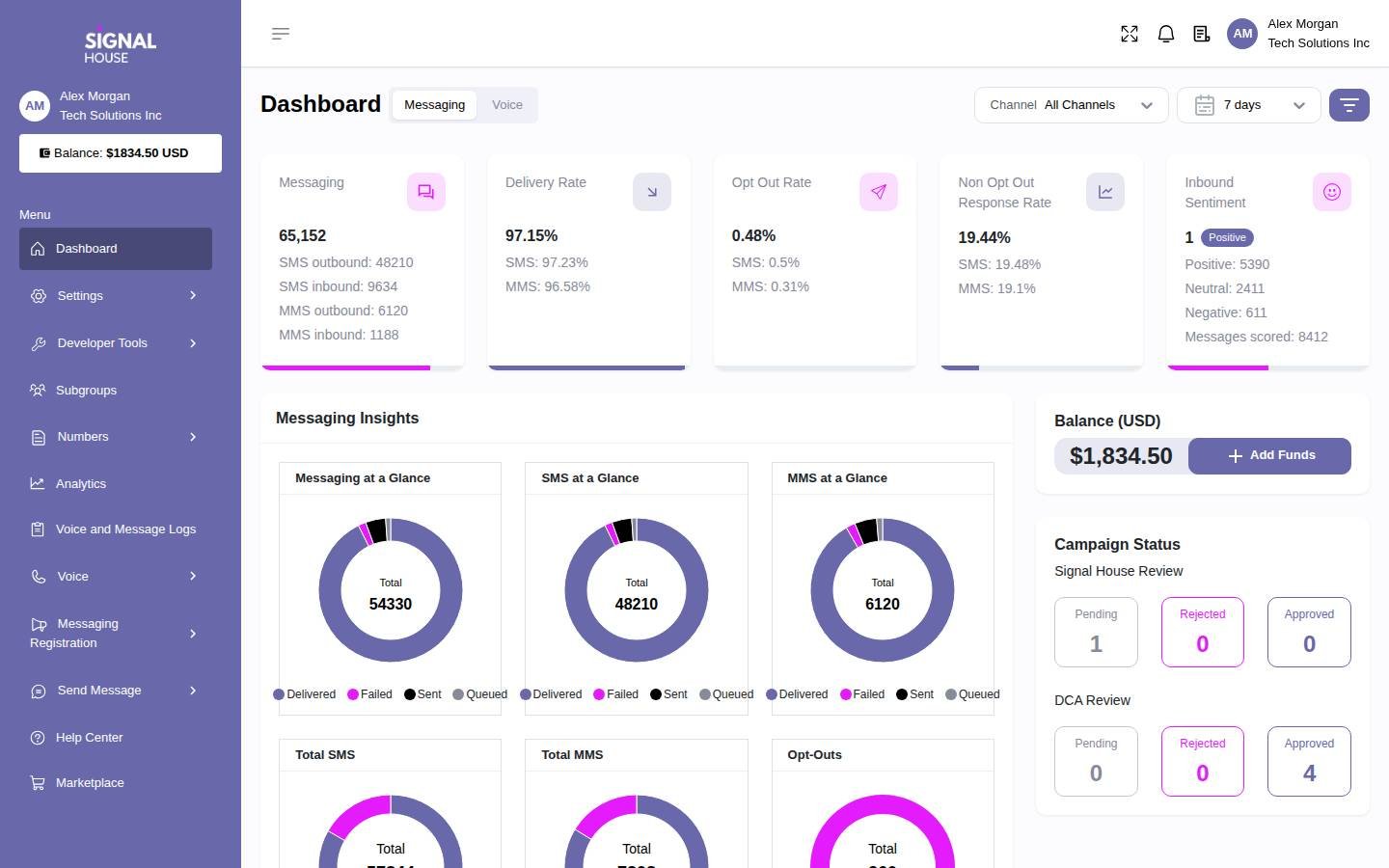
Request written answers for emergency calling, porting and any fax requirement before including this option in a contract comparison. The dashboard below shows the broader Signal House platform. Confirm the specific voice controls and support terms during the demo.
How To Choose A JiveTel Replacement
Map The Main Number From Greeting To Callback
Pick the number customers use most. Call during business hours and again after close. Write down the greeting, menu selections, ring order, overflow and voicemail destination. Ask the person on duty what happens when they are already on a call. Look at the time routes to see whether holidays behave differently from weekends. The proposed provider should reproduce the outcomes the business still needs, even if the settings have different names.
Distinguish a hunt group from a queue before evaluating demos. A hunt group can try a series of destinations. A queue keeps callers waiting for an available person and can have its own reporting. A test that reaches a free employee tells you very little about either setup under pressure. Simulate a busy desk and observe what the next two callers hear. If customers can leave the queue for voicemail, assign an owner to that inbox and test the alert the owner actually receives.
Check Which Equipment You Can Carry Forward
Record the model and firmware of each handset and whether the device is leased, owned or locked to its current provisioning service. A phone that registers successfully can still lose useful buttons, parking keys or extension status. Ask the vendor to support a pilot using the same device as the front desk. Test with its expansion module if the receptionist uses one. Include power supplies and PoE switches in the inventory so you can budget for installation by site.
Common-area phones may need a different licence and a different set of permissions from employees. Walk through the lobby, stockroom and other areas with shared devices. Confirm who needs inbound access and who is allowed to dial out. Look for analog fax, door entry, paging and any monitored device with a telephone connection. Have the responsible vendor specify a supported connection and test method for each specialty line. Put those items on their own cutover schedule if necessary.
Decide Whether The Mobile Number Needs Its Native Dialer
Ask field staff to show how they make a business call today. If they call from the native dialer on a Jivetel Mobile line, a softphone pilot should show how everyday work changes. Have a technician return a missed call from a locked handset, transfer a caller to dispatch and send a text reply. Repeat on cellular data and on the Wi-Fi the technician usually uses. Check which identity the customer sees and which calls appear in the business history.
A company-owned SIM and an app that sits alongside an employee’s personal service are different purchases. Ask who controls the mobile number, whether it must port and what happens if staff sign out or switch devices. For companies that need cellular service itself, scope the carrier relationship separately from the office phone app. If the native workflow is required, make written confirmation of the mobile setup a condition of the project.
Keep SIP Trunking And Hosted PBX Quotes Separate
If your team controls the PBX, a carrier move can preserve its extensions, menus and phones. Confirm that your administrator has access, a current backup and a supported way to configure the new trunk. Ask who maintains the appliance or virtual machine after the port. Check what happens to access and support when the old agreement ends. If your current setup is hosted and the provider controls it, your fallback may be to rebuild the routes on a new hosted service instead.
Estimate simultaneous external calls for the trunk. Pull a busy week of call logs and identify the busiest overlapping inbound and outbound periods. Include calls forwarded out to cellular numbers and ask how those legs count. Size capacity and overage from that model. Seat count is useful for app and extension licences, while peak traffic is more useful for the trunk. Keep both figures on the quote worksheet.
Shortlist JiveTel Competitors By Team And Workflow
A Small Office Sharing A Main Number
Compare KrispCall and Quo if two or more staff members share responsibility for customers. Write down who answers first and who calls back when the first person is unavailable. Test whether the next person can tell what happened without messaging a coworker for context. For a team that lives in calls, KrispCall is a good starting point. For a team that routinely switches between calls and texts on the same number, Quo deserves a place in the same pilot.
A Reception Desk With Several Departments
Start with Calilio if each department needs a queue and the supervisor wants to track what happened. Compare RingEX or GoTo Connect when staff use extension status, parking and physical handsets throughout the day. Give each vendor the same sample call where reception answers first, a specialist declines the transfer and a second department needs to take over. Record who can see the missed contact and where it sits until someone deals with it.
A Multi-Site Team With Local Hours
Compare GoTo Connect and RingEX if sites cover each other and have different opening hours. Ask Zoom Phone to show the equivalent design if staff already use Zoom. Pick two real locations with different hours or staffing. Have the proposed administrator update a single holiday rule, then make an inbound call to each location. Ask whether each branch can see its own volume and whether head office can see calls diverted to another site.
A Service Desk That Uses Call History For Follow-Up
Consider Dialpad Connect when a second employee needs to recover information from a previous call. Use a scenario where the original agent is out and a customer asks about a commitment from yesterday. Test which notes, recordings and transcripts the second agent can see. Check whether the relevant material can be attached to the correct customer record. Use role settings that mirror your normal permissions so the trial does not give everyone access they would lose later.
A Business Keeping An Existing PBX
Put Signal House on this shortlist only after confirming the system stays in service and someone will own it. Have that person design the test route and estimate work. If the team also needs a new fax service or a separate mobile plan, quote those in parallel. Evaluate this as a carrier proposal with its own support boundary. Compare it against the cost of keeping your current carrier and against a full hosted move only once all three include the same coverage.
How Much Does A JiveTel Replacement Cost?
JiveTel directs buyers to request a quote. Its published service fees describe different support arrangements for hosted PBX and service-only accounts. Ask for the current subscription, usage and add-on costs separately. Pull a few representative invoices as well as the agreement. A renewal comparison built from the advertised seat price alone can leave out the services your staff call on during a fault or a routine change.
As a simple illustration, twelve RingEX Core seats at the listed US$20 annual-billing rate would be US$240 per month in seat fees. Twelve KrispCall Advance seats at US$32 would be US$384. This calculation covers licences only. A proposal can change once you count desks, shared endpoints, CRM features, recording, international calls and paid support. Compare vendors using the plan that can run your tested workflow.
Prepare a monthly run-rate sheet with separate lines for employee seats, common-area licences, phone numbers, recording and storage, messaging, trunks and fax. Put one-time charges in another column for porting, handset replacement, installation, configuration and staff training. Add any overlap between carriers while numbers move. If a vendor quotes an annual total or prepays equipment, place the amounts in the month the business will pay them.
For a trunk proposal, use your actual mix of inbound, outbound, toll-free and forwarded calls. Ask the provider to cost the same sample month and one busy month, and specify how it rounds calls or charges for additional capacity. Include maintenance for the PBX even if a separate company supplies it. Ask whether the provider requires a minimum spend and how changes to numbers or routing affect the invoice.
What To Ask JiveTel Competitors Before Signing
- Numbers And Ports. Confirm eligibility for each main, local, toll-free, fax and mobile number. Ask which can move together and which may have a different schedule.
- Handsets And Reception. List each device model and the exact features you need on it. Ask who provisions the hardware and supplies firmware updates.
- Shared Calling. Have the vendor demonstrate the main number’s caller ID, transfers, missed-call ownership, simultaneous calls and callbacks.
- Fax And Messaging. Ask whether the plan can support each workflow, what setup it requires, and how teams can retrieve older records.
- Service And Support. Ask who responds during a cutover or overnight issue, what the plan includes, and which work incurs a charge.
- Data And Permissions. Ask who can search, export and delete call records, messages and recordings. Request retention details in writing.
- Changes And Renewal. Ask what happens when seats fall, a site closes or the promotional term ends. Include cancellation and equipment terms in the comparison.
Take a copy of the completed worksheet into the demo. Ask the vendor to mark each requirement as included in the quoted tier, covered by an add-on, delivered by a third party or awaiting confirmation. For any item that depends on a third party, identify who will configure it and who owns support. Make the final quote reflect the tested route and the actual equipment rather than the vendor’s standard sample account.
Move JiveTel Numbers And Test The New System
- Document The Current Account. Record numbers, billing details, assignments, queues, schedules and recordings. Ask the winning provider for its port checklist and reconcile it with your current account before submitting anything.
- Build A Pilot. Use temporary numbers, a receptionist, a remote worker and someone who manages the queues. Set up normal hours, holiday hours, voicemail and overflow. Include an employee with a shared number and a supported desk phone where applicable.
- Keep The Old Service Active. Coordinate the port with both providers. Confirm what happens to remaining numbers on a partial move and who can arrange temporary forwarding or alternate contact details during the change.
- Check The New Paths. Test inbound calls from several networks, outbound caller ID, transfers, SMS and fax separately. Coordinate any emergency calling setup and approved test procedure with the provider for each applicable location.
- Review The First Business Cycle. Check missed calls, queue reports, recordings and the first invoice. Assign owners to incidents and set deadlines for retesting before closing out the old service.
Give the port team a schedule with staff availability and an escalation contact at each provider. Write down which number will be tested first and who will call it. Keep an alternative way for customers and staff to reach the team. Ask which routing changes can be reversed quickly and which require the losing and gaining carriers to coordinate. A port reversal can take longer than changing a PBX route, so document the temporary workaround before cutover.
Set separate acceptance tests for fax and SMS. For fax, use a representative document and check both the delivery status and what the recipient actually receives. For messaging, try an inbound reply, an outbound message and the shared history staff will depend on. If messaging approval or number activation follows a different timeline from voice, tell the people who handle customer replies and give them a temporary process.
FAQs About JiveTel Alternatives
What Are The Best Alternatives To JiveTel?
KrispCall and Calilio are the best starting points for small teams moving from JiveTel to cloud calling. Compare RingEX and GoTo Connect for desk phones and reception, Quo for shared calls and texts, Zoom Phone for an existing Zoom workplace, and Dialpad Connect for transcripts. Consider Signal House if you are keeping the PBX.
Which JiveTel Competitor Offers SIP Trunking?
Signal House offers SIP trunking for businesses that want to retain their PBX. Confirm interoperability, number coverage, porting, emergency calling, fax and support with the vendor and your PBX maintainer before committing.
Can I Keep My JiveTel Phone Number When I Switch?
You can keep an eligible JiveTel number by arranging a port with the new provider. Check each local, toll-free, fax and mobile number individually. Keep the current service active until the port completes and your team verifies the new routes.
Can I Reuse My JiveTel Desk Phones?
You can reuse a desk phone if you control the device and the new provider supports its model, firmware and provisioning. Ask for approval in writing and test the features staff use, including transfer, parking, pickup and extension status.
How Much Does A JiveTel Replacement Cost?
Cost depends on the replacement plan, employee and device counts, phone numbers, and usage. Hosted platforms usually quote employee licences, while SIP providers may charge for numbers, traffic or capacity. Include hardware, installation, messaging, fax and support.
Can A VoIP App Replace Jivetel Mobile?
A VoIP app can cover business calls and texts for some teams, while native-dialer and cellular requirements need a separate check. Test how staff place calls, receive replies and handle missed calls on their actual handsets before moving field users.
Can I Switch Phone Providers And Keep Fax Separate?
Yes, if the fax number and its service can be retained or ported independently. Confirm dependencies with both providers. Run an end-to-end fax test before moving the main business number if staff depend on fax for daily work.
Use Customer Reviews To Set Pilot Tests
Use G2 ratings to find questions for the demo. Look at reviews from teams of a similar size and check whether they discuss the same product. For a shared number, look for details about handoffs, missed calls and notification behaviour. For a multi-site phone system, look for porting and support experiences that describe who owned the issue and how it was resolved. For Signal House, check whether a review addresses voice or another part of its platform.
After the pilot, ask staff which tasks took extra steps and which issues they could resolve independently. A receptionist may care most about retrieving parked calls, while a supervisor cares about seeing unreturned calls across shifts. Bring both into the decision. Choose the provider that handles the routes your customers depend on and gives your team a clear way to recover when a device or connection fails.


