
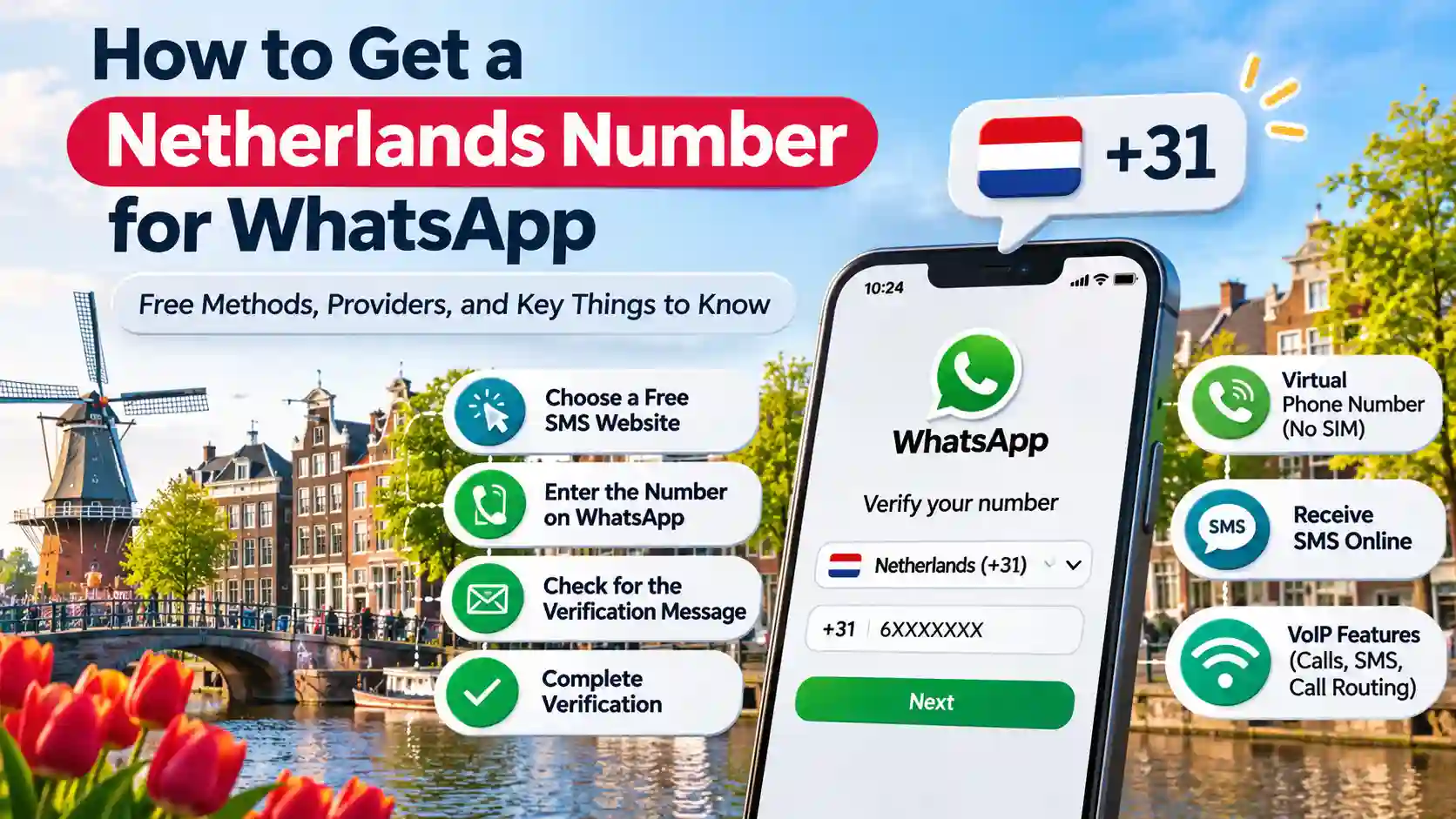
Getting a free Netherlands number for WhatsApp can be useful if you want a Dutch country code (+31) without purchasing a local SIM card. Several online services provide temporary Dutch numbers and public SMS inboxes at no cost. However, receiving an SMS online does not guarantee successful WhatsApp registration. The platform requires a supported phone number that you own and can access. Understanding the difference between temporary SMS services, virtual phone lines, and genuine mobile numbers helps you choose a suitable option while protecting your account.
How to Get a Virtual Phone Number in Netherlands?
You can obtain a Dutch virtual phone number through an online SMS service or a telecommunications provider. Free websites generally offer shared inboxes, while business communication platforms provide dedicated lines with additional features. Their availability and compatibility with WhatsApp are different.
1. Choose a Free SMS Receiving Website
Visit an online SMS receiving service that lists Netherlands (+31) numbers. Select an available option and check whether its inbox is accessible without registration or payment.
2. Enter the Number on WhatsApp
Open WhatsApp or WhatsApp Business, select the Netherlands as your country, and enter the complete telephone number. Make sure the country prefix is included only once.
3. Check for the Verification Message
Return to the selected website and refresh its public inbox. If the service receives the message, the six-digit verification code may appear there.
4. Complete Verification
Enter the code only if you have legitimate access to the number and the platform accepts it. Public numbers may already be blocked or used by other people, so successful delivery and registration are not guaranteed.
Important: WhatsApp requires a supported number that you own and can access. Its registration rules exclude VoIP, toll-free, premium-rate and universal access numbers. Landlines are supported only through WhatsApp Business.
5 Providers Who Provide Free Netherlands Numbers for WhatsApp
Several websites list temporary Netherlands numbers that can receive SMS messages through shared online inboxes. These services are free to access, but none guarantees WhatsApp OTP delivery or successful account activation.
| Provider | Free service | Main features | Important limitation |
|---|---|---|---|
| asms.ai | Yes | Dutch numbers, public inboxes, no registration | Messages are visible to everyone |
| SMS24.me | Yes | Multiple temporary numbers and online message viewing | Shared numbers may be overused |
| SMSToMe | Yes | Free SMS reception, no account required | Not suitable for private verification |
| SMSOnline.cloud | Yes | Temporary Dutch numbers and regularly updated listings | First-come, first-served access |
| Text Verification | Yes | Public inboxes and multiple listed numbers | Delivery depends on the sending platform |
These services are useful for testing SMS delivery and low-risk registrations. For WhatsApp, compatibility depends on the number category and the platform’s verification checks. Do not assume that a website advertising WhatsApp verification has an officially supported connection.
What Is a Netherlands Virtual Phone Number?
A Netherlands virtual phone number is a telephone line that operates through an online telecommunications system rather than requiring a traditional physical SIM card in your device. It uses the Dutch international calling code +31 and can support different communication services depending on its provider.
Businesses and individuals use these lines to receive calls, manage messages, communicate with customers, and establish a Dutch contact point. However, a temporary public SMS number is not the same as a private virtual line. The former is shared, while the latter is generally assigned to one customer under specific subscription conditions.
Netherlands Virtual Phone Number with VoIP Features
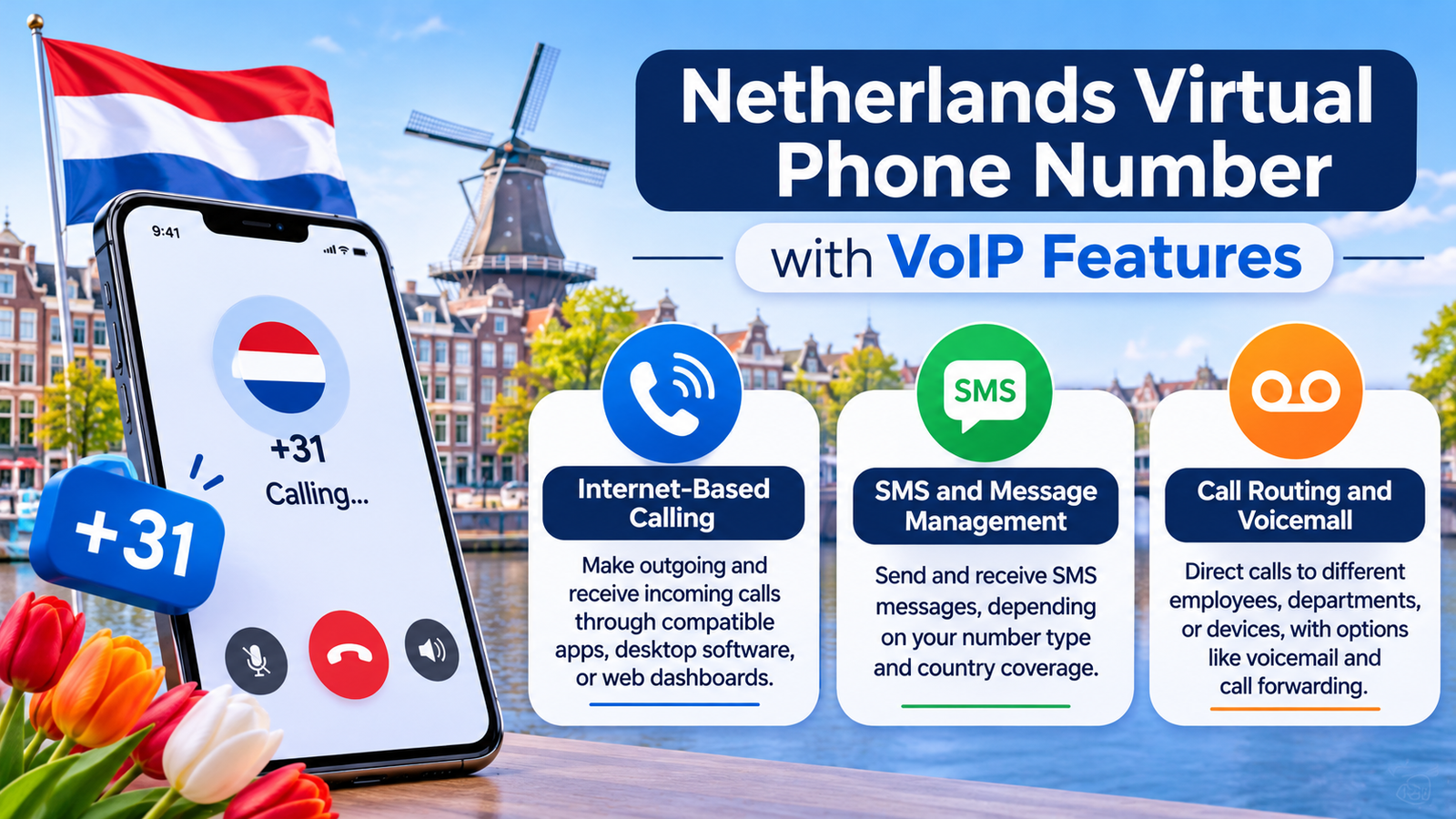
Voice over Internet Protocol (VoIP) allows users to make and receive calls through an internet connection instead of relying entirely on conventional telephone networks. Business-oriented virtual lines can include several communication tools.
Internet-Based Calling
Users can make outgoing and receive incoming calls through compatible applications, desktop software, or web-based dashboards. Call quality depends on internet stability, provider infrastructure, and the selected subscription.
SMS and Message Management
Some providers offer incoming or outgoing SMS capabilities, depending on their number type and country coverage. However, receiving ordinary business messages does not mean the line can receive WhatsApp registration codes.
Call Routing and Voicemail
Companies can direct incoming calls to different employees, departments, or devices. Voicemail, call forwarding, automated menus, and call recording may also be available, depending on the package and applicable regulations.
Advantages of a Netherlands Phone Number
A Dutch contact line can support communication with customers, simplify business operations, and provide greater flexibility for people working across different countries.
Establish a Local Business Presence
Companies operating internationally can provide Dutch customers with a familiar country code. This can make contact details easier to recognize and remember.
Manage Calls Remotely
Users can handle business calls from compatible devices without remaining physically connected to a particular office telephone.
Separate Personal and Professional Communication
A dedicated business line helps keep customer enquiries separate from private calls and messages. This can make communication easier to organize.
Support International Teams
Employees working from different locations can access shared communication tools, depending on their permissions and subscription arrangements.
Who Needs a Netherlands Virtual Phone Number?
Different users may benefit from Dutch telephone services depending on their communication requirements.
International businesses: Companies serving Dutch customers can provide a local contact option.
Freelancers: Independent professionals can separate client enquiries from personal communication.
Remote teams: Distributed employees can manage incoming calls through shared systems.
Online businesses: E-commerce companies can provide customers with another contact channel for support and enquiries.
A temporary SMS inbox is a different solution. It may help with a one-time, low-risk registration, but it should not replace a private telephone line for ongoing communication.
Types of Netherlands Phone Numbers
The Netherlands uses different telephone number categories, each intended for particular purposes. The Dutch Authority for Consumers and Markets (ACM) manages numbering rules and supervises their use.
| Number category | Common format or prefix | Main purpose |
|---|---|---|
| Mobile | 06 | Personal mobile communication |
| Geographic landline | Area codes such as 020 or 010 | Fixed telephone services |
| Business | 088 | Non-geographic business communication |
| Other applications | 0970 | Applications other than conventional mobile telephony |
| Freephone | 0800 | Toll-free services |
| Premium-rate | 0900, 0906, 0909 | Paid information and service lines |
The ACM confirms that Dutch mobile numbers begin with 06, while 0970 numbers are designated for other applications. This distinction matters because an online number displaying a +31 prefix is not automatically a standard mobile line.
Netherlands WhatsApp SIM Verification: How It Actually Works
WhatsApp checks whether a telephone number can receive a registration code through SMS or an automated phone call. Selecting the Netherlands country code alone does not establish eligibility.
A conventional Dutch mobile SIM generally provides a more suitable registration route when it is active, belongs to you, and can receive verification messages. A virtual line may work only if it falls within WhatsApp’s supported number categories and passes its checks. The basic process involves:
Open WhatsApp and select the Netherlands (+31).
Enter your complete telephone number in international format.
Request the six-digit verification code.
Receive the code through an eligible SMS or phone call.
Enter it in the application and complete account setup.
WhatsApp also requires users to register numbers they own. Its official guidance excludes VoIP, toll-free, paid premium-rate and universal access numbers. Standard landlines are accepted only through WhatsApp Business.
The Best Way to Get SMS Netherlands WhatsApp Without a Local SIM
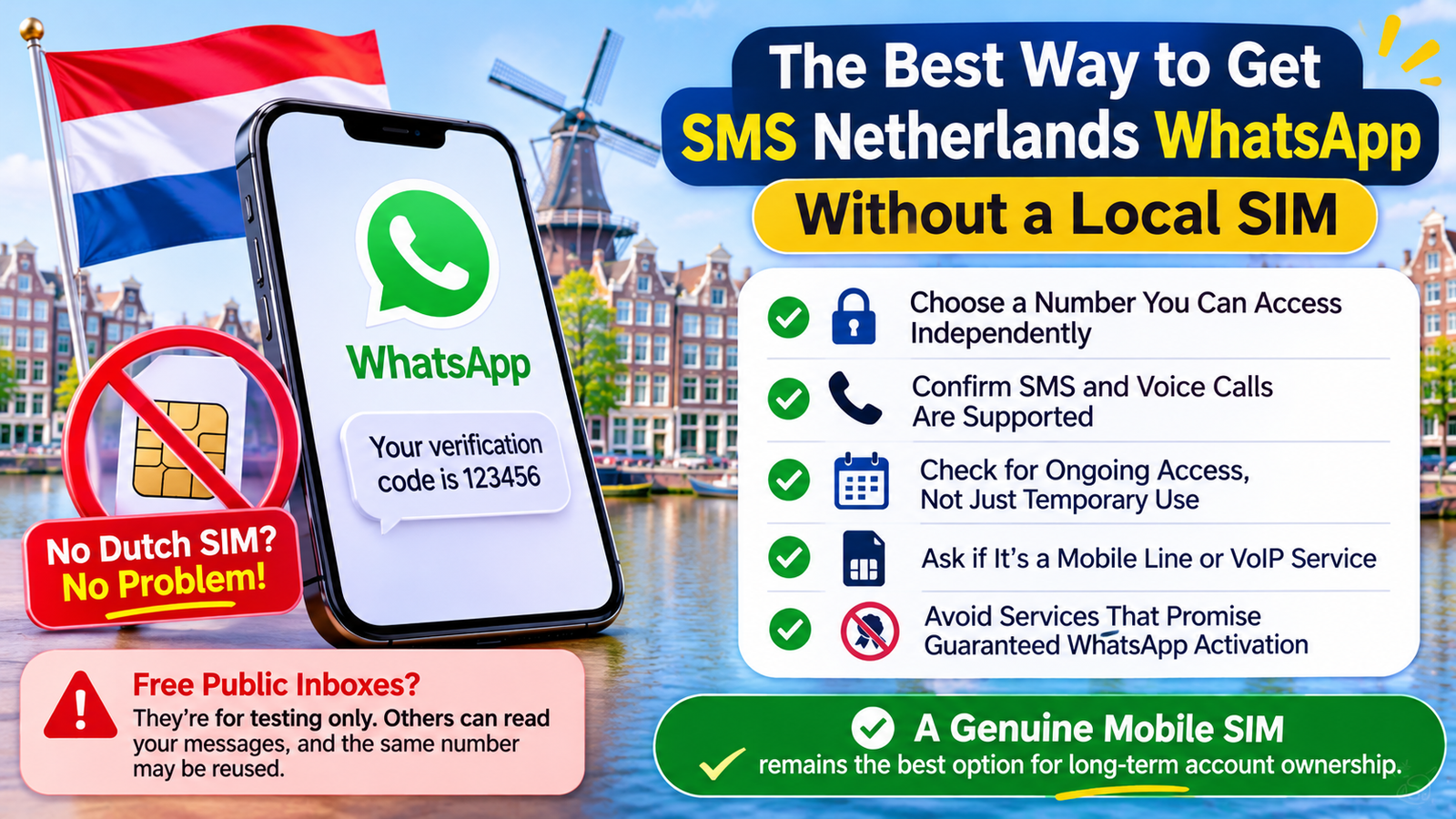
If you do not have a Dutch SIM, you can explore a private mobile number or a compatible telephone service that provides access to the number and incoming verification messages. Before paying, confirm its number category, SMS support, ownership conditions, and WhatsApp compatibility.
Free public inboxes are another option for ordinary testing, but they are not a dependable registration method. Other visitors can read incoming messages, and the same line may have been used repeatedly. For a more reliable arrangement, consider these precautions:
Choose a number that you can access independently.
Confirm that incoming SMS and voice calls are supported.
Ask whether the provider offers ongoing access rather than temporary access.
Check whether the number is a standard mobile line or a VoIP service.
Avoid services that promise guaranteed WhatsApp activation without explaining their limitations.
A genuine mobile SIM under your control remains a better option for long-term account ownership.
Is It Safe to Use a Virtual SMS Number on WhatsApp in Netherlands?
Using a public temporary number creates privacy and account-security risks. Since multiple people can access the same inbox, they may see incoming verification codes or other messages intended for the account holder. There is also a risk of losing access if the service removes, rotates, or reallocates the line. Follow these precautions before using an online telephone service:
Avoid public inboxes for personal WhatsApp accounts.
Never share registration codes or two-step verification credentials.
Enable WhatsApp two-step verification and add a recovery email.
Avoid temporary lines for accounts containing private conversations or important information.
Maintain access to your registered number for future verification.
What NOT to Use a Netherlands WhatsApp OTP Number For
A free shared inbox should not be treated as a permanent communication or identity-verification solution. Avoid using it for:
Banking applications: Financial accounts require dependable access and stronger security.
Government services: Avoid shared lines for official identity verification.
Personal email recovery: Another visitor could potentially access incoming codes.
Business communication: Public inboxes are unsuitable for confidential customer conversations.
Important WhatsApp accounts: Losing access to the original line can make future verification difficult.
Troubleshooting SMS Verification for WhatsApp in Netherlands
A missing registration code can result from an incorrect number, unsupported telephone category, network problems, or repeated attempts. Check these common issues before requesting another message.
Incorrect country prefix: Select the Netherlands (+31) and enter the remaining digits correctly.
Unsupported number category: VoIP, toll-free, premium-rate, and universal access lines are not accepted for standard registration.
Public inbox restrictions: Shared services may not receive messages from WhatsApp.
Previously used number: Another account holder may have registered the same line.
Repeated requests: Too many attempts can trigger a temporary waiting period.
If the SMS does not arrive, wait until the countdown finishes and use the available phone-call option if offered. Check your internet connection, confirm the complete international format, and avoid repeatedly requesting new codes. WhatsApp advises waiting for the timer rather than trying to bypass its verification restrictions.
Read More: Best TalkTalk Business Alternatives & Competitors
Final Words
Getting a free Netherlands number for WhatsApp may seem convenient, but temporary SMS websites cannot guarantee successful registration. Free public inboxes are better suited to basic testing than personal communication or long-term account access. Before choosing a service, check its number category, message delivery capabilities, privacy conditions, and continued availability. A genuine mobile number that you own and control remains the safer choice for maintaining a dependable WhatsApp account.
FAQs
Can I get a free Netherlands number for WhatsApp?
Yes, several websites list free Dutch numbers for receiving SMS online. However, WhatsApp may reject shared, temporary, or unsupported telephone lines during registration.
What is the country code for Netherlands WhatsApp numbers?
The Netherlands international calling code is +31. Select the Netherlands in WhatsApp and enter the remaining telephone digits without adding the country prefix twice.
Can I receive a WhatsApp OTP online without a SIM card?
It may be possible through a compatible number that supports incoming SMS or calls. However, public inboxes are unreliable, and WhatsApp requires a supported number that you own.
Are free Netherlands virtual numbers permanent?
No, most free temporary numbers are shared or periodically replaced. Their availability and access conditions depend on the individual service.
Can I use a Netherlands VoIP number for WhatsApp Business?
WhatsApp lists VoIP numbers among its unsupported categories. A business subscription or calling feature does not automatically make a VoIP line eligible for registration.
Can I use one Dutch number for WhatsApp and WhatsApp Business?
WhatsApp and WhatsApp Business require unique telephone numbers when operating as separate accounts. You cannot register the same number independently on both applications.
Why is my Netherlands WhatsApp verification code not arriving?
Common reasons include unsupported number categories, shared inbox restrictions, incorrect formatting, and repeated registration attempts. Check the number and wait for the verification timer before trying again.
Do free Netherlands SMS websites show verification messages publicly?
Yes, public inbox services allow other visitors to view incoming messages. Anyone accessing the same inbox could potentially see your verification code.
Is a Dutch SIM better than a free temporary number?
A genuine Dutch SIM under your control is generally more suitable for long-term registration and account recovery. It provides more dependable access than a temporary shared inbox, although successful registration still depends on WhatsApp’s requirements.


