
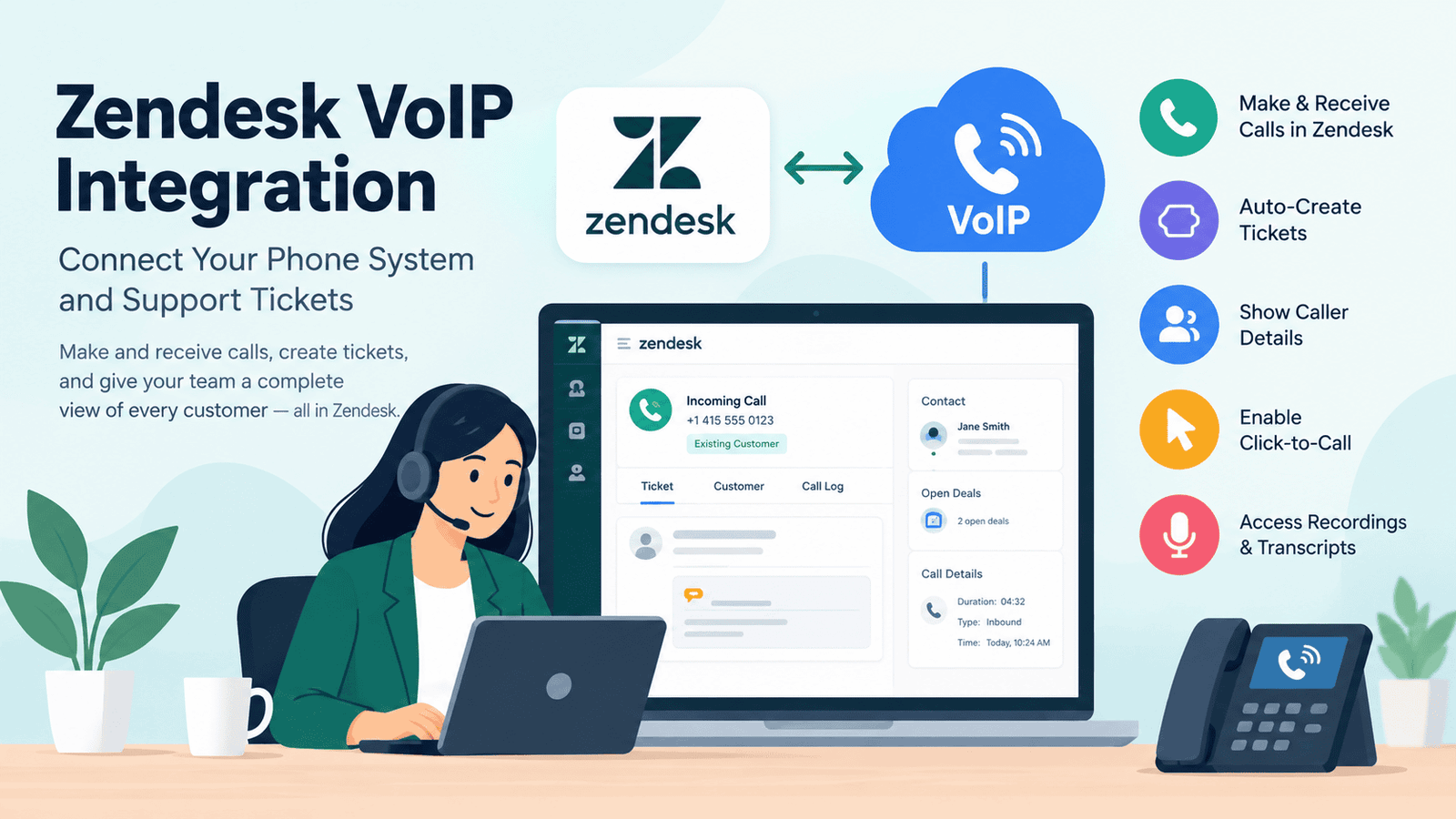
Zendesk VoIP integration connects your cloud phone system to Zendesk Support, so agents can take and make calls inside tickets. To set it up, follow five steps: confirm your Zendesk plan includes Talk Partner Edition, choose a VoIP provider with a Zendesk app, install the app from the Zendesk Marketplace, connect each agent’s phone account, and test inbound and outbound calls. Once live, calls can create tickets, show caller details, and support click-to-call. This guide covers the technical steps, providers, costs, and limits.
How Startups Can Integrate Zendesk with VoIP Systems
Zendesk offers two routes to phone support. You can use Zendesk Talk, its built-in phone system, or connect your own VoIP provider through Talk Partner Edition, an API that links outside phone systems to Support. This guide covers the second route.
-
Before You Start
-
- Admin access to your Zendesk account
- A Suite plan, or a Support plan with a Partner Edition license for each agent who uses the integration
- An active account with your VoIP provider (VoIPstudio offers a 30-day free trial)
-
-
Step-by-Step Setup
-
- Check your plan. Zendesk’s developer guide says the Partner Edition API is active by default on all Suite plans. Other plans need a license for each agent. Click-to-call apps report a “check Talk Partner Edition subscription” error when the licence is missing.
- Choose your provider. Pick one with a Zendesk Marketplace app and check its plan rules. Dialpad’s app, for example, works with Dialpad Pro and Enterprise customers.
- Install the app. A Zendesk admin clicks the Admin icon, selects Apps, then Marketplace, and opens the provider’s tile. Click Install, then Continue, and refresh Zendesk. The app icon appears in the top right corner.
- Connect your agents. Click the app icon and sign in with the provider’s login details. With Dialpad, an admin first enables the Zendesk integration in Dialpad. Each user then connects from the Zendesk section of the Dialpad app sidebar.
- Test and tune. Place one inbound and one outbound call. Check that a ticket is created, the caller’s record appears, and click-to-call works from a ticket and a user profile.
| Item | Technical detail |
|---|---|
| Ticket actions | Apps can create and open tickets, create voicemail tickets, and add user profiles |
| Call data | A standard call object stores call data |
| Recordings | Voice comments show recordings and transcripts inside tickets |
| Click-to-call | Agents click a phone number in a ticket or profile to dial |
Menu names can change, so follow your provider’s own Zendesk guide. Features also vary by partner.
Why Tech Startups Need Zendesk VoIP Integration
Many startups begin with email support, then customers ask to talk by phone. A separate phone app splits your records in two. With integration, calls, tickets, and customer history stay together, so a small team can work without extra tools.
Zendesk’s pricing page lists Support Team at $19 per agent monthly on annual billing and Suite Team at $55, with telephony starting on Suite Team. Partner Edition is also available from Suite Team, so startups can pick their own phone provider. Zendesk runs a startups program too, so check its current terms.
Key Benefits of Integrating Zendesk and VoIP
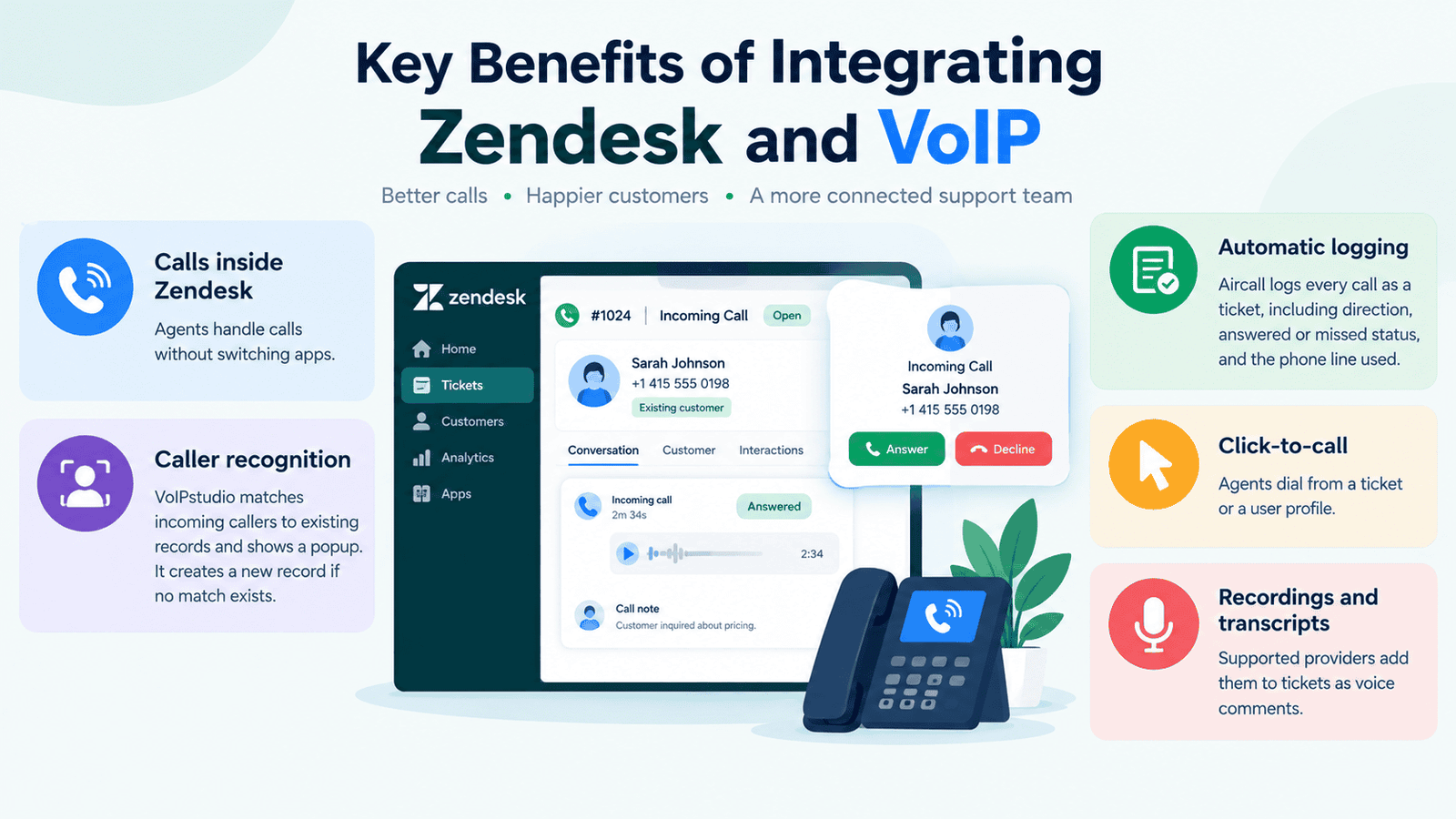
- Calls inside Zendesk: Agents handle calls without switching apps.
- Caller recognition: VoIPstudio matches incoming callers to existing records and shows a popup. It creates a new record if no match exists.
- Automatic logging: Aircall logs every call as a ticket, including direction, answered or missed status, and the phone line used.
- Click-to-call: Agents dial from a ticket or a user profile.
- Recordings and transcripts: Supported providers add them to tickets as voice comments.
-
Improved follow-ups: Linking calls to tickets makes it easier to track unresolved issues, assign responsibility, and review previous customer interactions.
Best Practices for Utilizing Zendesk and VoIP
Zendesk’s own support team shares these tips for Talk, and most apply to any setup.
- Keep customer phone numbers accurate: Store direct numbers in the appropriate customer profiles so incoming calls can be matched correctly. Review duplicate or incorrectly matched records.
- Handle missed calls consistently: Establish a process for creating, assigning, and following up on missed-call tickets. Configure satisfaction surveys and automation rules to avoid sending inappropriate requests after unsuccessful interactions.
- Choose the correct outbound number: If your provider offers multiple lines or international calling options, configure the appropriate caller ID and routing rules to help manage costs.
- Train agents before launch: Demonstrate how to answer calls, create or update tickets, record outcomes, and handle transfers or voicemails.
- Review call reports regularly: Monitor missed calls, response times, unresolved tickets, and other relevant metrics to identify workflow problems.
Top VoIP Providers That Integrate with Zendesk
Confirm plan details with each provider before you buy.
| Provider | What it adds to Zendesk | Good to know |
|---|---|---|
| VoIPstudio | Calls, click-to-call, caller matching, popups | 30-day trial; pay-as-you-go from $6 per user monthly, plus call charges |
| Aircall | Calls logged as tickets, tag sync | Needs a Suite plan or Support with Partner Edition |
| Dialpad | Calls in Zendesk, tickets created from Dialpad | For Dialpad Pro and Enterprise customers |
| RingCentral | RingEX integration for Zendesk | Check the Marketplace listing for plan rules |
| Zoom Phone | Zoom Contact Center for Zendesk; Zoom Phone Widget by Sandeza | The widget needs an active Zoom Phone licence |
| NUACOM | Call logging, click-to-dial, popups, per the vendor | Confirm features with the vendor |
Pros and Cons of Zendesk VoIP Integration
| Pros | Cons |
|---|---|
| Agents can manage calls alongside customer tickets | Businesses may need separate Zendesk and VoIP subscriptions |
| Supported integrations can log calls automatically | Some Support plans require additional Partner Edition licensing |
| Caller details can appear during incoming calls | Caller matching depends on accurate customer data |
| Businesses can retain a compatible third-party phone provider | Installation and configuration require administrative work |
| Recordings and call details can improve follow-ups | Advanced features may require higher-tier plans |
| Connected workflows can reduce repetitive data entry | Troubleshooting may involve both Zendesk and the phone provider |
The main trade-off is cost and setup effort. Test one provider with a small group before you roll it out to everyone.
Which Businesses Does Zendesk VoIP Integration Suit?
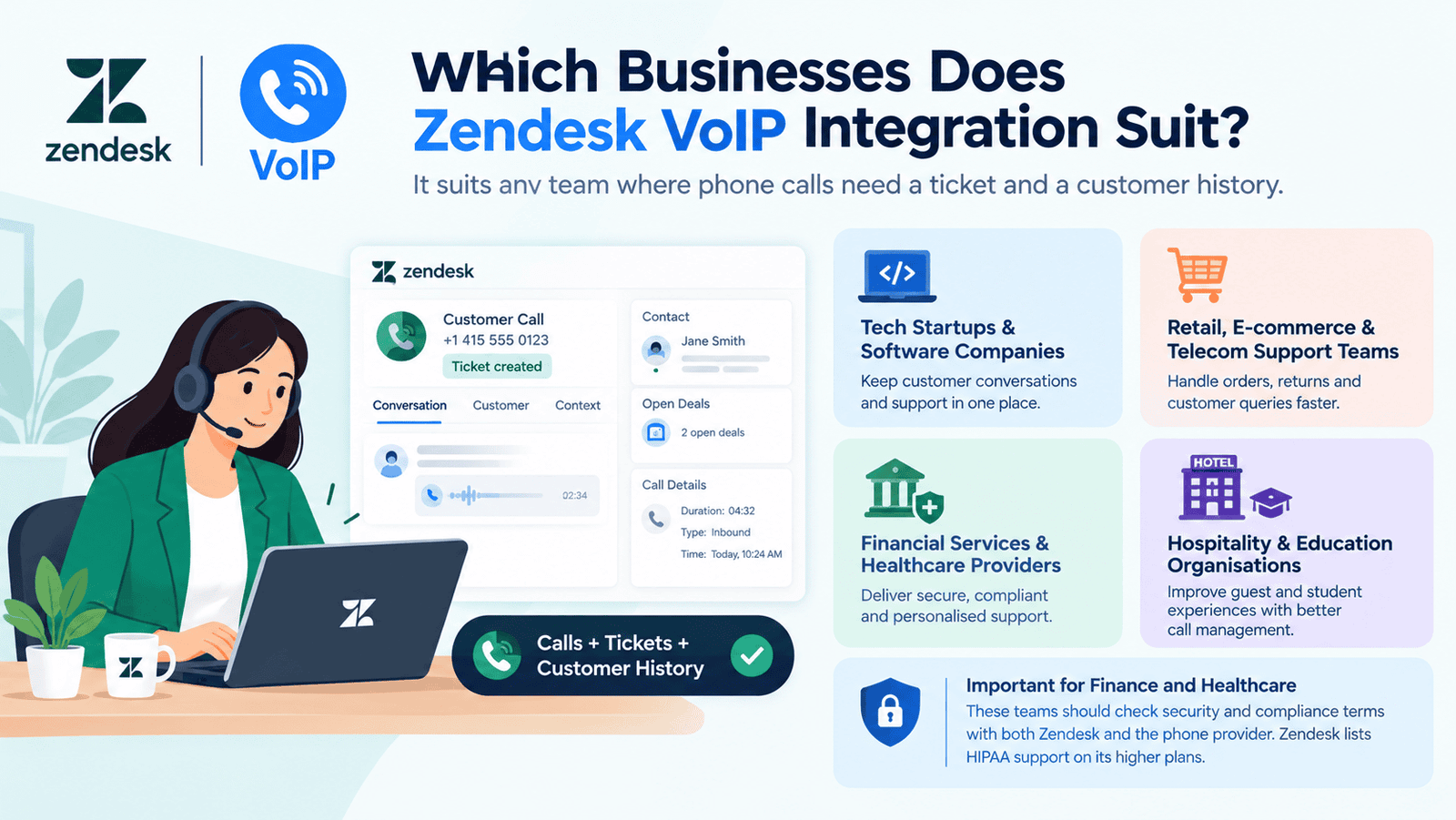
It suits any team where phone calls need a ticket and a customer history.
- Tech startups and software companies
- Retail, e-commerce, and telecom support teams
- Financial services and healthcare providers
- Hospitality and education organizations
Finance and healthcare teams should check security and compliance terms with both Zendesk and the phone provider. Zendesk lists HIPAA support on its higher plans.
How Many Users Is Zendesk VoIP Integration For?
There is no fixed user limit. Costs depend on your Zendesk plan and your provider’s seat rules, and only agents who handle calls need the integration.
| Team size | What to check |
|---|---|
| 1–5 agents | Suite Team costs $55 per agent monthly on annual billing; check provider minimums, such as Aircall’s three licences |
| 5–25 agents | Suite Professional ($115) adds skills-based routing and IVR phone trees |
| 25+ agents | Aircall’s Custom plan starts at 25 licences, and Zendesk’s Contact Center add-on costs $83 per agent monthly |
Prices come from Zendesk’s pricing page and may change.
Read More: Free Virtual Number for WhatsApp: Providers (2026)
Final Thoughts
Zendesk VoIP integration helps startups and established support teams connect customer calls with tickets, contact records, and follow-up workflows. The right setup depends on your Zendesk plan, the capabilities of your preferred phone provider, and the number of agents who need access. Before committing, compare subscription costs, confirm feature compatibility, and test the integration with a small group. A well-configured system can make customer interactions easier to track while giving agents a more consistent support workflow.
FAQs
-
Can you make calls through Zendesk?
Yes. Zendesk Talk lets agents call from a ticket, a user profile, or the call console. Agents must be Talk agents or team leads. You can also add a third-party VoIP app through Talk Partner Edition.
-
Do I need a Suite plan for Zendesk VoIP integration?
Not always. Suite plans include the Partner Edition API. Support plans can add a Partner Edition licence for each agent who uses the integration. Also check your provider’s own plan rules.
-
Can I keep my existing phone provider?
Yes, if the provider has a Zendesk app or you build a link with the Partner Edition API. Zendesk says Partner Edition lets you choose your own call center software.
-
Is VoIPstudio free to try with Zendesk?
VoIPstudio lists a 30-day free trial on its Zendesk Marketplace page. The trial includes one inbound number and 200 minutes. Paid pay-as-you-go plans start at $6 per user monthly, plus call charges.
-
Who is Zendesk’s biggest competitor?
No single source ranks one rival as the biggest. Zendesk’s own comparison pages cover Intercom, Salesforce, and Freshdesk. Other lists add Zoho Desk and HubSpot Service Hub, so choose based on your needs and budget.
-
Can I integrate Zendesk with WhatsApp?
Yes, on Suite plans. In Admin Center, open Channels, then Messaging and social, then Messaging, and add a WhatsApp channel. Zendesk does not support WhatsApp group messages, and extra fees may apply.
-
Can ChatGPT integrate with Zendesk?
Partly. Zendesk announced an early access program on 30 April 2026 that makes ChatGPT a customer support channel. Some Marketplace apps also add ChatGPT features, and a few need your own OpenAI API key. Check Zendesk’s early access page for current availability.
-
Does Zendesk turn calls into tickets?
Yes, with supported setups. Zendesk Talk turns calls and voicemails into tickets, and Aircall logs calls as tickets with call details. Recordings and transcripts appear as voice comments when the provider supports them.


