
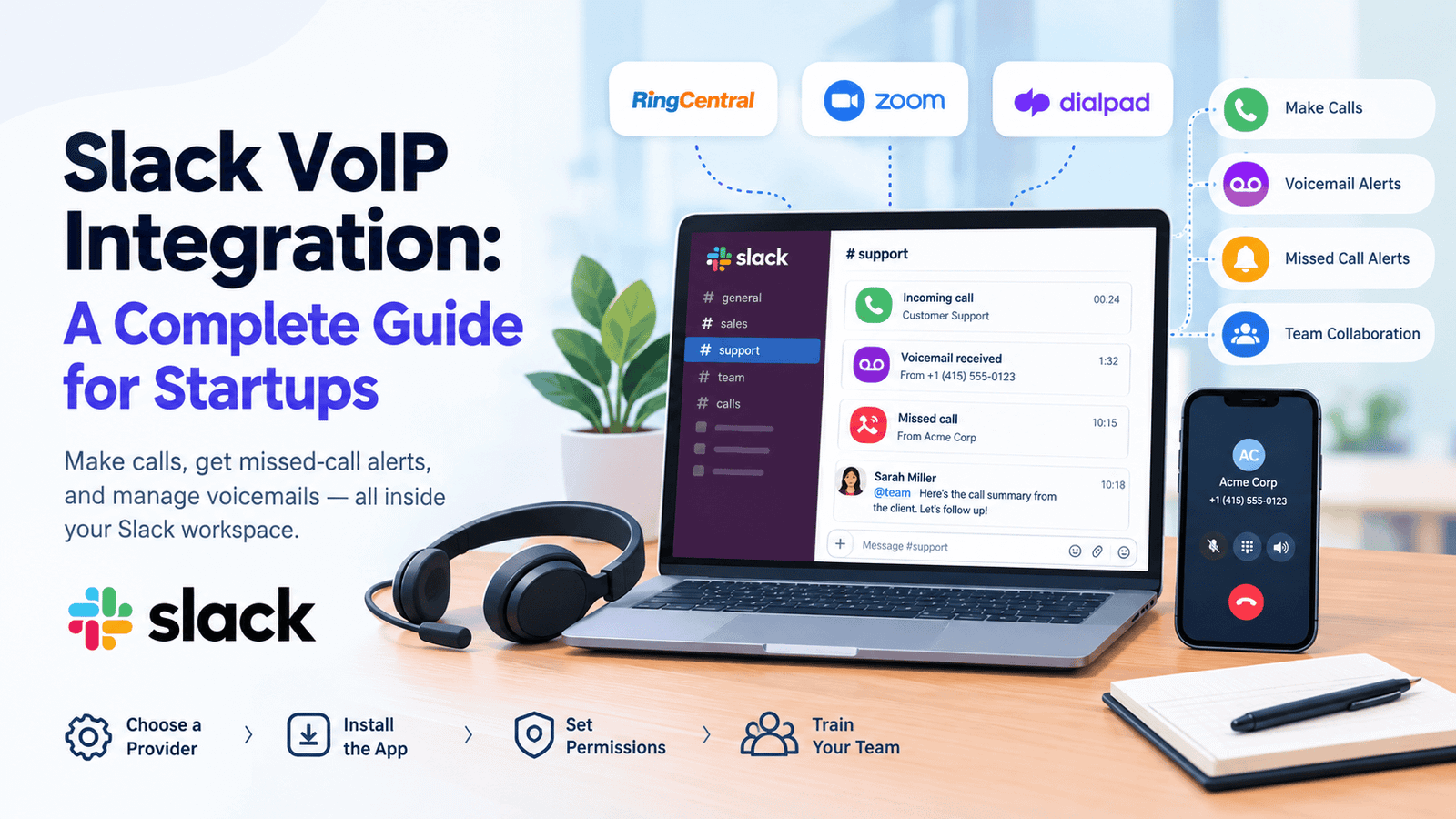
Slack VoIP integration connects your business phone service to Slack, so your team can make calls and see missed-call and voicemail alerts without leaving the app. Slack does not sell phone service itself. Instead, it works with providers such as RingCentral, Zoom Phone, and Dialpad through apps in the Slack Marketplace. Setup is simple: pick a provider, install its app, set permissions, and train your team. This guide explains each step, the main benefits, the limits, and the providers worth checking before you buy.
How Startups Can Integrate Slack with VoIP Systems
Slack allows phone calls only through a third-party provider and its app. Slack does not charge for these apps, but you pay the provider for phone service and pay Slack for your plan. Follow these four steps.
- Choose a Slack-friendly VoIP service. Pick a provider that has a Slack app, and check that your plan includes it. Dialpad, for example, includes it on Connect Pro and Enterprise plans, while Zoom needs a Zoom Phone plan.
- Use the provider’s app to link your VoIP to Slack. Install the app from the Slack Marketplace and sign in to your provider account. Many providers then ask which Slack channel should receive call alerts.
- Set permissions and preferences. A Slack workspace owner or admin chooses which calling apps people can use. On paid plans, admins can also allow phone-number dialing from direct messages. Then choose which call events trigger alerts.
- Train your team. Show everyone where the call button is, which commands to use, and when to call instead of chat. A one-page guide works well.
| Task | Where to do it | Note |
|---|---|---|
| Install the calling app | Slack Marketplace | You may need a provider account |
| Make it a call option | Admin > Workspace settings > Third-party call providers | Free allows one app; Pro and Business+ allow several; Enterprise uses the Calls menu |
| Allow phone-number dialing | Admin > Workspace settings > Calls > Allow phone number calls in Slack | Pro, Business+, and Enterprise only |
| Send alerts to a channel | Provider’s admin settings | Set by the provider admin |
Slack lists Dialpad, RingCentral, Zoom, Webex, and Fuze as apps that support outbound phone calls. Zoom’s integration needs the Zoom Workplace desktop app running in the background. Menu names can change, so check Slack’s help article on calling apps before you begin.
Understanding VoIP and Slack Integration
VoIP means Voice over Internet Protocol. It turns your voice into digital data and sends it over the internet instead of a phone line. Slack is a chat platform that groups work into channels for projects, teams, or topics.
Slack also has huddles, which are quick audio calls inside the app. On the free plan, a huddle can include only two people, while paid plans allow up to 50, according to Slack’s huddle guide. Huddles do not call regular phone numbers, so you need a provider app for that.
Why Tech Startups Need VoIP and Slack
Startups grow fast, hire across time zones, and often work without an office. Chat is great for quick updates, but customers and investors still use phone numbers. Many of them will never join your workspace.
- Chat, calls, and alerts in one place
- Faster decisions when a quick call replaces a long thread
- Less hardware, because calls run on laptops and phones
- Easy remote work with only an internet connection
Gloria Mark, a professor at the University of California, Irvine, found that people need about 23 minutes and 15 seconds on average to return to a task after an interruption. Switching between separate apps can add to this problem. One workspace for chat and call alerts helps your team stay focused.
Key Benefits of Integrating Slack and VoIP
1. Complete Call Control
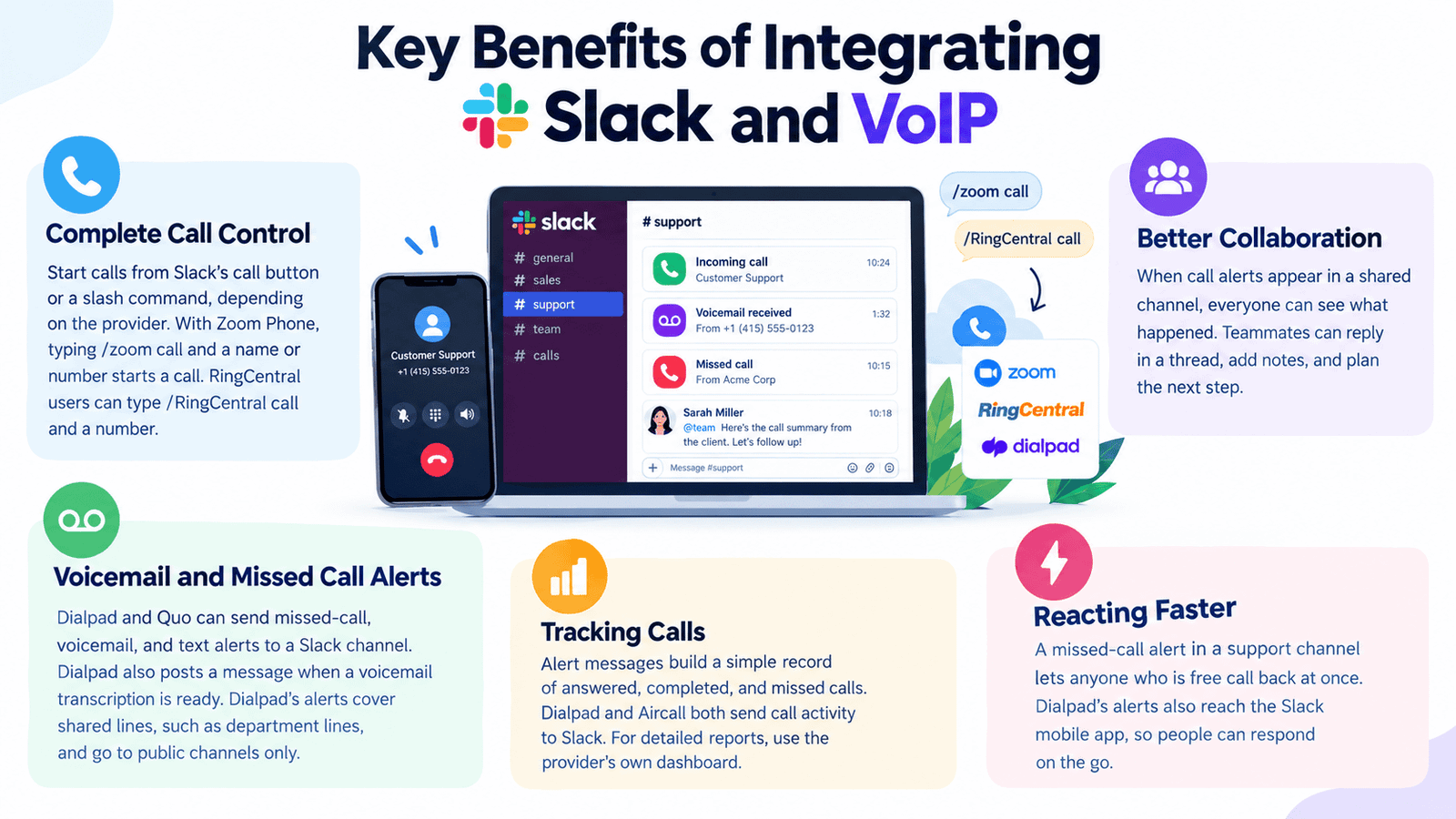
Your team can start calls from Slack’s call button or a slash command, depending on the provider. With Zoom Phone, typing /zoom call and a name or number starts a call. RingCentral users can type /RingCentral call and a number. This makes it easier to connect with customers without switching between multiple applications.
2. Better Collaboration
When call alerts appear in a shared channel, everyone can see what happened. Teammates can reply in a thread, add notes, and plan the next step. This keeps team members informed and reduces delays in customer communication.
3. Voicemail and Missed Call Alerts
Dialpad and Quo can send missed-call, voicemail, and text alerts to a Slack channel. Dialpad also posts a message when a voicemail transcription is ready. Dialpad’s alerts cover shared lines, such as department lines, and go to public channels only. These notifications help teams identify messages that need a timely response.
4. Tracking Calls
Alert messages build a simple record of answered, completed, and missed calls. Dialpad and Aircall both send call activity to Slack. For detailed reports, use the provider’s own dashboard. This allows managers to monitor communication activity and identify calls that require follow-up.
5. Reacting Faster
A missed-call alert in a support channel lets anyone who is free call back at once. Dialpad’s alerts also reach the Slack mobile app, so people can respond on the go. Faster notifications help teams reduce customer waiting times and provide more consistent support.
Best Practices for Utilizing VoIP and Slack
-
Keep Communication Organized
Create separate channels for sales calls, support calls, and missed calls. Aircall can send different event types to different channels, so each channel stays focused. This also helps employees find relevant call updates without searching through unrelated messages.
-
Set Clear Guidelines
Agree on when to use each tool:
-
-
-
Chat for quick, non-urgent updates
-
Huddles for fast talks inside the team
-
Phone calls for customers, urgent issues, and sensitive topics
-
-
Clear guidelines reduce unnecessary notifications and help employees choose the right communication method for each situation.
-
Use Analytics
Review call alerts and provider reports every week. Look for missed calls, busy hours, and slow callbacks, then adjust schedules or channel rules. Track these patterns over time to identify recurring issues and improve team response times.
Top VoIP Providers That Integrate with Slack
These providers offer Slack apps or integrations. Features depend on your plan.
| Provider | How it works with Slack | Good to know |
|---|---|---|
| RingCentral | Dial from the Slack call button or with /RingCentral call | For RingCentral Office customers; data stored in the US |
| Zoom Phone | Use /zoom call with a name or number | Needs a Zoom Phone plan and the desktop app |
| Dialpad | Starts one-to-one calls and sends shared-line alerts to public channels | Included on Connect Pro and Enterprise, Sell, and Support plans |
| Aircall | Sends call activity to chosen channels | Standard plans need three licenses |
| Quo (formerly OpenPhone) | Posts call, text, and voicemail alerts | Admins and owners set it up; needs the Quo desktop app |
| NUACOM | Click-to-call, call logs, and notifications, according to the vendor | Confirm details with the vendor |
Prices and plan rules change often, so confirm the details on each provider’s website before you buy.
Pros and Cons of Slack VoIP Integration
| Pros | Cons |
|---|---|
| Calls, chat, and alerts in one workspace | Needs a separate VoIP subscription |
| Missed-call and voicemail alerts reach the whole team | Outbound dialing needs a paid Slack plan |
| Softphone apps reduce the need for desk phones | Features differ by provider and plan |
| Channel messages make calls easy to review | Too many alerts can create noise |
| Seats can be added as the team grows | Some apps store data in the US |
The main trade-off is managing two subscriptions. Test one provider with a small group before you roll it out to everyone.
Which Businesses Does Slack VoIP Integration Suit?
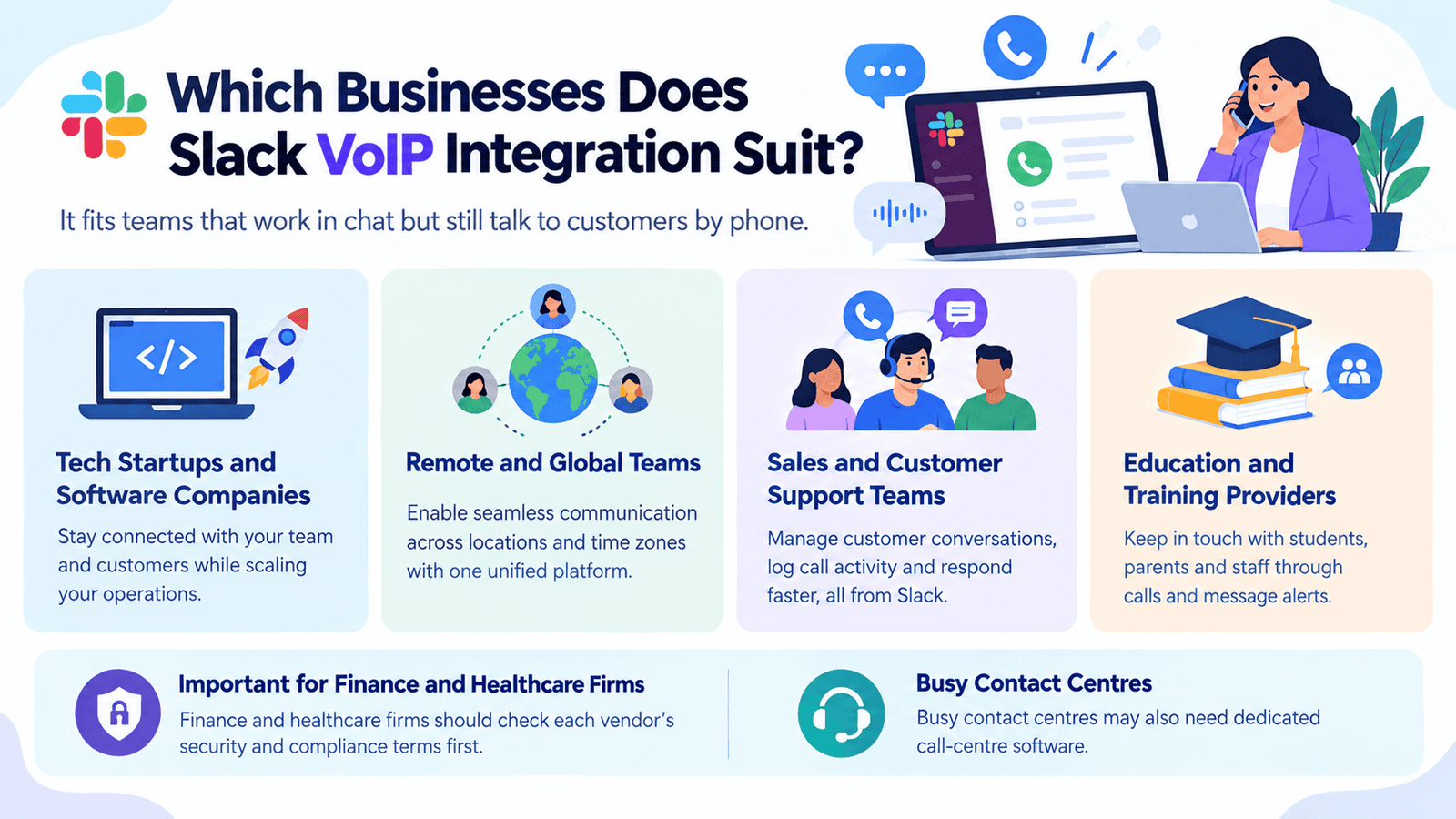
It fits teams that work in chat but still talk to customers by phone.
- Tech startups and software companies
- Remote and global teams
- Sales and customer support teams
- Education and training providers
Finance and healthcare firms should check each vendor’s security and compliance terms first. Busy contact centres may also need dedicated call-centre software.
How Many Users Is Slack VoIP Integration For?
There is no fixed user limit for the integration. Your limits come from your Slack plan and your provider’s seat rules. Slack bills members who were active in the last 28 days, and provider seats are priced separately.
| Team size | What to check |
|---|---|
| 1–10 | Slack Pro costs $7.25 per user monthly on annual billing, or $8.75 if you pay monthly. Some providers set minimums, such as Aircall’s three licenses. |
| 10–50 | Paid huddles allow up to 50 people. Set channel and alert rules early. |
| 50+ | Compare Business+ ($15 annual, $18 monthly) and Enterprise+. Aircall’s Custom plan starts at 25 licenses, so ask about volume pricing. |
Prices were checked in October 2026 and may change. Start with the people who handle most calls, then add more.
Read More: Free Virtual Number for SMS: Best Apps & Providers (2026)
Final Thoughts
Slack VoIP integration helps startups and growing businesses manage calls, messages, and team collaboration in one workspace. By connecting Slack with providers such as RingCentral, Zoom Phone, or Dialpad, teams can start calls, receive voicemail alerts, track call activity, and respond to customers more efficiently. However, the available features depend on the provider, subscription plan, and team size. Before choosing a solution, compare pricing, license requirements, security policies, and integration features. Start with a small group, organize notification channels, and review call performance regularly. With the right setup, Slack VoIP integration can simplify daily communication and support a more responsive, organized team.
FAQs
-
What is Slack VoIP integration?
It connects a VoIP phone service to your Slack workspace. Your team can start calls and see missed-call and voicemail alerts in channels. Slack provides the chat space, and the provider supplies the phone service.
-
Does Slack have its own business phone system?
No. Slack allows phone calls only through third-party providers and apps. Its built-in huddles work for audio and video between Slack users.
-
Do I need a paid Slack plan to call phone numbers?
Yes, for outbound calls from direct messages. Slack lists this feature on Pro, Business+, and Enterprise plans. Check your provider’s app page for what the free plan supports.
-
Does Slack charge extra for VoIP apps?
No. Slack says it does not charge for these integrations. Your provider bills you for phone service, and some providers charge extra for add-ons.
-
How do I choose a provider for a small startup?
Compare seat prices, minimum licenses, and the Slack features in each plan. Aircall needs at least three licenses on standard plans, and Dialpad’s integration needs an eligible plan. Try a trial or demo first.
-
Can I call people who do not use Slack
Yes, if your provider’s app supports outbound phone calls. RingCentral and Zoom Phone let you dial a phone number from Slack. The person you call only needs a phone.
-
Can I record or transcribe calls?
Recording and transcription are provider features, not Slack features. Dialpad, for example, can post a message when a voicemail transcription is ready. Check your plan before you rely on either feature.
-
Is my call data safe?
Review each vendor’s security and data storage terms before you connect. RingCentral’s Slack app says it stores data in the US. Regulated businesses should confirm compliance needs with both vendors.


