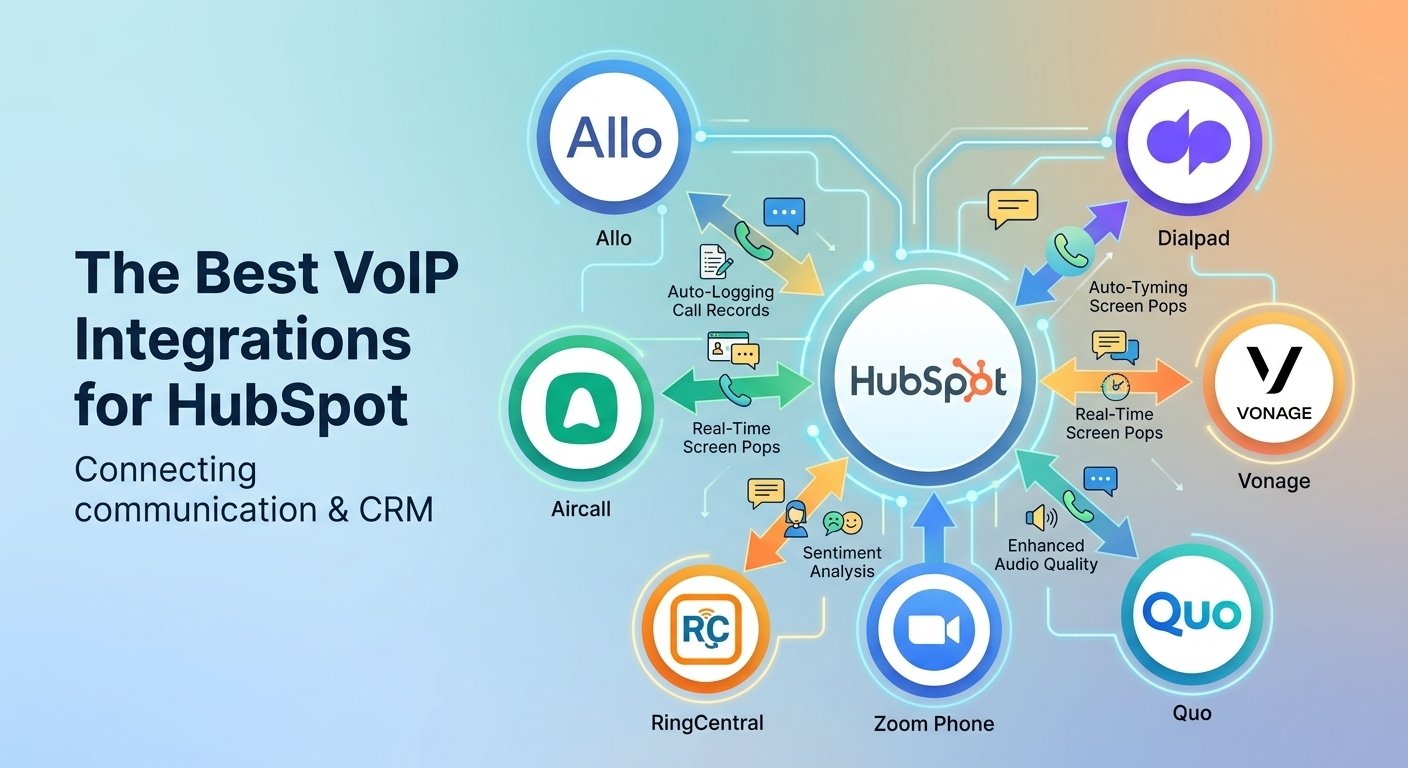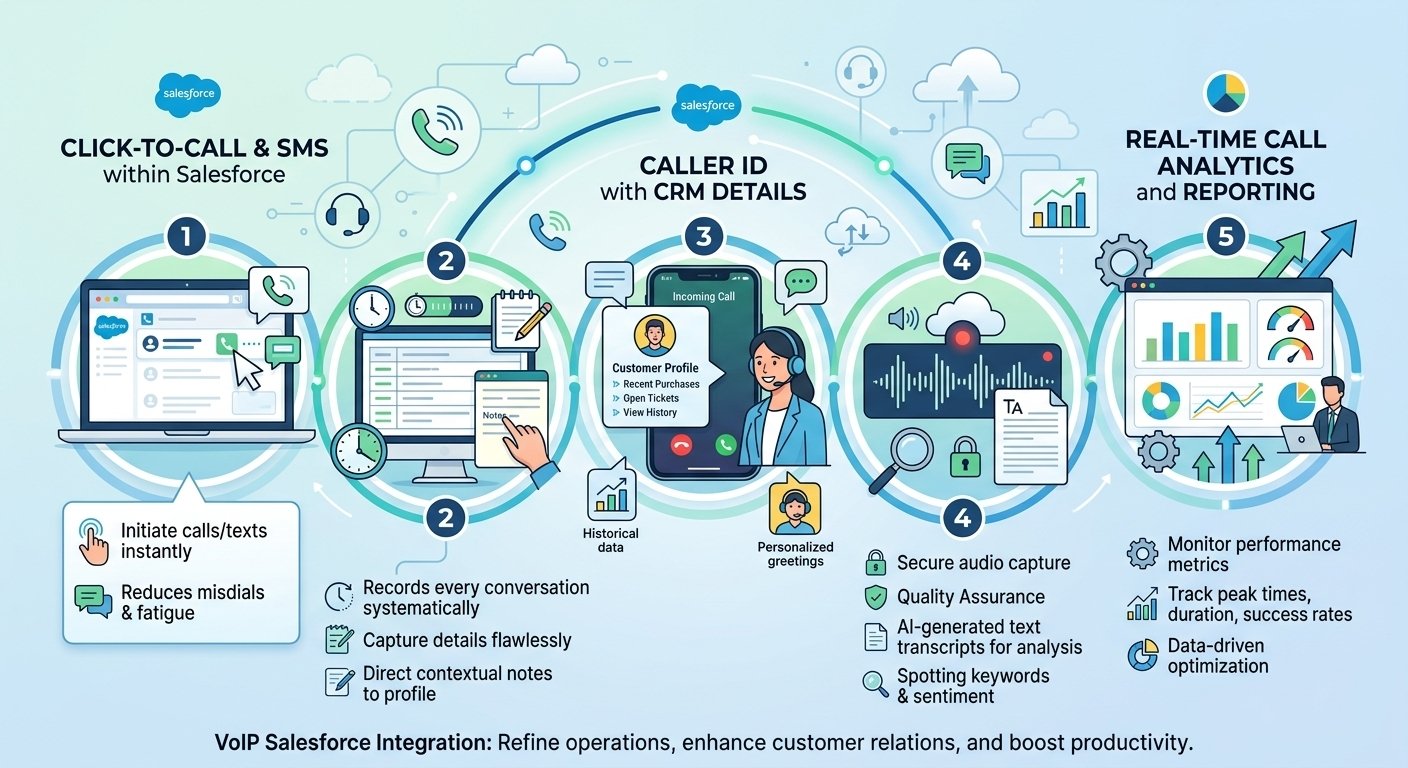
Efficient communication is the backbone of any thriving enterprise today. Implementing a reliable zoho voip integration transforms how teams interact with customers by bridging the gap between relationship management databases and advanced telephony systems. This synergy allows professionals to initiate calls directly from their central dashboard, track performance metrics, and automatically capture interaction details without switching applications. By utilizing this seamless connectivity, organizations experience significantly reduced manual data entry and drastically improved response times. Connecting your external phone infrastructure with your primary workspace ensures every single conversation drives meaningful business expansion while elevating overall client satisfaction.
How to Set Up Zoho CRM VoIP Integration?
Zoho CRM allows businesses to connect supported VoIP providers through its built-in telephony settings. The exact configuration depends on the provider, as some use account authorization while others require API tokens or additional phone-number configuration.
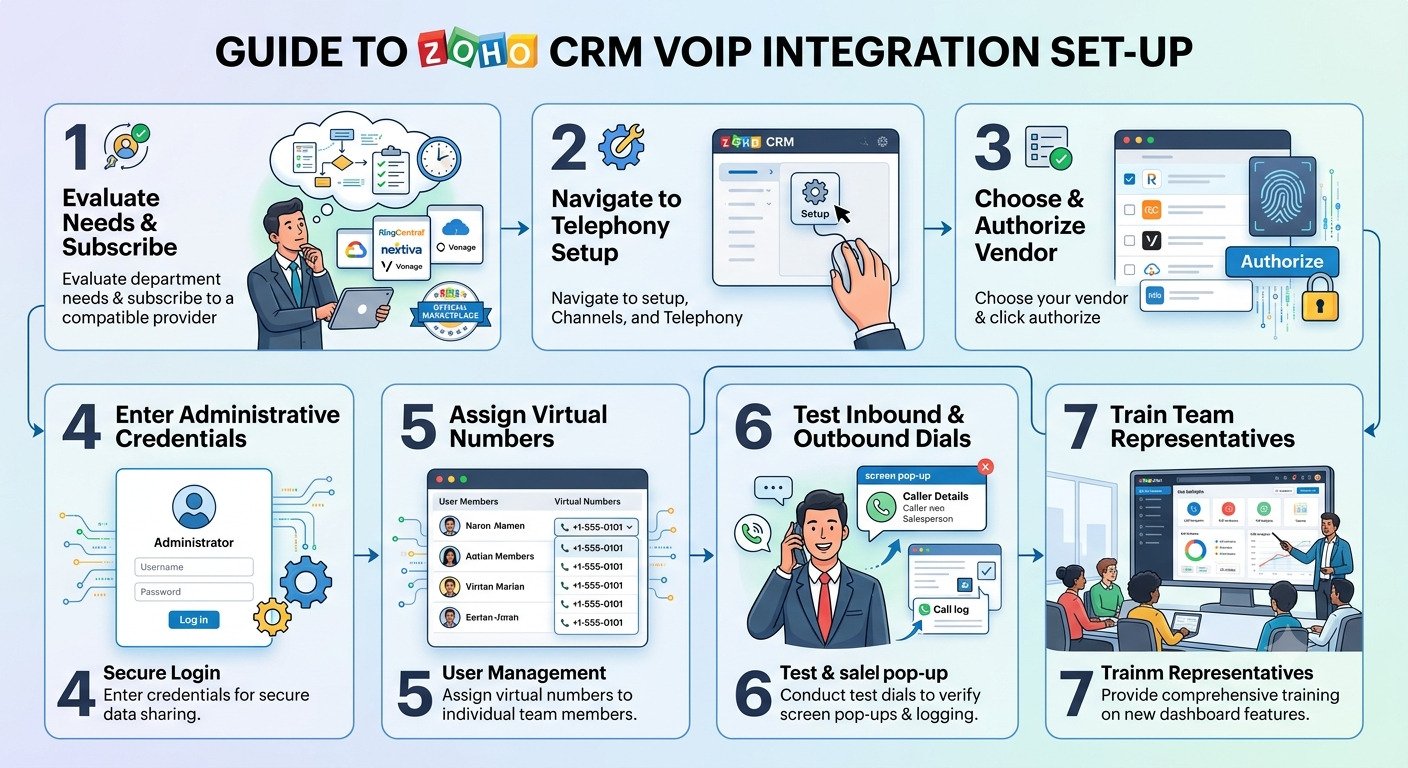
- Open telephony settings: Sign in to Zoho CRM with administrator access. Navigate to Setup → Channels → Telephony.
- Select your VoIP provider: Choose a supported provider, such as RingCentral, from the available telephony integrations.
- Enable the integration: Click Enable or the provider-specific integration option displayed in Zoho CRM.
- Authorize your account: Sign in to your VoIP provider account when prompted. Depending on the service, you may need to grant permissions or enter an authorization token.
- Configure calling settings: Follow the provider’s instructions to connect the required phone numbers, assign users, and configure supported inbound and outbound calling features.
- Test the connection: Place a test call and verify that caller information, click-to-call functionality, and call logs work as expected for your configured integration.
What Happens After Integration?
Once the integration is configured, users can access supported telephony features directly from their CRM workflow. Depending on the provider, these may include click-to-call, incoming-call notifications, customer record pop-ups, call logging, and follow-up activities.
Technical note: The steps above describe the general process. For example, RingCentral uses account authorization, while other providers may require API credentials or additional configuration. Always follow the official setup instructions for your chosen provider because available features and authentication requirements differ.
What Are the Top Zoho Integrated VoIP Solutions for Your Business?
Selecting the correct communication provider dictates the long-term success of your customer outreach strategy. The market offers numerous robust platforms designed to synchronize perfectly with your primary workspace. Exploring these top-tier options helps leadership identify the exact feature set required to empower their remote or in-house staff.
1. Nextiva
Nextiva stands out as a highly reliable platform offering enterprise-grade voice quality and advanced routing capabilities. It seamlessly connects with your primary dashboard to provide comprehensive historical data during active interactions. Businesses appreciate its intuitive interface and exceptional customer support resources.
2. RingCentral
RingCentral delivers a massive array of digital communication tools, making it ideal for large-scale operations with complex needs. Its synchronization ensures that every text message, video meeting, and voice conversation is accurately tracked. The platform boasts incredible uptime reliability and extensive international reach.
3. Vonage Business Communications
Vonage provides a highly customizable environment tailored for teams that require flexible API access and unique workflow automation. Their environment allows agents to capture detailed notes while the interaction is actively happening on screen. It is specifically favored by rapidly scaling startups needing agile deployment.
4. Aircall
Aircall focuses heavily on user experience, offering a sleek desktop application that requires zero hardware installation. It excels at rapid deployment, allowing administrators to provision new agent numbers across the globe in seconds. The software automatically syncs tags and dispositions back to the primary database.
5. Dialpad
Dialpad leverages artificial intelligence to provide live transcriptions and sentiment analysis during customer conversations. This advanced zoho voip integration empowers representatives with real-time coaching suggestions based on the caller’s tone. It represents the cutting edge of modern communication technology.
6. Ooma Office
Ooma Office caters brilliantly to small and medium enterprises seeking essential telephony features without overwhelming complexity. It delivers crystal-clear audio quality alongside fundamental routing and auto-attendant functionalities. The setup process is remarkably straightforward for non-technical administrators.
7. 8×8
8×8 offers a globally recognized unified communications architecture designed specifically for international contact centers. It provides robust compliance certifications and deep analytical reporting to satisfy strict regulatory requirements. The synchronized environment ensures global teams operate from a single source of truth.
8. Talkdesk
Talkdesk caters to enterprise-level support departments requiring advanced interactive voice response menus and intelligent skill-based routing. The platform deeply integrates to ensure complex customer journeys are tracked flawlessly from initial inquiry to final resolution. It significantly reduces average handle times across large teams.
9. GoToConnect
GoToConnect combines robust voice capabilities with comprehensive video conferencing features in one accessible package. It allows seamless transitioning from a standard audio interaction to a collaborative screen-sharing session. The straightforward administrative portal makes managing users remarkably simple.
10. FreJun
FreJun specializes in automating the workflow for recruitment and outbound sales professionals who handle high-volume dialing. It focuses on ensuring data accuracy by removing all manual entry requirements from the agent’s daily responsibilities. The platform is highly regarded for its cost-effectiveness and reliability.
Key Features of Zoho VoIP Integration
-
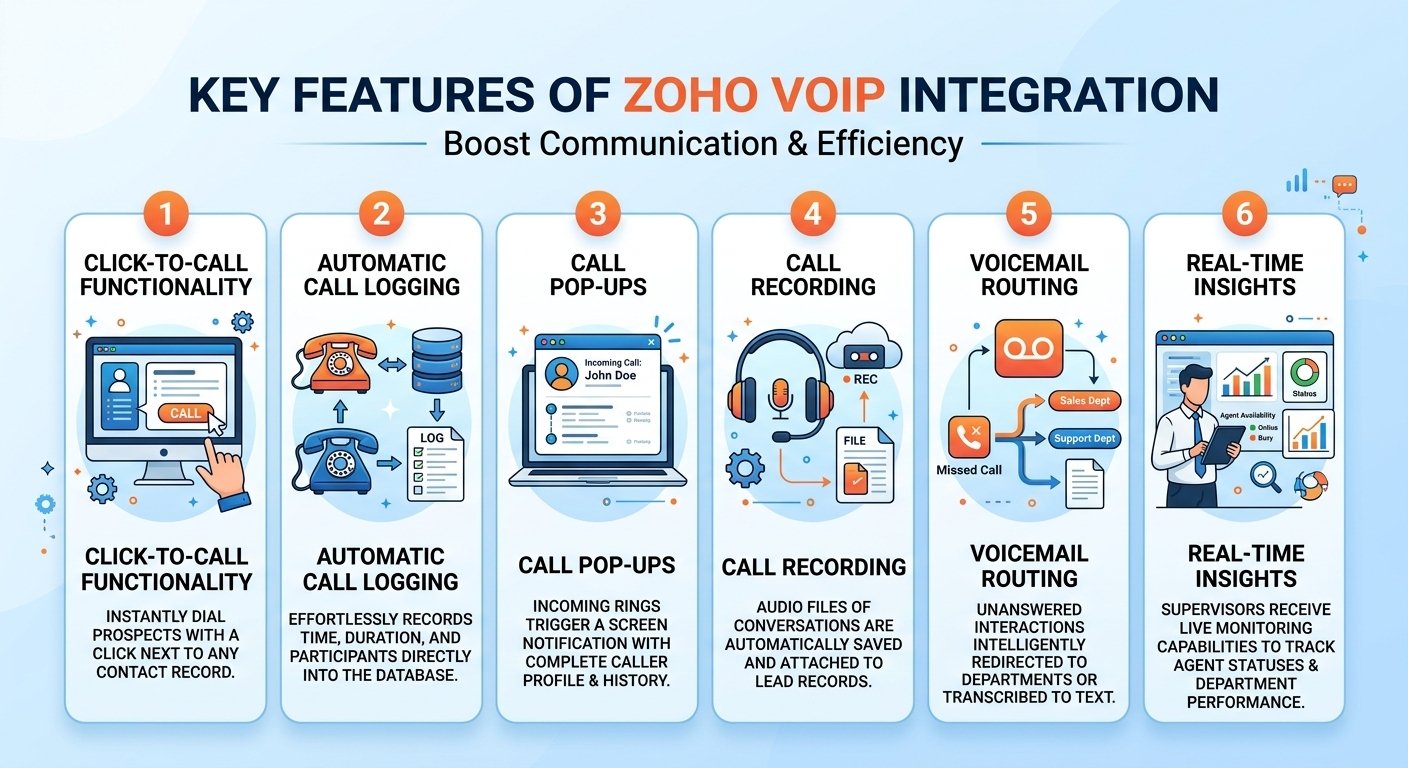
Click-to-Call Functionality: Users can instantly dial prospects by clicking a dedicated phone icon next to any contact record.
-
Automatic Call Logging: The system effortlessly records the exact time, duration, and participants of every conversation directly into the database.
-
Call Pop-ups: Incoming rings trigger a screen notification displaying the caller’s complete profile and previous interaction history.
-
Call Recording: Audio files of conversations are automatically saved and attached to the lead record for quality assurance purposes.
-
Voicemail Routing: Unanswered interactions are intelligently redirected to appropriate departments or transcribed into text for quick reading.
-
Real-time Insights: Supervisors receive live monitoring capabilities to track active agent statuses and overall department performance.
The Advantages of Zoho CRM VoIP Integration
- Automated call logging: Supported integrations can record call details in Zoho CRM, reducing manual data entry and helping maintain customer interaction histories.
- Click-to-call functionality: Representatives can initiate calls directly from CRM records, reducing the time spent manually dialing numbers.
- Caller identification: Screen pop-ups can display matching lead or contact information when an incoming call arrives, helping representatives prepare for customer conversations.
- Improved follow-up management: Depending on the integration, users can add call notes, schedule follow-up tasks, and associate activities with CRM records.
- Better call visibility: Managers can review available call logs and reporting data to monitor communication activity and identify opportunities to improve team performance.
The Potential Drawbacks of Zoho CRM VoIP Integration
- Integration and maintenance requirements: Some providers require additional configuration, browser extensions, account authorization, or technical support. Custom API-based integrations may also require ongoing maintenance.
- Phone-number matching issues: Incorrect, incomplete, or inconsistently formatted phone numbers can prevent the system from matching callers to the correct CRM records.
- Additional operating costs: Although Zoho CRM does not charge a separate PhoneBridge fee for eligible paid editions, businesses may need a separate VoIP subscription, paid calling plans, phone numbers, or premium integration features.
- Dependence on service availability: Internet outages, provider disruptions, or integration errors can affect calling or CRM synchronization. Businesses should establish appropriate troubleshooting and fallback procedures.
- Feature limitations: Not every provider supports the same functions. Call recording, AI transcription, advanced analytics, and automatic logging may depend on the provider, subscription, configuration, and regional availability.
Which Businesses Need Zoho VoIP Integration?
Businesses with high call volumes, multiple sales or support representatives, and a need to maintain accurate customer interaction histories generally benefit the most. Small businesses can also benefit when they make regular customer calls, but companies that handle only occasional calls may not need a dedicated VoIP integration. The right solution depends on call volume, team size, required features, budget, and compatibility with the chosen VoIP provider.
1. Sales and Lead Generation Companies
Sales teams that make frequent outbound calls can use click-to-call, call logging, and customer information pop-ups to manage prospects and follow up on leads more efficiently.
2. Customer Support and Contact Centers
Support teams can identify callers, access previous interactions, and record customer conversations. Larger contact centers may also benefit from supported call routing and queue management features.
3. Real Estate Agencies
Real estate agents can connect calls with property buyers, sellers, and prospective clients in Zoho CRM. Call records and reminders help agents manage property inquiries and schedule follow-ups.
4. Recruitment Agencies
Recruiters who regularly contact candidates and employers can use call logging and contact records to track interviews, coordinate follow-ups, and maintain communication histories.
5. IT Services and B2B Companies
Managed service providers, software companies, and business consultants can use CRM-connected calling to track sales discussions, follow up on quotations, and maintain relationships with business clients.
6. Education and Training Businesses
Educational institutions and training providers can use integrated calling to follow up with prospective students, answer enrollment questions, and manage admissions-related inquiries.
7. E-commerce and Retail Businesses
Retailers that handle telephone orders, product inquiries, and after-sales support can associate calls with customer records to improve service continuity and follow-up management.
Best Practices for Optimizing Zoho VoIP Integration
Maximizing the return on investment requires more than simply connecting two software applications together. Administrators must establish clear operational protocols to ensure staff members leverage the technology to its fullest potential. Implementing best practices for integrating click-to-dial functionality with zoho crm guarantees that agents process leads swiftly without compromising conversation quality.
Regularly auditing your telephonic workflows helps identify hidden bottlenecks within your sales or support pipelines. Management should frequently review synchronized data to ensure contact records remain completely updated and duplicate entries are eliminated. Maintaining impeccable data hygiene allows the automated routing systems to function exactly as intended.
Common Challenges and Solutions
Connecting complex enterprise software occasionally presents temporary technical hurdles during the initial deployment phase. Research by Gartner indicates that 60 percent of software implementation challenges stem from poor user adoption and workflow friction rather than actual technical flaws. Addressing these operational pain points proactively ensures a smooth transition for your entire workforce.
Data synchronization delays often occur when administrative permissions are not correctly configured between the two platforms. Verifying API access rights and ensuring network firewalls permit continuous external communication resolves the vast majority of logging failures. Furthermore, providing continuous educational workshops helps agents overcome software intimidation and embrace the modernized workflow.
Read More: Zoom Contact Center Pros & Cons: 10 Benefits (2026)
Final Verdict: Choosing the Right Zoho-Integrated VoIP Solution
Transforming your business communication relies entirely on selecting a platform that aligns with your specific operational scale and departmental goals. A flawless zoho voip integration fundamentally shifts how your workforce operates by eliminating administrative fatigue and enhancing customer accessibility. By consolidating your tools, you empower your representatives to focus on delivering exceptional service rather than managing clunky hardware.
Evaluating the options presented in this comprehensive guide will help leadership make an informed, strategic purchasing decision. Whether prioritizing artificial intelligence, international reach, or budgetary constraints, there is a perfect connectivity solution available for every enterprise. Embrace the power of unified communication to secure lasting growth and unmatched organizational efficiency.