
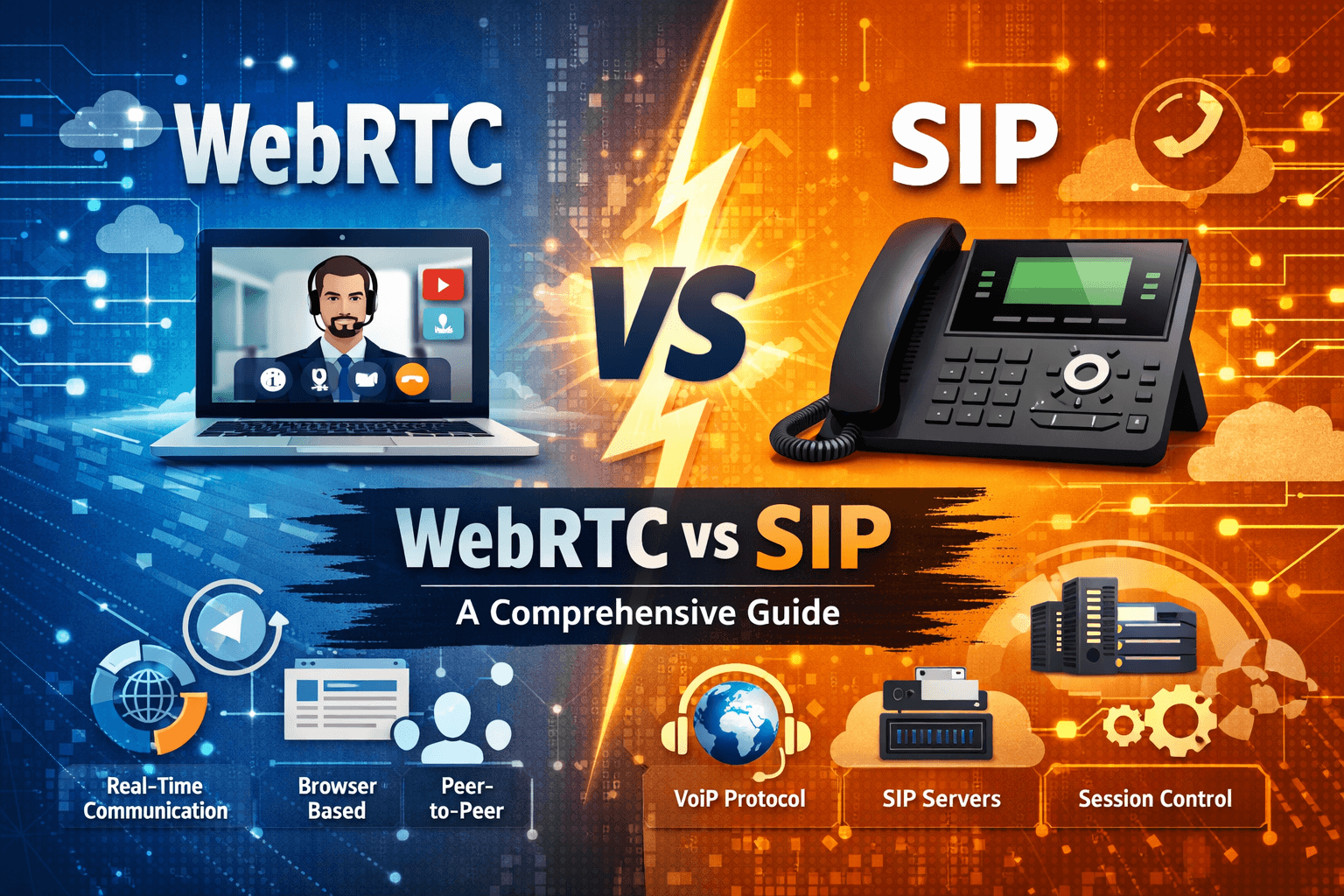
WebRTC vs. SIP: Choosing the right technology is a critical decision for businesses building modern communication tools. WebRTC offers a plugin-free, browser-based experience that leverages JavaScript for real-time video and audio, making it ideal for web applications. In contrast, SIP is a veteran signaling protocol used primarily in hardware-based VoIP and PBX systems, offering deep integration with legacy phone networks. While WebRTC excels in ease of access and low-latency web interactions, SIP provides a robust framework for complex enterprise telephony. Understanding the technical nuances between these two allows developers to choose between browser agility and established telecommunication stability for their specific use cases.
WebRTC vs. SIP: A direct comparison
When we look at the landscape of real-time communication, we often find ourselves comparing two distinct philosophies of connectivity. WebRTC vs. SIP represents the bridge between the modern web and the traditional world of telecommunications. We see WebRTC as a collection of standards and APIs that allow browsers to communicate directly without extra software, whereas SIP acts as the signaling language that manages the sessions for voice and video calls across diverse hardware.
To help you visualize the core differences, we have compiled a comparison table that highlights the technical and operational distinctions between these two giants of communication.
| Feature | WebRTC | SIP |
| Primary Use | Browser-to-browser communication | IP-based telephony and PBX |
| Installation | No plugins required (built-in) | Requires softphones or hardware |
| Development | High use of JavaScript SIP libraries | Protocol-specific configuration |
| Security | Always encrypted (DTLS/SRTP) | Security is optional (SIPS/TLS) |
| Flexibility | Extremely high for web apps | High for physical office setups |
| Standardization | W3C and IETF | IETF (RFC 3261) |
| Network | Peer-to-peer (P2P) focus | Server-client architecture |
| Cost | Generally lower infrastructure cost | Higher hardware and licensing costs |
Expert insight: Choosing between WebRTC and SIP
“I’ve seen how SIP has long held its place in reliable, large-scale voice networks, especially where integration with legacy PSTN systems is non-negotiable. Yet in recent years, WebRTC’s browser-based simplicity and built-in security have made it a powerful alternative for teams who need agility more than heavy hardware. In practice, the best choice is often hybrid: leveraging SIP where its strengths lie, and layering in WebRTC for user-facing, browser-powered communication to streamline operations.” — Dmytro Honcharenko, Co-Founder at Teliqon.
We believe this perspective captures the essence of the modern developer’s dilemma. Choosing WebRTC vs. SIP is not always about picking one over the other but understanding where each fits in your architecture. If we are building a customer support portal, WebRTC is almost always the winner, but for a corporate office with desk phones, SIP remains the undisputed king.
What is WebRTC?
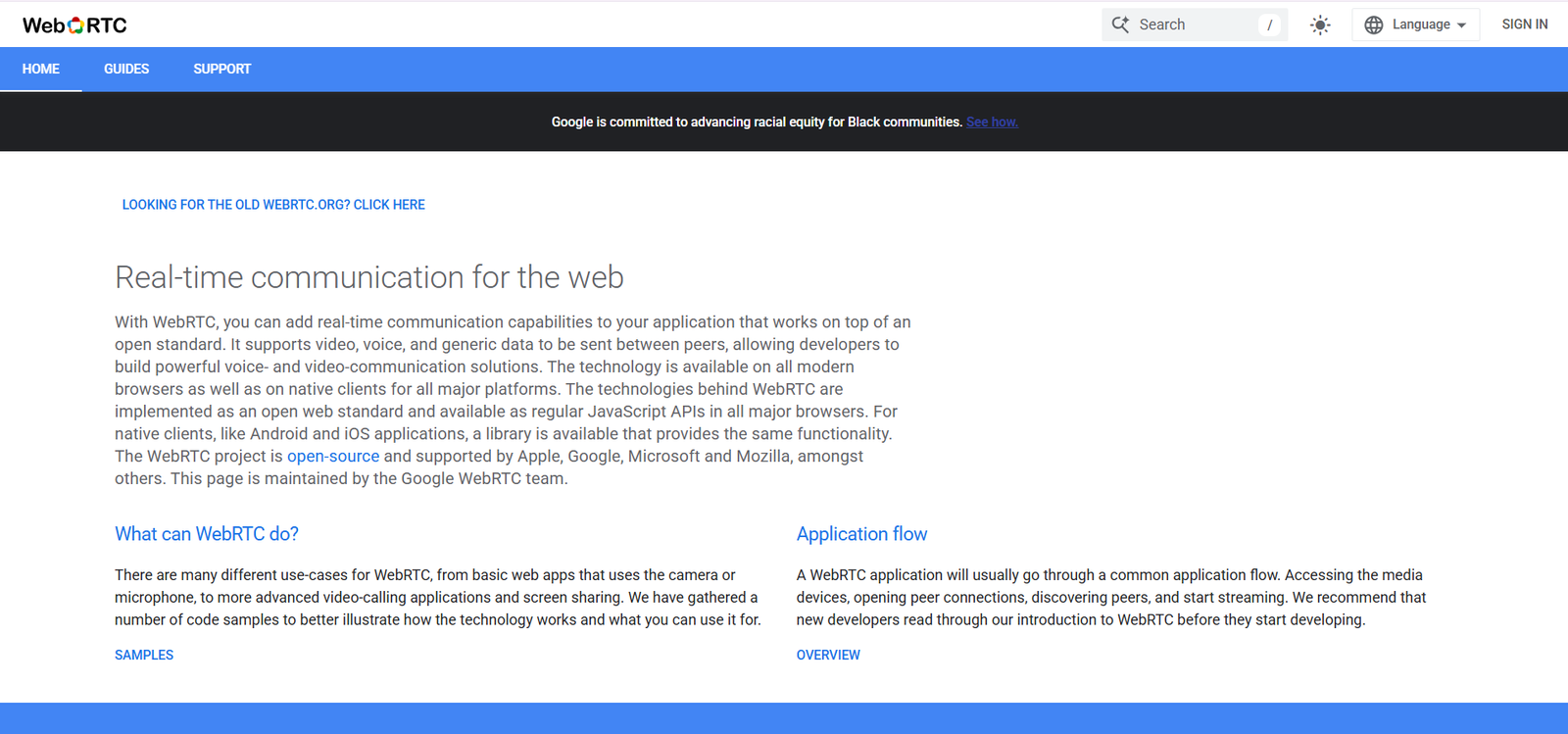
If you are asking whats WebRTC, it is an open-source project providing browsers and mobile applications with real-time communication capabilities via simple APIs. It was released by Google in 2011 and has since become a standard for video conferencing, file sharing, and peer-to-peer data exchange. Because it is built directly into the browser, we do not need to ask users to download any executable files or third-party extensions to start a call.
The architecture of WebRTC relies on three main JavaScript APIs that handle the heavy lifting of media and data transmission. These include:
MediaStream: This captures the audio and video signals from the user’s camera and microphone.
RTCPeerConnection: This handles the stable connection between two users, including NAT traversal and encryption.
RTCDataChannel: This allows for the bidirectional transfer of arbitrary data directly between peers.
By leveraging these tools, we can create incredibly responsive applications. However, we must remember that WebRTC does not include a built-in signaling protocol. This means we have to provide our own way for devices to find each other, which is where many developers might actually use a Javascript SIP implementation to manage the connection logic.
What is SIP?
SIP, or Session Initiation Protocol, is a signaling protocol used for initiating, maintaining, and terminating real-time sessions that include voice, video, and messaging applications. It is the backbone of the Voice over IP industry. We use SIP to establish a connection between two or more endpoints, whether they are physical IP phones or software-based clients. Unlike WebRTC, SIP is purely a signaling protocol; it does not actually transport the media itself, which is usually handled by the Real-time Transport Protocol.
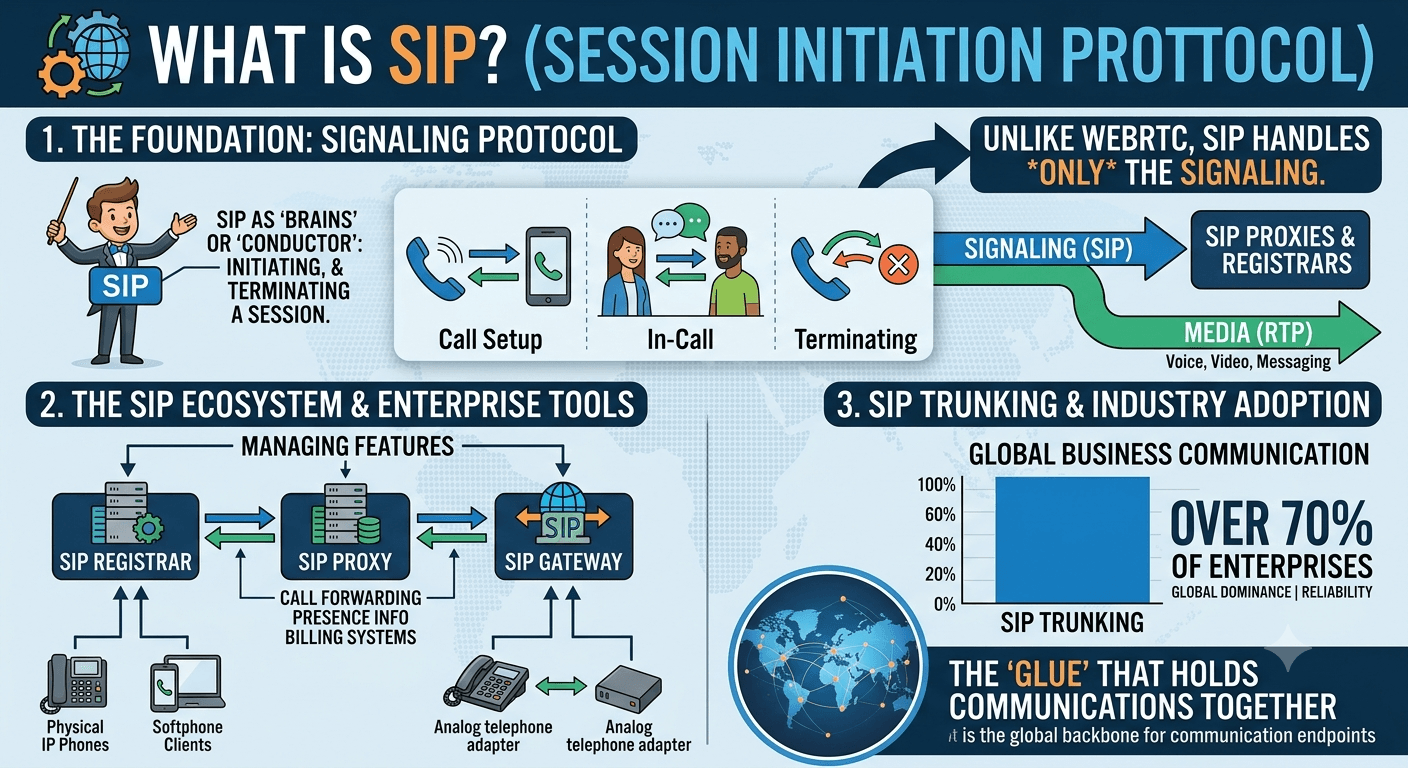
The SIP ecosystem is vast and mature, supported by a massive array of hardware manufacturers and service providers. When we implement SIP, we are usually working within a structured environment involving SIP Registrars, Proxies, and Gateways. This structure allows for features like call forwarding, presence information, and sophisticated billing systems that are essential for enterprise-level operations.
Research by the Eastern Management Group has indicated that SIP trunking remains the dominant method for business communication globally, with over 70% of enterprises utilizing it in some capacity. This highlights that while newer technologies emerge, the reliability of SIP continues to make it a staple in professional environments. We often see it as the “glue” that holds together different communication endpoints across the globe.
When to choose WebRTC
We recommend choosing WebRTC when your primary goal is to provide a seamless user experience within a web browser or a mobile app. It is the perfect choice for consumer-facing applications where you cannot expect the user to install a specific piece of software. If you are building a telehealth platform, an online classroom, or a simple “click-to-call” button on your website, WebRTC vs. SIP comparisons usually favor the former due to its low barrier to entry.
Furthermore, WebRTC is ideal for developers who want to maintain full control over the user interface. Since it integrates directly with HTML5 and CSS, we can style the video windows and controls to match the branding of our application perfectly. This level of customization is much harder to achieve with standardized SIP clients that often come with their own pre-defined interfaces.
Advantages of WebRTC
No Plugins Required: Users can join a session directly from Chrome, Firefox, Safari, or Edge without any downloads.
High Media Quality: It uses the Opus audio codec and VP8/VP9 video codecs, which provide excellent quality even on variable network speeds.
End-to-End Encryption: Security is not an afterthought; WebRTC enforces encryption through SRTP and DTLS for every session.
Open Source: Being open-source means there is a massive community and plenty of documentation for troubleshooting.
Low Latency: Designed for peer-to-peer communication, it minimizes the delay often found in server-routed calls.
Interoperability: It works across different operating systems and devices as long as a modern browser is available.
Adaptive Bitrate: The protocol automatically adjusts the quality of the stream based on the available bandwidth of the user.
Drawbacks of WebRTC
One major drawback of WebRTC is the complexity of signaling. Since it doesn’t define how peers discover each other, we have to build or buy a signaling server. This can lead to a “SIP and suffer” situation if the signaling layer is not managed correctly. Additionally, WebRTC can be quite CPU-intensive on older mobile devices because the browser handles all the encoding and decoding of media.
Another challenge is NAT traversal. While WebRTC uses STUN and TURN servers to bypass firewalls, setting up and maintaining these servers can be a technical hurdle. If a peer is behind a very restrictive corporate firewall, the connection might fail unless a high-quality TURN relay is used, which adds to the operational cost and latency of the system.
When to choose SIP
We find that SIP is the superior choice for established businesses that require deep integration with the Public Switched Telephone Network. If your team needs to make calls to traditional landlines or mobile numbers frequently, SIP provides the necessary gateways to bridge the gap between IP and traditional telephony. In the debate of WebRTC vs. SIP, SIP is the clear winner for physical office environments where hardware desk phones are the standard.
SIP is also built for scale in a different way. While WebRTC is great for P2P, SIP is excellent for managing thousands of “extensions” within a company. It allows for advanced features like automated attendants, hunt groups, and complex call routing rules that are native to PBX systems. For large call centers or corporate headquarters, the structured nature of SIP is a significant benefit.
Advantages of SIP
Legacy Integration: Seamlessly connects with existing phone systems and PSTN providers worldwide.
Device Variety: A massive range of compatible hardware exists, from budget desk phones to high-end executive video systems.
Feature Rich: Native support for professional telephony features like call transfer, park, and hold.
Standardized Signaling: Unlike WebRTC, the signaling is defined, meaning different SIP-compliant devices can talk to each other easily.
Centralized Management: Easier to manage a large number of users and devices from a central SIP server or PBX.
Low Browser Dependency: Does not rely on the user’s browser version or compatibility for a call to work.
Reliability: Decades of refinement have made SIP signaling extremely stable for long-duration voice calls.
Drawbacks of SIP
The biggest downside of SIP is the “SIP and suffer” phenomenon, which refers to the difficulty of configuring firewalls to allow SIP traffic. Because SIP uses a wide range of ports for media and signaling, it often requires complex Session Border Controllers to function correctly in a secure network. This can be a headache for IT teams who are not specialized in VoIP technology.
Additionally, the user experience for SIP is often fragmented. Users must typically download a specific softphone app and enter complex credentials like the registrar address, username, and password. This is a significant friction point compared to the “one-click” nature of WebRTC. We also see that SIP security is not always enabled by default, requiring extra configuration to ensure calls are encrypted.
Integrating WebRTC and SIP: The hybrid option
We often see that the best solution isn’t picking one, but integrating both. This is where a Javascript SIP library comes into play. By using a SIP over WebSockets gateway, we can allow a web browser (using WebRTC) to register as a SIP client. This allows us to get the best of both worlds: the reach and features of a SIP PBX with the ease of use of a WebRTC browser interface.
Integrating these two allows a company to keep their reliable back-end SIP infrastructure while giving their employees or customers a modern, browser-based way to connect. We believe this hybrid approach is the future of business communication because it solves the “last mile” problem of SIP by using WebRTC for the user interface.
Benefits of integrating WebRTC with SIP
Unified Communication: Connects web users directly into the company’s internal phone system.
Cost Efficiency: Reduces the need for expensive hardware for every employee.
Accessibility: Employees can take office calls from any laptop without needing a dedicated VPN or softphone.
Better UX: Developers can build custom web interfaces for SIP calls using standard web technologies.
Scalability: Allows businesses to quickly add new users to their communication network via a web portal.
Security: Uses WebRTC’s mandatory encryption to secure the connection between the user and the gateway.
Use case examples
A common use case we see is in the insurance industry. An agent might use a traditional SIP desk phone in the office, but when a client visits the company website, they can click a button to start a WebRTC call. This call is routed through a gateway and rings on the agent’s SIP phone. This creates a seamless bridge between the customer’s web experience and the company’s internal tools.
Another example is in remote technical support. A technician can use a web-based dashboard to initiate a video call with a customer. The back-end system uses SIP to log the call, record the audio for compliance, and manage the queue, while the technician and customer interact through a high-definition WebRTC video stream. This synergy is why we think WebRTC vs. SIP is a partnership rather than a competition.
Reviews
To give you a better understanding of how these technologies perform in the real world, we have gathered insights from various online communities. The general sentiment often reflects the “WebRTC vs. SIP” struggle that many developers and IT managers face daily. While developers love the flexibility of WebRTC, IT administrators often prefer the controlled environment of SIP.
We have looked at thousands of discussions to summarize the most common pros and cons shared by actual users. These reviews highlight that the choice often depends on the specific technical expertise of the team and the intended environment of the application.
What users actually say on Reddit
On subreddits like r/VoIP and r/WebRTC, the community often debates the “SIP and suffer” aspect of traditional telephony. Many users mention that setting up a SIP server like Asterisk or FreePBX is a steep learning curve but provides incredible power. Conversely, WebRTC is praised for its “magic” ability to work in a browser, but many complain about the lack of standardized signaling, which leads to fragmented implementations.
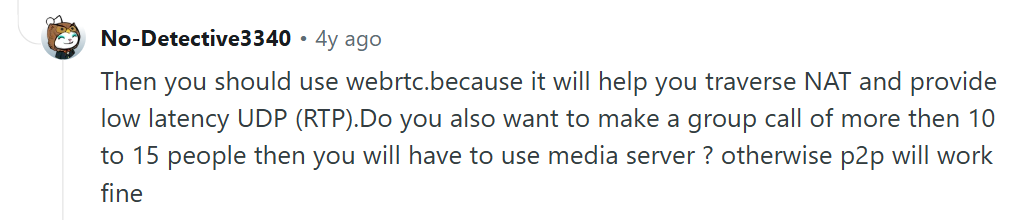
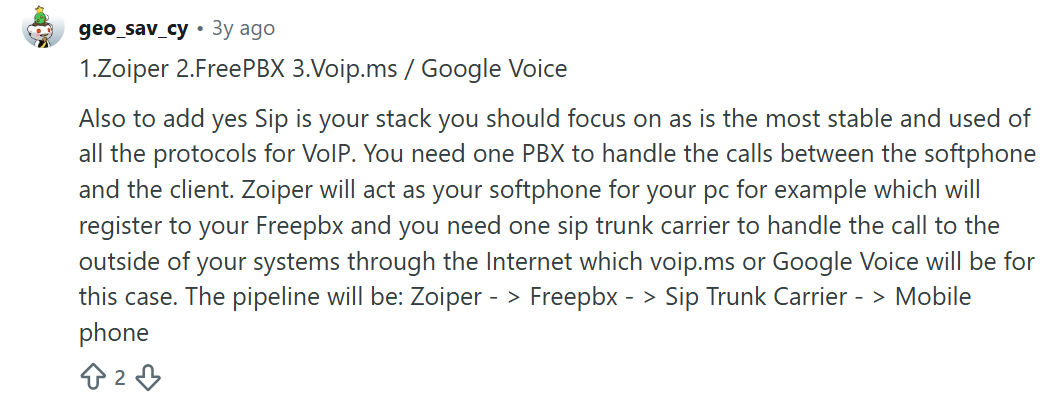
We noticed several threads where users discussed the difficulty of debugging WebRTC connection issues, particularly with ICE candidates. On the SIP side, the most common complaints involve “one-way audio” issues caused by NAT, which is a classic SIP problem. Overall, Reddit users tend to view WebRTC as the future of the “front end” and SIP as the “back end” workhorse.
What users actually say on Quora
On Quora, the discussions around WebRTC vs. SIP are often more focused on business value and use cases. Experts on the platform frequently point out that WebRTC is not a replacement for SIP, but a different tool for a different job. Many answers emphasize that WebRTC is best for developers who want to build something new, while SIP is for those who need to connect to something that already exists.
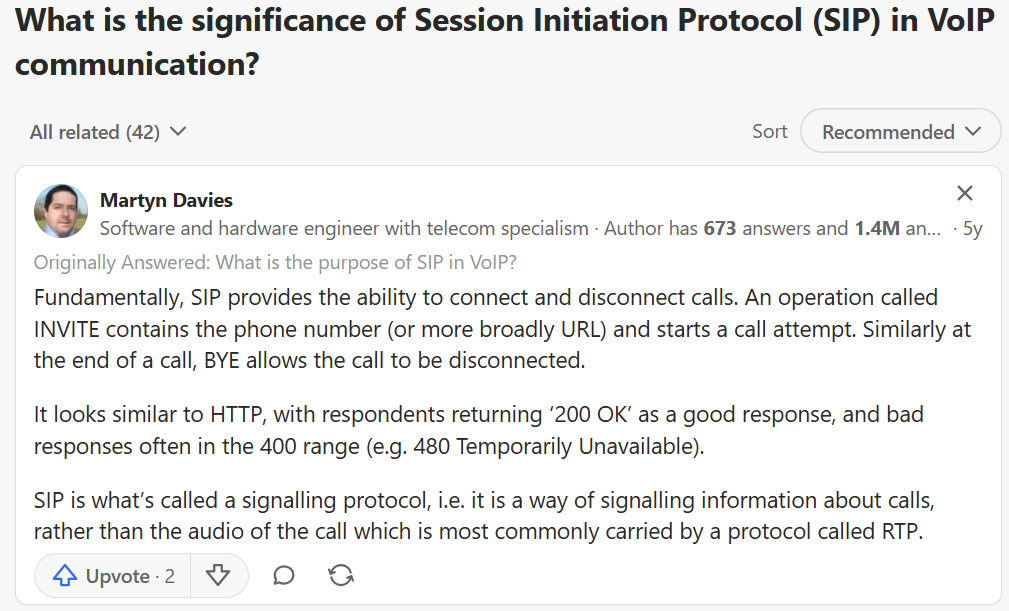

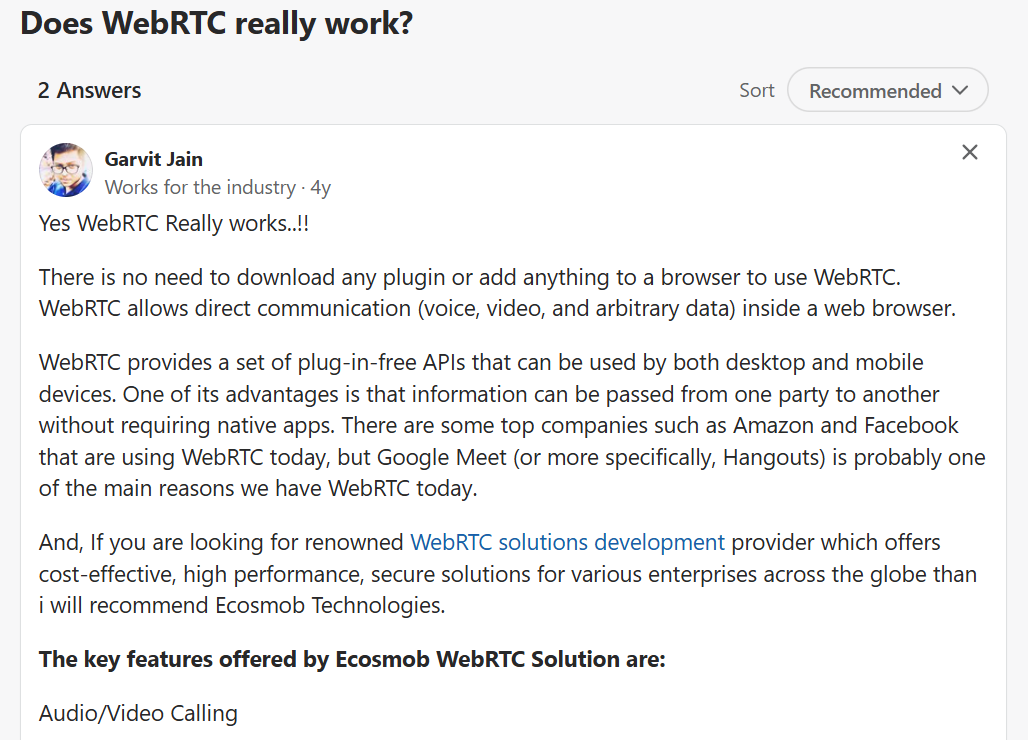
We found several highly upvoted answers suggesting that for startups, WebRTC is the way to go to keep costs low and development fast. However, for established enterprises with existing investment in Cisco or Avaya hardware, SIP remains the logical choice. The consensus on Quora seems to be that understanding the “whats WebRTC” question is the first step toward a modern digital transformation.
Reviews from Trustpilot
When we look at companies that provide these technologies, such as Twilio (WebRTC-focused) and RingCentral (SIP-focused), the Trustpilot reviews are quite revealing.
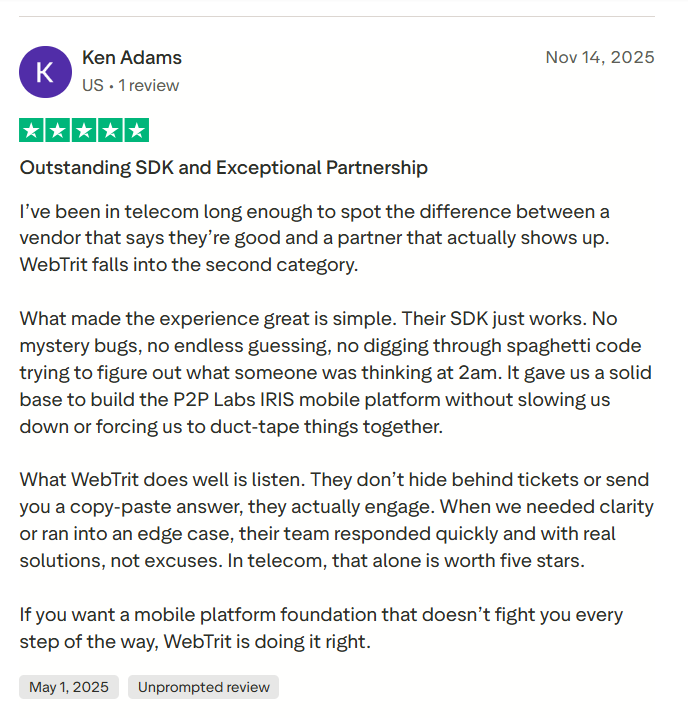
Users often praise WebRTC-based tools for their “ease of use” and “no-download” experience. For SIP-based providers, the praise usually centers on “voice reliability” and “extensive desk phone support.” However, the negative reviews for WebRTC platforms often mention “unexpected browser compatibility issues” or “high data usage.” SIP providers frequently get hit with reviews regarding “complex setup processes” and “difficult billing structures.”

We see that users are generally happy with WebRTC when it works perfectly but get frustrated when a browser update breaks something. With SIP, the frustration is usually at the beginning during the configuration phase, but once it is set up, it is perceived as more “set it and forget it.”
Choosing the best communication technology
In the final analysis of WebRTC vs. SIP, the best technology is the one that aligns with your specific goals. If your priority is user accessibility and you are building for the web, WebRTC is the clear choice. We recommend starting with a solid Javascript SIP library if you need to bridge your web app with an existing phone network. This provides the most flexible path forward for modern development.
However, if you are looking for a rock-solid, enterprise-grade phone system for an office with hundreds of employees, SIP is still the gold standard. It provides the reliability, hardware support, and deep telephony features that WebRTC was never designed to handle alone. We often find that the most successful projects are those that recognize the strengths of both and use them in tandem.
According to a report by Gartner, by 2025, 80% of enterprise customer service interactions will occur through digital channels like WebRTC, yet SIP will continue to handle the majority of internal corporate voice traffic.
This underscores the importance of being proficient in both. As you move forward, consider your team’s technical skills, your budget, and the needs of your end-users to make the most informed decision.
Read More: VoIP for Healthcare Providers: Benefits & Challenges
Final Thought
We have explored the intricate world of WebRTC vs. SIP, from the code-heavy implementation of JavaScript SIP to the hardware-centric reliability of traditional VoIP. Both technologies have shaped how we communicate today. Whether you are avoiding the “SIP and suffer” pitfalls or exploring the latest WebRTC news to improve your app, the key is to stay adaptable. By choosing the right tool for the right task, you can build communication experiences that are both powerful and user-friendly.
FAQs
Which is faster, WebRTC or WebSocket?
WebRTC is generally faster for real-time media because it uses UDP, which allows for lower latency compared to the TCP-based WebSockets. While WebSockets are excellent for persistent data signaling, WebRTC is specifically designed for the high-speed demands of audio and video.
Is WhatsApp using WebRTC?
Yes, WhatsApp uses a modified version of WebRTC for its voice and video calling features. This allows the app to provide high-quality, encrypted communication across different mobile devices and its web interface.
What is the difference between WebRTC and VoIP?
VoIP is a broad term for any voice communication over the internet, while WebRTC is a specific set of technologies that enable VoIP within browsers. You can think of WebRTC as a modern way to implement VoIP without needing a standalone application.
Is WebRTC a TCP or UDP protocol?
WebRTC primarily uses UDP because it prioritizes speed over perfect data delivery, which is essential for live video. However, it can fall back to TCP (usually via a TURN server) if the network environment is too restrictive for UDP traffic.
Can I use SIP with WebRTC?
Yes, you can use a SIP-to-WebRTC gateway. This allows you to use a web browser as an endpoint for your SIP-based phone system, effectively combining the two technologies.
Do I need a server for WebRTC?
Yes, you still need a signaling server to help peers find each other, as well as STUN/TURN servers to handle NAT traversal and relaying media when a direct P2P connection isn’t possible.
Why is SIP called “SIP and suffer”?
This is a common joke among IT professionals because of the difficulties involved in getting SIP to work through firewalls and NAT. It often requires significant configuration and troubleshooting compared to modern web protocols.
Is WebRTC more secure than SIP?
WebRTC has encryption built-in by default and it cannot be turned off. SIP can be secured using TLS and SRTP, but it is not always enforced, making WebRTC “safer” out of the box.
What is a Javascript SIP library?
It is a library like SIP.js or JsSIP that allows developers to implement the SIP protocol using JavaScript. This is the primary way to connect a WebRTC-enabled browser to a SIP server.


