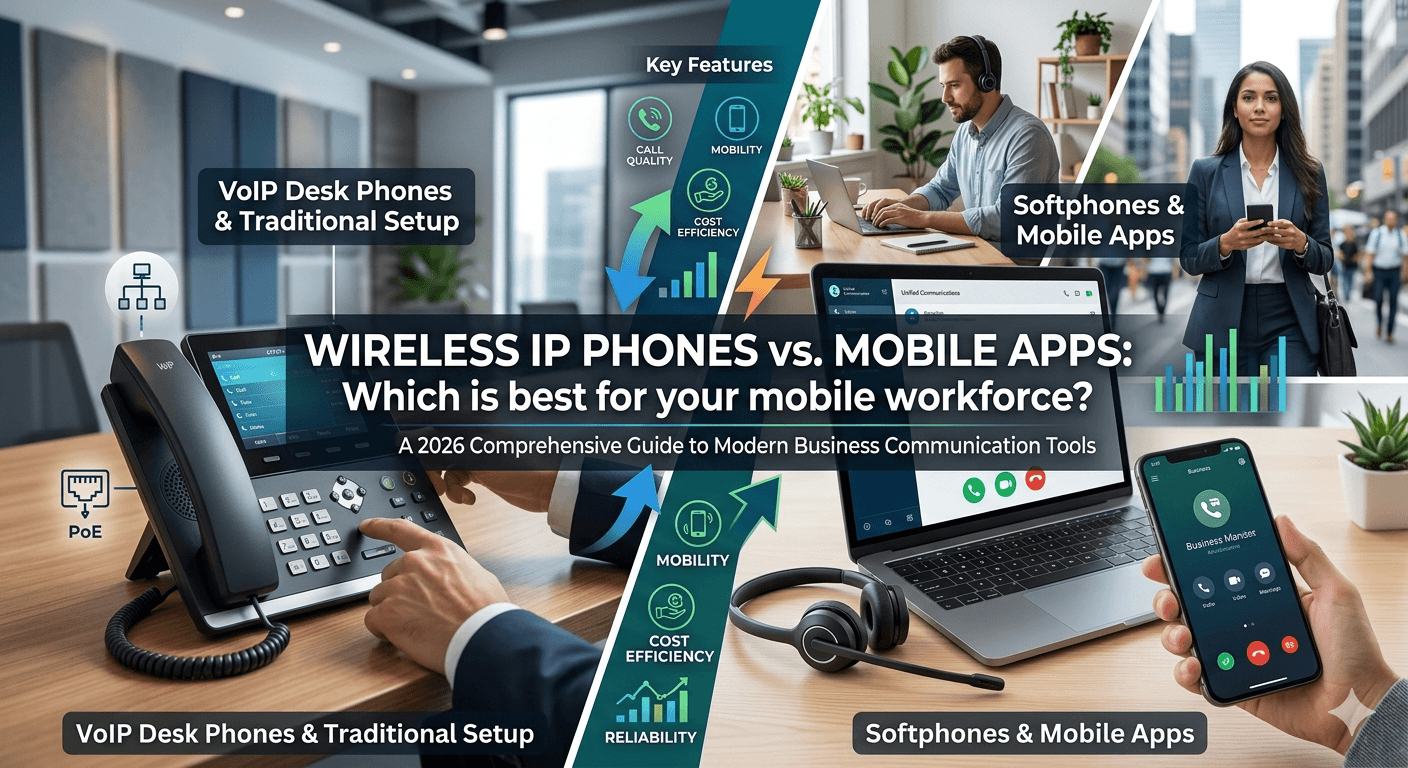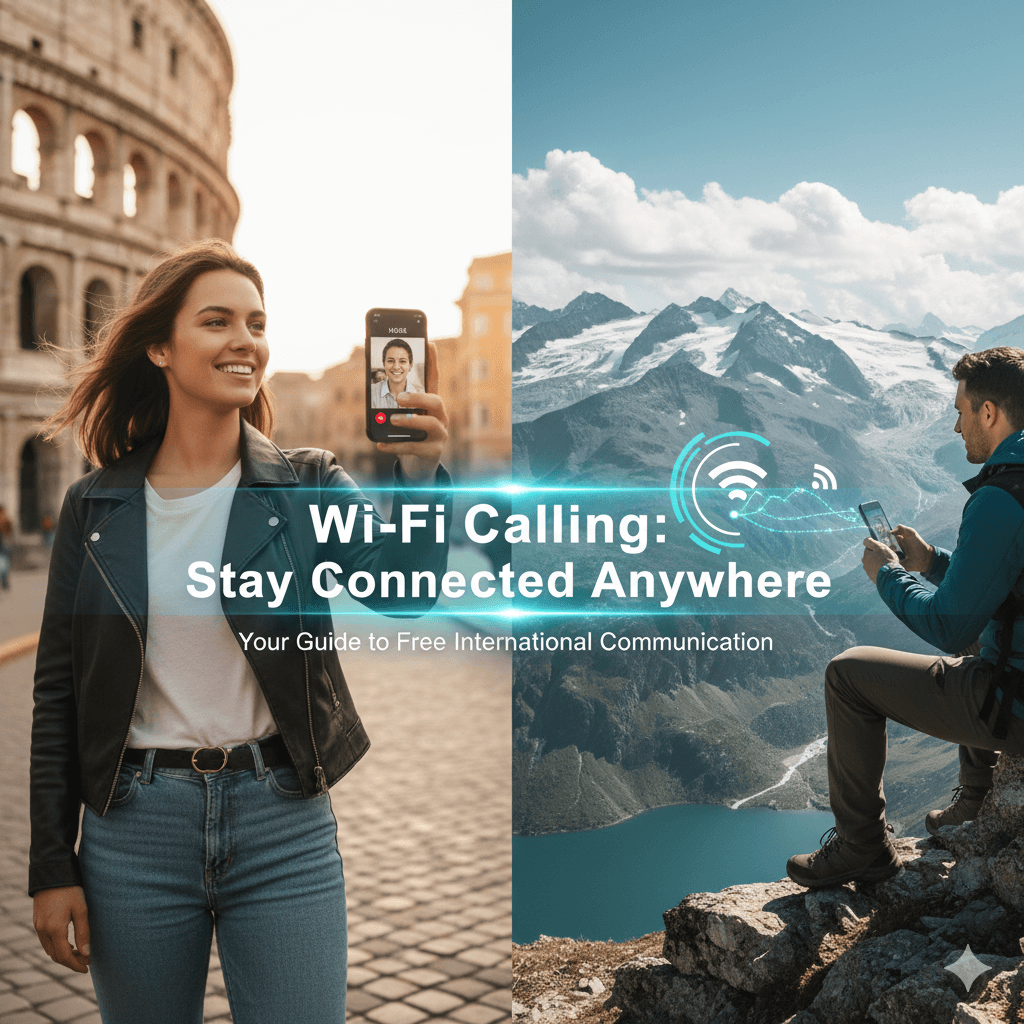
A WiFi IP phone allows you to make and receive calls over a wireless internet connection instead of using traditional cellular networks—making it ideal for international communication. A WiFi IP phone enables free or low-cost calls abroad using Wi-Fi instead of cellular networks. It works by transmitting voice data over the internet through VoIP technology or Wi-Fi calling services. This allows travelers and remote users to stay connected globally without incurring expensive roaming charges.
Traveling internationally is an exhilarating experience, but staying connected with loved ones without incurring exorbitant roaming charges can often be a source of stress. Imagine exploring ancient ruins in Rome or hiking through the breathtaking Alps, only to worry about the cost of a simple phone call home. The good news is, there’s a powerful tool in your pocket that can liberate you from these concerns: Wi-Fi calling.
This comprehensive guide will unravel the mysteries of Wi-Fi calling, demonstrating how it can be your best friend for free Wi-Fi calling internationally. We’ll cover everything from what it is and how it works, to setting it up on your device and navigating its nuances to ensure you’re always connected, no matter where your adventures take you.
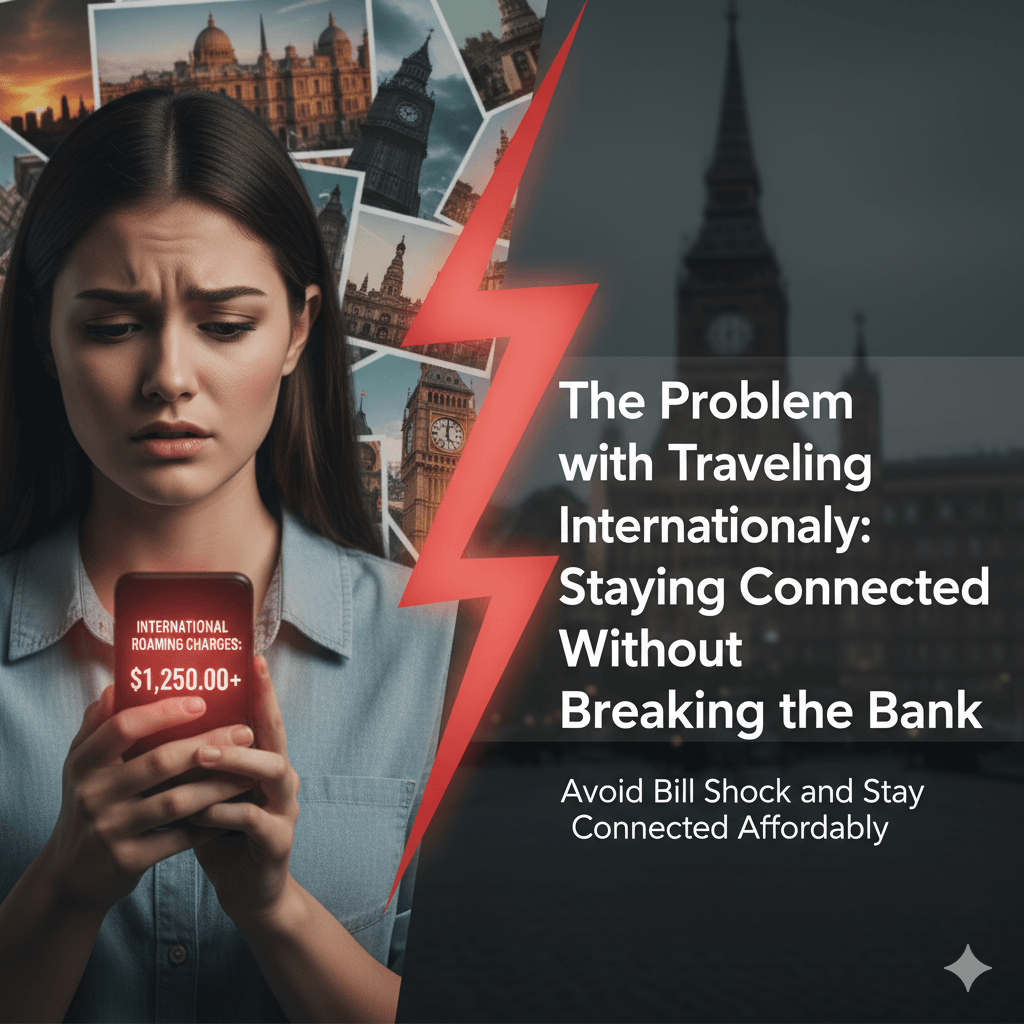
The Problem with Traveling Internationally: Staying Connected Without Breaking the Bank
Before we dive into the solution, let’s acknowledge the common dilemma faced by international travelers. Traditional international roaming plans can be incredibly expensive. Every call made or received, every text sent, and every megabyte of data used can add up quickly, leading to dreaded bill shock upon your return. This often forces travelers to ration their communication, missing out on spontaneous calls with family or urgent updates from work.
The desire for free Wi-Fi calling online and affordable communication solutions while abroad is universal. Fortunately, advancements in mobile technology offer several viable alternatives to traditional roaming, with Wi-Fi calling leading the charge.
What is WIFI IP Phone? Your Gateway to Free International Communication
At its core, Wi-Fi IP Phone allows you to make and receive calls and send text messages over a Wi-Fi network instead of your cellular network. Think of it as your phone using an internet connection to handle your voice and text communications. When you’re connected to Wi-Fi, your calls are routed through the internet, effectively bypassing traditional cellular towers and, crucially, international roaming charges.
This means that whether you’re in a hotel, a café, or even a friend’s house with a strong Wi-Fi connection, you can continue to use your regular phone number to call anyone, anywhere, often for free or at your domestic rates. This is the essence of is Wi-Fi calling free internationally – it leverages your existing Wi-Fi connection to extend your cellular service.
The Theory: Wi-Fi Calling as a VOIP VPN
To understand how Wi-Fi calling international works its magic, it helps to think of it in terms of Voice over Internet Protocol (VOIP) and a virtual private network (VPN).
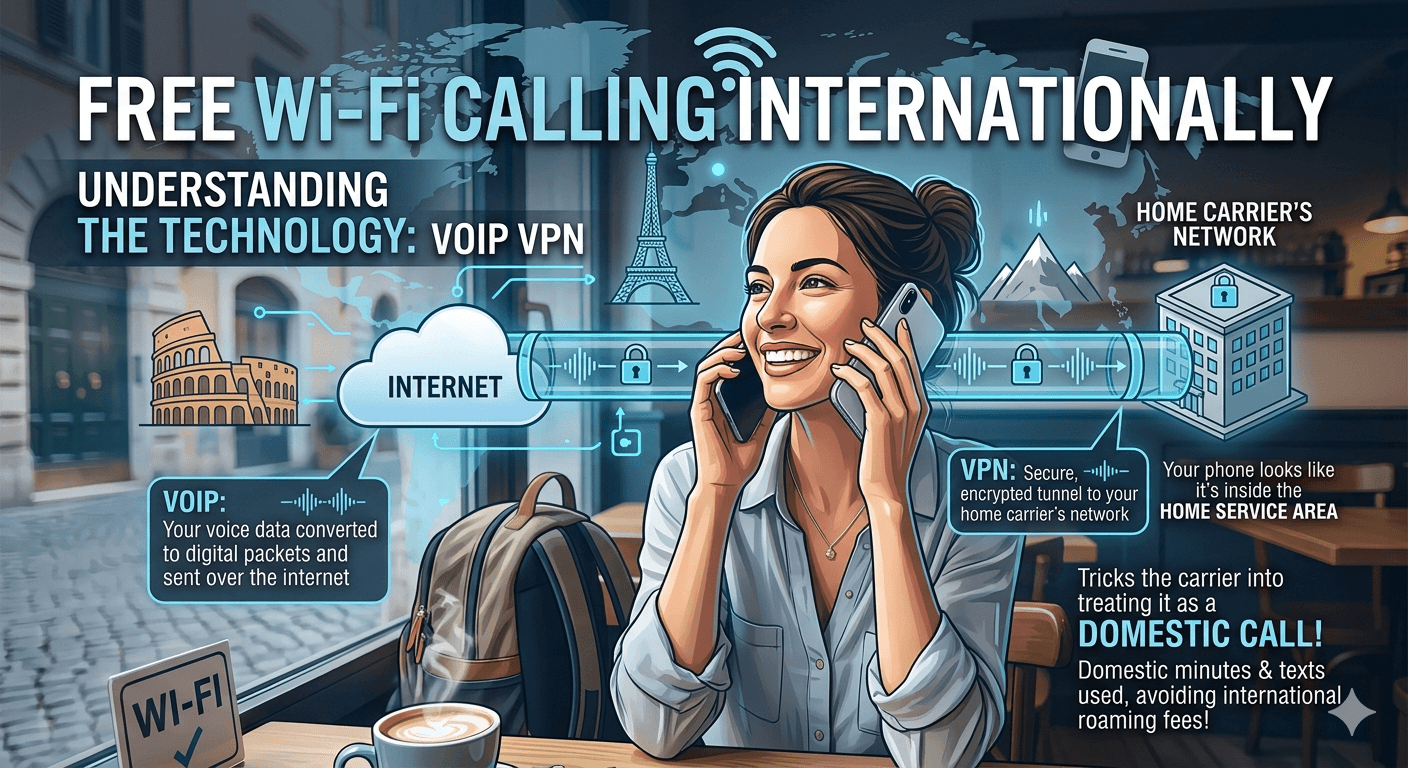
- VOIP (Voice over Internet Protocol): This is the technology that converts your voice into digital packets and sends them over the internet. Services like Skype and WhatsApp calls are built on VOIP. Wi-Fi calling utilizes similar VOIP principles.
- VPN (Virtual Private Network): While not a true VPN, Wi-Fi calling creates a secure, encrypted tunnel over the internet back to your home carrier’s network. Your phone effectively “tricks” your carrier into thinking you’re still within your home service area, even if you’re thousands of miles away. This is how you can use your domestic plan’s minutes and texts while abroad.
This clever tunneling means that when you make Wi-Fi calls, your carrier sees it as a domestic call, leading to significant savings.
How to Use International Wi-Fi Calling to Make Free Calls While Traveling
The beauty of internet calling is its seamless integration into your phone’s native dialer. Once activated, your phone automatically prioritizes Wi-Fi for calls when a strong signal is available.
Here’s a breakdown of how it works in practice:
- Connect to Wi-Fi: Find a reliable Wi-Fi network in your international destination. This could be at your hotel, a coffee shop, or public Wi-Fi.
- Automatic Connection: Once connected to Wi-Fi, your phone will automatically detect it and, if Wi-Fi calling is enabled, prioritize it for calls and texts. You might see a small Wi-Fi icon next to your carrier name on your phone’s status bar, indicating that prefer Wi-Fi while roaming is active.
- Make Calls as Usual: Simply open your phone’s dialer and make calls as you normally would. Your phone will intelligently route the call over Wi-Fi.
For calls back to your home country, they will typically be free, as they’re treated as domestic calls. For calls to other international numbers, standard international calling rates from your home plan may apply, but these are often significantly cheaper than roaming rates. This is why understanding is Wi-Fi calling free depends on where you’re calling.
Does International Wi-Fi Calling Work Well? The Reality
Generally, yes! When you have a strong, stable Wi-Fi connection, does Wi-Fi calling work internationally remarkably well. Call quality is often comparable to, or even better than, traditional cellular calls, thanks to modern VOIP technology.
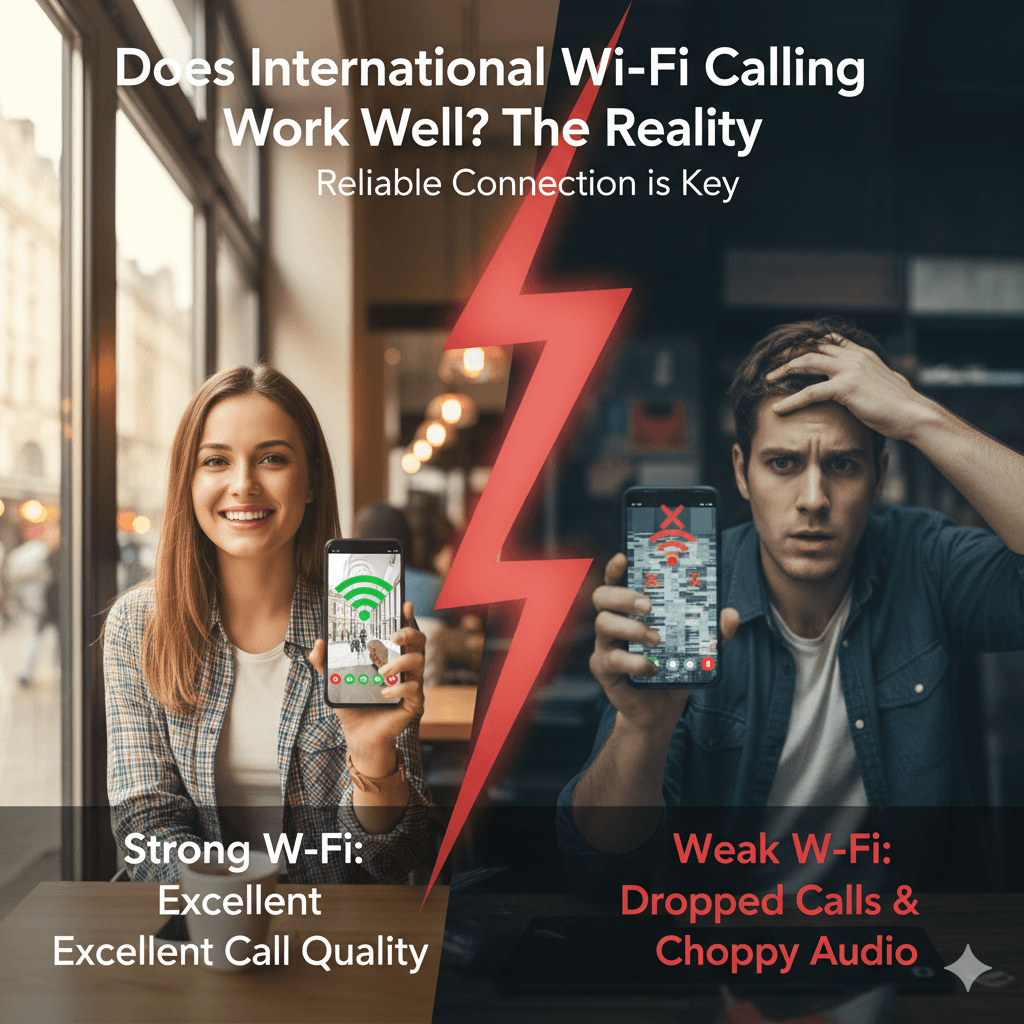
However, the performance is entirely dependent on the quality of your Wi-Fi connection.
- Strong Wi-Fi: Excellent call quality, clear audio, and minimal lag.
- Weak/Unstable Wi-Fi: Dropped calls, choppy audio, and delays.
It’s crucial to seek out reliable Wi-Fi networks when you plan to make important calls.
Which Cell Phone Carriers Use Wi-Fi Calling?
Most major carriers worldwide now support Wi-Fi calling. In the US, for example, AT&T, Verizon, T-Mobile, and Sprint (now T-Mobile) all offer this feature. In Canada, providers like Rogers, Bell, and Telus have integrated it. Before you travel, it’s always a good idea to check your specific carrier’s website or contact their customer service to confirm their wireless calling policy and any associated costs, especially regarding international usage. You can often find this information by searching for “should I enable Wi-Fi calling [your carrier name]” online.
How to Activate Wi-Fi Calling on iPhone and Android
Enabling it is a straightforward process on most modern smartphones. Here’s a general guide for both iPhone and Android devices:
1. iPhone Setup Process
- Open Settings: Tap the “Settings” app icon.
- Navigate to Phone: Scroll down and tap “Phone.”
- Select Wi-Fi Calling: Tap “Wi-Fi Calling.”
- Toggle On: Toggle the “Wi-Fi Calling on This iPhone” switch to the ON position.
- Emergency Address: You might be prompted to enter or confirm your emergency address. This is important for emergency services if you were to call 911 (or equivalent) over Wi-Fi.
- Confirmation: Once enabled, you might see “Wi-Fi” next to your carrier name in the status bar when connected to a Wi-Fi network.
2. Android Setup Process
The exact steps might vary slightly depending on your Android device’s manufacturer and Android version, but the general path is similar:
- Open Settings: Tap the “Settings” app icon.
- Navigate to Network & Internet/Connections: Look for an option like “Network & Internet,” “Connections,” or “Mobile network.”
- Select Wi-Fi Calling: You might find “Wi-Fi Calling” directly there, or under a “Call” or “SIM & network” submenu.
- Toggle On: Enable the “Wi-Fi Calling” switch.
- Emergency Address: Similar to iPhone, you might need to confirm your emergency address.
- Confirmation: You should see a “Wi-Fi” icon or indicator next to your carrier name when connected to Wi-Fi and internet calling is active.
Once you know how to Wi-Fi call, you’re one step closer to seamless international communication.
Cons of Wi-Fi Calling
While Wi-Fi calling is a fantastic tool, it does have a few limitations:
- Reliance on Wi-Fi Quality: As mentioned, a poor Wi-Fi connection means poor call quality.
- Emergency Calls: While you can make emergency calls over Wi-Fi, your location might not be precisely pinpointed compared to cellular calls. Always be aware of your physical location when making emergency calls abroad.
- Carrier Dependent: Not all carriers support Wi-Fi calling, and policies can vary for international use.
- Data Usage (indirectly): While Wi-Fi calling itself doesn’t use your cellular data plan, you need Wi-Fi to use it. If you’re relying on public Wi-Fi, there might be security concerns, or you might need to purchase access.
What Does “Calling a Phone from the Internet” Really Mean?
“Calling a phone from the internet” is a broad term that encompasses various technologies, with Wi-Fi calling being one prominent example. It essentially means using an internet connection – whether through Wi-Fi or mobile data – to transmit voice (and sometimes video) communications instead of traditional circuit-switched cellular networks. This is the core concept behind internet calling and data call.
What are the Different Ways to Call a Phone Using the Internet?
Beyond native Wi-Fi calling, there are several other methods for online calling and making internet phone calls:
Four Internet-Based Calling Apps (VOIP Apps)
These apps utilize your internet connection (Wi-Fi or mobile data) to facilitate calls. They are perfect for free calls via internet to mobile if both parties have the app.
- Google Voice: Allows you to make calls to phones (both mobile and landline) often for free within the US and Canada, and at very low rates internationally. You get a new number, but it can be linked to your existing one.
- Viber: Popular for free app-to-app calls and messaging. It also offers “Viber Out” for calling landlines and mobiles at competitive rates.
- WhatsApp: Primarily a messaging app, but its voice and video call features are incredibly popular for app-to-app communication, offering free Wi-Fi texting and calling to other WhatsApp users worldwide.
- Skype: One of the original VOIP services, Skype offers free app-to-app calls and affordable rates for calling landlines and mobiles globally.
Three Social Media Apps with Voice Call Features
Many social media platforms have integrated voice and video calling features, allowing you to connect with friends and family within the app ecosystem.
- Facebook Messenger: Allows free voice and video calls to Facebook friends.
- Instagram: Offers direct video and voice calls within the app.
- Telegram: Provides secure, encrypted voice and video calls to other Telegram users.
These apps are fantastic for how to call from internet to mobile if the recipient also uses the app.
Using Wi-Fi Calling on Your Phone: The Primary Number Advantage
One of the biggest advantages of your phone’s native internet calling feature is that it uses your primary phone number. This means people can call and text your regular number, and you can respond without them needing a specific app or knowing you’re abroad. This is a key differentiator from other internet calling apps.
When Wi-Fi calling is enabled and you have a strong Wi-Fi signal, your phone will automatically use it. If you’re away from Wi-Fi but have an international data plan or a local eSIM/SIM with data, some carriers also allow calls over mobile data, essentially treating it like Wi-Fi calling but using your data allowance. This is another form of data call.
Can You Keep Your Same Number When Using Internet Calls?
Yes, absolutely! This is the primary benefit of your phone. It allows you to continue using your existing mobile number for calls and texts, just as if you were at home. This eliminates the need to notify everyone of a temporary international number.
With VOIP apps like Google Voice, you might get a new number, but you can often forward calls from your main number to it. For app-to-app calls (WhatsApp, Viber, etc.), your identity is tied to your phone number within the app, but people can only reach you if they also use that app.
Will Internet Calls Work Internationally (and for Free)?
Yes, internet calls, including Wi-Fi calling and app-based VOIP, are designed to work internationally.
- Wi-Fi Calling: When connected to Wi-Fi, calls to your home country are typically free, charged at your domestic plan rates, or deducted from your existing minute allowance. Calls to other international destinations might incur standard international dialing rates from your carrier, which are usually much lower than roaming charges. This answers “is Wi-Fi calling free internationally” with a nuanced “mostly, yes, for calls back home.”
- App-Based VOIP: Calls between users of the same app (WhatsApp to WhatsApp, Skype to Skype) are generally free worldwide, as long as both parties have an internet connection. Calling traditional phone numbers (landlines or mobiles) via these apps usually involves a small per-minute charge, which is often very competitive.
The 3 Traveler Cell Phone Scenarios & Wi-Fi Calling Solutions
Let’s look at how different travelers can leverage internet calling and other internet-based solutions.
1. Data-Intensive Services (Maps, Video, Search)
For travelers who heavily rely on data for navigation, streaming, and constant browsing, Wi-Fi calling becomes a complementary tool. They might opt for an international eSIM (like Jetpac eSIM mentioned later) or a local SIM card for their data needs. In this scenario:
- Data: Used for all internet activities via eSIM/local SIM.
- Calls/Texts: Wi-Fi calling can be enabled to handle calls and texts from your primary number whenever Wi-Fi is available, ensuring free calling for communication back home. When no Wi-Fi is available, they can still use data-based calling apps.
2. The Canadian Local Loophole (aka the US Loophole if you have a US provider like AT&T, Verizon…)
This scenario highlights how Wi-Fi calling treats international locations as if you’re still within your home country for calling purposes. If you have a Canadian provider and are traveling in Europe, enabling calling on Wi-Fi means:
- Calls you make to other Canadian numbers (even if you’re both in Europe, or one of you is in Canada) are treated as domestic calls.
- Calls you receive from Canada are also domestic.
This is where the magic of “prefer Wi-Fi while roaming” truly shines, as it eliminates roaming charges for these specific call types. The same principle applies to US travelers with US providers – calls back to the US are domestic when made over Wi-Fi.
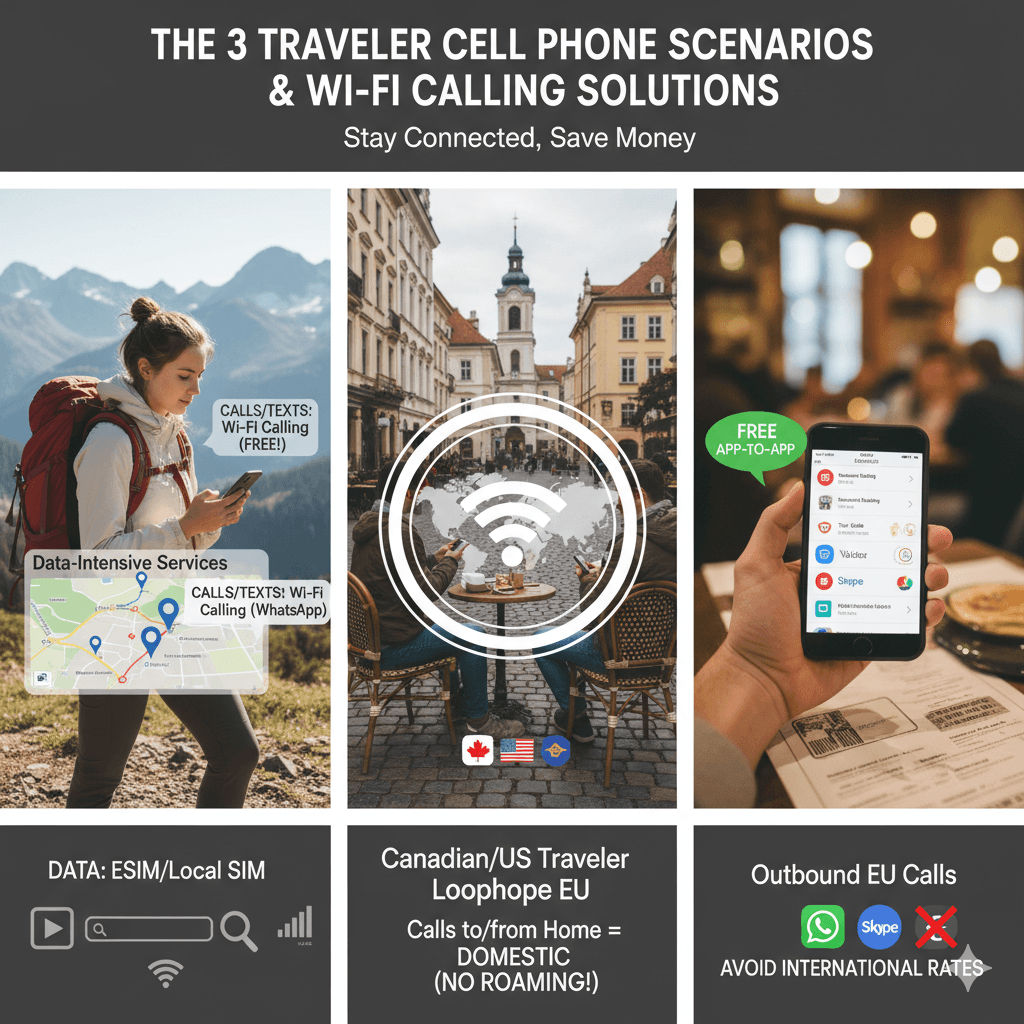
3. Outbound EU Calls (The WhatsApp Save)
If you’re traveling within the EU and need to make calls to local numbers (e.g., booking a restaurant, calling a local tour guide), calling on Wi-Fifrom your home carrier might still charge you international rates (from your home country’s perspective). In these cases, VOIP apps are your saviors:
- WhatsApp/Viber: If the recipient also uses one of these apps, a free app-to-app call is the best option.
- Skype/Viber Out/Google Voice: For calling traditional landlines or mobiles within the EU, these services offer highly competitive per-minute rates, often cheaper than what your home carrier would charge via Wi-Fi calling. This helps avoid extra fees when making calls to non-home-country numbers.
4 Simple Tips to Avoid Extra Fees When Calling Over the Internet
To maximize your savings and ensure a smooth communication experience:
- Always Enable Wi-Fi Calling: Make sure “Wi-Fi Calling” is switched on in your phone settings before you leave, and confirm your emergency address.
- Seek Strong Wi-Fi: Prioritize connecting to reliable Wi-Fi networks in your accommodation, cafes, or public spaces.
- Use VOIP Apps Judiciously: For app-to-app communication, always default to WhatsApp, Viber, or Messenger for free calls. For calls to landlines/mobiles abroad, compare rates from Skype, Viber Out, or Google Voice.
- Monitor Your Carrier’s Policy: Reconfirm your carrier’s internet calling policy for international travel, including any charges for calls to non-home-country numbers. Some carriers might offer specific bundles.
Do I Need an International Plan for Wi-Fi Calls?
Generally, no. The whole point of calling on Wi-Fi is to bypass the need for an international roaming plan for your primary number’s calls and texts. When enabled, your phone uses Wi-Fi to connect to your home carrier’s network, effectively making it appear as if you’re making a domestic call. So, for calls back to your home country, you use your existing domestic plan. However, for calls to other international numbers (i.e., not your home country), your carrier’s standard international calling rates might still apply, even over Wi-Fi.
Should I Get a SIM Card for the Local Cellular Service?
This depends on your travel style and needs.
- If you rely heavily on data for maps, social media, and constant connectivity: Yes, a local SIM card or an eSIM is highly recommended. It provides you with reliable data access when Wi-Fi isn’t available, or for situations where you don’t want to rely on potentially insecure public Wi-Fi. This provides you with constant internet access, which in turn powers your VOIP apps for internet calling.
- If you primarily need calls and texts, and only use data occasionally via Wi-Fi: You might be able to get by with just online calling and free public Wi-Fi spots, though this requires careful planning.
For most international travelers, a combination of an eSIM for data and Wi-Fi calling for primary number calls/texts offers the best balance of connectivity and cost savings.
Make Every Internet Call Effortless with Jetpac eSIM
For travelers seeking seamless data connectivity, Jetpac eSIM is an excellent companion to Wi-Fi calling. An eSIM allows you to instantly purchase and activate local data plans for various countries without needing a physical SIM card.
This means you can have a dedicated data connection for maps, browsing, and messaging apps, while simultaneously using calling on Wi-Fiover available Wi-Fi for your primary number’s calls. This combination ensures you’re always connected, whether you’re making a free Wi-Fi call or looking up directions.
Read more: How VoIP Saves Businesses Money? (Real Examples, Costs, and Smart Savings)
Final Thought
International travel should be about new experiences, not bill shock. By understanding and utilizing Wi-Fi calling, alongside other internet-based communication tools, you can stay effortlessly connected with your world without breaking the bank. So, enable Wi-Fi calling, embrace local eSIMs for data, and embark on your next adventure with the confidence that a free call home is always just a Wi-Fi connection away.
FAQs
- Can I make phone calls through the internet?
Yes, absolutely! You can make phone calls through the internet using various methods, including your phone’s native internet calling feature, or through VOIP apps like WhatsApp, Skype, Viber, and Google Voice.
- Can I call a phone number through Wi-Fi?
Yes, you can call a phone number through Wi-Fi by enabling the calling on Wi-Fi feature on your smartphone. When connected to Wi-Fi, your calls will be routed over the internet using your regular phone number.
- How to call someone without service for free?
You can call someone without cellular service for free by using internet calling when connected to a Wi-Fi network. Additionally, if both parties have the same app, you can use internet-based calling apps like WhatsApp, Viber, or Facebook Messenger for free calls over Wi-Fi or mobile data.
- What is the downside of Wi-Fi calling?
The main downsides of Wi-Fi calling include its reliance on a strong and stable Wi-Fi connection (poor Wi-Fi means poor call quality), potential limitations with emergency calls’ location accuracy, and carrier-dependent international policies regarding charges for calls to non-home-country numbers.
- What is required for Internet calling?
For internet calling, you typically need a smartphone or computer, a stable internet connection (Wi-Fi or mobile data), and either your phone’s native internet calling feature enabled or an internet-based calling app installed.