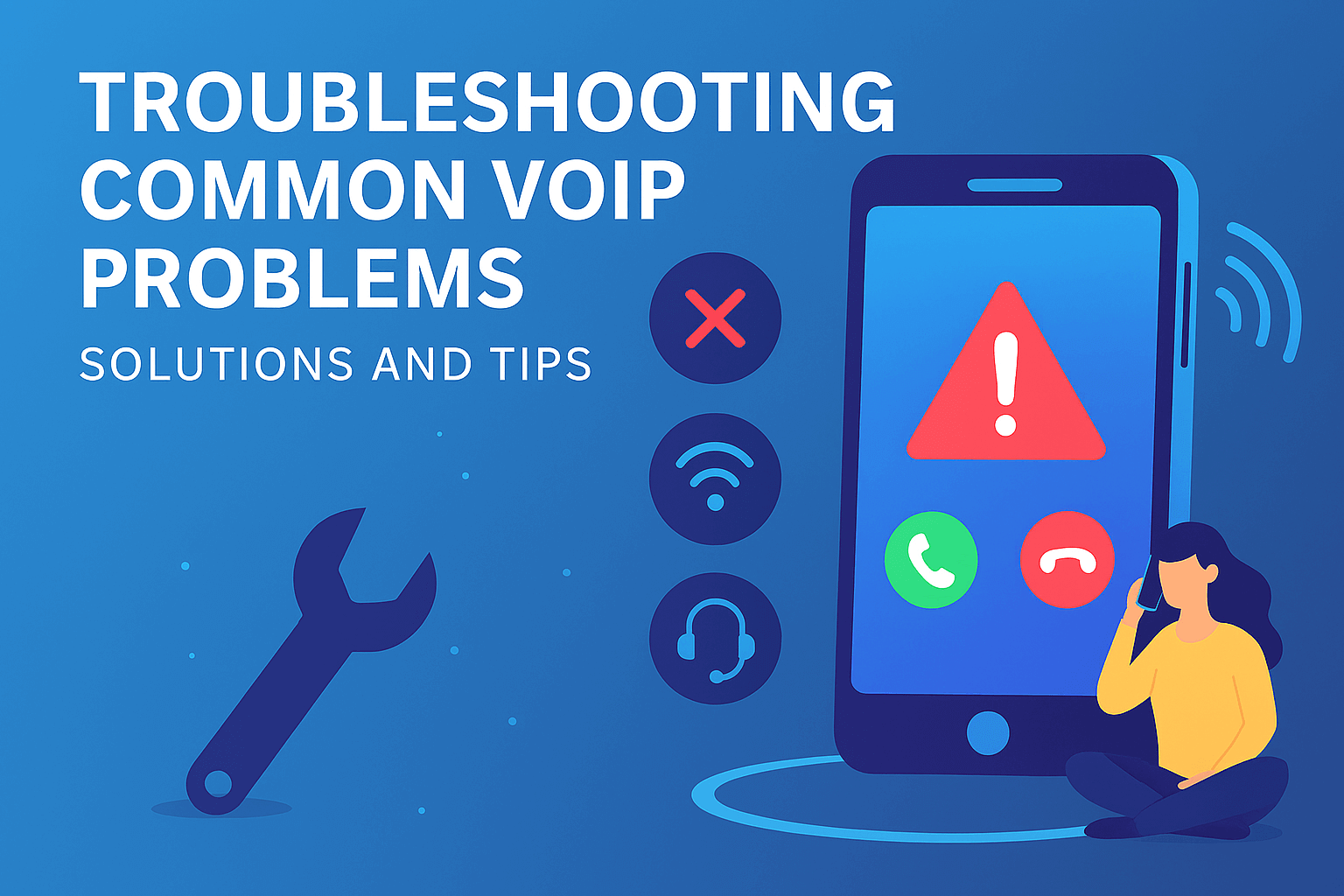
If you’re using VOIP (Voice Over Internet Protocol) for business or personal calls, you’re probably familiar with its many benefits. VOIP allows you to make calls over the internet, saving money on traditional phone services and offering flexibility in communication. However, just like any technology, VOIP phones are not immune to problems. Sometimes, calls drop, audio quality dips, or your VOIP phone stops working altogether. So, how can you troubleshoot these issues and get back to smooth communication?
In this guide, we’ll walk you through the most common VOIP problems and solutions, including how to troubleshoot VOIP call quality issues, resolve dropped calls, and fix connection or audio problems.
Common VOIP Problems and How to Troubleshoot Them
1. VOIP Phones Not Working, But Internet Is Active
One of the most frustrating issues is when your VOIP phones are not working properly, but your internet connection is fine. This typically happens when the VOIP connection cannot establish a stable link with the network, even though your internet seems to be up and running.
Possible Causes:
- Poor Quality or Overloaded Internet: If your internet connection is slow or has high latency, your VOIP phone might struggle to make calls.
- Router or Firewall Issues: Sometimes, network settings or security configurations can block VOIP calls.
- Outdated VOIP Software: If you’re using outdated VOIP software or hardware, it may cause connection issues.
How to Troubleshoot:
- Check your internet speed: Ensure your internet speed meets the minimum requirements for VOIP calls (typically 100 kbps per call). You can use a speed test to confirm.
- Restart the Router: Try rebooting your router to clear up any temporary connection issues.
- Update Your VOIP Device: Make sure your VOIP software or device firmware is up to date.
- Configure Your Router: Enable Quality of Service (QoS) to prioritize VOIP traffic and adjust firewall settings to allow VOIP packets.
2. VOIP Not Working (General Troubleshooting)
If your VOIP isn’t working at all, there are several potential reasons. It could be a problem with the network, the device, or the VOIP service itself.
Possible Causes:
- Network Instability: VOIP relies on a stable network connection. A fluctuating internet connection can cause it to fail.
- VOIP Service Outage: Sometimes, the issue might be with the VOIP provider, like a temporary outage.
How to Troubleshoot:
- Test Your Internet Connection: Make sure your internet connection is stable and functioning properly.
- Check for Service Outages: Visit your VOIP provider’s website or social media to see if there’s a VOIP outage in your area.
- Restart the VOIP Device: Power off your phone or VOIP adapter and turn it back on.
- Contact Your VOIP Provider: If the issue persists, reach out to customer support for help.
3. Dropped VOIP Calls
VOIP dropped calls can be incredibly disruptive, especially if you’re in the middle of an important conversation. This happens when the call unexpectedly disconnects, leaving you scrambling to reconnect.
Possible Causes:
- Weak Internet Connection: An unstable or slow connection is a primary reason for dropped calls.
- Overloaded Network: If multiple devices are using the internet at once, it can lead to insufficient bandwidth for your VOIP call.
- Router or Server Problems: A misconfigured router or server can cause call interruptions.
How to Troubleshoot:
- Check for Bandwidth Usage: Ensure that no other applications or devices are hogging your internet bandwidth during the call.
- Use a Wired Connection: If you’re on Wi-Fi, switch to an Ethernet cable to ensure a stable connection.
- Reboot Your Router: This can resolve temporary issues related to your network.
- Contact Your VOIP Provider: If the problem continues, ask them about possible server-side issues or configuration recommendations.
4. VOIP Call Quality Issues (Low Audio, Echoing, or Distortion)
Poor call quality is another common VOIP problem. Whether it’s low audio quality, static, or echoing, call quality issues can make communication difficult and frustrating.
Possible Causes:
- Low Bandwidth: If your internet speed is too slow, the call quality may suffer, with voices cutting in and out.
- Network Congestion: Too many users on the same network can reduce the available bandwidth for your VOIP call.
- Outdated VOIP Equipment: Older VOIP phones or equipment might not be able to handle the data requirements for high-quality calls.
How to Troubleshoot:
- Test Your Bandwidth: Make sure your internet speed is sufficient for VOIP. Typically, 100 kbps per call is the minimum, but higher speeds are recommended.
- Optimize Network Traffic: If possible, prioritize VOIP traffic on your router by enabling QoS (Quality of Service).
- Reduce Network Usage: Close unnecessary apps or devices that may be using your internet bandwidth.
- Use a Wired Connection: Wi-Fi connections can be unstable. Using a wired connection can reduce call quality issues.
- Check Your VOIP Device: Make sure your VOIP phone or adapter is compatible with your internet connection and meets the necessary specifications for good call quality.
5. VOIP Delay or Latency
VOIP delay is a common issue where there’s a noticeable lag between when you speak and when the other person hears you. This can cause awkward pauses and make conversations difficult to follow.
Possible Causes:
- High Latency Networks: A slow or congested network can cause delays in sending and receiving VOIP packets.
- Network Jitter: Variability in the time it takes for data packets to travel can result in voice delays.
- Long-Distance Calls: Calls made over long distances or through international networks can experience a delay due to the distance the data must travel.
How to Troubleshoot:
- Check for Network Congestion: Make sure other devices are not using too much bandwidth while you’re on the call.
- Optimize Your Network: Prioritize VOIP traffic by enabling QoS on your router or using a dedicated VOIP router.
- Use a Wired Connection: A wired Ethernet connection typically has lower latency than Wi-Fi.
- Test Your Network Latency: Use a speed test to check for any significant network delay.
6. Troubleshooting VOIP on Mobile Devices (Android and iPhone)
If you’re using a mobile VOIP app (like Skype, WhatsApp, or a dedicated VOIP service), issues can arise due to the mobile device’s hardware, operating system, or network settings.
Common Problems:
- Low Audio Quality: On mobile devices, poor call quality might be caused by low Wi-Fi signal strength or cellular network interference.
- Dropped Calls: Calls may drop if the mobile network is unstable or your mobile app isn’t optimized for VOIP.
- VOIP Not Working on Android or iPhone: Sometimes, app issues or incorrect settings can prevent VOIP apps from functioning properly.
Solutions:
- Use Wi-Fi Whenever Possible: VOIP on cellular networks can be unreliable. Switch to a strong Wi-Fi connection for better call quality.
- Update Your App: Make sure your VOIP app is up to date with the latest bug fixes and performance improvements.
- Check Your Settings: Ensure that your app has permission to access your microphone and network on your phone.
- Reboot Your Phone: If VOIP isn’t working, a simple reboot of your phone can fix temporary issues.
Conclusion
VOIP issues can disrupt your business or personal communications, but many common problems have simple solutions. From call quality problems and dropped calls to VOIP not working, troubleshooting these issues often involves checking your internet connection, updating your equipment, or adjusting your network settings.
By following the troubleshooting tips outlined above, you’ll be able to solve most VOIP phone problems quickly and efficiently. If problems persist, don’t hesitate to reach out to your VOIP provider for further assistance.
Remember, staying proactive with your VOIP connection and maintaining a stable network are key to preventing these issues from occurring in the first place. Happy calling!
If you’re still experiencing VOIP problems that you can’t resolve, contact your VOIP provider’s support team for further assistance.
FAQ About VOIP Problems
1. What Are Common VOIP Phone Issues?
Common VOIP phone issues include dropped calls, poor call quality, connectivity problems, and audio issues (such as low volume or echoing). Sometimes, the VOIP phone may not work at all, even though the internet connection is active. These issues are often caused by network problems, outdated equipment, or poor bandwidth.
2. Why Is My VOIP Not Working?
If your VOIP isn’t working, the issue could be related to your internet connection, VOIP provider, or phone settings. VOIP problems can be caused by:
- Weak or unstable internet connection
- Network congestion or high latency
- A service outage from your VOIP provider
- Configuration issues with your VOIP device
3. How Do I Troubleshoot VOIP Call Quality Issues?
To troubleshoot VOIP call quality issues, you can:
- Check your internet speed: Ensure it meets the minimum requirements for VOIP (typically 100 kbps per call).
- Prioritize VOIP traffic: Use Quality of Service (QoS) settings on your router to prioritize VOIP data.
- Switch to a wired connection: If you’re on Wi-Fi, switching to a wired Ethernet connection can reduce latency and improve quality.
- Use a good quality headset: Poor microphone or speaker quality can affect call quality.
4. How Can I Fix VOIP Dropped Calls?
If you experience VOIP dropped calls, the cause is often a poor or unstable internet connection. Here are some solutions:
- Ensure stable internet: Make sure no other devices or apps are consuming bandwidth.
- Restart your router: This can help fix temporary network issues.
- Use a wired connection: A wired Ethernet connection is more stable than Wi-Fi.
5. What Should I Do if My VOIP Phone Is Not Working?
If your VOIP phone isn’t working, you should:
- Check your internet connection: Ensure that your internet is active and functioning properly.
- Reboot your router: This can resolve issues with network connectivity.
- Update your VOIP software or firmware: Outdated software can cause compatibility problems.
- Contact your VOIP provider: If the issue persists, your provider might be experiencing an outage or may need to assist with troubleshooting.
6. How Do I Fix VOIP Delay?
VOIP delay (or latency) can cause noticeable lags during calls. To fix it:
- Check your network latency: Run a speed test to check for high delay or jitter.
- Use a wired connection: This can reduce latency compared to a Wi-Fi connection.
- Optimize your network: Enable QoS on your router to prioritize VOIP traffic and reduce delays.
7. What Causes Low Audio Quality in VOIP Calls?
Low audio quality in VOIP calls can be caused by:
- Poor internet connection: Slow or unstable internet speeds can lead to distorted audio.
- Network congestion: Too many devices using the same network can cause bandwidth shortages.
- Old equipment: Outdated VOIP phones or software might not support high-quality calls.
To resolve this, ensure your internet connection is stable, and try using a wired connection or upgrading your VOIP equipment.
8. Why Does My VOIP Phone Keep Disconnecting?
If your VOIP phone keeps disconnecting, this could be caused by:
- Weak Wi-Fi signal: Move closer to your router or switch to a wired connection.
- Router issues: Reboot your router or ensure it’s properly configured for VOIP traffic.
- ISP throttling: Some internet providers limit VOIP traffic, which can cause disconnections. Contact your ISP to confirm.
9. How Can I Troubleshoot VOIP on Mobile Devices (Android or iPhone)?
If you’re experiencing VOIP problems on mobile devices, here’s what to do:
- Switch to a strong Wi-Fi connection: VOIP over cellular networks can be unstable.
- Update your app: Ensure your VOIP app is up to date.
- Check permissions: Ensure your app has permission to access the microphone and network.
- Restart your phone: Rebooting can fix minor glitches.
10. What Is a VOIP Outage, and How Can I Check for One?
A VOIP outage occurs when your VOIP service provider experiences technical difficulties, which can result in dropped calls or an inability to make calls. You can check for a VOIP outage by:
- Visiting your VOIP provider’s website for status updates.
- Checking social media channels for reports of widespread issues.
- Contacting customer service to confirm if there’s an outage in your area.
11. How Can I Improve My VOIP Call Quality on Android?
If you’re experiencing low audio quality or call quality issues on your Android device:
- Use Wi-Fi: Switch from cellular to Wi-Fi for better call stability.
- Close background apps: Free up bandwidth by closing unnecessary apps using data.
- Update your VOIP app: Ensure you’re using the latest version of the app to fix bugs.
12. What Should I Do If I Experience VOIP Call Echo?
Echoing during a VOIP call can be caused by:
- Mic and speaker feedback: Check if your device is too close to the microphone.
- Poor internet connection: A slow network can cause audio issues like echo.
- Echo cancellation settings: Check if your VOIP service offers echo cancellation and enable it.