VoIP Call Monitoring
Call Monitoring in VoIP enables managers to listen in on live calls, guiding employees, ensuring quality, and enhancing customer service. It’s a handy tool for training, performance checks, and resolving complex situations in real-time.
Call Monitoring Scenario In PBX

Call Monitoring in VoIP is like having a coach quietly sitting on the sidelines. It allows managers to listen in on live calls without interrupting the flow, making it perfect for training new employees or checking the quality of customer interactions. For example, if a support agent is stuck handling a frustrated customer, a supervisor can “whisper” guidance that only the agent hears, or even “barge in” to take over the call if needed.
It’s not just about keeping an eye on things—it’s about helping employees build confidence, improving customer satisfaction, and making sure your business sounds as professional as it should. Think of it as having a safety net for every conversation.
Monitor In Real-Time
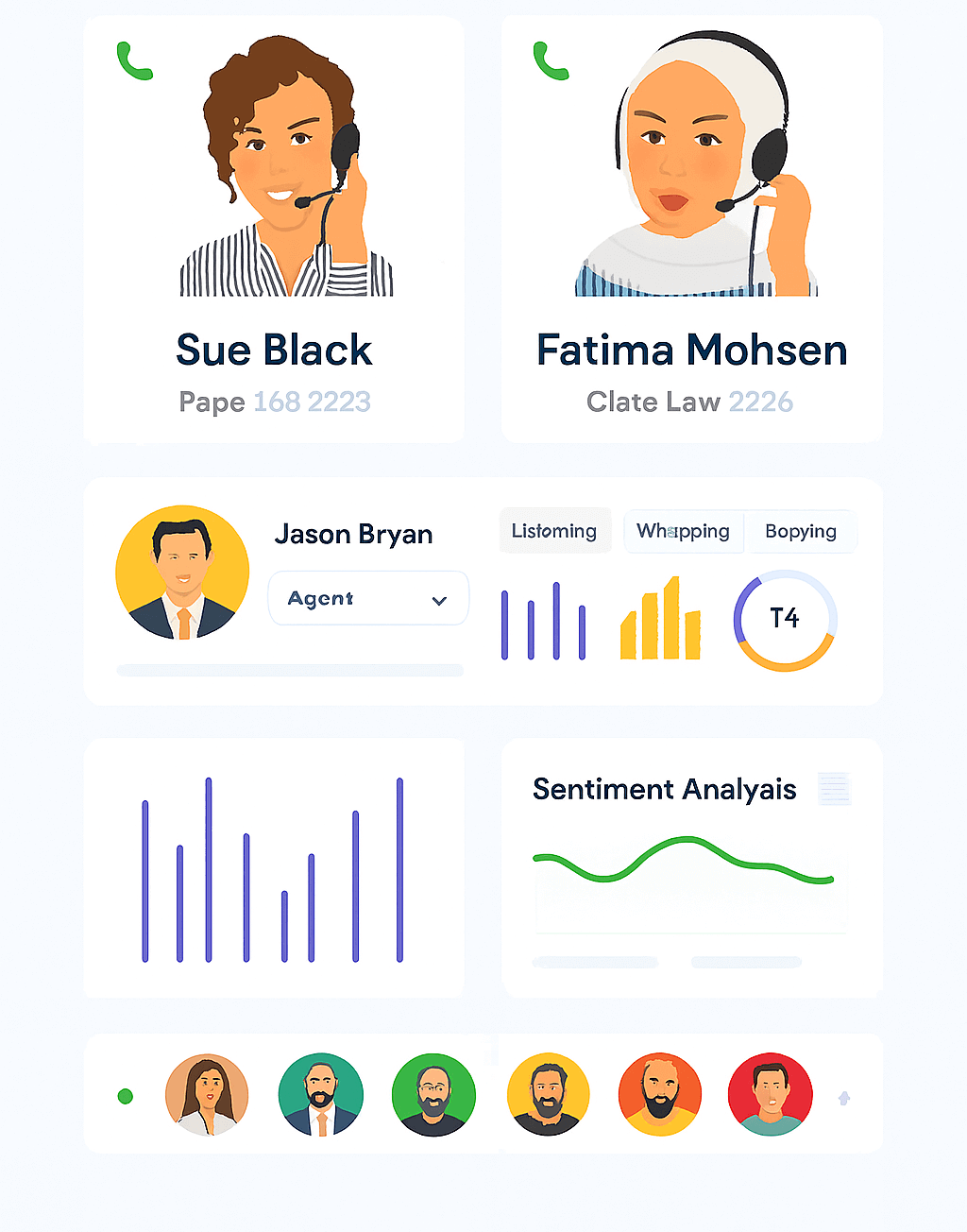
Real-time call monitoring is like having a manager with a headset and superpowers. In cloud PBX, it’s a lifesaver for keeping sales and support teams sharp. The Whisper feature feels like coaching from the sidelines—you can slip advice to your agent without the customer ever knowing, kind of like feeding them the perfect comeback line in a movie.
Then there’s Barge-in, the ultimate safety net. If a call starts going off track, the manager can jump in and steer it back on course. It’s part training tool, part guardian angel—and it keeps conversations smooth, professional, and deal-ready.
Benefits of Call Monitoring Features
Better training for new hires
Managers can listen in and guide rookies in real time, helping them learn faster without awkward trial-and-error moments.
Improved customer experience
With whisper or barge-in, tricky situations get handled smoothly, leaving customers happier and more satisfied.
Quality assurance made easy
Every call can be checked for tone, accuracy, and professionalism—so your team always sounds sharp.
Faster problem-solving
If an agent gets stuck, managers can step in immediately, saving both time and customer frustration.
Boosted team confidence
Employees feel more secure knowing backup is just a click away, which reduces stress during tough calls.
Data for performance reviews
Call monitoring gives managers solid insights to highlight strengths, fix weak spots, and reward top performers.
FAQ: VoIP Call Monitoring
No, anyone has the ability to monitor calls within a call monitoring group which is pre-configured by the system administrator. The admin can select who has permission to monitor calls and can designate whose call need to be monitored.
Yes, the system administrator can turn on the automatic call recording option for someone who is monitoring calls. There is also on-demand call monitoring available.
VoIPCalling provide supports upto 100 call monitoring groups per account.
Yes, a user can monitor the calls of designated groups and in turn his calls can also be monitored by another user, e.g. his manager.
No. only one user can monitor a call at a time. If another user/manager tries to monitor the call they will get connected to the extension.
It depends how you look at it, any business will need to have reliable phone systems to be able to assist customers on the phone, either for selling or support, or either for staff to liaise with other stakeholders. Call monitoring makes it possible for business users to look at call data, call logs and actual call recording in order to evaluate the performance – in this sense they can reflect on these insights and improve the customer service.