If you are exploring VoIP phone systems for your business, you have probably come across three main options hosted VoIP, on premises VoIP, and cloud VoIP. At first glance, they may sound similar. They all let you make calls over the internet. But once you dig deeper, the differences matter a lot.
Choosing the wrong VoIP system can lead to higher costs, technical headaches, security concerns, or a setup that simply does not fit how you work. Choosing the right one can improve productivity, support remote teams, and scale as your business grows.
Let’s break everything down in simple way. No sales fluff. Just clear guidance to help you decide which VoIP system makes sense for you.
What Is a VoIP Phone System
VoIP stands for Voice over Internet Protocol. Instead of using traditional phone lines, VoIP sends voice calls over the internet.
This means you can make and receive calls using:
- Desk phones
- Computers
- Mobile phones
- Tablets
As long as you have an internet connection, your phone system works.
But how that system is hosted, managed, and maintained depends on the type of VoIP you choose.
That brings us to the three main types of VoIP systems.
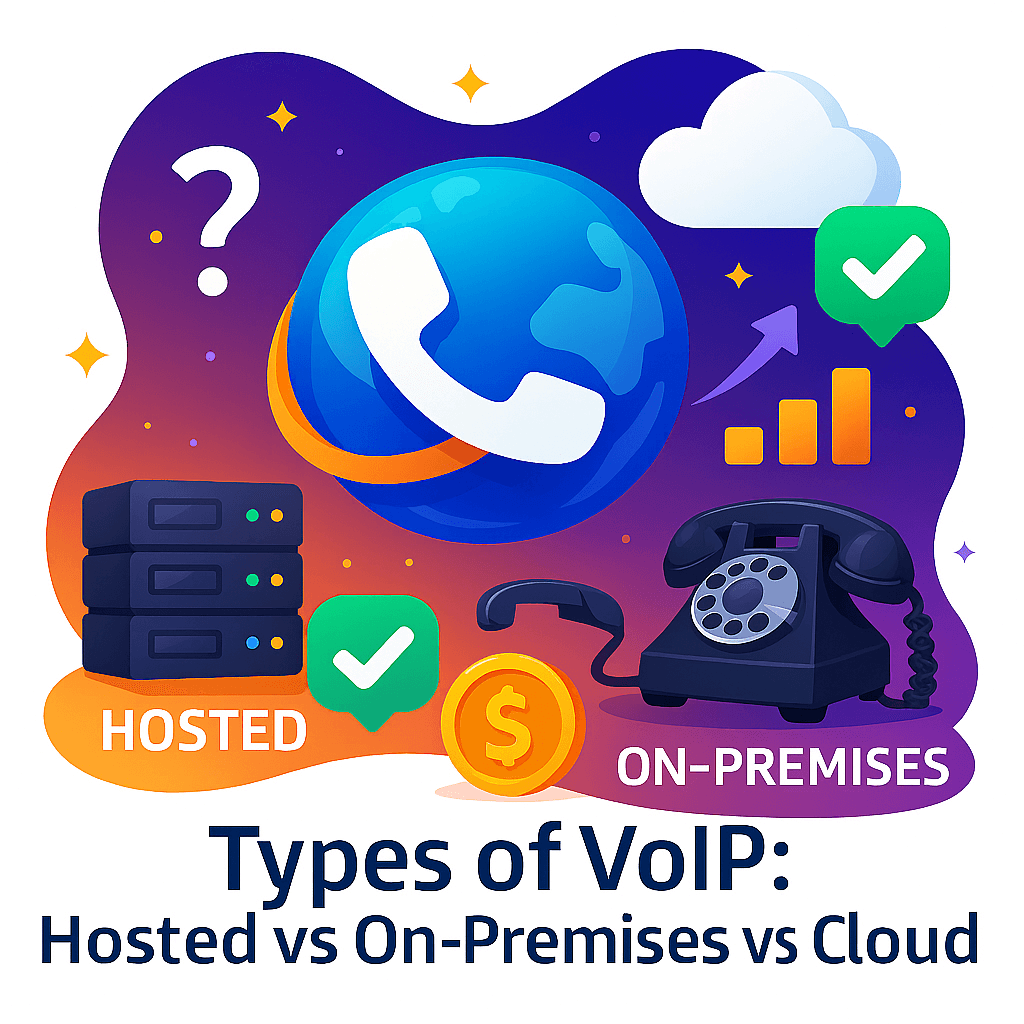
The Three Main Types of VoIP Systems
Before we go deep into each option, here is a quick overview.
Hosted VoIP
Your VoIP system is hosted and managed by a service provider. You do not manage servers or hardware.
On Premises VoIP
Your VoIP system is installed at your physical office. You own and manage the hardware and software.
Cloud VoIP
A fully cloud based VoIP phone system accessed through the internet. Highly scalable and ideal for remote teams.
Now let’s explore each one in detail.
What Is Hosted VoIP
Hosted VoIP is one of the most popular choices for small and medium sized businesses.
With hosted VoIP, your phone system lives on your provider’s servers. You access it through the internet. The provider takes care of setup, updates, security, and maintenance.
You simply plug in your phones or log into an app and start calling.
How Hosted VoIP Works
Here is what typically happens:
- Your VoIP provider hosts the PBX system
- Calls are routed through their data centers
- You manage users and features through an online dashboard
- Updates and security patches are handled automatically
You focus on your business. The provider handles the tech.
Key Benefits of Hosted VoIP
Hosted VoIP is popular for good reasons.
- Low upfront cost
- No servers to maintain
- Fast setup
- Ideal for small businesses
- Predictable monthly pricing
If you do not want an IT heavy solution, hosted VoIP makes life easier.
Limitations of Hosted VoIP
Hosted VoIP is not perfect for everyone.
- Less control over system customization
- Monthly costs add up over time
- Dependent on provider uptime
- Limited advanced integrations compared to on premises systems
For many businesses, these trade offs are acceptable.
Who Should Choose Hosted VoIP
Hosted VoIP is a great fit if:
- You run a small or growing business
- You do not have in house IT staff
- You want a simple and reliable phone system
- You want fast deployment
If that sounds like you, hosted VoIP is worth serious consideration.
What Is On Premises VoIP
On premises VoIP is the traditional business VoIP setup. The PBX system is installed physically at your office location.
You own the hardware. You manage the software. You control everything.
This option is often chosen by large enterprises or organizations with strict security and compliance needs.
How On Premises VoIP Works
Here is how it usually looks:
- You install VoIP servers at your office
- Phones connect to your internal network
- Calls are routed through your own infrastructure
- Your IT team handles updates and maintenance
You are fully in charge.
Advantages of On Premises VoIP
On premises VoIP offers a level of control that cloud systems cannot always match.
- Full ownership of the system
- High customization
- Greater control over security
- No recurring hosting fees
- Works well for large call volumes
If you have complex call routing or custom workflows, this setup can be powerful.
Disadvantages of On Premises VoIP
This control comes at a cost.
- High upfront investment
- Hardware and server costs
- Ongoing maintenance
- Requires skilled IT staff
- Scaling can be slow and expensive
For many modern businesses, these drawbacks are significant.
Who Should Choose On Premises VoIP
On premises VoIP makes sense if:
- You are a large enterprise
- You have dedicated IT resources
- You need strict data control
- You want deep customization
If flexibility and mobility matter more, cloud options are often better.
What Is Cloud VoIP
Cloud VoIP is often confused with hosted VoIP. While they are similar, cloud VoIP is usually more flexible and modern.
A cloud VoIP phone system is built specifically for the cloud. It is accessed through web and mobile apps and supports remote work by design.
How Cloud VoIP Works
Here is the simple version:
- The entire system runs in the cloud
- You log in from anywhere
- Phones, apps, and browsers all connect to the same system
- Scaling is instant
There is no physical location dependency.
Key Benefits of Cloud VoIP
Cloud VoIP is one of the fastest growing VoIP solutions today.
- Perfect for remote teams
- Easy scalability
- No hardware required
- Automatic updates
- High availability and redundancy
If your team works from multiple locations, cloud VoIP shines.
Potential Downsides of Cloud VoIP
Cloud VoIP is powerful but not for every scenario.
- Fully dependent on internet quality
- Less control than on premises systems
- Monthly subscription model
- Some advanced features may cost extra
Still, for most modern businesses, the pros outweigh the cons.
Who Should Choose Cloud VoIP
Cloud VoIP is ideal if:
- You have remote or hybrid teams
- You want flexibility
- You plan to scale quickly
- You want minimal technical overhead
This is why many startups and global companies choose cloud VoIP.
Hosted VoIP vs On Premises vs Cloud VoIP Comparison
Let’s put everything side by side so you can see the differences clearly.
VoIP System Comparison Table
| Feature | Hosted VoIP | On Premises VoIP | Cloud VoIP |
|---|---|---|---|
| Setup Cost | Low | High | Very Low |
| Monthly Cost | Medium | Low to Medium | Medium |
| Scalability | Moderate | Limited | High |
| IT Management | Provider Managed | Self Managed | Provider Managed |
| Remote Work Support | Limited | Low | Excellent |
| Customization | Moderate | High | Moderate |
| Security Control | Medium | High | High |
| Best For | Small businesses | Large enterprises | Remote teams |
Which VoIP System Is Best for Small Businesses
If you are running a small business, simplicity matters.
Hosted VoIP and cloud VoIP are usually the best options.
Hosted VoIP works well if you have a fixed office location and want something reliable and easy.
Cloud VoIP is better if you have remote employees or plan to grow quickly.
On premises VoIP is rarely the best choice for small businesses due to cost and complexity.
Which VoIP System Is Best for Large Enterprises
Large enterprises often need:
- Custom call flows
- High call volumes
- Advanced integrations
- Strict security control
On premises VoIP can still make sense here. However, many enterprises are now moving to hybrid or cloud VoIP systems to support remote teams.
Cost Breakdown of VoIP Systems
Let’s talk money because cost is always a big factor.
Hosted VoIP Costs
- Monthly per user fee
- Minimal setup cost
- Hardware optional
On Premises VoIP Costs
- Server hardware
- Installation
- IT staff
- Ongoing maintenance
Cloud VoIP Costs
- Monthly subscription
- Optional premium features
- No hardware costs
Over time, cloud and hosted VoIP are usually more predictable and budget friendly.
Security Considerations for VoIP Systems
Security is a common concern and rightly so.
Hosted and Cloud VoIP Security
Most reputable providers offer:
- Encryption
- Secure data centers
- Redundant infrastructure
- Compliance certifications
On Premises VoIP Security
You control everything, which is good and risky.
Security depends entirely on your team’s expertise.
For most businesses, a trusted cloud or hosted VoIP provider is actually more secure than self managed systems.
Real World Examples
Example 1 Small Business
A local marketing agency with 10 employees chooses hosted VoIP.
Why it works:
- Easy setup
- No IT staff needed
- Professional call features
Example 2 Remote Startup
A tech startup with team members in three countries uses cloud VoIP.
Why it works:
- Everyone connects from anywhere
- Mobile and desktop apps
- Easy scaling as the team grows
Example 3 Enterprise Call Center
A large call center uses on premises VoIP.
Why it works:
- Full customization
- High call volume handling
- Dedicated IT support
Frequently Asked Questions About VoIP Systems
What are the types of VoIP systems
The main types of VoIP systems are hosted VoIP, on premises VoIP, and cloud VoIP.
What is the difference between hosted VoIP and cloud VoIP
Hosted VoIP is typically designed for small businesses with limited customization. Cloud VoIP is more flexible and built for scalability and remote work.
Is cloud VoIP better than on premises VoIP
For most modern businesses, yes. Cloud VoIP offers flexibility, scalability, and lower maintenance. On premises VoIP may still be better for organizations needing full control.
How much does a VoIP system cost
Costs vary depending on the type and provider. Hosted and cloud VoIP usually charge per user per month. On premises VoIP requires higher upfront investment.
Is VoIP secure for business use
Yes, when provided by a reputable provider. Encryption, secure data centers, and redundancy make modern VoIP systems very secure.
Which VoIP system is best for remote teams
Cloud VoIP is the best choice for remote and hybrid teams.
Final Thoughts
Choosing between hosted VoIP, on premises VoIP, and cloud VoIP is not about which one is better overall. It is about which one fits your business today and where you want to go tomorrow.
If you want simplicity and low cost, hosted VoIP works well.
If you want full control and customization, on premises VoIP may be right.
If you want flexibility, scalability, and remote support, cloud VoIP is hard to beat.
Think about your team size, growth plans, technical resources, and work style. Once you do, the right choice becomes much clearer.